50th Birthday guest photo collection
50th Birthday Photo Sharing Without Chasing Every Guest
Give friends and family one QR code for throwbacks, party photos, speeches, and videos. Everything lands in a private album you can download afterward.
- Guest uploads from browser
- Private gallery
- Photos and videos together
- One-time $39
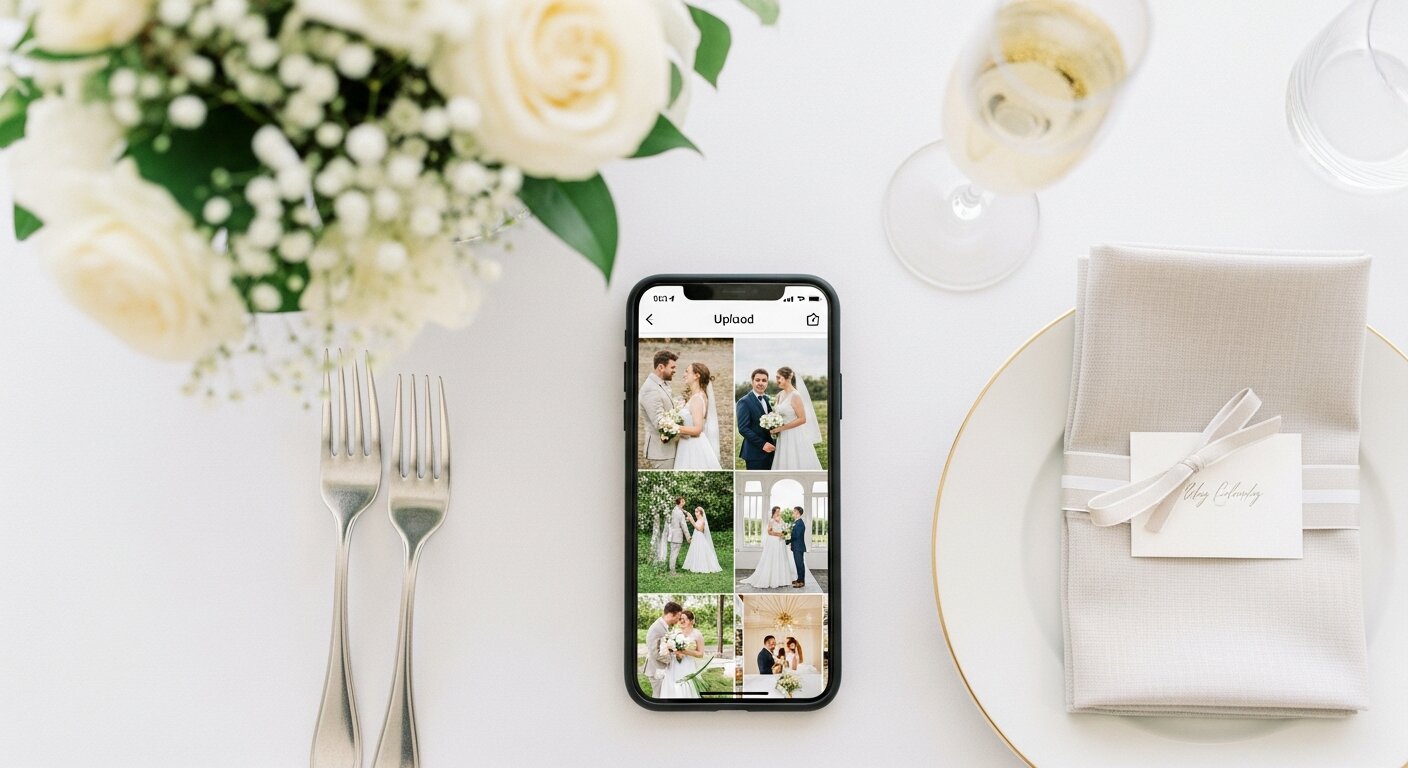
Point camera at QR code
Scan the QR code
Guests point their camera at your event's QR code
Questions people ask before collecting 50th birthday photos
How do you collect photos from everyone at a 50th birthday party?
Create one private album before the party, share its QR code on the invite and around the venue, then send the same link afterward. Guests can add throwback photos, party shots, speeches, and videos from their phone browser, so everything lands in one place instead of disappearing into texts.
What is the best way to collect photos for a 50th birthday?
Use one private QR-code album and share it before the party starts. Guests can add throwback photos ahead of time, then upload candid party photos and videos during the celebration.

Can guests upload old photos before the birthday party?
Yes. Send the upload link to close friends and family before the event. It turns the gallery into more than party photos: old holidays, family shots, school photos, and forgotten moments can all sit beside the new pictures.
Where should the QR code go at a 50th birthday?
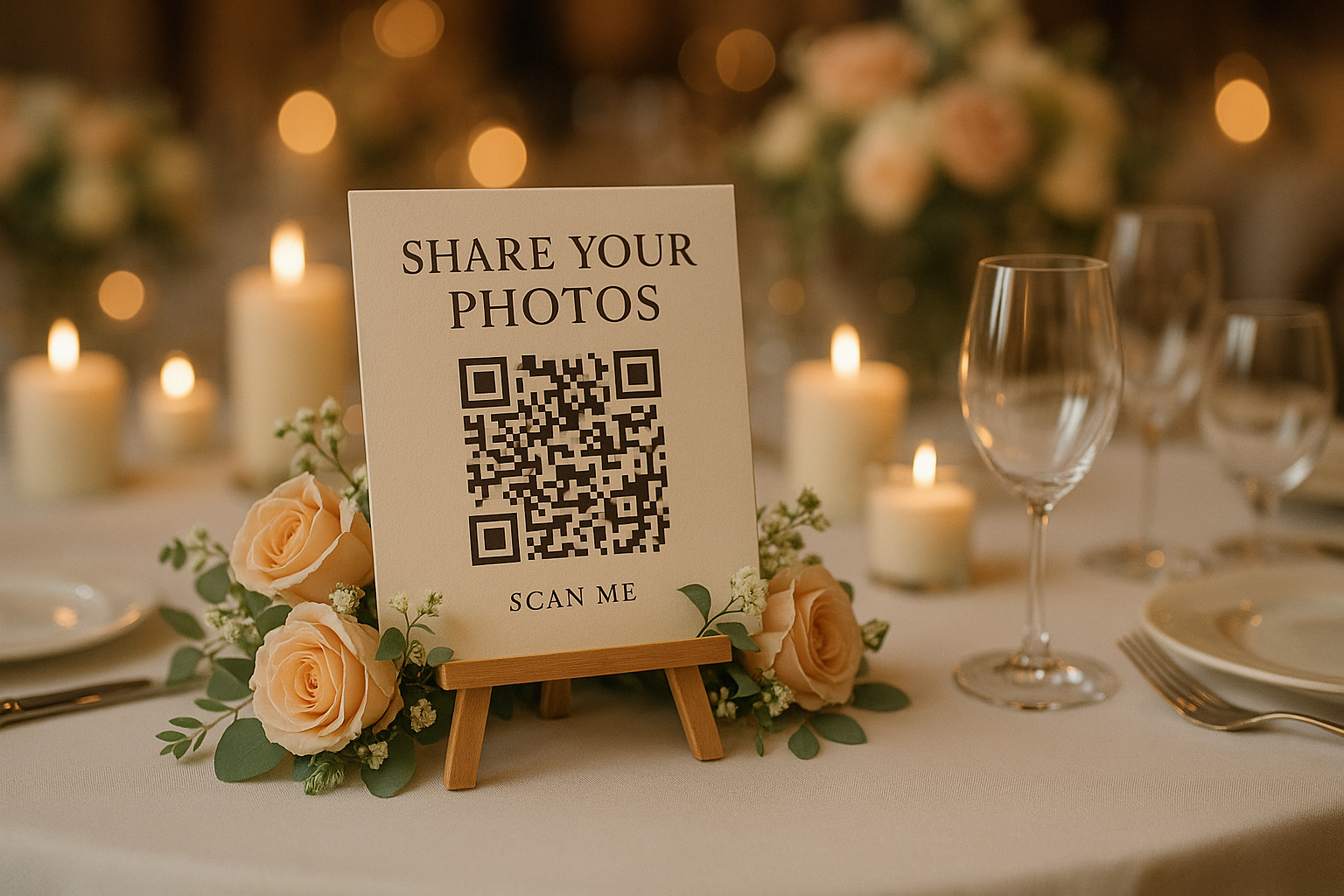
Put it where guests naturally stop: the welcome sign, tables, bar, gift table, and slideshow screen. Add one short line like "Add your photos here" so nobody needs instructions.
The plan
Before, during, and after the party
- 01Create the album before invites, group chats, and reminder messages go out.
- 02Ask close friends and family to add old photos first, so the gallery starts with a few decades of history.
- 03Put the QR code on the welcome sign, tables, bar, and slideshow screen during the celebration.
- 04Send the link again the next day for the photos and videos guests forgot to upload on the night.
Why this works for milestone birthday hosts
A 50th birthday is not just one night of photos. It is decades of friends, family, old stories, and new party moments sitting on different phones.
Share the link before the party for throwbacks, then put the QR code on the welcome sign, tables, bar, and slideshow screen for new uploads.
What the host gets
- QR code guests can scan from table signs, invitations, slides, or group chats.
- Browser uploads on iPhone and Android with no app download or guest account.
- A private gallery where photos and videos appear in one place.
- Printable signs and cards so guests know exactly where to upload.
- Full-resolution downloads for albums, social posts, thank-you emails, and archives.
- Optional moderation controls if you want to approve photos before they show.
How to get guests to actually use it
Guests use it when the ask is obvious. Put the QR code where people are already pausing, mention it once, and send the same link again after the event.
Put the QR code where people naturally pause: tables, bars, welcome signs, and gift tables.
Ask the host, MC, planner, or team lead to mention the QR code once near the start.
Share the gallery link in the group chat before and after the event for late uploads.
Use one short callout on signage: "Scan to add your photos".
The album
One place for the photos guests already took
Guests open a simple upload page in their browser. You get one private gallery with the photos, videos, throwbacks, speeches, and table shots that would otherwise stay scattered across phones.
Create the Upload Album - $39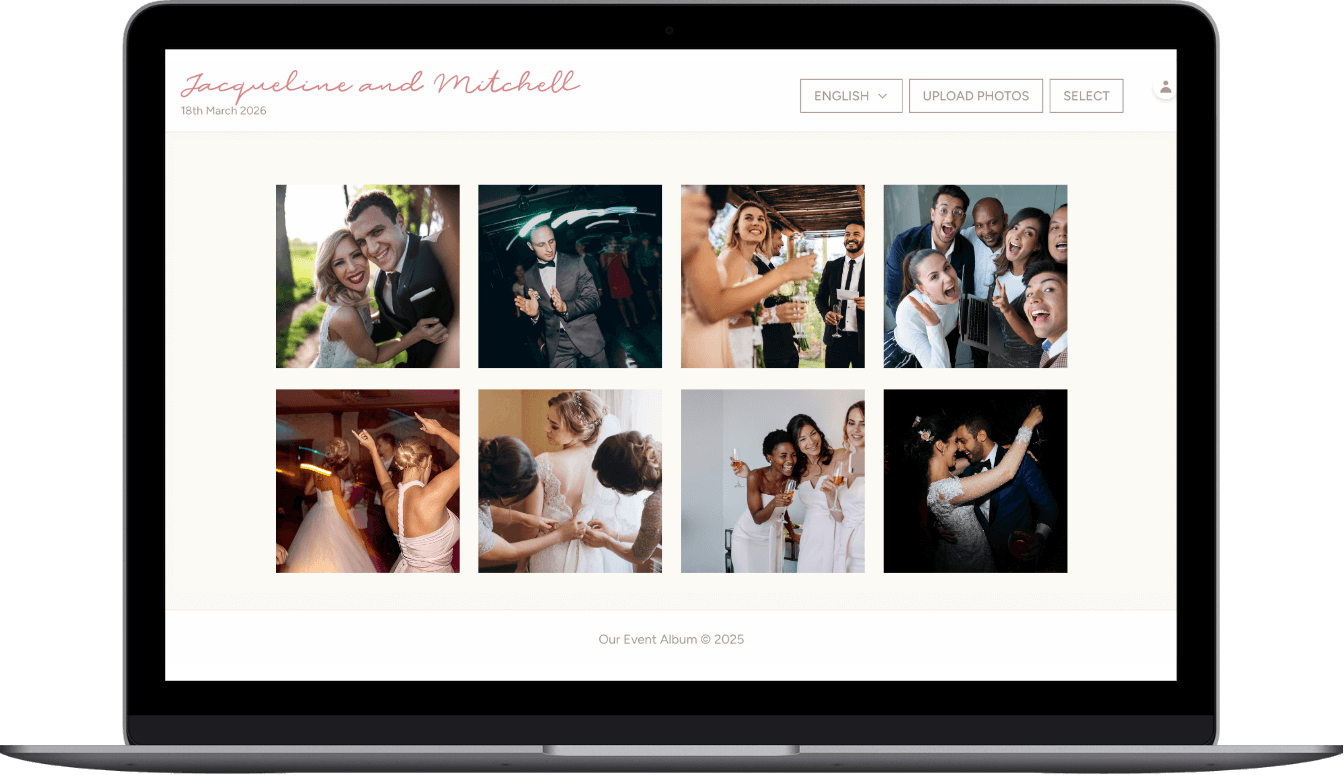
Real hosts, real events
The best photos are usually on someone else’s phone. These reviews are from real customers who used Our Event Album to bring those photos back to one place.
“This was perfect for my wedding day.”
Cassady
Wedding · Customer review
“Very easy to use for my daughter quinceanera.”
Angie
Quinceanera · Customer review
“Great product with great customer service!”
Teresa
Event · Customer review
Useful next reads
Related guides for collecting guest photos with the same simple QR code workflow.
Give guests one place to send the photos
Create the album, share the QR code, and download the full gallery when the event is over.
Create the Upload Album - $39