How QR code photo sharing works
You set up a private album before the day. Guests scan your QR code and add photos and videos from their phone browser, with no app and no account. By the morning after, every guest's point of view is waiting in one place.
or try the live demo first
EventSettings
SavedEvent
Your QR code, printable signs, and gallery are ready as soon as your album is set up.
Guest gallery
247 photos and videos
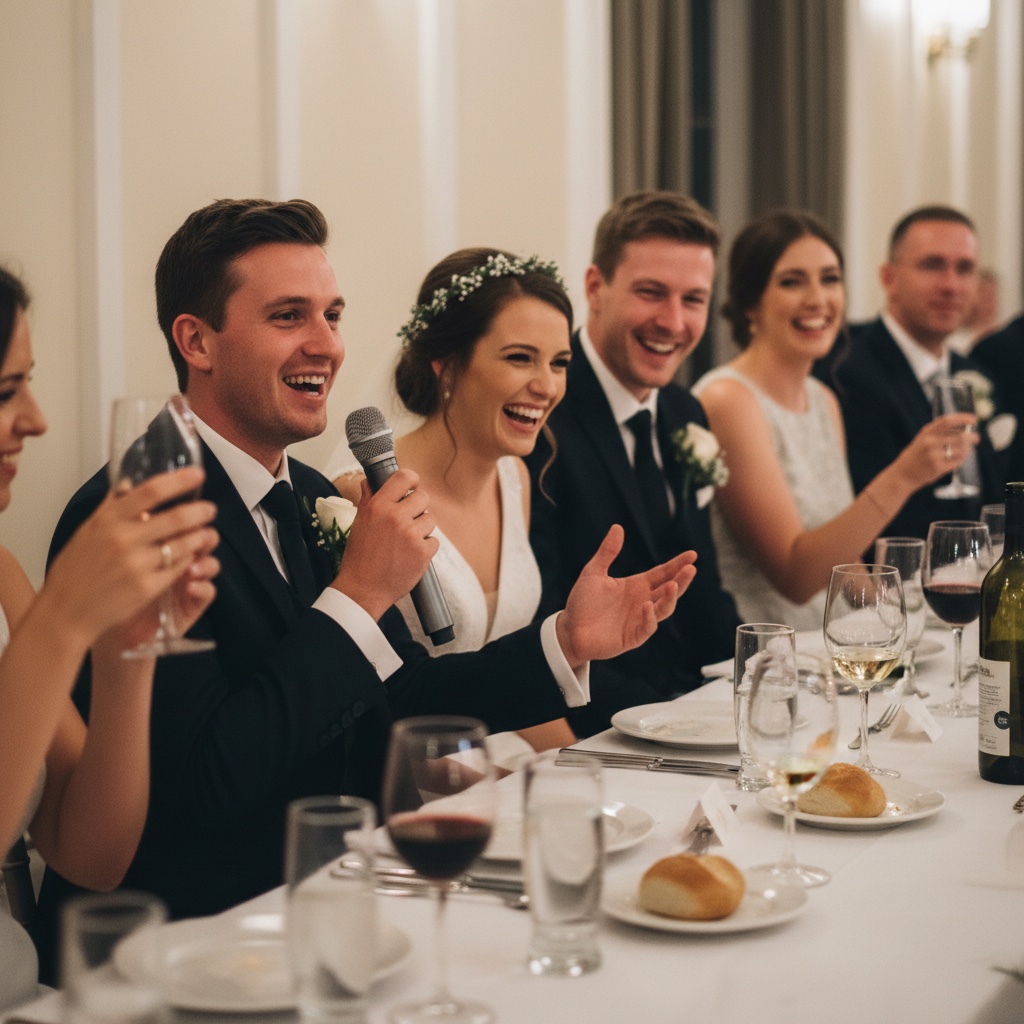
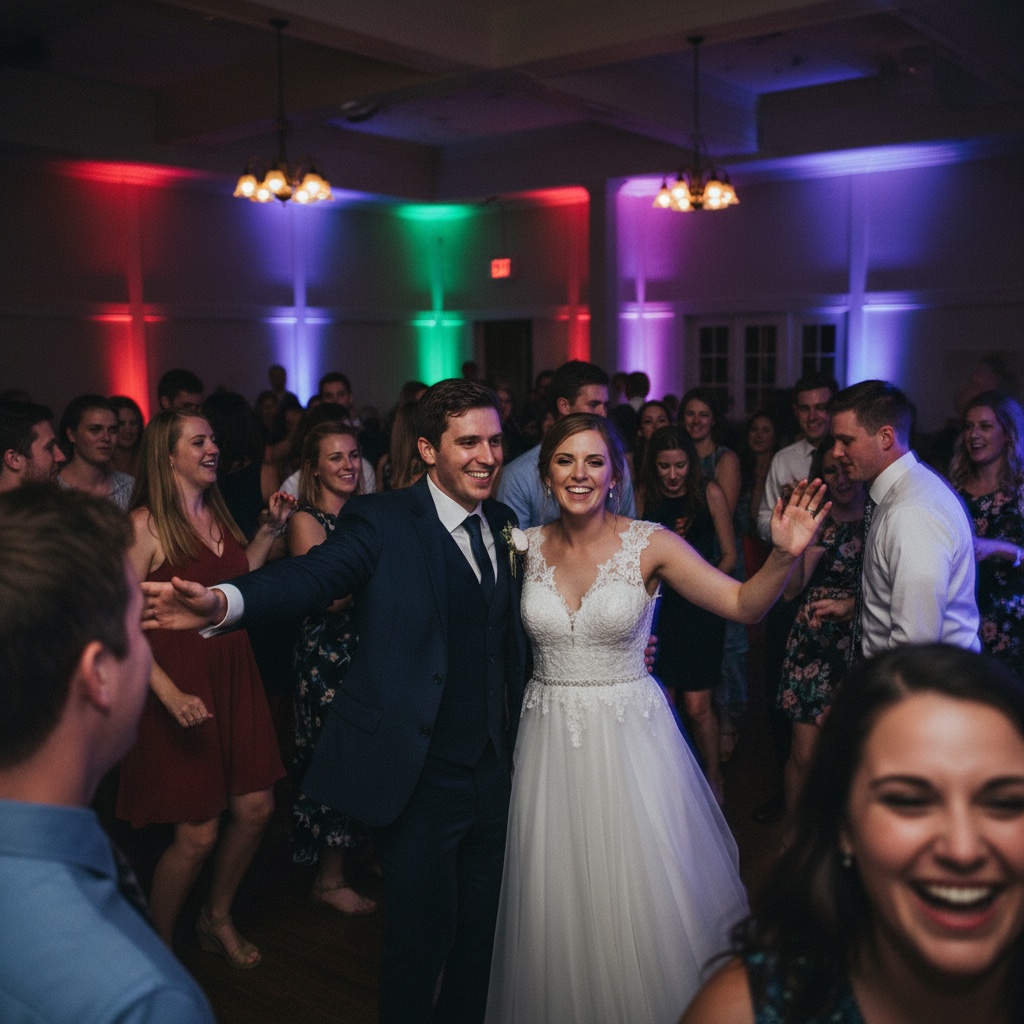
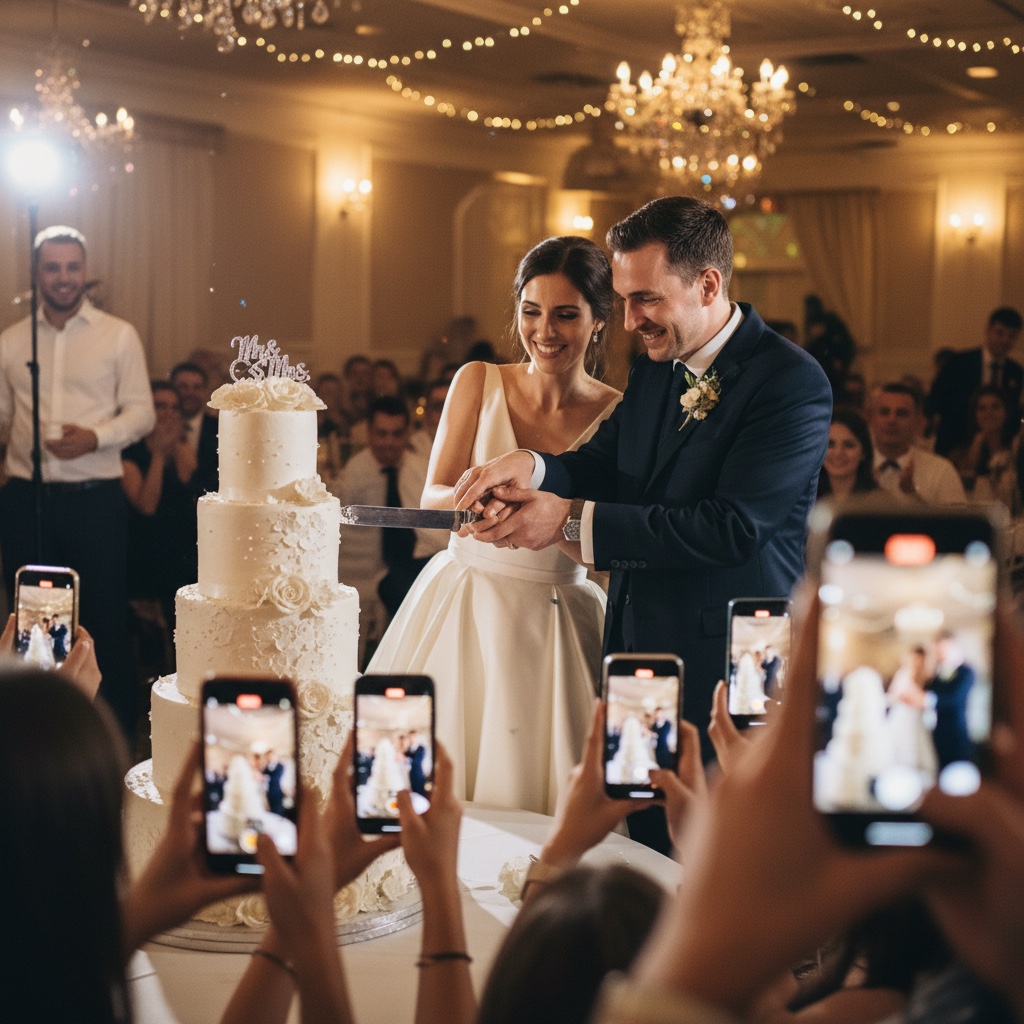
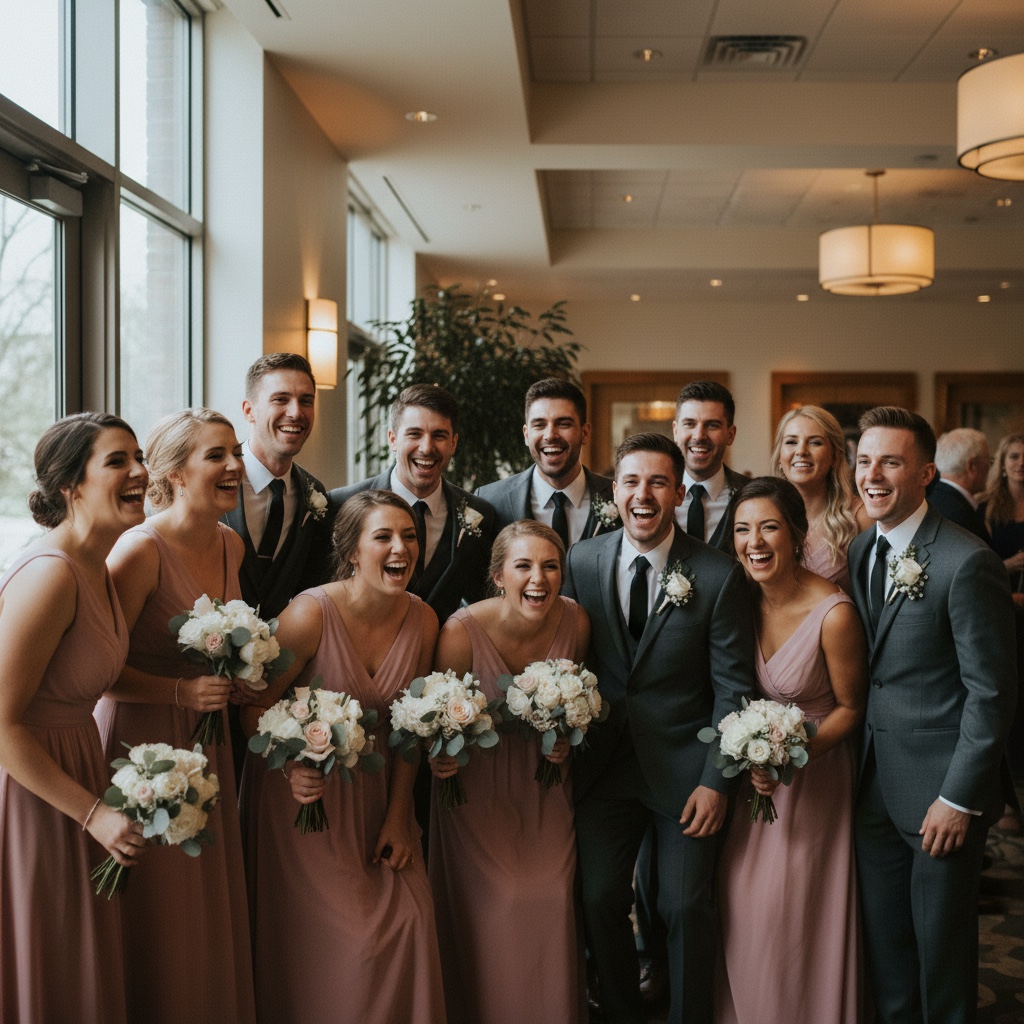
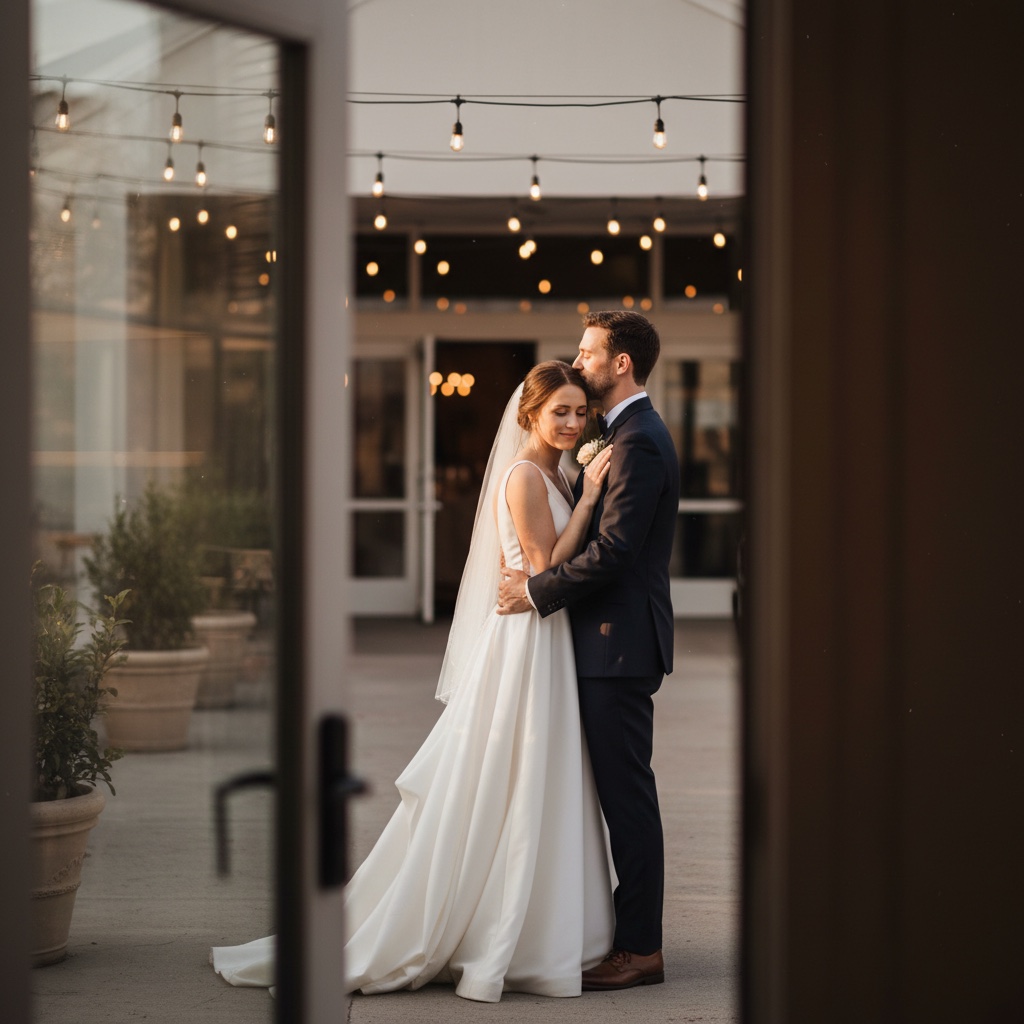
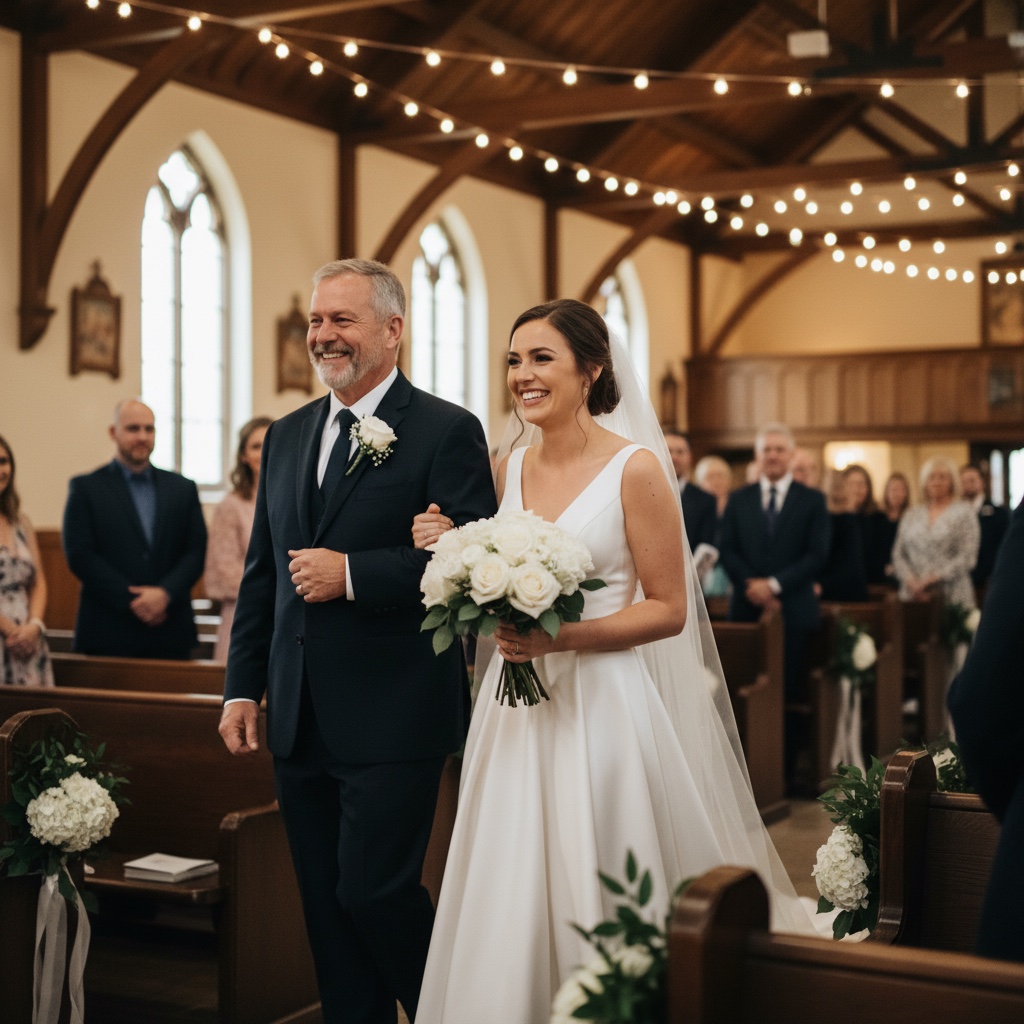
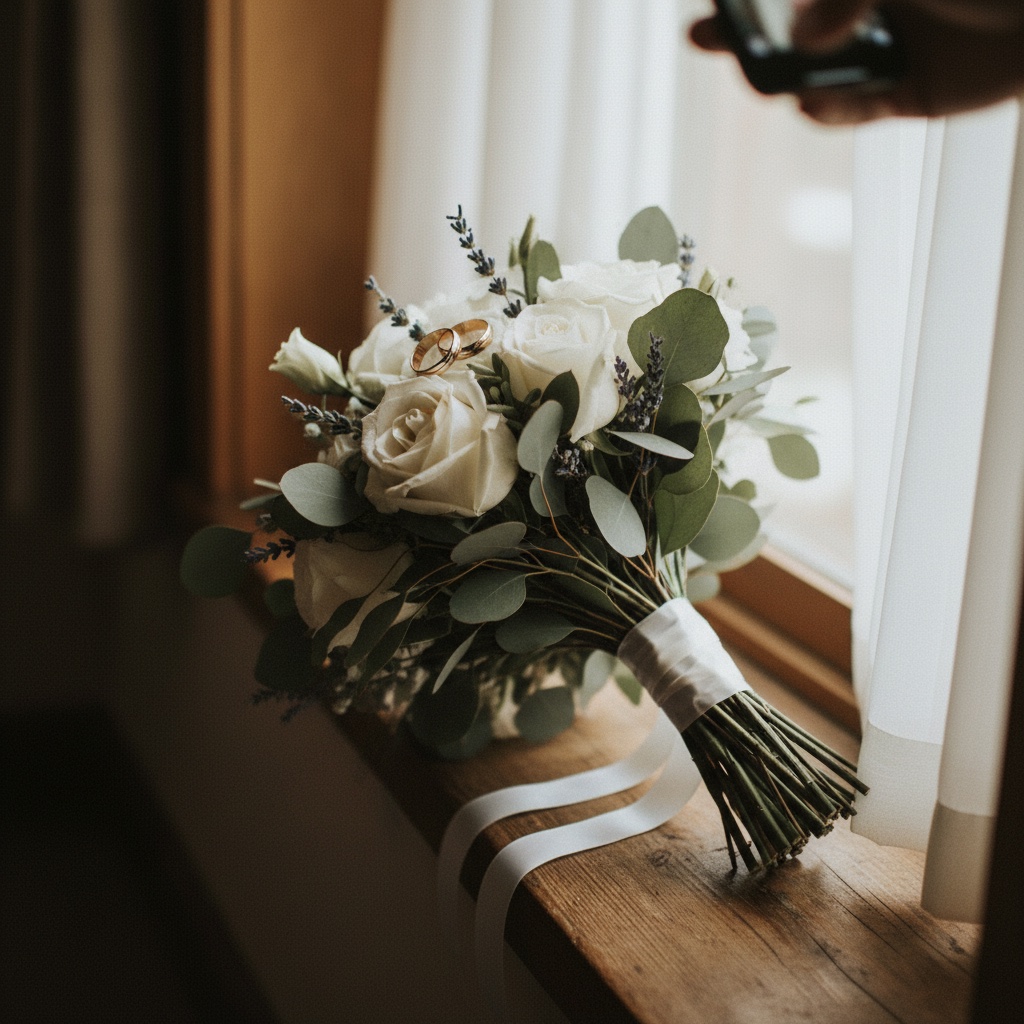
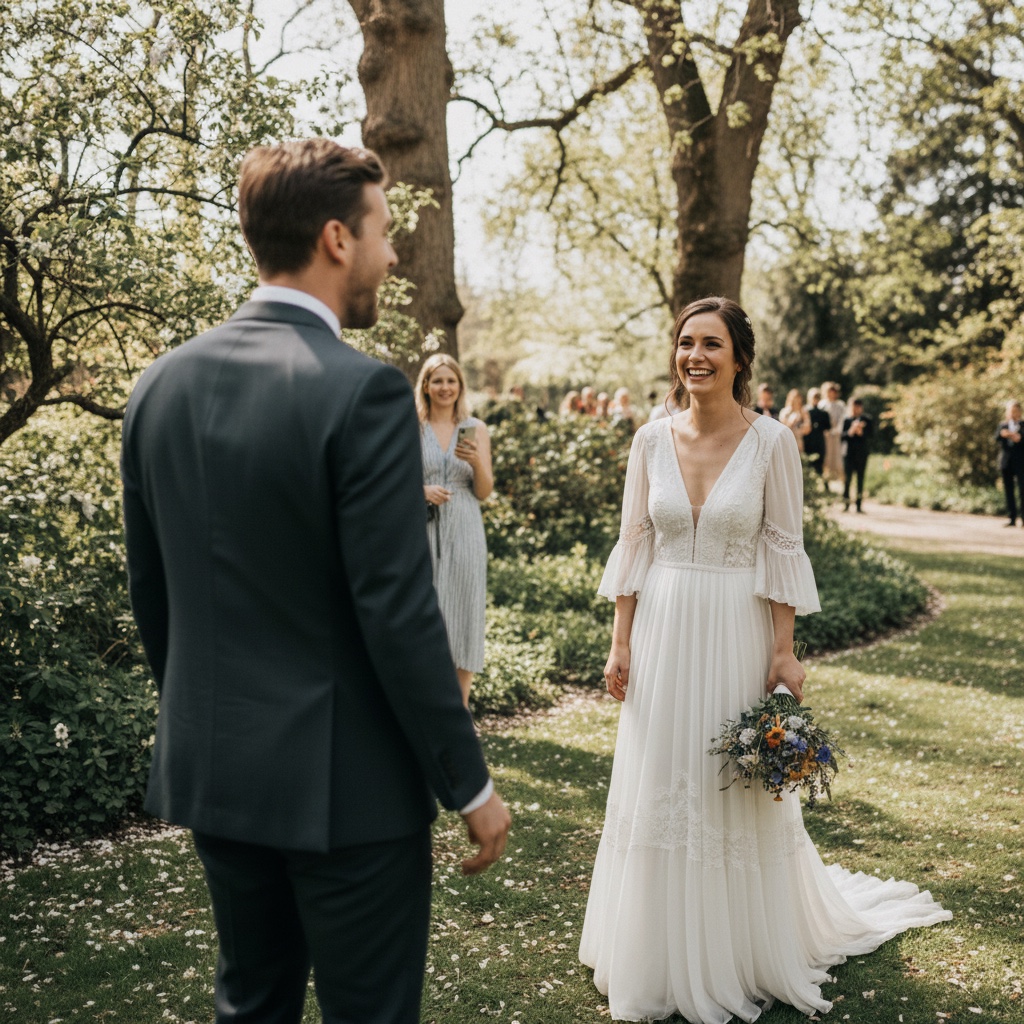
Welcome
Sophie & James
14 March 2026
Help us collect every little moment from the dance floor, speeches, and all the happy chaos in between.
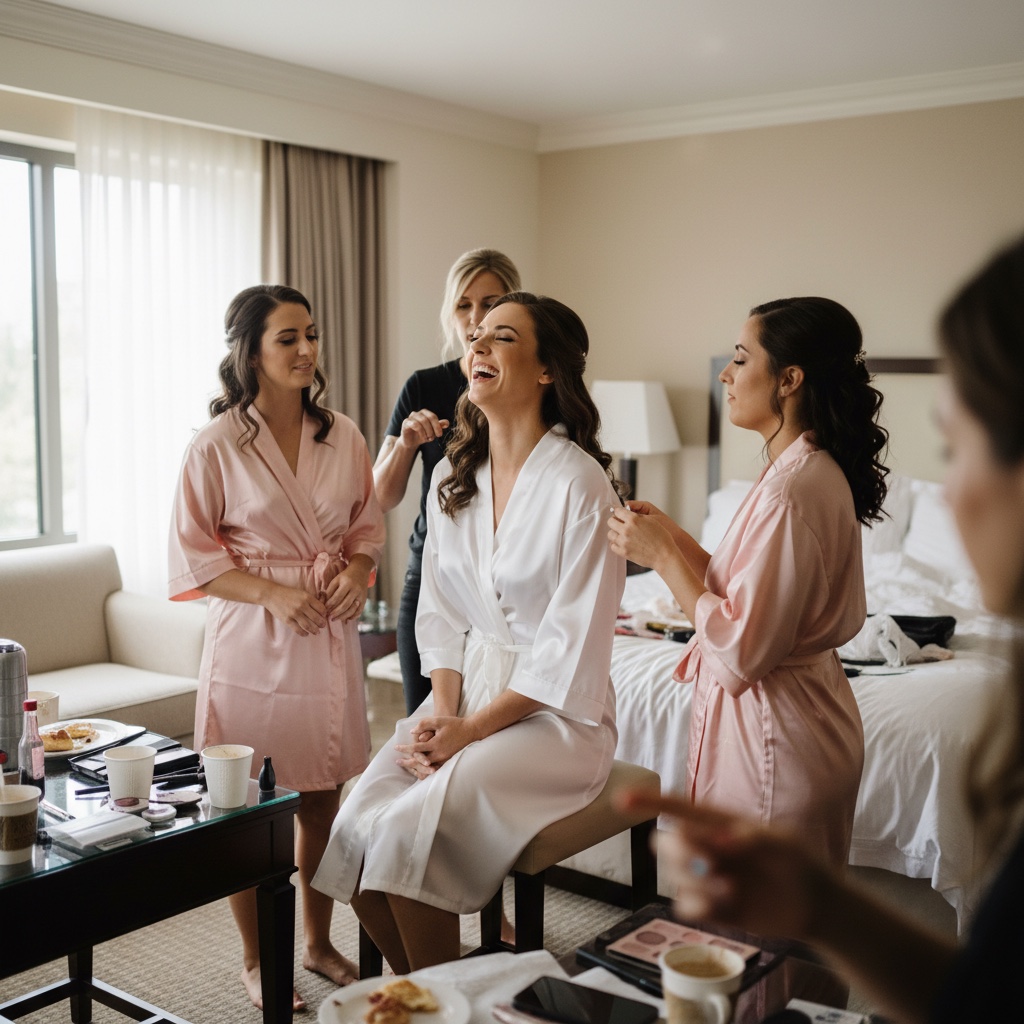
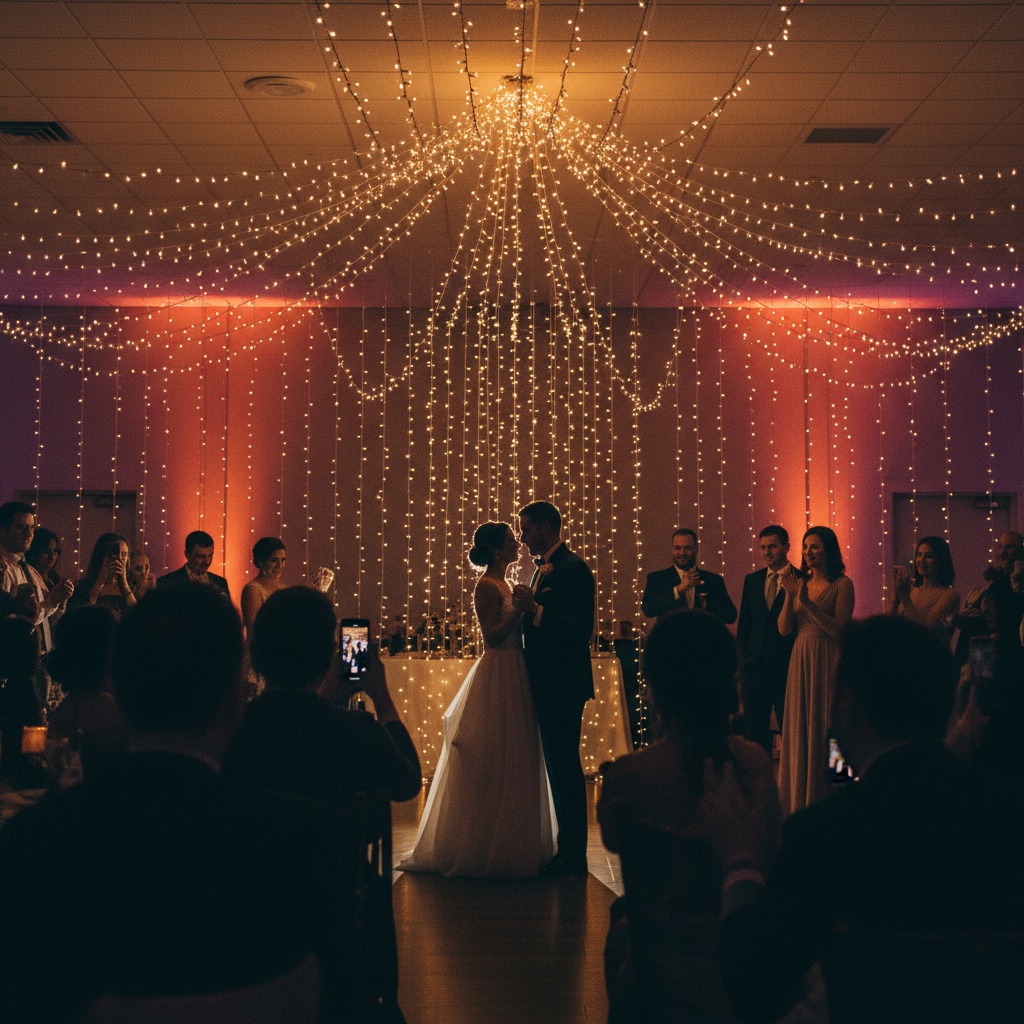
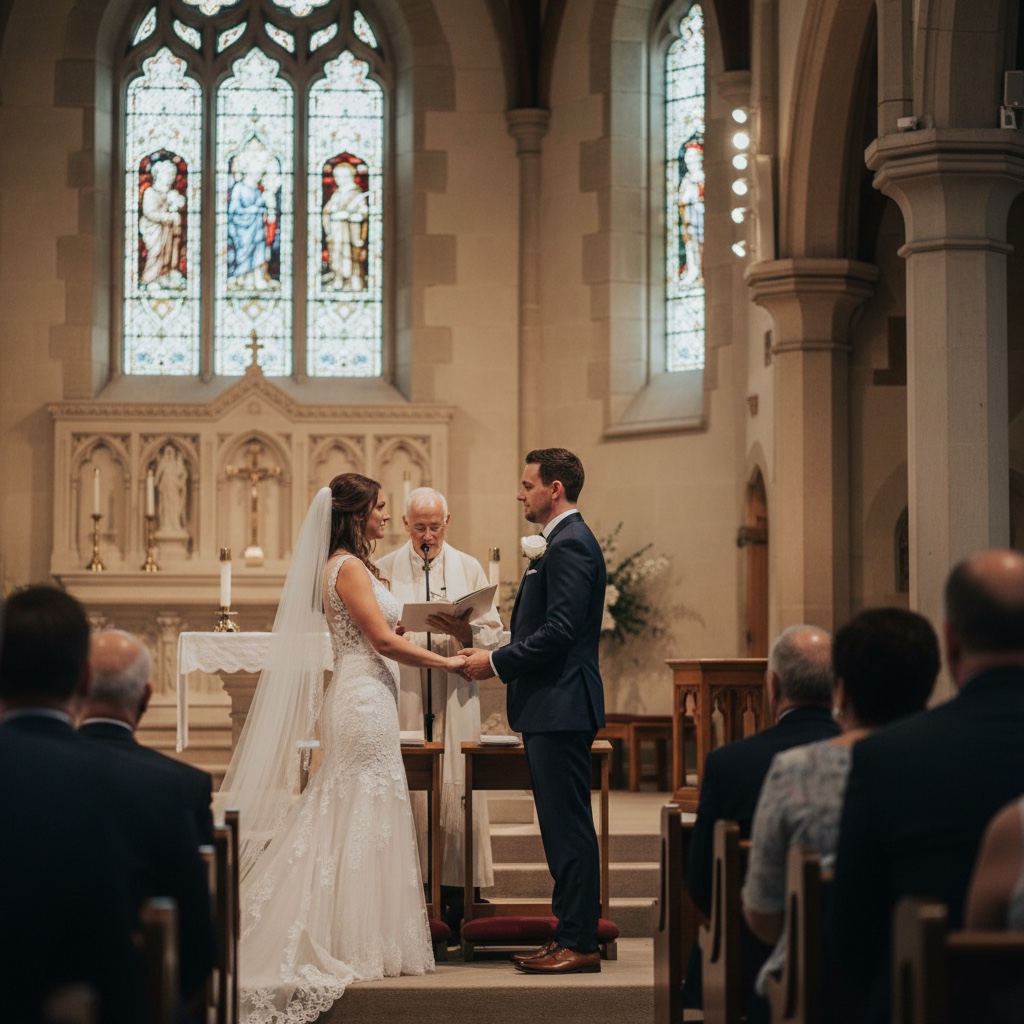
Here is exactly what happens, from setup to the morning after.
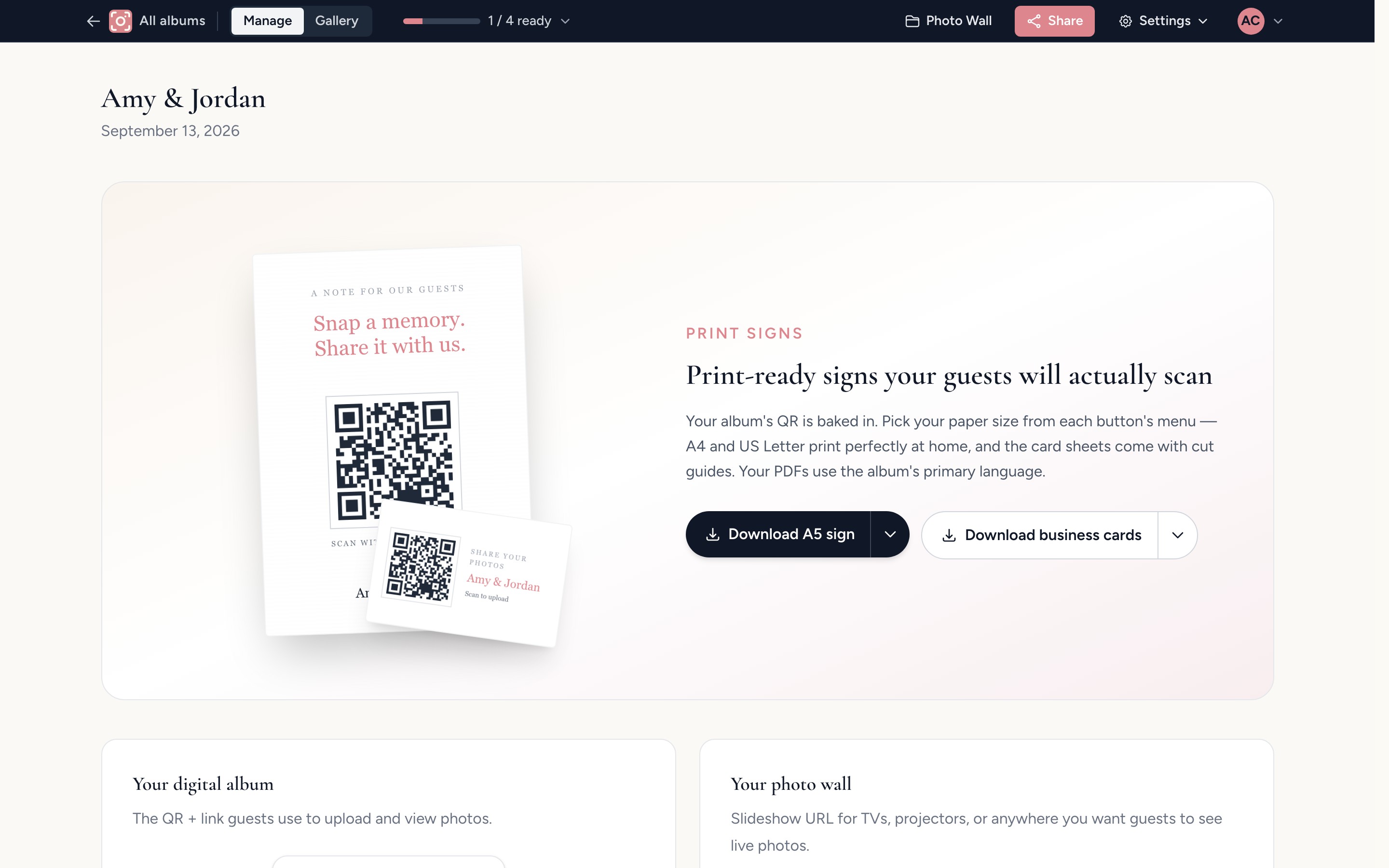
Before the day, set up your album and print the signs
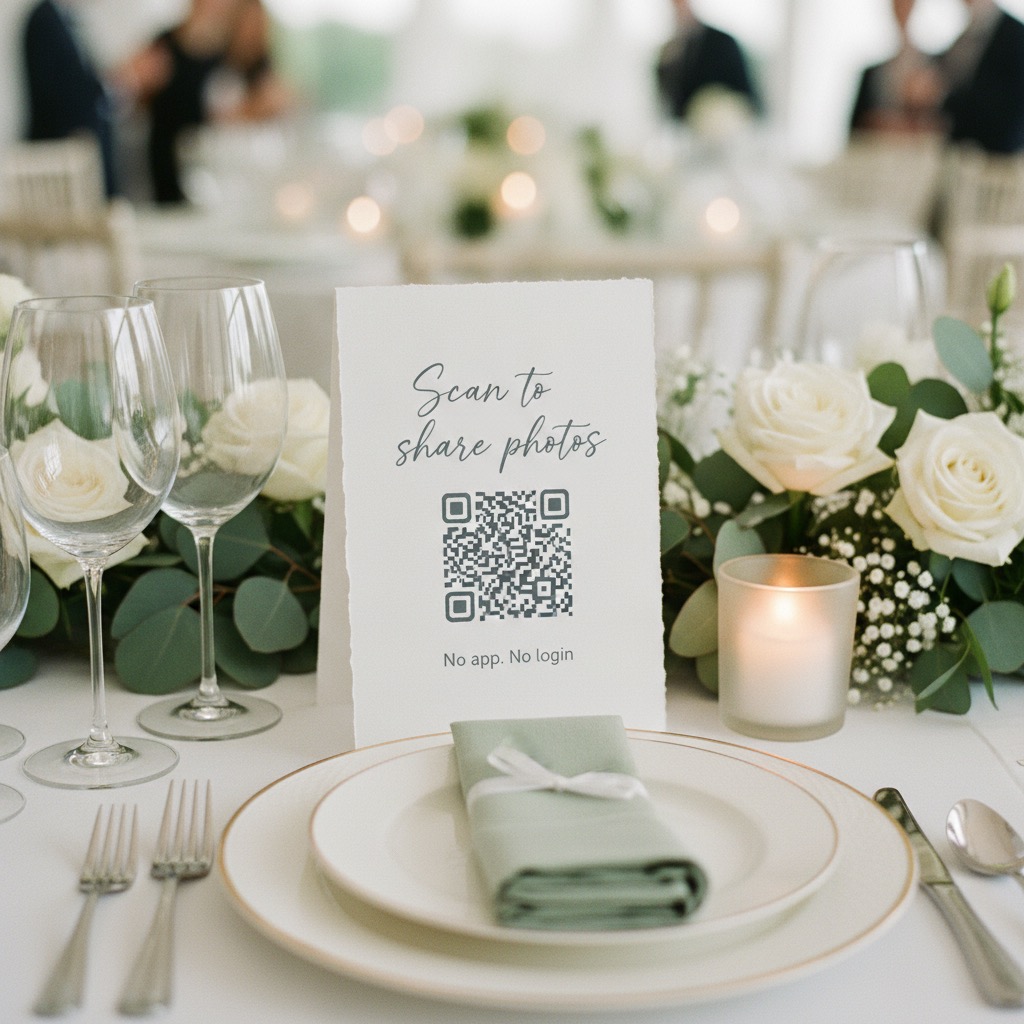
Add your names, your date and a short welcome message, then choose your colours and title font. Your QR code and printable signs are ready to download straight away. Scan it yourself and upload a test photo, so you know exactly what your guests will see.
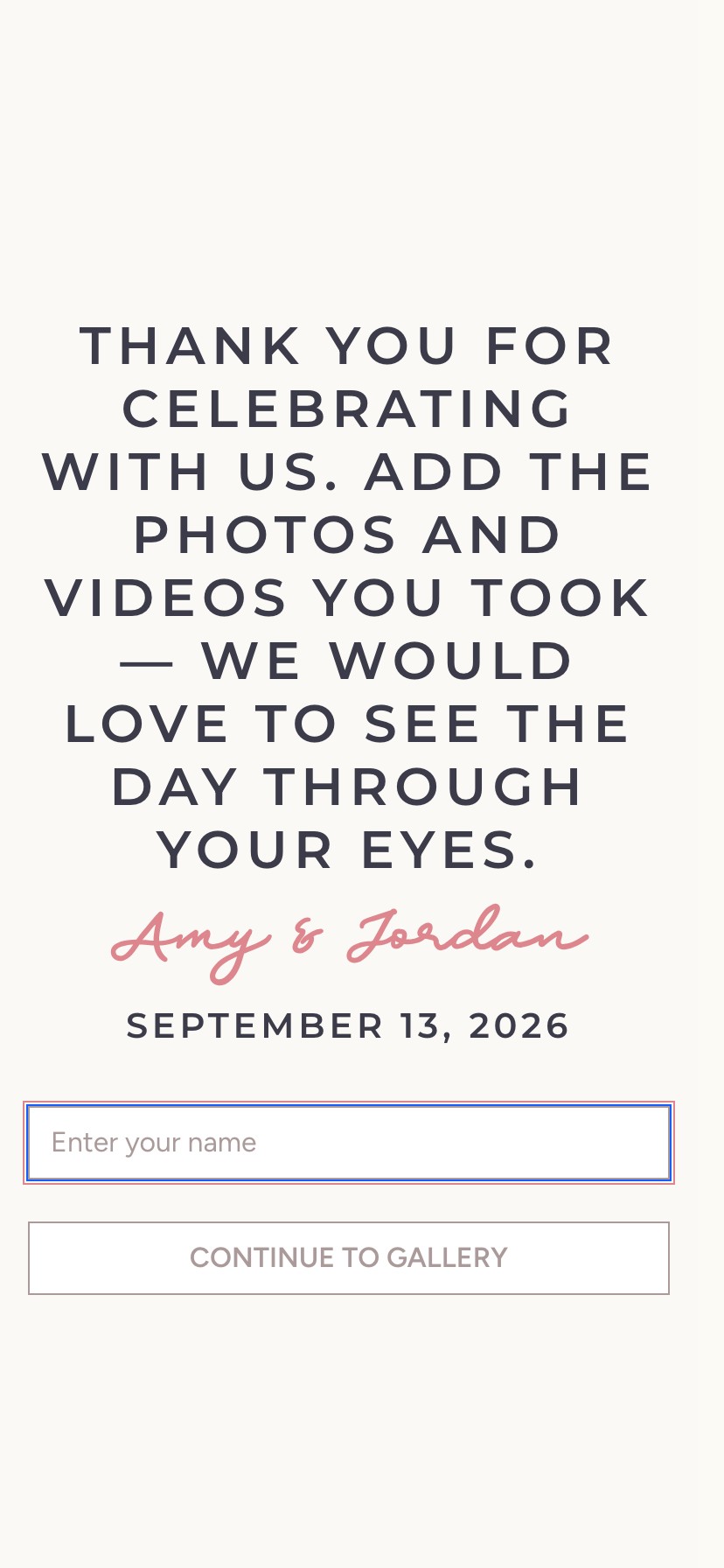
At the event, guests scan and add their photos
A guest points their phone camera at your sign and the album opens in their browser. They type their name on your welcome page, choose photos and videos from their camera roll, and get back to the party while the originals upload.
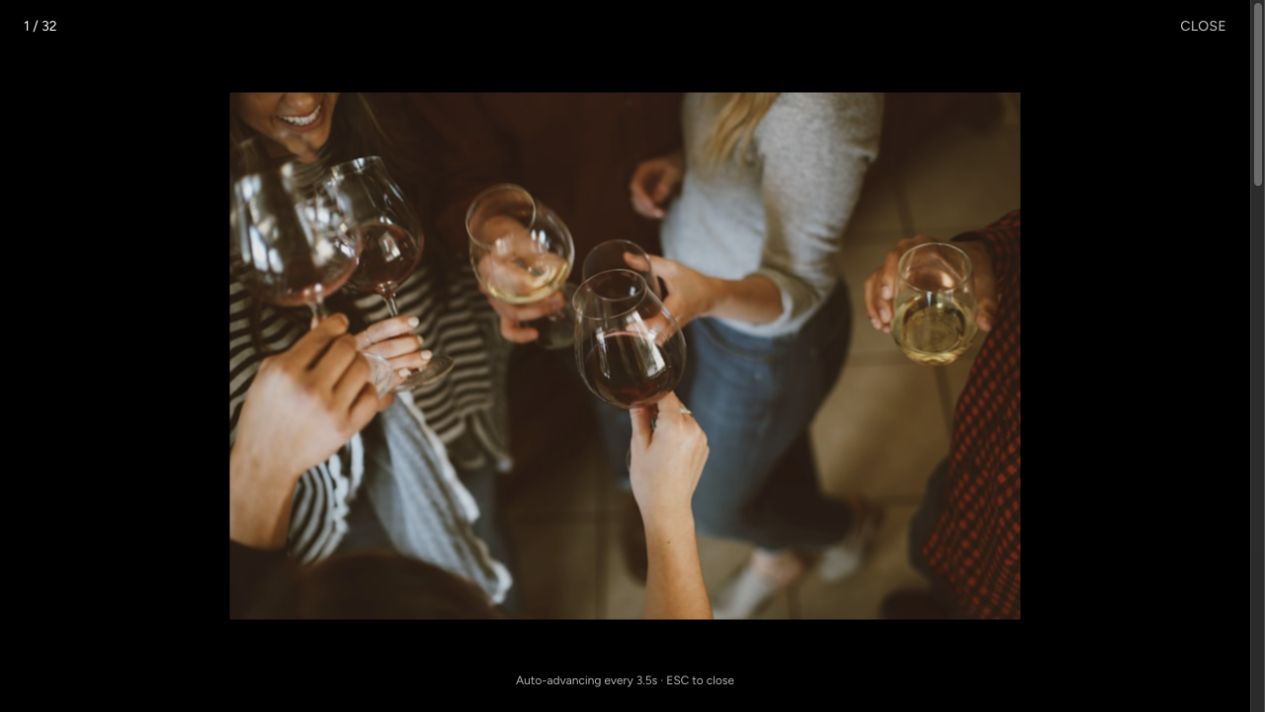
During the reception, the album fills in real time
Put the live slideshow on a TV or projector and new photos appear as they land. When guests see their own photos on screen, the whole room remembers the album is there. They can also like photos, comment, and leave you a well wish.
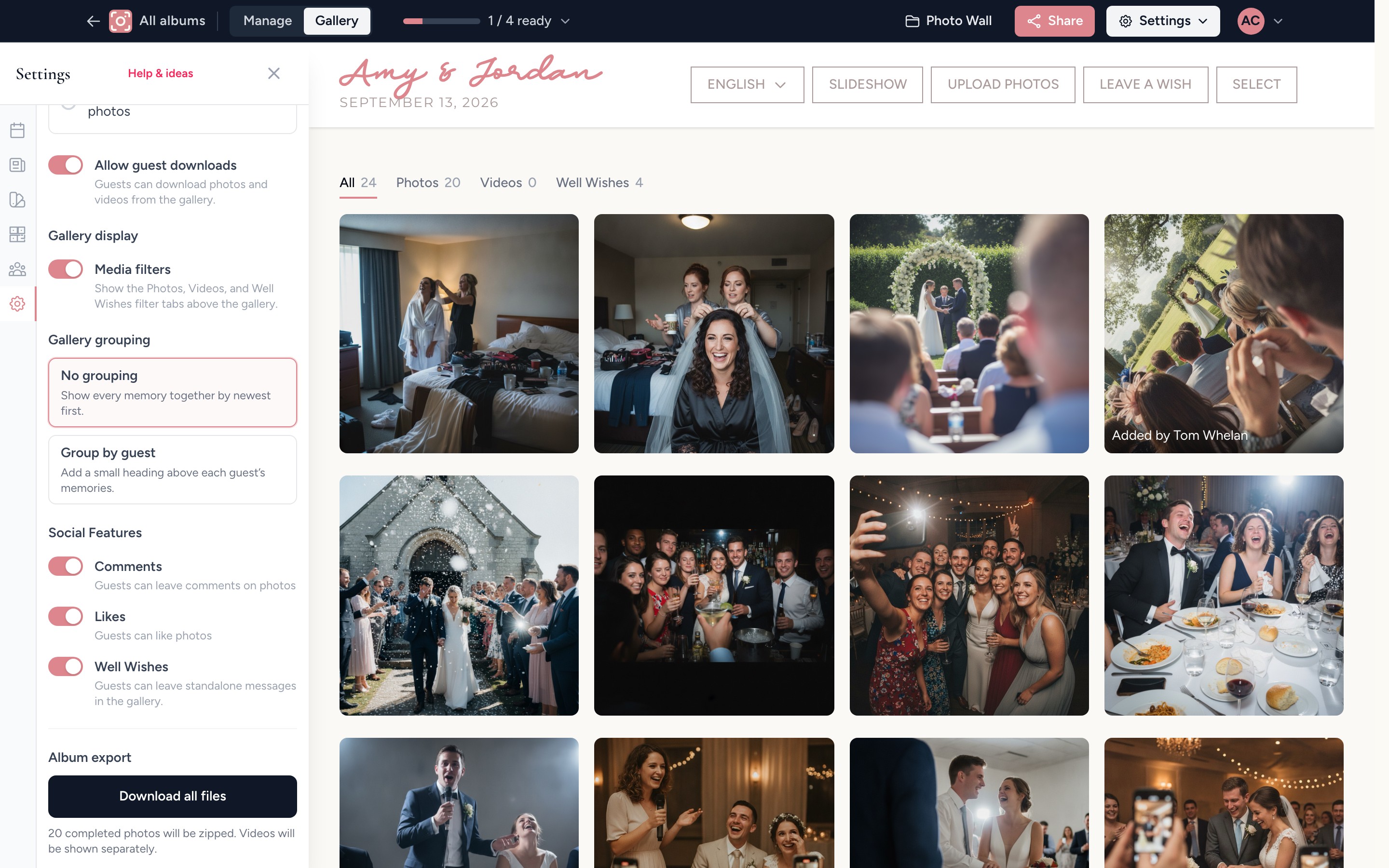
The morning after, download every original
Scroll through the whole celebration from every table, then download the originals in full resolution, one at a time or all at once. Guests can keep adding photos for six months, and the files you download are yours to keep.
Want to feel it first? Open the live demo and upload a photo.
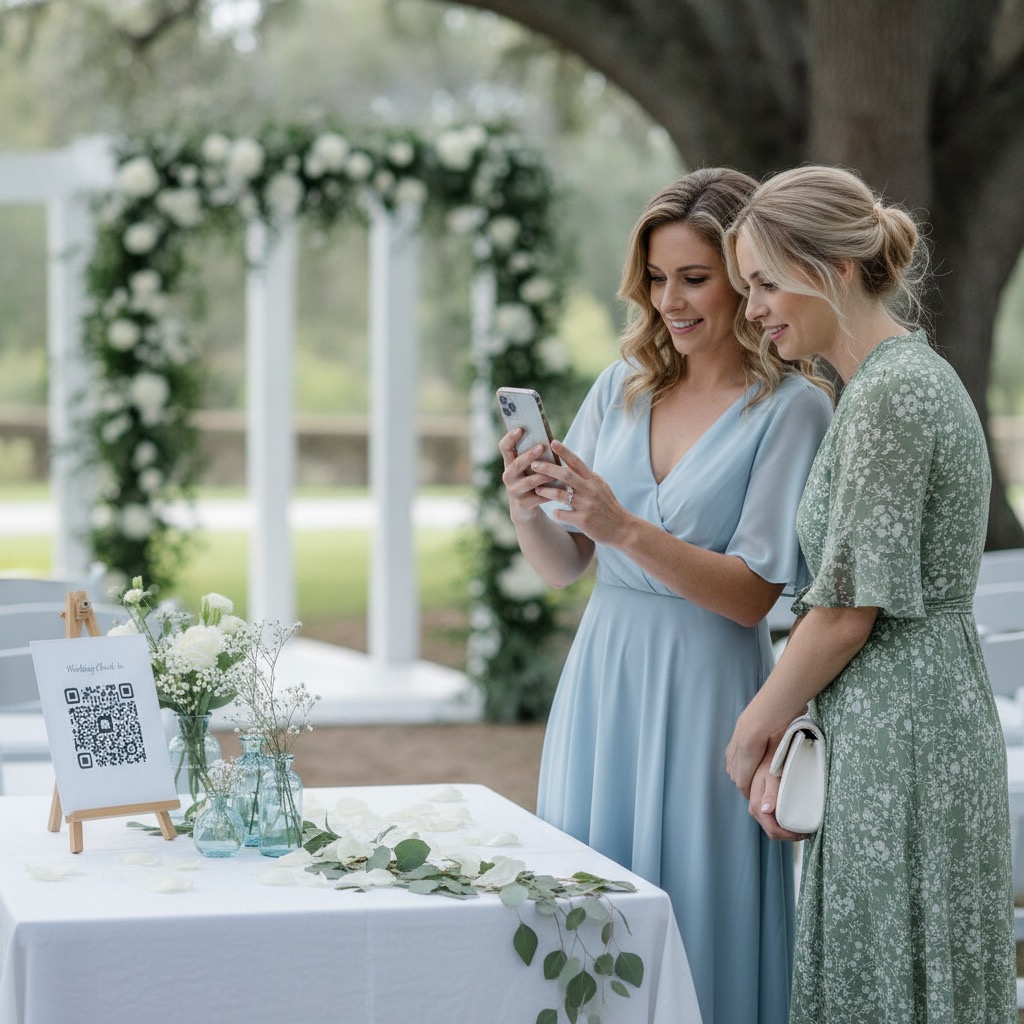
Every guest can do it, including the ones who never use apps.
The fewer steps between a guest and the upload button, the more photos you get. So there are almost none.
- No app to download and no account to create
- Works on iPhone and Android, in the browser they already have
- If they can scan a menu, they can add a photo
- Anyone who can’t scan can tap the link in the group chat
- Guest pages in English, Spanish, Portuguese or Russian
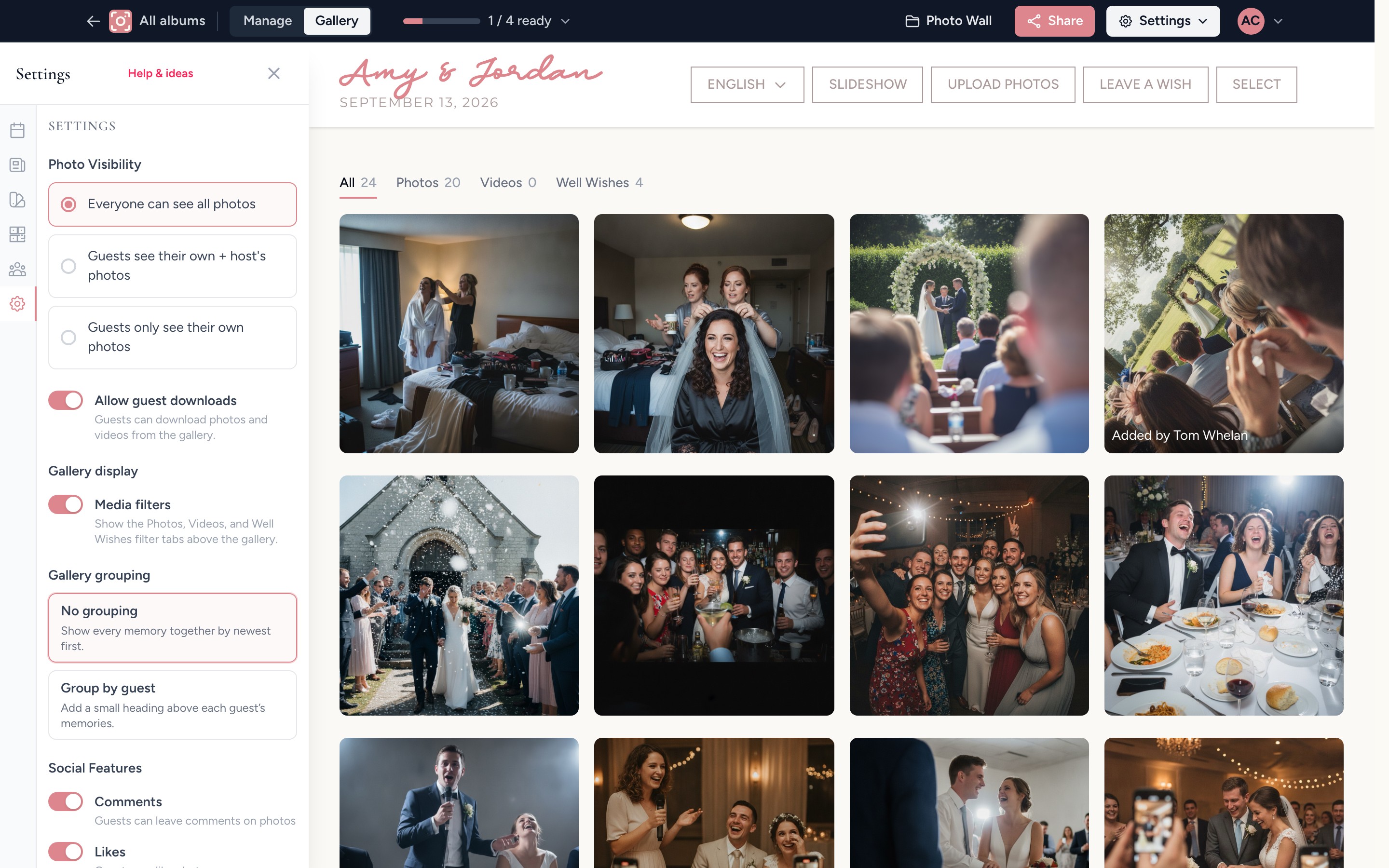
You decide who sees what, and nothing is ever posted publicly.
Only people with your QR code or link can open the album. Everything else is up to you, and you can change it at any time.
- Let guests see every photo, only their own, or their own plus yours
- Turn on approval so nothing appears until you have seen it
- Hide or remove any upload whenever you like
- Invite a co-host to help look after the album
- Switch guest downloads on or off
Want the detail? See every feature with real screenshots, compare us in head-to-head comparisons, or read verified reviews.
How it compares with the usual ways of collecting event photos.
Each option works for some hosts, so here is what guests have to do and what you end up with.
| Question | Group chat | Shared Google or Apple album | Disposable cameras | Our Event Album |
|---|---|---|---|---|
| What guests need | To be in the chat and remember to send them later | A Google account, or an iPhone for Apple shared albums | To find a camera on their table | A phone camera to scan your QR code, with no app or account |
| What you get back | Often compressed copies spread through a long thread | Whatever guests add to someone’s cloud account | A few dozen shots per camera and no video | Full-resolution photos and videos in one private album |
| When you get it | Whenever people remember | Whenever guests get around to it | After the film is developed | Live during the event |
| Cost | Free | Free, within your storage | Per camera, plus developing | $39 once |
Everything on this page comes with one album and one price
Paid once for your event, with no subscription and no per-guest fees.
- Your own QR code and private album link
- Printable signs and table cards
- A welcome page with your names and date
- Unlimited photos and videos from every guest
- A live slideshow for a TV or projector
- 6 months of hosting from your event date
- Full-resolution downloads to keep
Secure checkout with Stripe. Optional extras are shown before you pay.
Common questions about how it works
Can't see your question? Send us a note or browse the help centre.
How quickly do I receive my QR code?
Straight after payment. We email you a link to your album, and your QR code and printable PDF signs are ready to download as soon as you finish setup.
Can I test it before my event?
Yes. As soon as your album is set up you can scan the QR code, upload a few test photos, and delete them before your event.
What if guests upload inappropriate photos?
You can hide or remove any upload from your host dashboard, or turn on approval so nothing appears in the gallery until you have seen it.
Can guests see each other's photos?
You choose in your dashboard. Guests can see all photos, only their own uploads plus yours, or only their own uploads. You always see everything.
How long does my gallery stay live?
Your gallery stays live for 6 months from your event date. Download your photos and videos before it expires, and we will email you reminders beforehand. If you need more time, 12-month hosting is available.
Is there a limit to how many photos can be uploaded?
No. Your guests can add as many photos and videos as they like, and there is no album-wide cap.
Give your guests one place to put the photos they are already taking.
Set it up in a few minutes, print the signs, and wake up after the event to the whole day from every guest's point of view.
Get my QR codePrivate by link or QR code. No app for guests. Download every original when you are ready.
