AI help for event photo sharing
You know how you want your event to feel. Turn that into a clear gallery setup, from the welcome message to who can see the photos, with help from the assistant you already use.
AI connections are coming soon. Our QR galleries are available today. The examples below show the planned connected experience; buying an album does not unlock AI access yet.
Choose your event albumor try the live gallery demo first
Private gallery by link · No guest app · Photos and videos
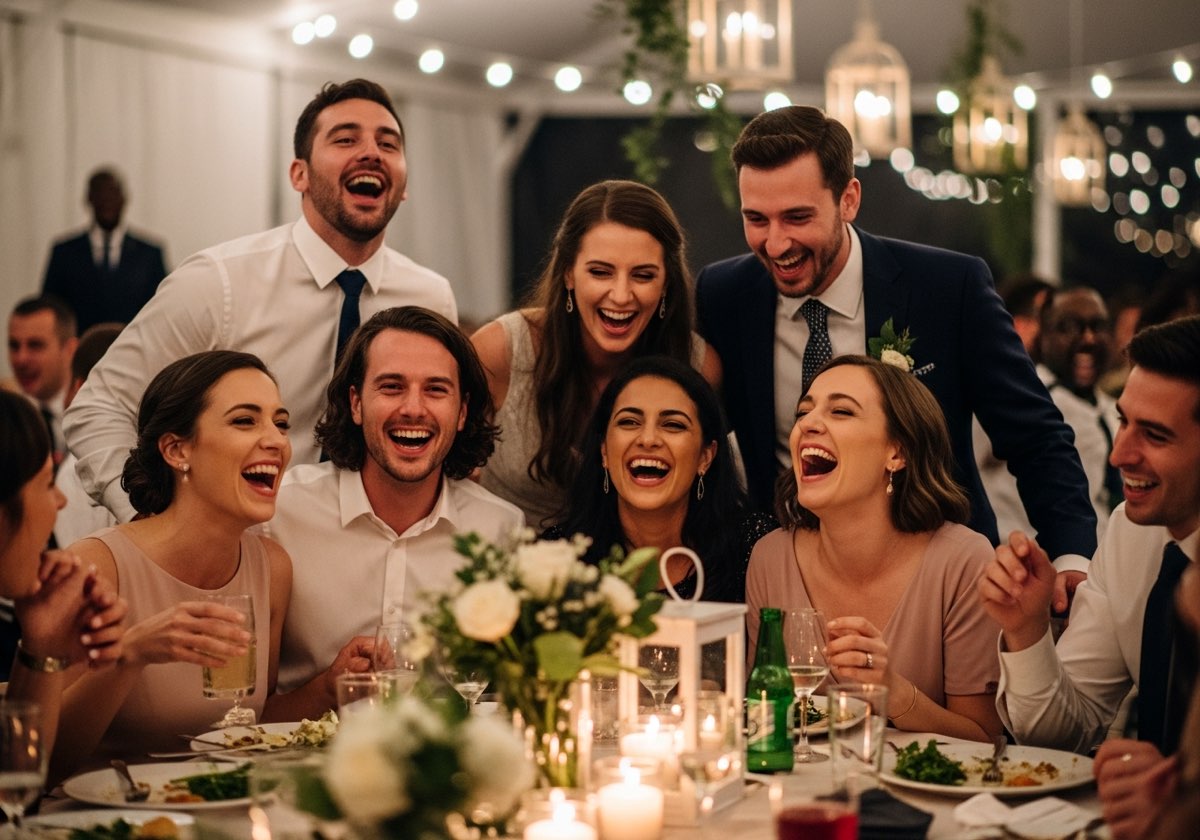
Less time finding settings. More time getting ready.
A photo sharing app for events should make the host’s job easier too. Our planned AI connection lets you describe a change, review the proposed settings and ask your assistant to save it to your existing gallery.
“Make the welcome message warmer, turn off guest downloads and show me what would change before saving.”
That means fewer tabs during the final week of planning. The important decisions still belong to you.
Choose the assistant you already plan with
ChatGPT: turn your event brief into gallery settings
Work from your welcome copy, colours and guest experience preferences.
Claude: work through the details before saving
Review a careful setup checklist, including visibility and guest downloads.
Grok: make specific changes to an existing album
Check your current settings, request a change and get your sharing links.
The result is still your guests’ real photos
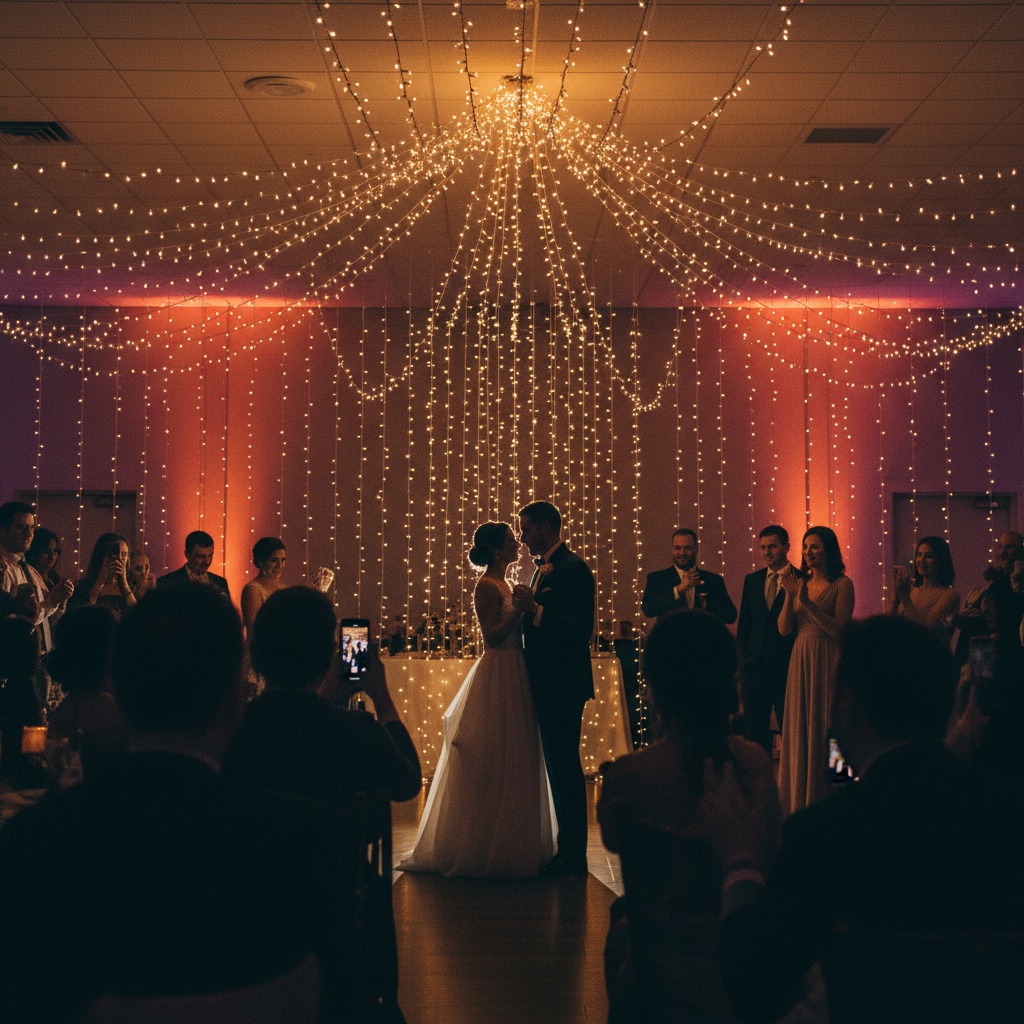
Collect the angle your photographer could not be in at the same time.
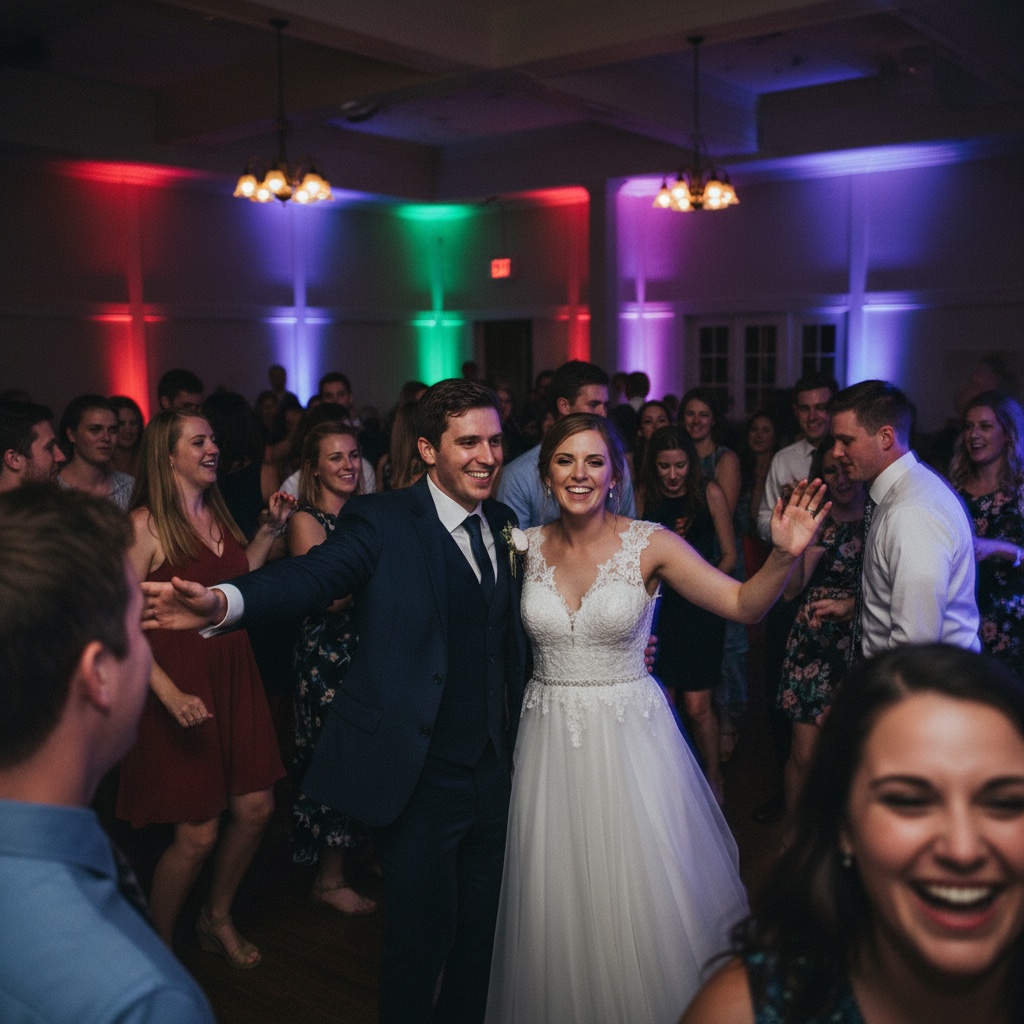
Photos and videos go to the same gallery, without a guest app.
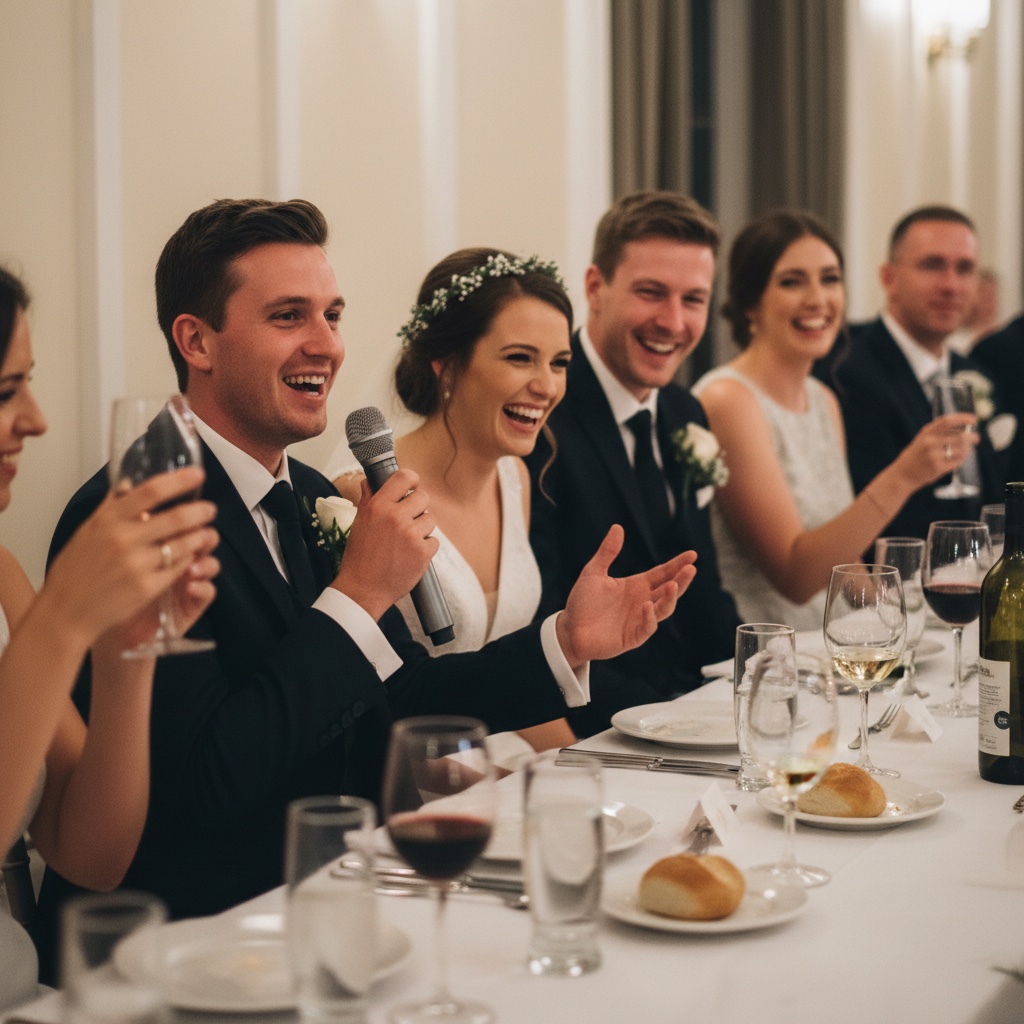
Give guests somewhere to share while the memory is fresh.
One account, with access you control
The connection is designed for albums you own or cohost. You will sign in to Our Event Album to approve access, then be able to revoke that connection from your account. Your assistant receives the gallery details needed for the request; it does not need your account password in the chat.
AI help covers titles, welcome messages, colours, layouts, guest visibility, downloads and slideshow settings. Creating albums, buying plans, uploading cover images and downloading the photo collection stay on the website.
Frequently asked questions
Can I connect my AI assistant today?
AI connections are coming soon. You can buy, set up and manage an Our Event Album gallery on the website now. These guides preview the connected experience and do not promise access in any provider’s directory.
Will guests need ChatGPT, Claude or Grok?
No. Guests scan your QR code or follow your gallery link and upload from their browser. The AI connection is for the host managing the album.
Will this create or edit my photos with AI?
No. The planned connection manages gallery settings and returns sharing links. It does not generate, inspect or retouch guest photos.
Will I need a separate event album for each assistant?
The connection is designed to use your existing Our Event Album account and the galleries you own or cohost. Your event stays in the same gallery when you manage it through a different supported assistant.
Find the guide that fits your plans
Explore QR code photo sharing, see how guest uploads work, or read our privacy policy.
Have a place for the photos before the first guest arrives
Start with a private album, share its QR code and let guests add the moments you missed. You can manage your gallery on the website today.
See albums and pricingShare your gallery link only with people you want to invite. You choose whether guests can see everyone’s uploads or only their own.
Our Event Album is an independent service. ChatGPT, Claude and Grok are products of their respective owners. No marketplace listing or endorsement is implied.

