Plan your wedding QR code gallery with ChatGPT
Your photographer cannot be at every table. Give guests one place to share the speeches, the dance floor and everything in between, with a clear setup brief you can prepare in ChatGPT.
AI connections are coming soon. Our QR galleries are available today. The examples below show the planned connected experience; buying an album does not unlock AI access yet.
Choose your event albumor try the live gallery demo first
Private gallery by link · No guest app · Photos and videos
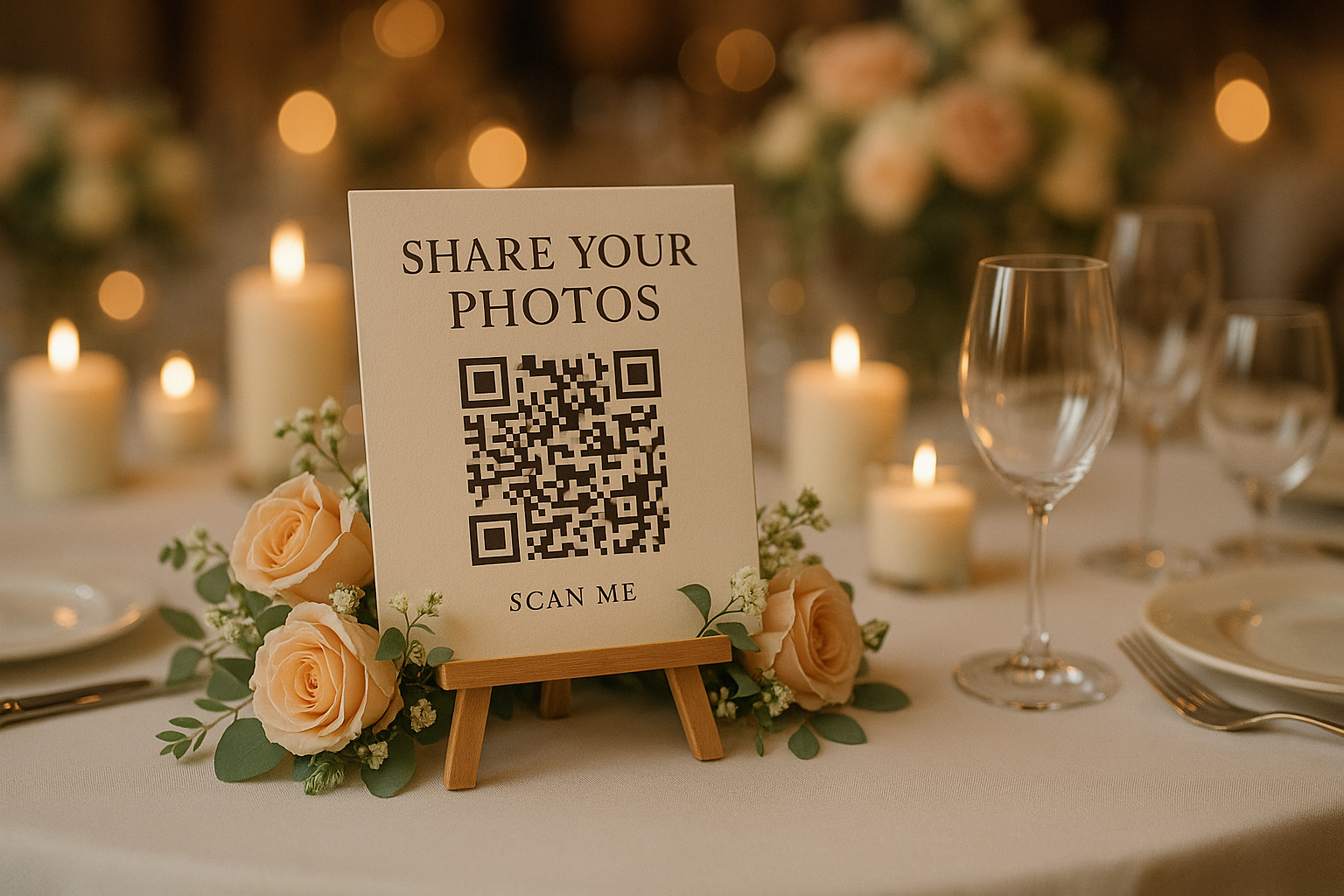
Start with the gallery behind the code
A wedding photo upload QR code needs somewhere for those uploads to go. Create your Our Event Album gallery on the website, then prepare the welcome message, colours and guest settings. The planned ChatGPT connection will help apply supported changes to that existing album.
You can use the checklist below now and apply it yourself. When the connection becomes available, ask ChatGPT to read your current gallery settings and preview the changes first.
A setup prompt you can make your own
“Help me prepare our wedding photo gallery. We want a warm, short welcome message asking for candid photos and videos. Our colour is #D87C8C. Ask me who should see the uploads and whether guests should be able to download photos before proposing those settings. Show every proposed change before saving.”
Once connected, name the album you want to manage. Add your own preferences instead of letting the assistant guess privacy settings. Upload your cover photo on the website; changing the cover is outside the planned connection.
Tell guests what you would love to see
A helpful welcome is an invitation, not a set of technical instructions. Here is sample wording you can edit:
“We would love to see the day through your eyes. Share your photos and videos here, from the happy tears to the last song. Thank you for being part of our day!”
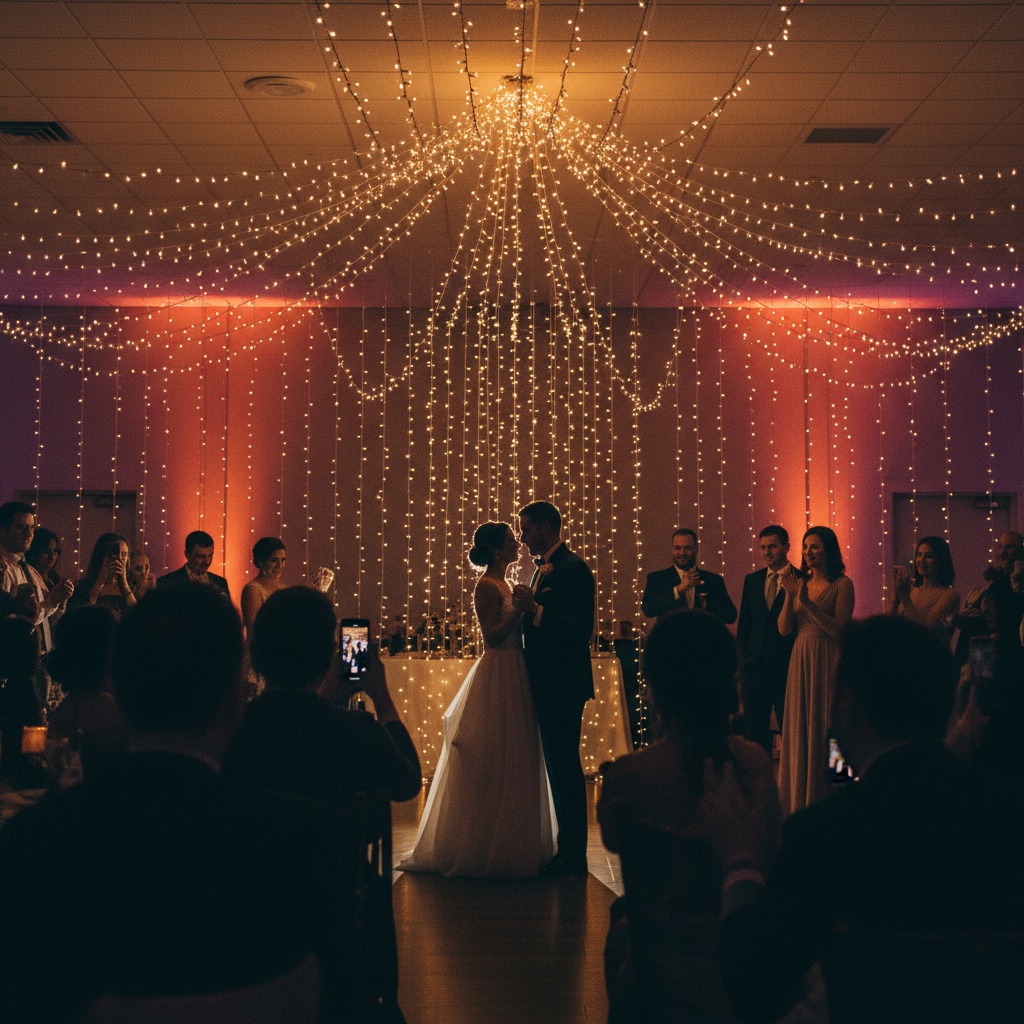
Ask for their perspective, even if a photographer is nearby.
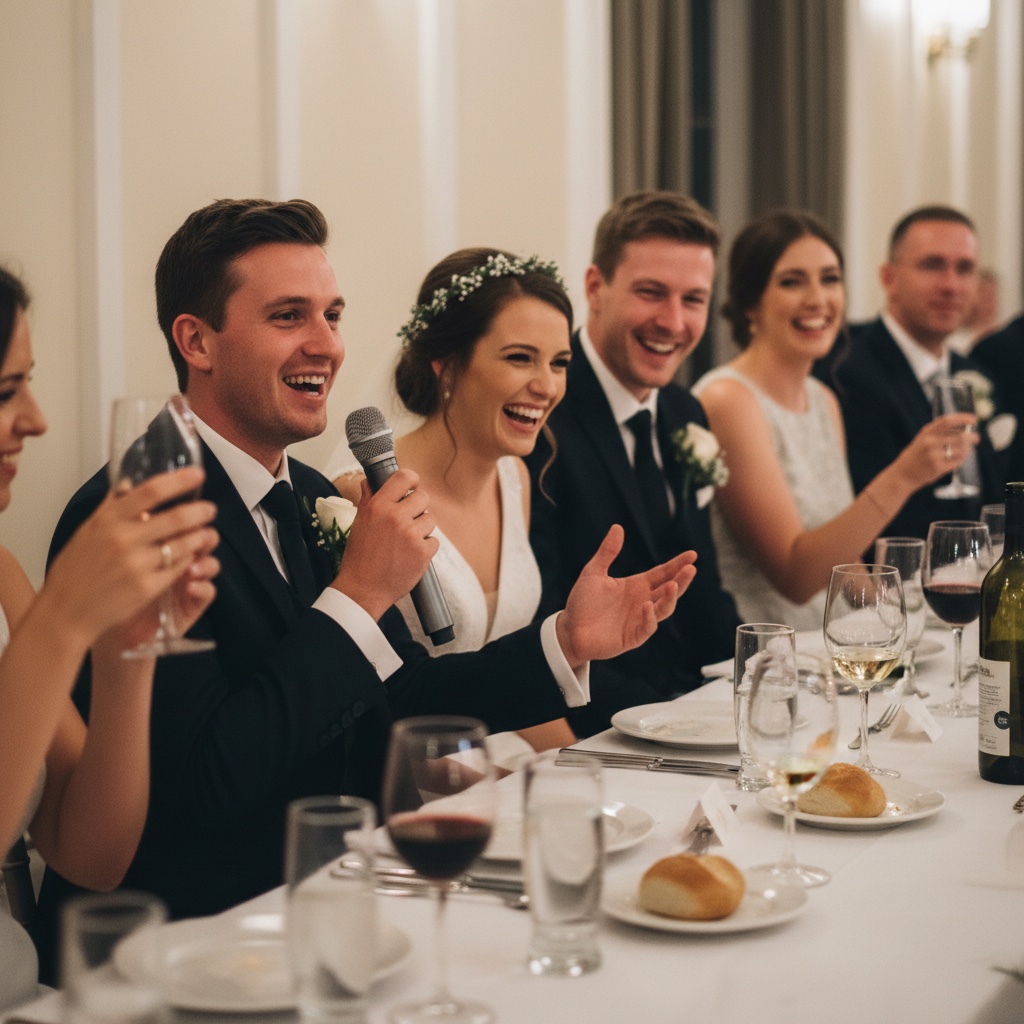
The reactions can tell as much of the story as the speaker.
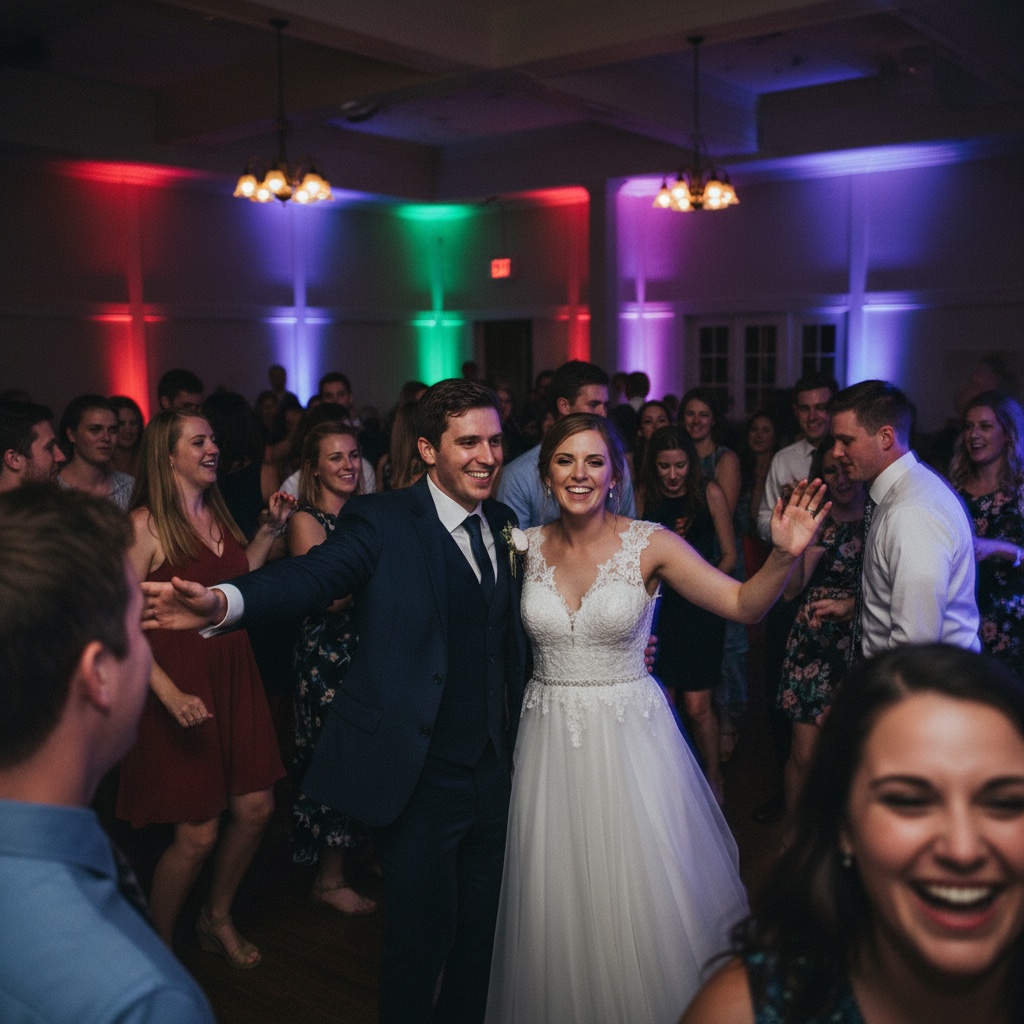
Invite videos too, so the collection includes the movement and sound.
Make three decisions together before sharing
- Guest visibility. Decide whether guests can browse the group’s photos or see only their own uploads.
- Guest names. Decide whether guests should be asked for a name when they contribute.
- Downloads. Decide whether guests can save photos from the gallery.
Check the proposed changes with your partner or cohost. Once saved, open the guest gallery on a phone to see the result. Our ChatGPT gallery guide explains the preview-and-save workflow.
Before you print 20 copies, scan one
Download the printable sign or cards from your signed-in Our Event Album account. For a QR code for wedding guest photos, the destination matters more than decorative artwork.
- Print a test copy at the size you plan to use.
- Scan it with a phone and check that it opens your wedding album.
- Try a guest upload and check the visibility you chose.
- Keep the code clear of folds, glare and decorations.
- Place signs on the tables and near the guestbook, and ask someone to mention the gallery during the reception.
For more on the guest experience, see our wedding QR code guide. You can also explore the wedding photo album before choosing a plan.
Frequently asked questions
Can ChatGPT set up my wedding QR gallery today?
ChatGPT can help draft your welcome message and planning checklist today. Our account connection is coming soon. Until it is available, create the album and apply your settings on the Our Event Album website.
Is a wedding QR code the same as a photo gallery?
No. A QR code points to a destination. You need a working photo gallery behind it so guests can upload and you can collect their photos and videos. Use the code supplied for your actual album.
Should I ask AI to draw the QR code?
Use the QR code from your Our Event Album gallery. You can ask for help writing the sign, but the code itself must point to the correct album. Test your final printed sign with a phone before the wedding.
Do our guests need an account or an AI subscription?
No. Guests scan the code and upload in their browser. They do not need ChatGPT, an Our Event Album account or a separate app.
Will the connected tools replace our photographer?
No. The connection helps with gallery settings. The gallery collects the photos and videos your guests take, complementing your photographer’s coverage with other perspectives.
Find the guide that fits your plans
Explore QR code photo sharing, see how guest uploads work, or read our privacy policy.
Have a place for the photos before the first guest arrives
Start with a private album, share its QR code and let guests add the moments you missed. You can manage your gallery on the website today.
See albums and pricingShare your gallery link only with people you want to invite. You choose whether guests can see everyone’s uploads or only their own.
Our Event Album is an independent service. ChatGPT, Claude and Grok are products of their respective owners. No marketplace listing or endorsement is implied.

