ChatGPT help for your event photo sharing app
Bring your event plans into the conversation. Our planned ChatGPT connection will help turn your colours, welcome message and guest preferences into settings for your existing Our Event Album gallery.
AI connections are coming soon. Our QR galleries are available today. The examples below show the planned connected experience; buying an album does not unlock AI access yet.
Choose your event albumor try the live gallery demo first
Private gallery by link · No guest app · Photos and videos

Start with the guest experience you want
Instead of hunting through menus, describe a small, concrete request. Event photo sharing works best when your guests understand where to upload and you have chosen who can see the results.
“Open my reception album. Draft a short welcome message asking for candid photos and videos, and show me the proposed change without saving.”
ChatGPT can help write the message today. The upcoming account connection is what will let it read your current settings and save an approved change to the right gallery.
A useful brief is more specific than “make it beautiful”
Describe the look
Name your gallery, choose a colour such as #D87C8C and ask for one of the available title fonts. Your assistant should check the supported options before proposing a change.
Describe the rules
Say whether guests may download photos, whether uploads should be enabled and whether guests should see only their own contributions. Those decisions affect the live gallery.
Keep the party in the photos, not in the setup
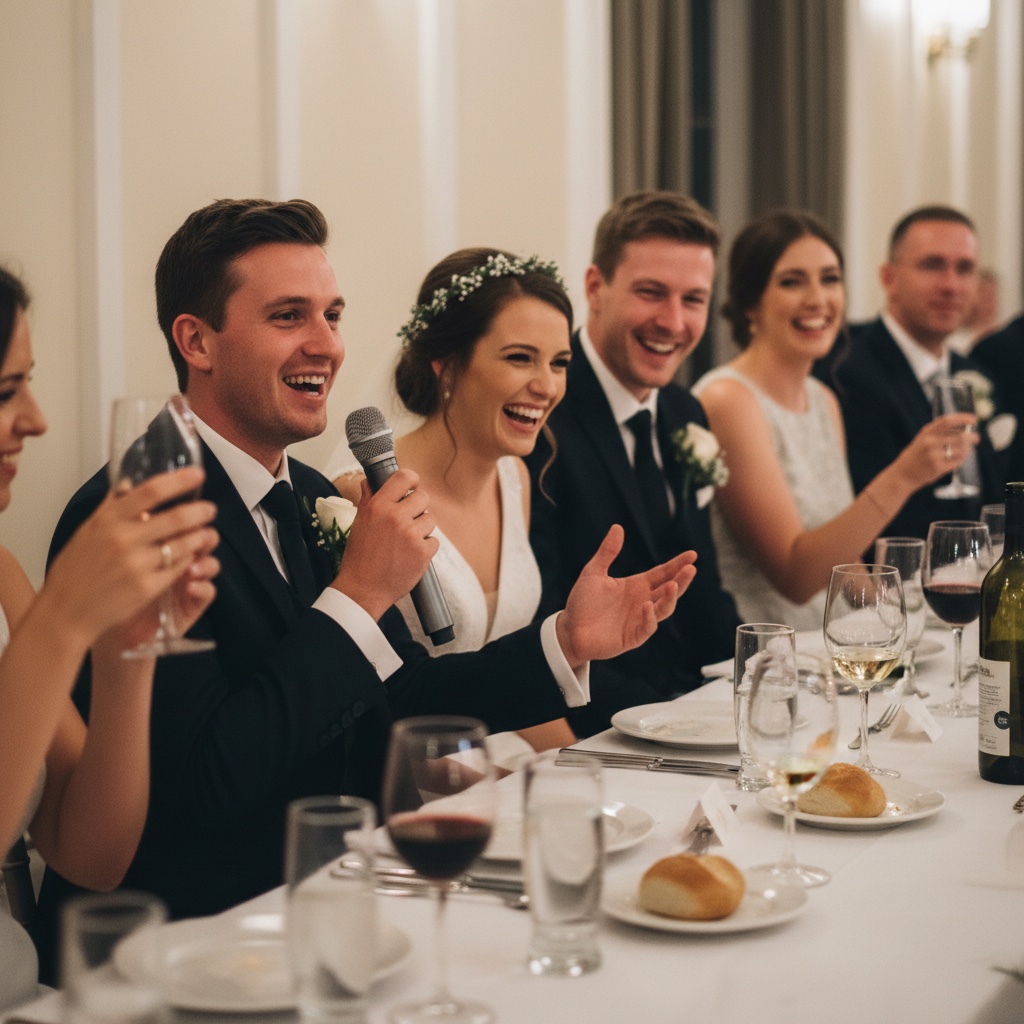
Ask for a warm, short invitation to share the little moments.
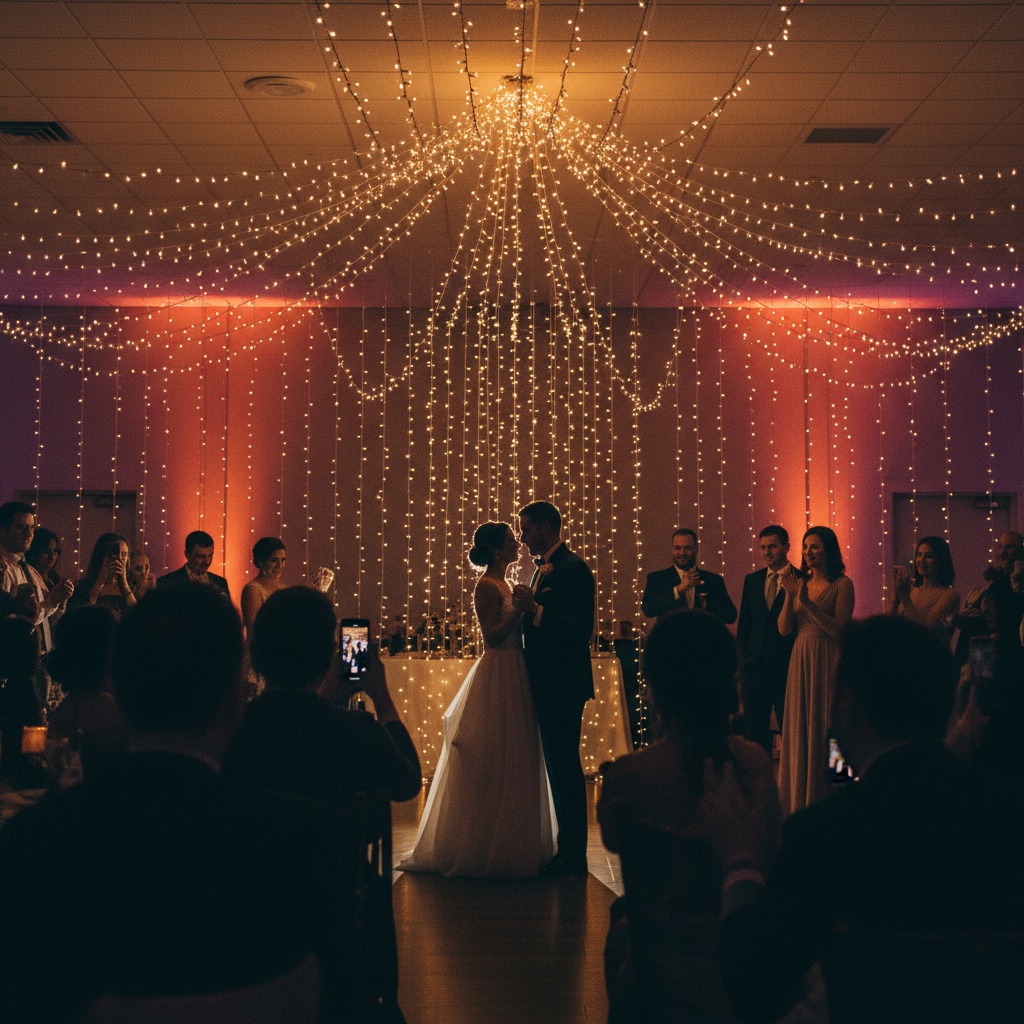
Choose your layout and colours before sharing the link.
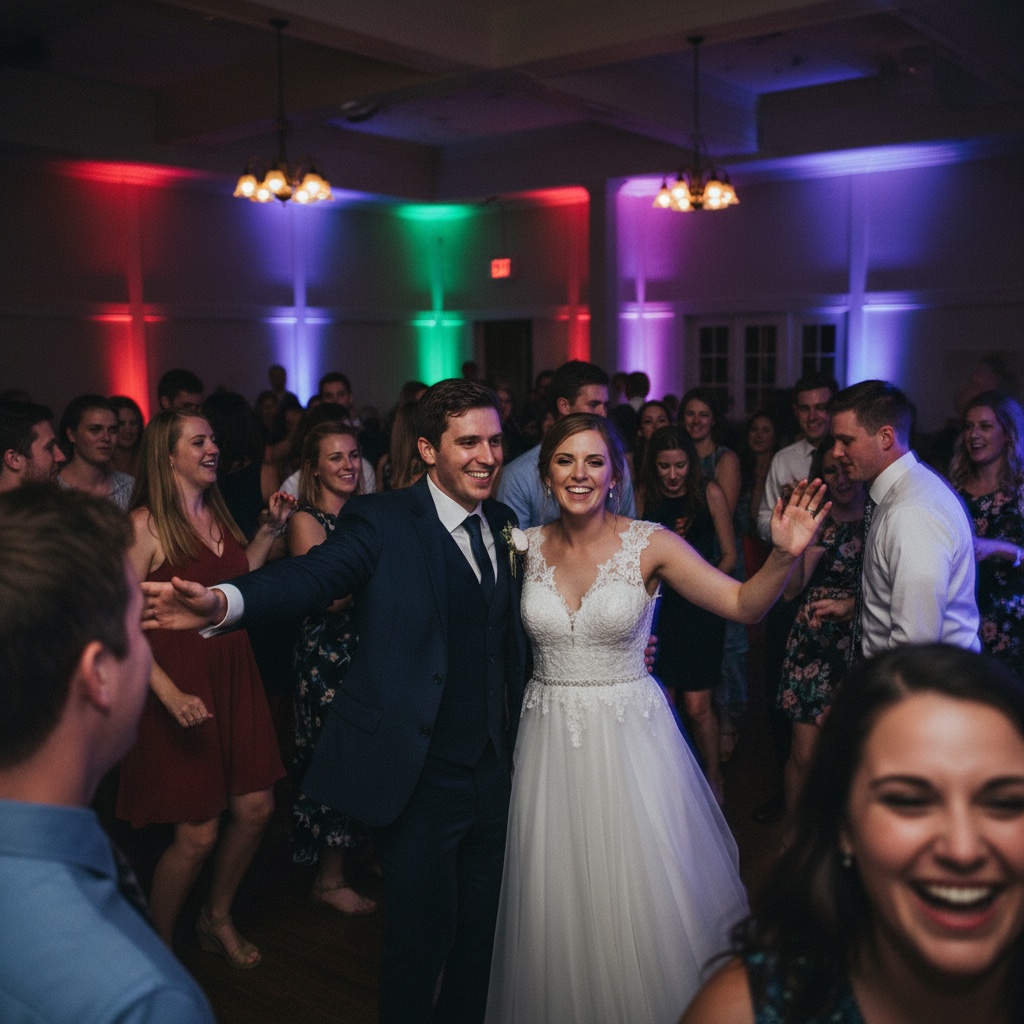
Preview changes to timing, order and whether videos are included.
From a request to a saved change
- Choose the album. Check its title before changing anything, especially if you manage several events.
- Review the preview. Ask to see the old and new values, including any privacy changes.
- Save the agreed settings. Then open the gallery in your browser to check the guest experience.
- Get your sharing links. Download the printable sign or cards from your signed-in browser and test the QR code on your phone.
Planning a wedding? Follow the more detailed ChatGPT wedding QR code gallery checklist.
Your account stays yours
The planned connection uses a sign-in and consent screen on Our Event Album. It is designed to access galleries you own or cohost. You can revoke the connection from your account. Keep account passwords and private guest details out of your prompts.
Album purchases, cover uploads and downloading the complete photo collection remain on the website. The connection is for managing settings and retrieving sharing links.
Frequently asked questions
Is Our Event Album listed in ChatGPT’s directory?
Not yet. This page previews our planned connection. Public availability and directory approval are separate steps, and neither is promised by purchasing an album.
Can ChatGPT create my event album for free?
The planned connection manages existing albums. It does not create a free album, start a trial or buy a plan. Create your album on the Our Event Album website first.
Can ChatGPT make the QR code artwork?
The planned connection can return your gallery link and authenticated links to its printable QR signs and cards. Download those from Our Event Album in your browser. Use the actual gallery QR code on your print materials.
Will every suggestion immediately change my album?
A draft in a conversation does not change your album. The connected workflow can preview a settings change before saving. Ask to see that preview, then explicitly request the save when you are happy with it.
Find the guide that fits your plans
Explore QR code photo sharing, see how guest uploads work, or read our privacy policy.
Have a place for the photos before the first guest arrives
Start with a private album, share its QR code and let guests add the moments you missed. You can manage your gallery on the website today.
See albums and pricingShare your gallery link only with people you want to invite. You choose whether guests can see everyone’s uploads or only their own.
Our Event Album is an independent service. ChatGPT, Claude and Grok are products of their respective owners. No marketplace listing or endorsement is implied.

