The Complete Guide to Event Photo Sharing
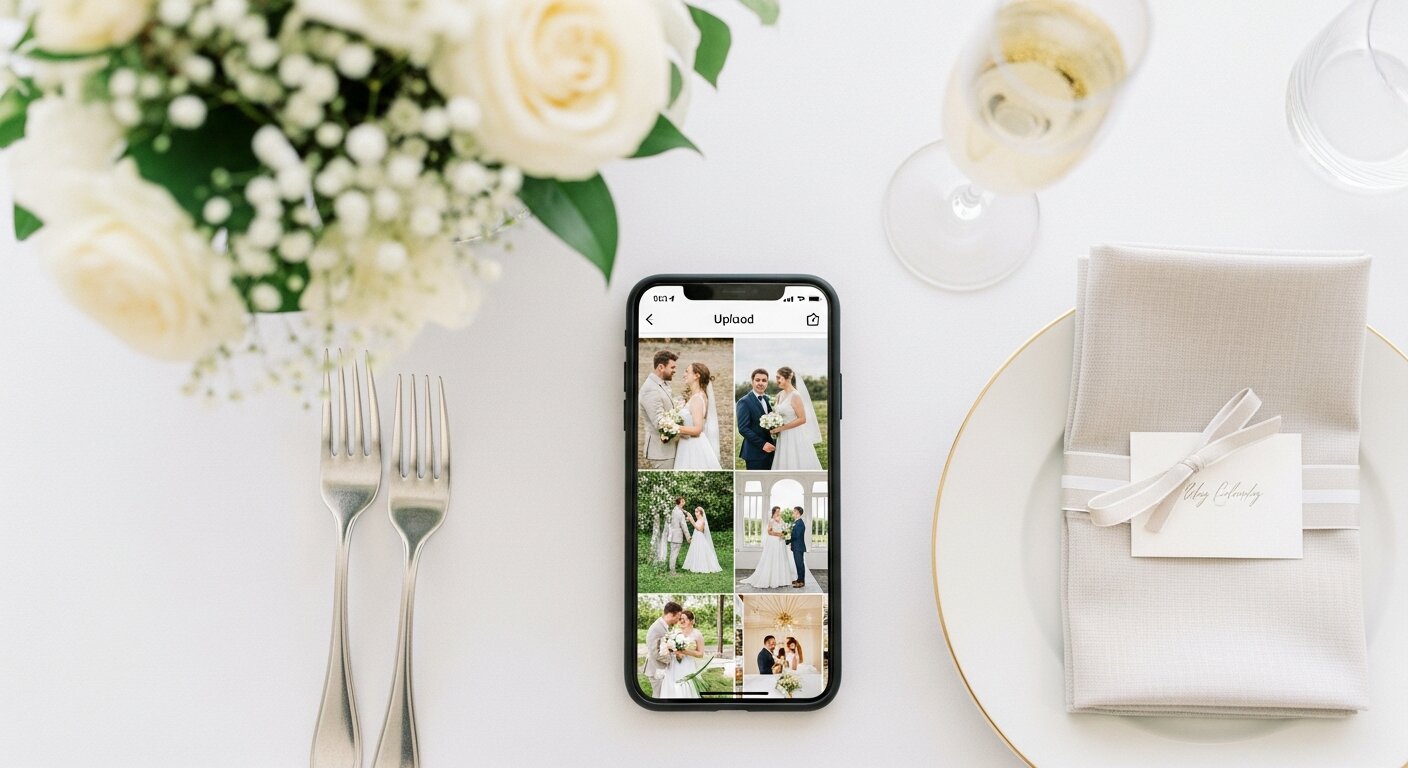
Your guests take hundreds of photos at every event. Most of those photos never leave their phones. This guide covers every method for collecting them — what works, what doesn't, and how to maximize the photos you get back.
Why event photo sharing matters
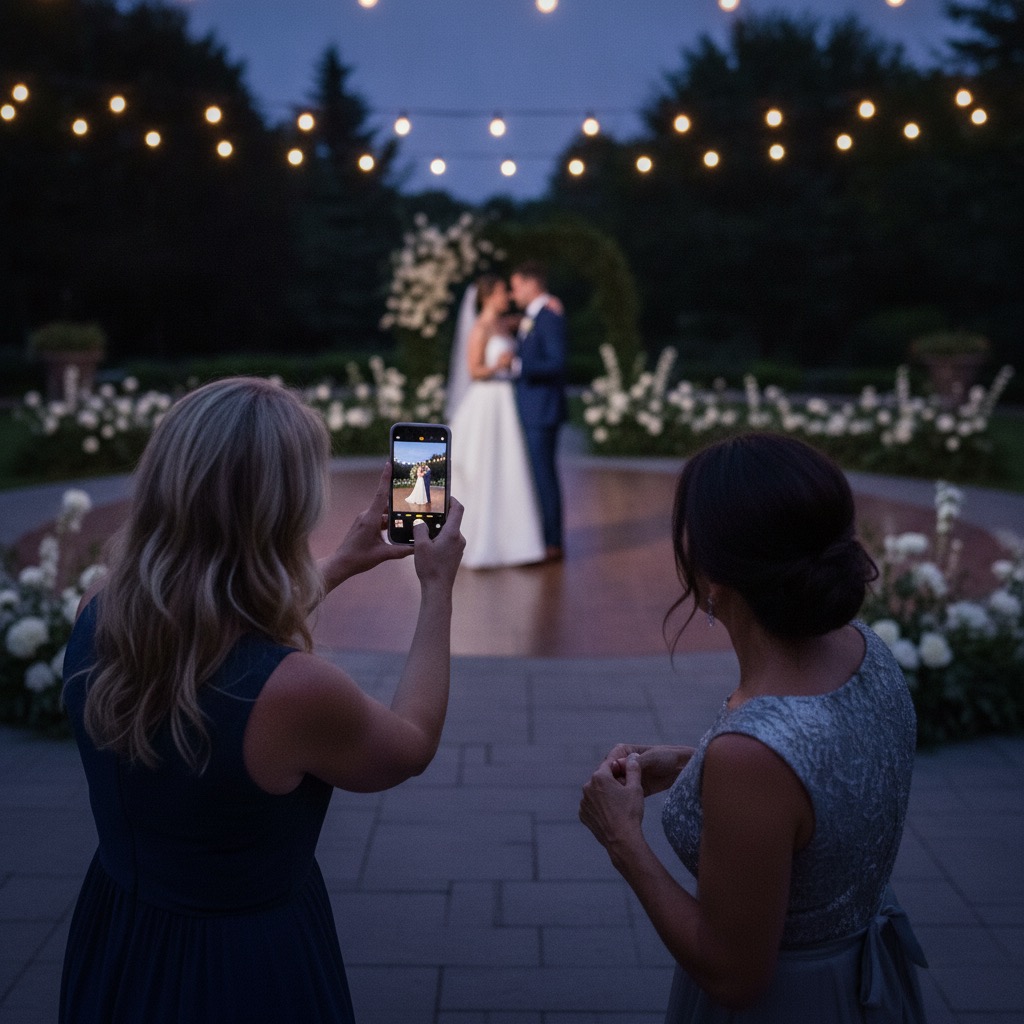
A professional photographer captures 200-400 photos at an event. They cover the staged moments — the ceremony, the speeches, the posed group shots. But an event with 100 guests has 100 additional cameras in the room, each capturing a unique perspective.
The candid laugh during the toast. The kids dancing when no one was watching. The detail shot of the decorations that took weeks to plan. These moments exist on your guests' phones — and without a system to collect them, they stay there forever.
The data backs this up: events that use a structured photo collection method get 300-500 guest photos on average. Events that rely on "text me your photos" get 5-10. The difference isn't enthusiasm — it's friction.
Every photo sharing method compared
We've tested every approach. Here's how they actually perform — not in theory, but at real events with real guests.
| Method | Cost | Guest effort | Typical photos | Photo quality |
|---|---|---|---|---|
| QR code album | $60 one-time | Scan & upload (15 sec) | 300-500+ | Full resolution |
| Photo sharing app | $0-200/event | Download app + signup | 50-100 | Varies |
| Shared Google Photos | Free | Google account required | 30-80 | Compressed |
| WhatsApp/iMessage group | Free | Send to chat | 20-50 | Heavily compressed |
| Social media hashtag | Free | Post publicly | 20-50 | Compressed, public |
| Disposable cameras | $400-800 | Point & shoot | 100-200 | Film quality |
| "Text me your photos" | Free | Remember + send | 5-10 | Varies |
Want to go deeper? See our head-to-head comparison of photo sharing apps or browse the best wedding photo sharing apps for the latest rankings.
The QR code approach: why it collects 3-4x more photos
The single biggest factor in how many photos you collect is friction. Every step you add — downloading an app, creating an account, entering a code — loses 30-50% of potential participants. A QR code photo sharing approach removes every barrier.
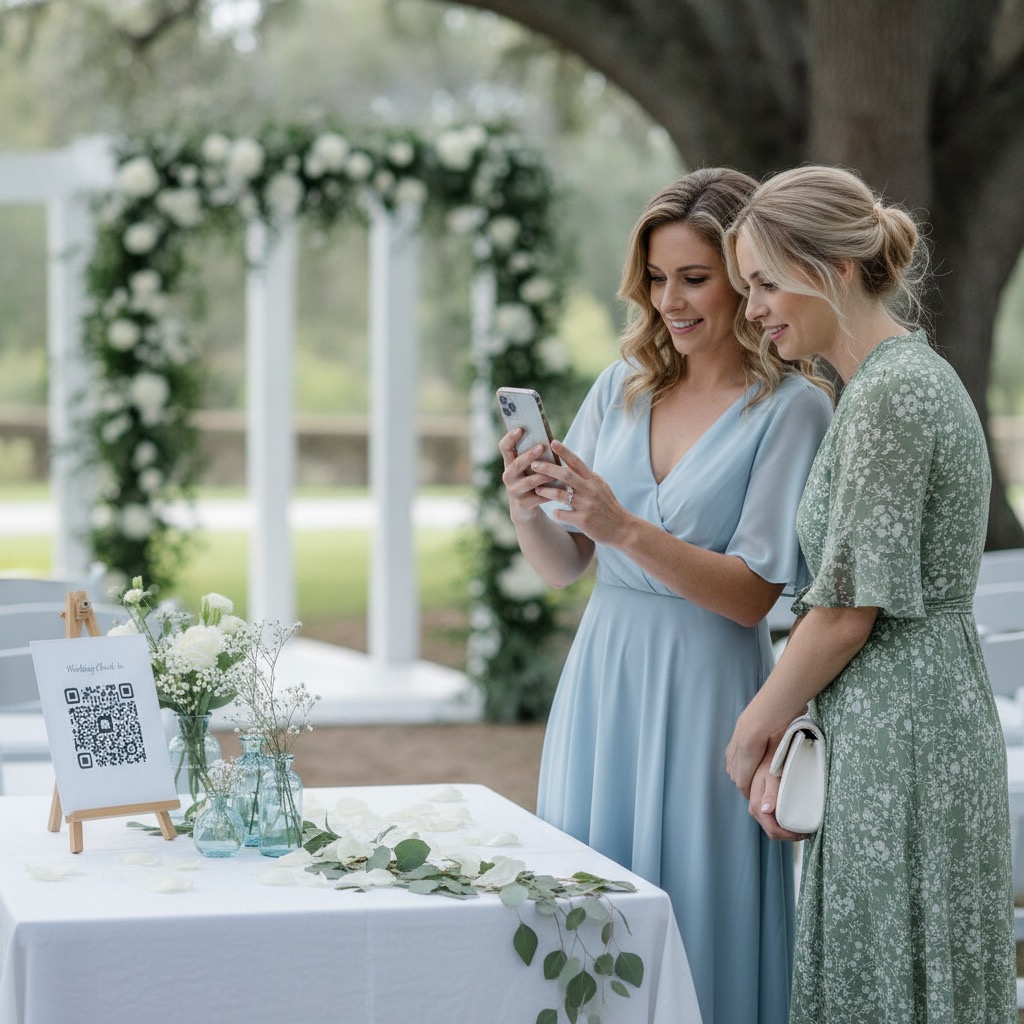
Guest points their phone camera at the QR code. Browser opens. They pick photos. Done. No app download, no account creation, no event code to type. The entire process takes about 15 seconds, and that speed is why participation rates reach 60-80% compared to 15-25% for app-based solutions. At $60 one-time with no subscriptions, it's less than a single hour of photographer time.
Zero downloads
Nothing to install. The QR code opens a web page in the phone's browser. This alone doubles participation.
Zero accounts
No email, no password, no verification. Guests go from scanning to uploading in seconds. Even grandparents can do it.
Full resolution
Unlike WhatsApp or social media, photos upload at full quality. No compression, no downscaling. Perfect for printing.
How it works in practice
- 1. You get a unique QR code and printable sign templates delivered instantly after purchase.
- 2. Print the signs and place them throughout your venue — tables, entrance, bar, restrooms.
- 3. Guests scan with their phone camera. A welcome page opens where they enter their name.
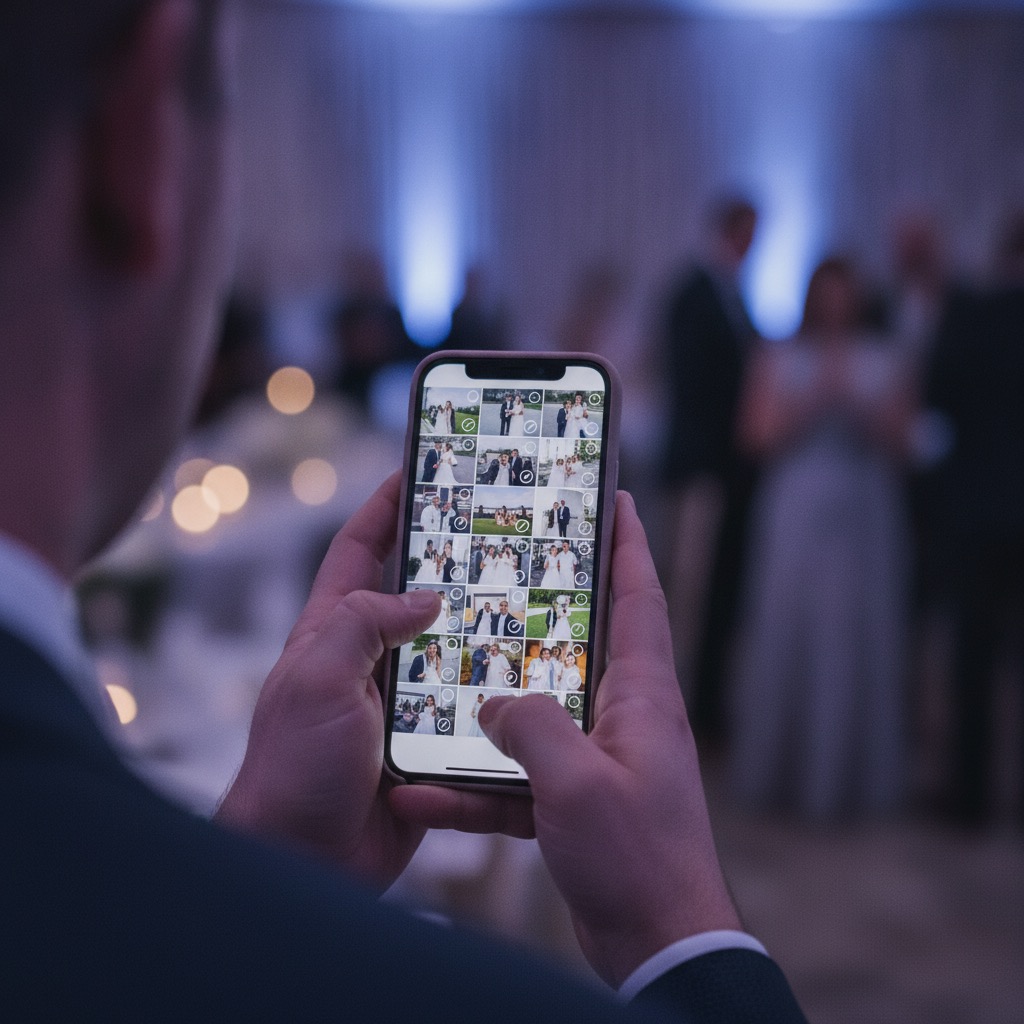
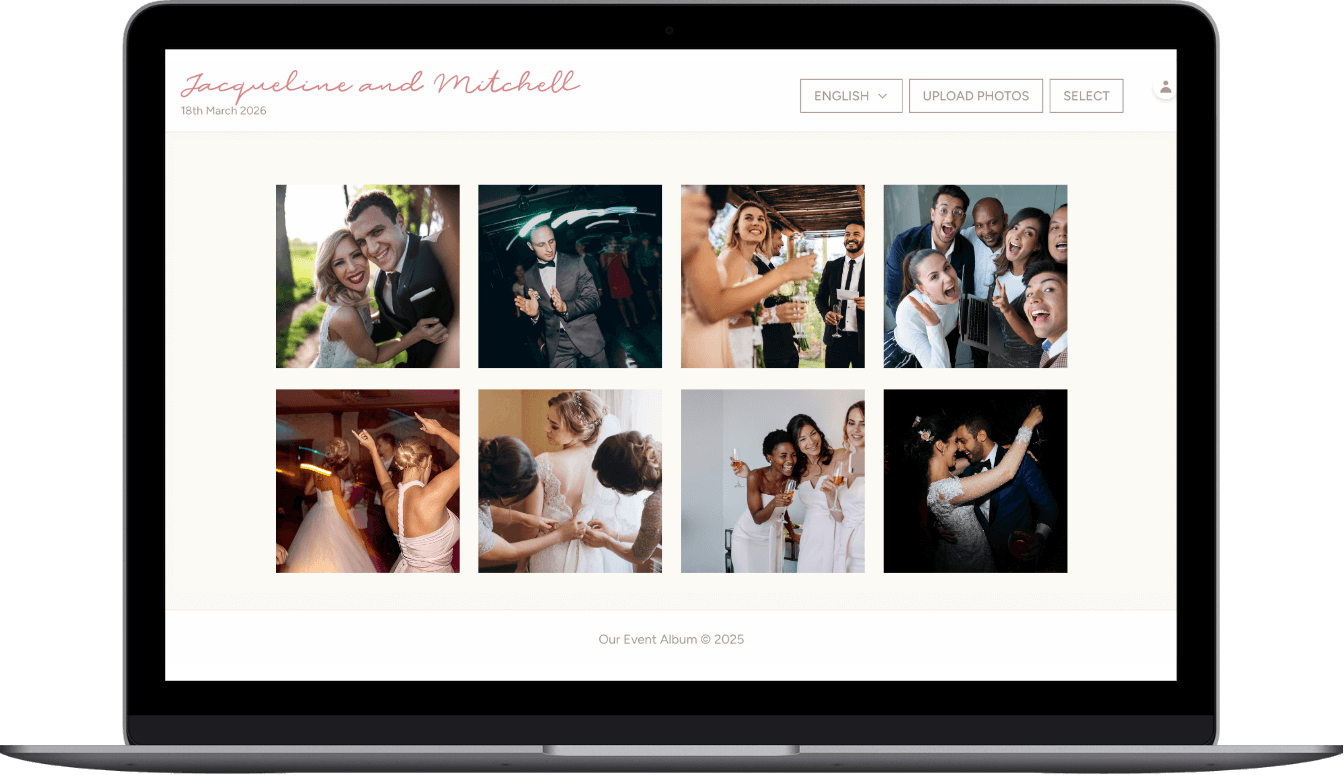
- 4. They select photos from their camera roll and upload. Photos appear in your private gallery instantly.
- 5. Download all photos individually or as a ZIP. Full resolution, no watermarks.
Event-specific photo sharing tips
Every event is different. The QR code placement, the timing, and the type of photos you'll collect all depend on what you're hosting.
Weddings
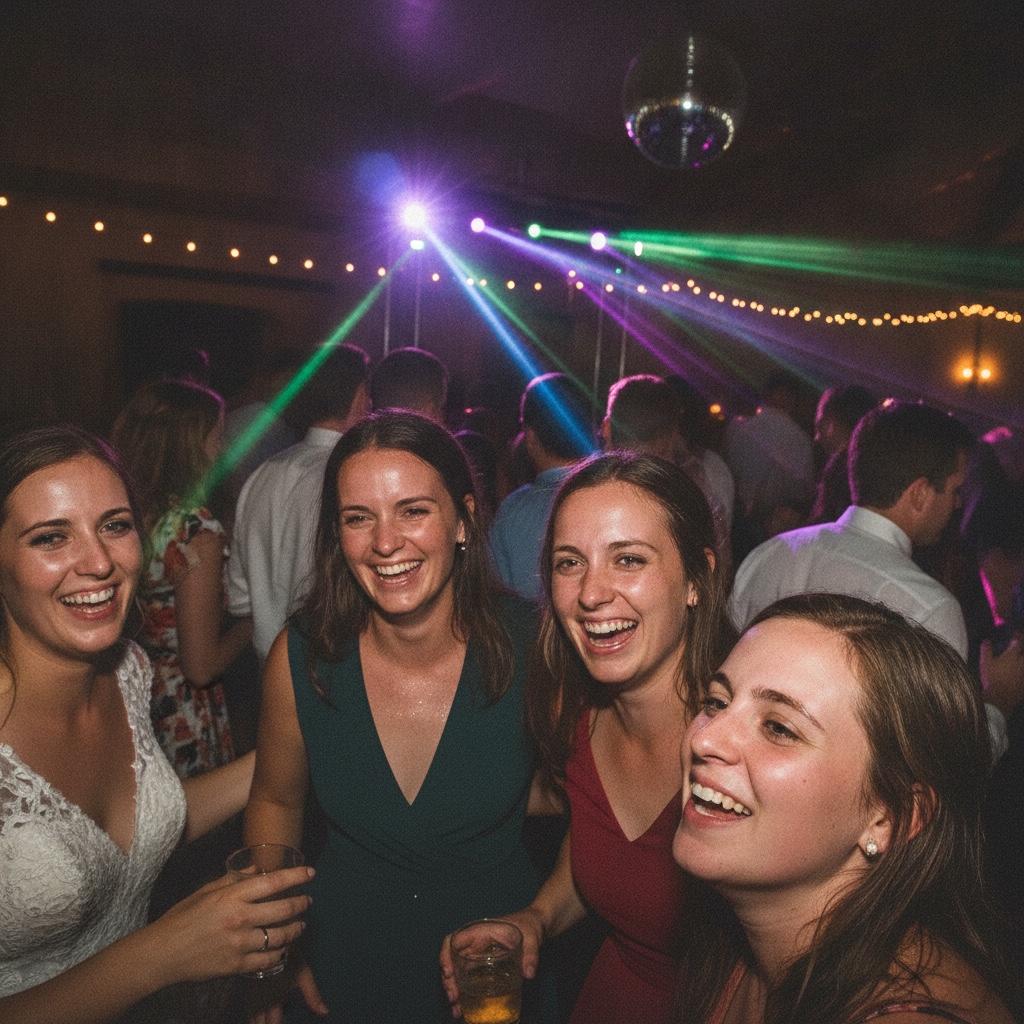
Place QR codes on every reception table, at the welcome sign, and near the bar. The best photos come during cocktail hour and the dance floor. Guests capture what the photographer misses — getting-ready moments, candid reactions, and behind-the-scenes details.
Also consider a digital wedding guestbook as a modern alternative to the traditional guest book.
Wedding photo album →Birthday parties
Display the QR code near the cake and gift table — these are natural phone-out moments. For milestone birthdays, guests love contributing photos from different eras. Kids' parties get amazing parent-perspective shots.
Birthday party album →Corporate events
Place QR codes at registration, in session rooms, and at networking areas. Corporate events benefit most from professional-quality candid photos for internal comms, social media, and recap decks.
Corporate event album →Family reunions
Share the QR code before the event so distant relatives can upload throwback photos too. At the event, place codes at the food table and group photo area. Multi-generational events collect the best variety of perspectives.
Reunion photo album →Graduations
Post the QR code at the party venue. Parents capture the ceremony, friends capture the celebration. You end up with a complete story of the day.
Graduation photo album →Baby showers
Capture every sweet moment — the gift opening, the games, the group shots. Parents-to-be love having a complete collection of photos from the day.
Baby shower album →Quinceañeras
A quinceañera is a once-in-a-lifetime celebration. Guests capture the waltz, the court of honor, and every party moment from their unique perspective.
Quinceañera album →Bar & Bat Mitzvahs
From the ceremony to the party, guests of all ages capture moments the photographer misses. QR codes work across generations.
Mitzvah album →Anniversaries
Milestone anniversary parties bring together decades of family and friends. Collect photos from every table and every generation.
Anniversary album →Memorial services
A shared photo album lets attendees contribute cherished memories and photos of the person being honored. A meaningful, lasting tribute.
Memorial photo sharing →Looking for location-specific guides? Browse our event guides by city and event type.
How to maximize guest participation
The difference between collecting 100 photos and 500 photos usually comes down to placement and timing. Here's what actually moves the needle.
QR code placement (ranked by scan rate)
Guests are seated with phones nearby. Most uploads happen here.
People linger with phones out. Natural scanning moment.
Catches guests early, sets the expectation for the event.
Guests check phones here. Unexpectedly effective.
Guests are already in photo mode. Easy cross-pollination.
Captures the best candid video content.
Timing tips
- Announce it. A quick mention from the MC or host ("scan the QR code on your table to share photos") increases uploads by 40-60%.
- Keep it open. Your album stays open for 6 months. Guests who forgot at the event can upload later — and they do.
- Send a reminder. A text or email the day after with the QR code link typically generates a second wave of uploads.
Sign design matters
Clear, attractive signs get more scans. Your QR code should be paired with a short instruction like "Scan to share your photos" — not a paragraph of text. We include multiple printable sign designs with every album, or you can create your own with our free wedding sign generator.
After the event: organizing and preserving photos
You've collected hundreds of photos. Now what? Here's how to make the most of them.
Download everything
Bulk download as a ZIP file to have a local backup. Full resolution means you have print-quality files for albums, canvases, or gifts.
Create a photo book
Services like Shutterfly, Artifact Uprising, or Chatbooks can turn your collection into a physical keepsake. Guest photos make the best candid pages.
Share the gallery
Send the album link to family and friends who couldn't attend. They can browse and download their favorites.
Social media highlights
Pick your favorites for social media. Guest-captured moments often outperform professional photos because they feel authentic.
Free tools and resources
We've built free tools to help you plan and execute your event photo strategy.
Wedding Timeline Generator
Plan your wedding day minute by minute. Includes photo-friendly buffer time.
Use free tool →Event Budget Calculator
Track every expense and see where photo sharing fits in your budget.
Use free tool →Wedding Sign Generator
Create custom QR code signs for your venue. Multiple styles, instant PDF download.
Use free tool →Further reading
Ready to collect every guest photo?
One QR code. Unlimited uploads. No app required. Set it up in minutes and let your guests do the rest.