Event photo sharing with one QR code and no app for guests
The best way to share a lot of photos from an event is one QR code. Guests scan it, upload photos and videos from their browser, and everything lands in one private gallery, whether it is a wedding, a party or a work function. Nothing to install, no hashtag, no group chat. You pay once and download the full album after the event.
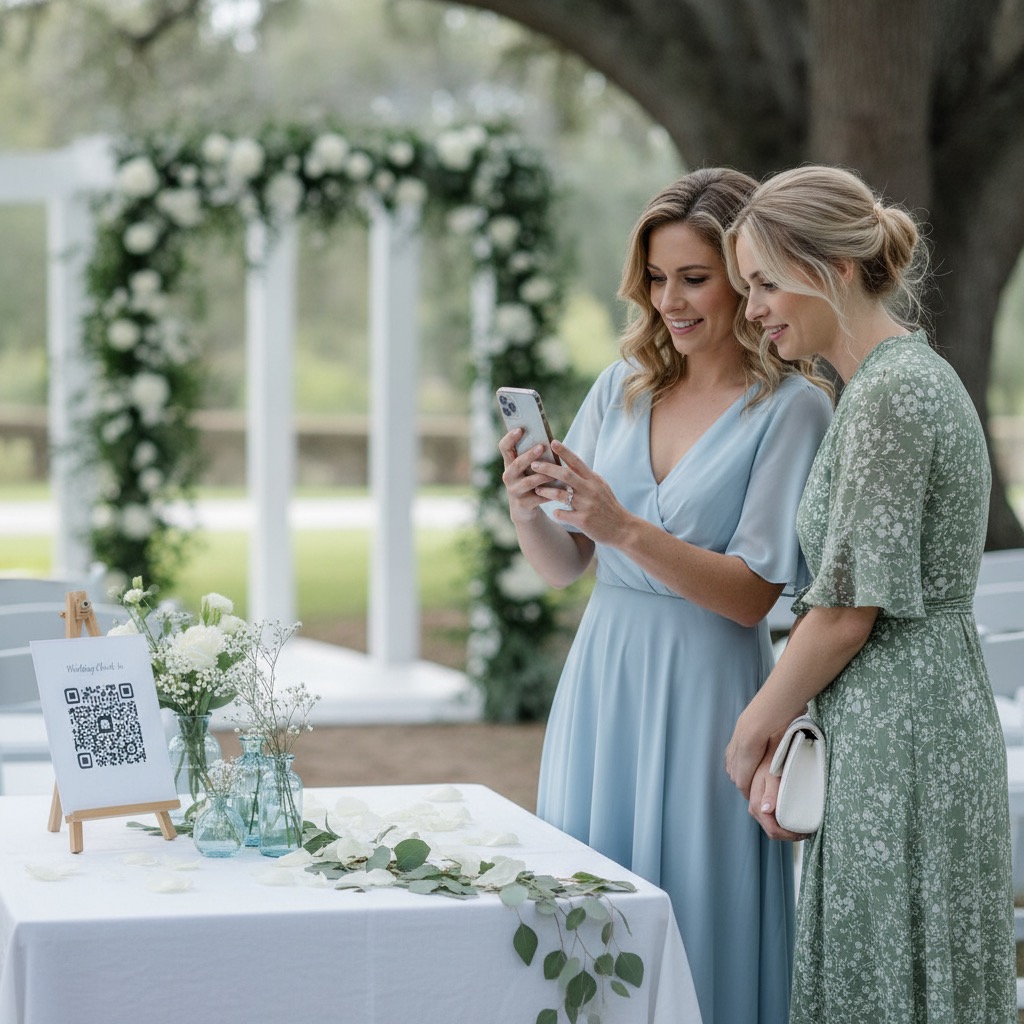
Share one QR code
Add it to a sign, slide, invite, program, group chat, or registration email.
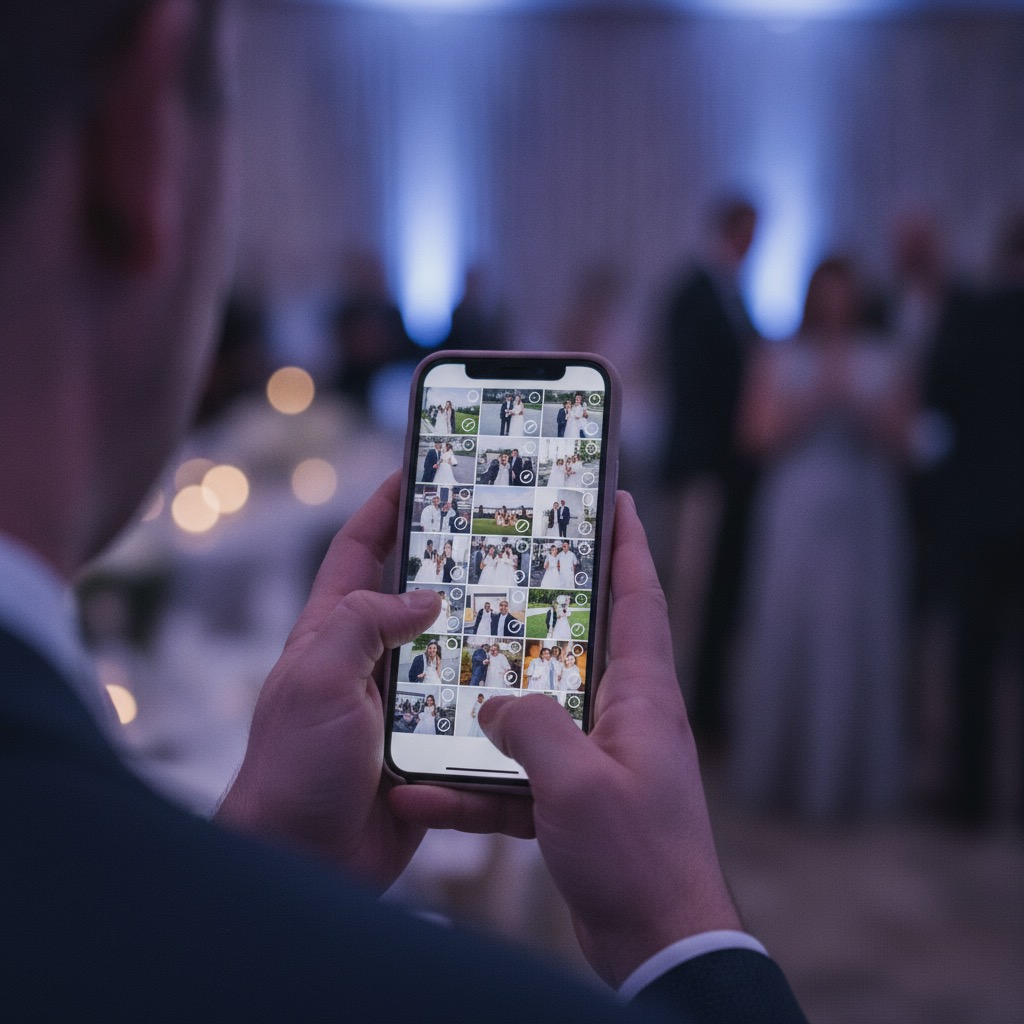
Guests upload
Photos and videos upload from the browser, so participation stays simple.

Download the album
The host gets one private gallery instead of chasing files after the event.
Event photo sharing album
A private QR album for weddings, parties, memorials, reunions, and work events.

- Custom QR code and private link
- Guest photo and video uploads
- Private gallery
- Printable sign templates
- Full-resolution download
or try the live demo first
Verified Etsy review
"This was perfect for my wedding day."
Cassady, wedding customer
Share one QR code
Add it to a sign, slide, invite, program, group chat, or registration email.
Guests upload
Photos and videos upload from the browser, so participation stays simple.
Download the album
The host gets one private gallery instead of chasing files after the event.
What you get
One organised place for guest photos from a wedding, party, reunion, memorial, or work event. The host buys it once; guests never pay or sign up.
| Included | What guests experience |
|---|---|
| QR code and private link | Share one scan code on signs, invitations, emails, or messages. |
| Guest upload page | Guests add photos and videos from their phone browser without creating an account. |
| Private gallery | Uploads collect in one album for people with your link or QR code. |
| Printable signs | Use ready-to-print files so guests know exactly where to scan. |
| Downloads | Download the full-resolution photos and videos after the event. |
| Hosting | 6 months are included, with a 12-month hosting extension available. |
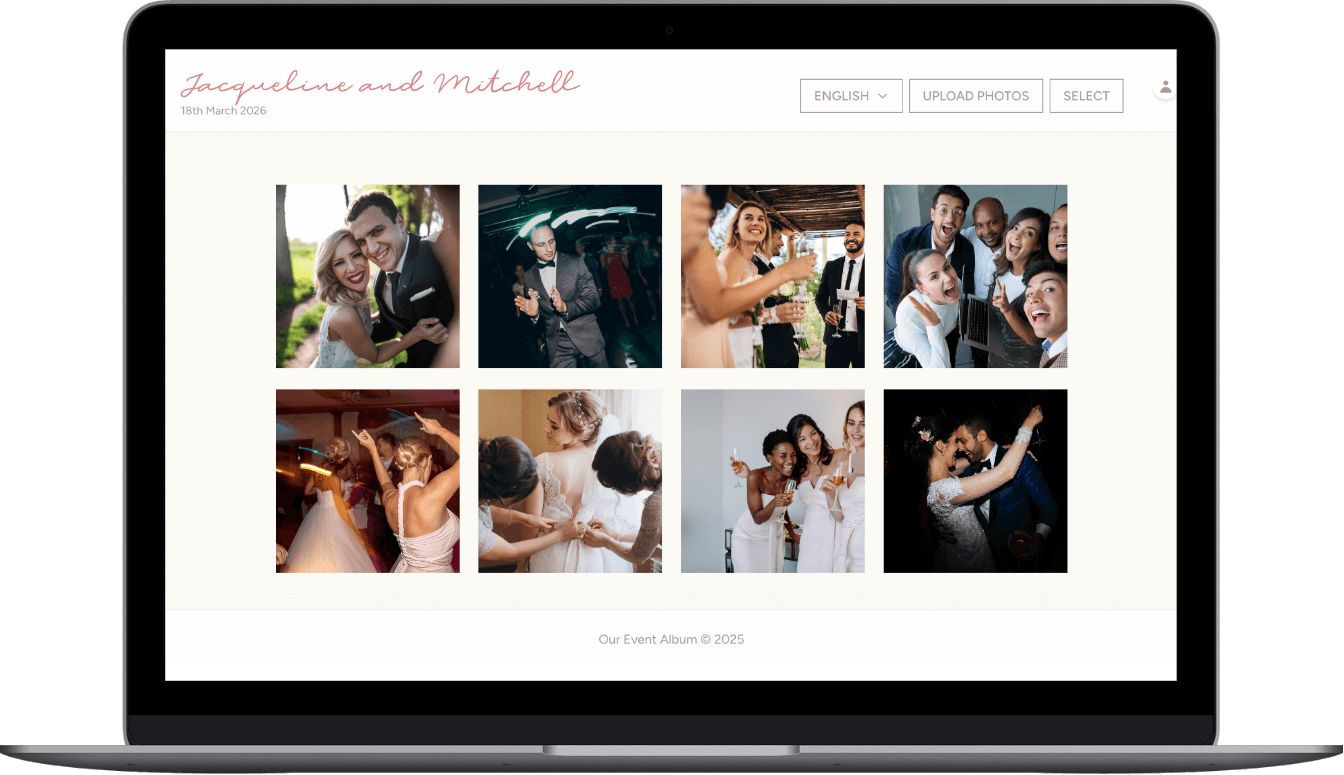
What guest photo sharing at an event looks like
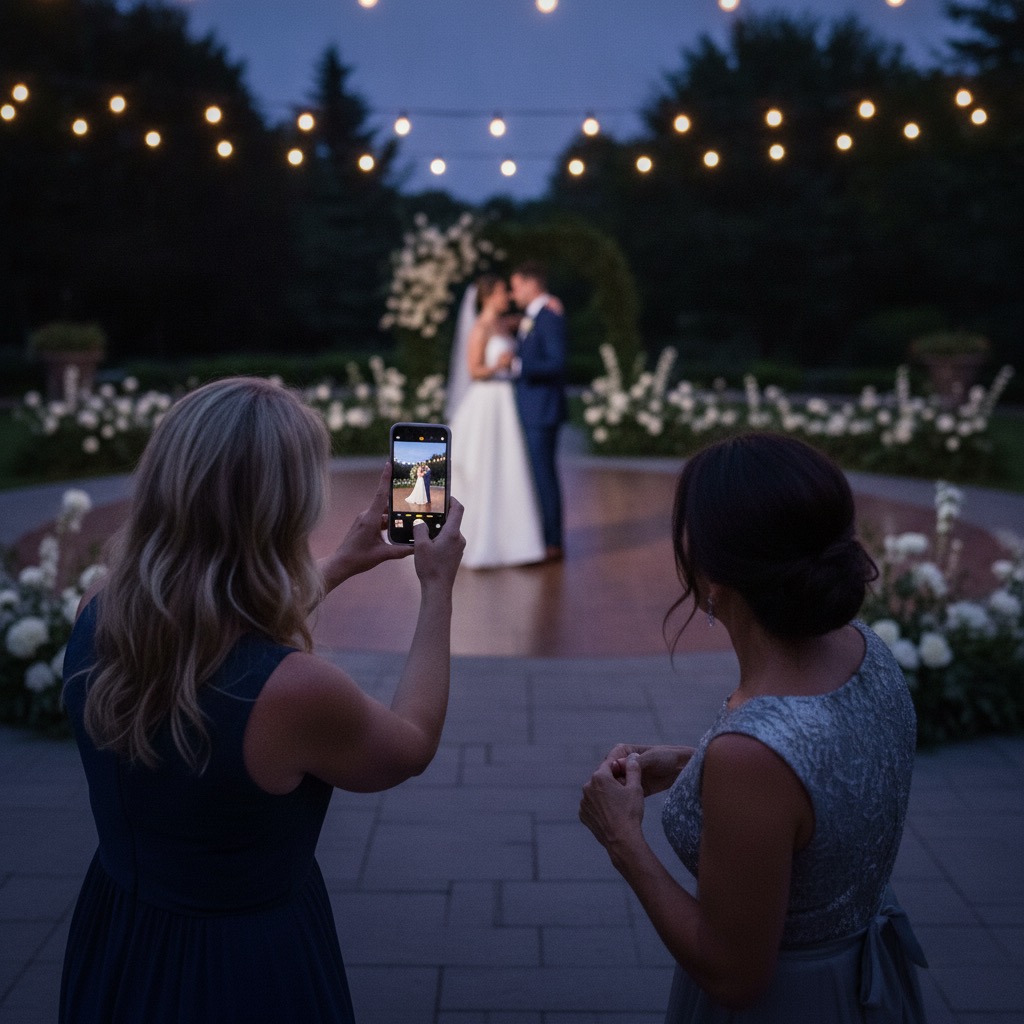
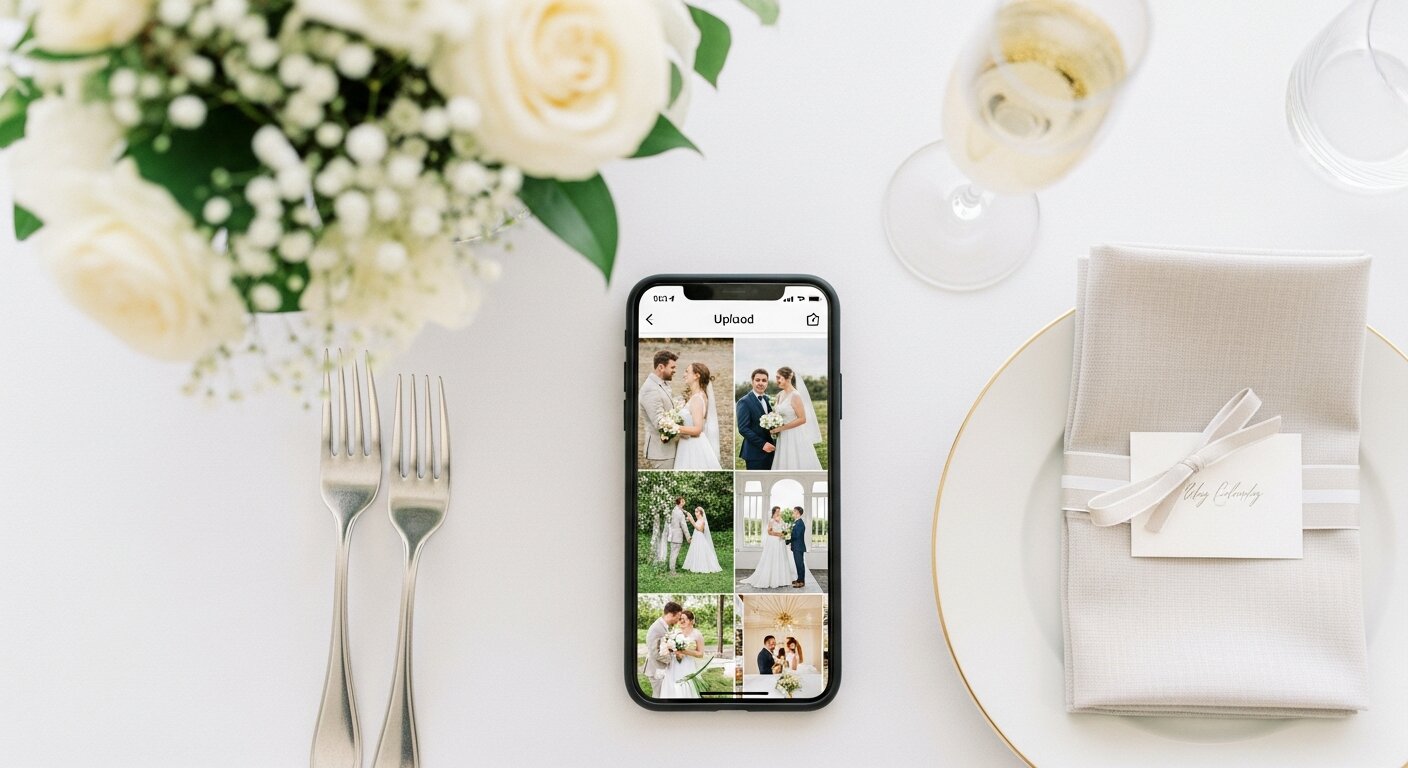
Event photo sharing means every guest adds the photos and videos they take to one shared album, so the host ends up with the whole event and not only the posed shots. Guests contribute photos and videos from different parts of the event.
With Our Event Album the host gets a QR code and a private link. Guests scan, upload from the browser, and the host downloads the full album afterwards. Guests pay nothing and need no account.
The best way to share a lot of photos from one event
Group chats compress photos and bury them. A single upload link that works in any phone browser avoids both problems, and uploads are unlimited, so a large guest list does not hit a cap.
Photos upload as JPG, PNG or HEIC, and videos up to 60 seconds are accepted. You download the originals from the private gallery whenever you like.
A QR code for party photos
For a birthday, shower, reunion or work event, put the QR code on a table sign, a slide, an invitation or the registration email. The printable sign templates come with your order as PDFs.
Place the code where people already stand around with a drink in hand: the entrance, the bar and the food table work well. Scan it yourself first so you know the page opens.
Showing guest photos live during the event
If you want uploads on a screen while the event is on, the live event photo sharing page explains how the gallery works as a slideshow. Guests upload the same way, from the QR code, with no app.
Ways to share event photos, and where each one falls short
Hosts usually pick one of these. Each can work for a small gathering; they get harder as the guest list grows.
- A group chat compresses photos and buries them, and only the people in the chat can add to it.
- Guests upload from the browser with no account, and every photo lands in one private gallery for the host.
- A hashtag collects only public posts, misses guests who do not use that app, and is not private.
- A QR code to one upload page works in any phone browser, needs no account, and keeps everything in one private gallery.
Set up event photo sharing in three steps
Order the album, print or display the QR code, and tell guests to scan it. The upload page and private gallery are ready as soon as you order.
Before the day, scan the code yourself on a phone that is not signed in to anything, and upload a test photo. Download the album when the event is over; it stays hosted for 6 months from the event date.
Comparing event photo sharing apps?
Some apps ask guests to install them or sign up, and some cap free uploads. Our dated comparison lists guest sign-up, free-plan limits, video, downloads and price side by side.
Our Event Album costs a one-time US$39 for the album (shown in your own currency), with no subscription.
Optional add-ons
Most hosts only need the album package. These two upgrades are available at checkout if you want another event or a longer gallery window.
| Add-on | When to add it | Price |
|---|---|---|
| Second Event Pass | Add a second private album today for the next celebration. | +$19.50 |
| 12-Month Hosting | Extend gallery hosting from 6 months to 12 months total. | +$15 |
Event photo sharing questions
Do guests need to download anything?
No. Guests scan your QR code and the upload page opens in their browser. They do not install an app or create an account.
Do guests pay to upload?
No. The host buys the private album once. Guests can upload photos and videos without paying.
Can guests upload videos too?
Yes. The guest page accepts photos and videos, and the host can download the original files from the private gallery.
Is the album private?
Yes. The album is accessed by your QR code or private link. It is designed for invited guests, not public discovery.
What kinds of events does this work for?
It works for weddings, birthdays, corporate events, memorials, reunions, showers, graduations, and private parties.
What is the best way to share a lot of photos from an event?
One upload link or QR code that everyone uses. Guests add photos and videos from their own phones as they take them, so you are not collecting files from a group chat afterwards, and you download the whole album in one go at full resolution.
Do guests need an app for event photo sharing?
No. The upload page opens in a normal phone browser from the QR code or private link. Guests add photos and videos without installing anything or creating an account.
How do guests share photos at a party with a QR code?
Print or display the QR code where people gather. A guest scans it with their phone camera, picks photos and videos, and taps upload. Everything lands in the same private album, and only people who have the QR code or link can open it.
How long are the photos kept online?
The album is hosted for 6 months from your event date, not the day you buy. You can download everything at any time, and a 12-month hosting add-on is available.
Can I show guest photos on a screen during the event?
Yes. Guests upload from the QR code as usual and the gallery can be shown as a slideshow on a screen or projector. The live event photo sharing page explains how it works.
Is event photo sharing with a QR code private?
Yes. Only people with your QR code or private link can open the album, and it is not listed publicly. Share the code with invited guests only.
How do guests add photos to the album?
Guests scan the QR code and upload in the browser with no account or app. The host downloads the originals from one private gallery.
Compare event photo sharing options
Compare the QR code, no-app, and event app approaches before you order.
The wedding version: QR code, browser uploads, private gallery.
Compare event photo sharing apps on guest sign-up, free plans, video, download and price.
Use one QR code to collect photos from any event.
A QR code for party pictures: birthdays, showers and reunions.
Show guest uploads on a screen during the event.
Keep guest uploads in one private album.
Collect files from a group without a messy thread.
A short guide to the simple setup, without an app comparison spiral.
Test the guest upload flow before ordering.
Order your event photo sharing album
One QR code, one upload page, one private gallery, and a full-resolution download at the end. One payment, no subscription.
or try the live demo first
Verified Etsy review
"This was perfect for my wedding day."
Cassady, wedding customer

