No App Required

QR Code Photo Sharing for Any Event

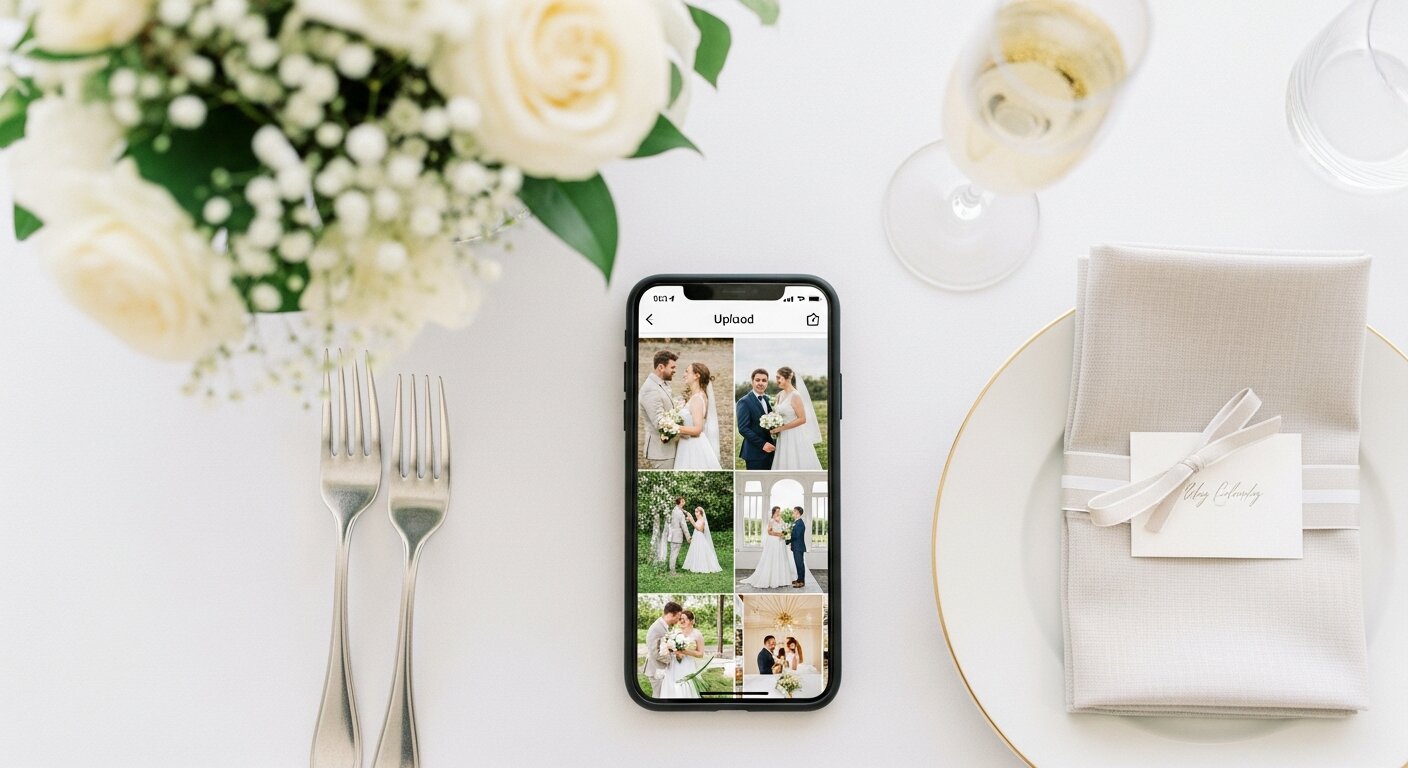
Print a QR code. Guests scan it with their phone camera, select photos, and upload — no app to download, no account to create. Every photo lands in one private album you can download anytime.

4.9/5 from 1,000+ events
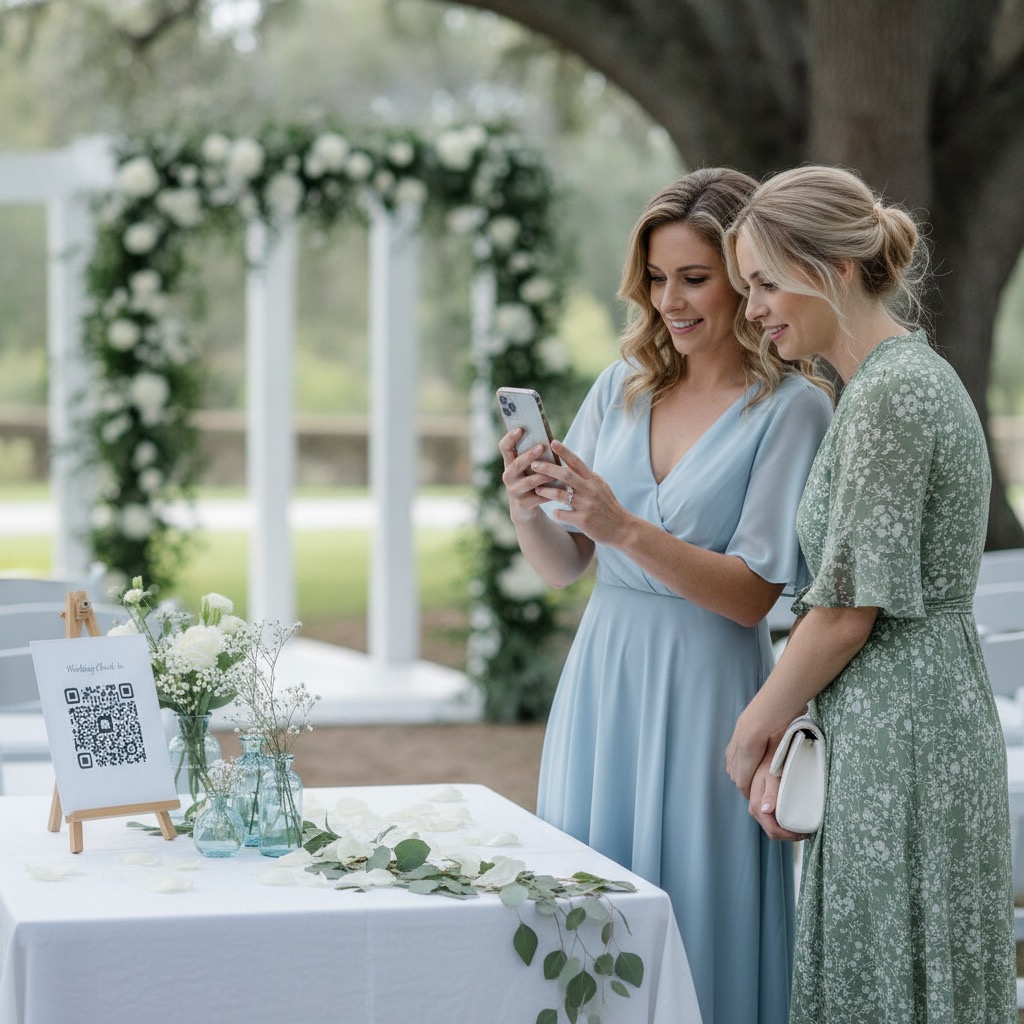
QR code sign on event table for guest photo sharing
300+photos per event
15 secto first upload
0 appsto download

How QR code photo sharing works

Four steps. No app. No signup. Just photos from every guest.

1

Buy on Etsy

One-time purchase, $60 AUD. Your unique QR code and printable sign templates are delivered instantly via email.

2

Print & display

Print the signs and place them where guests will see them — tables, entrance, bar, photo booth. We include multiple designs.

3

Guests scan & upload

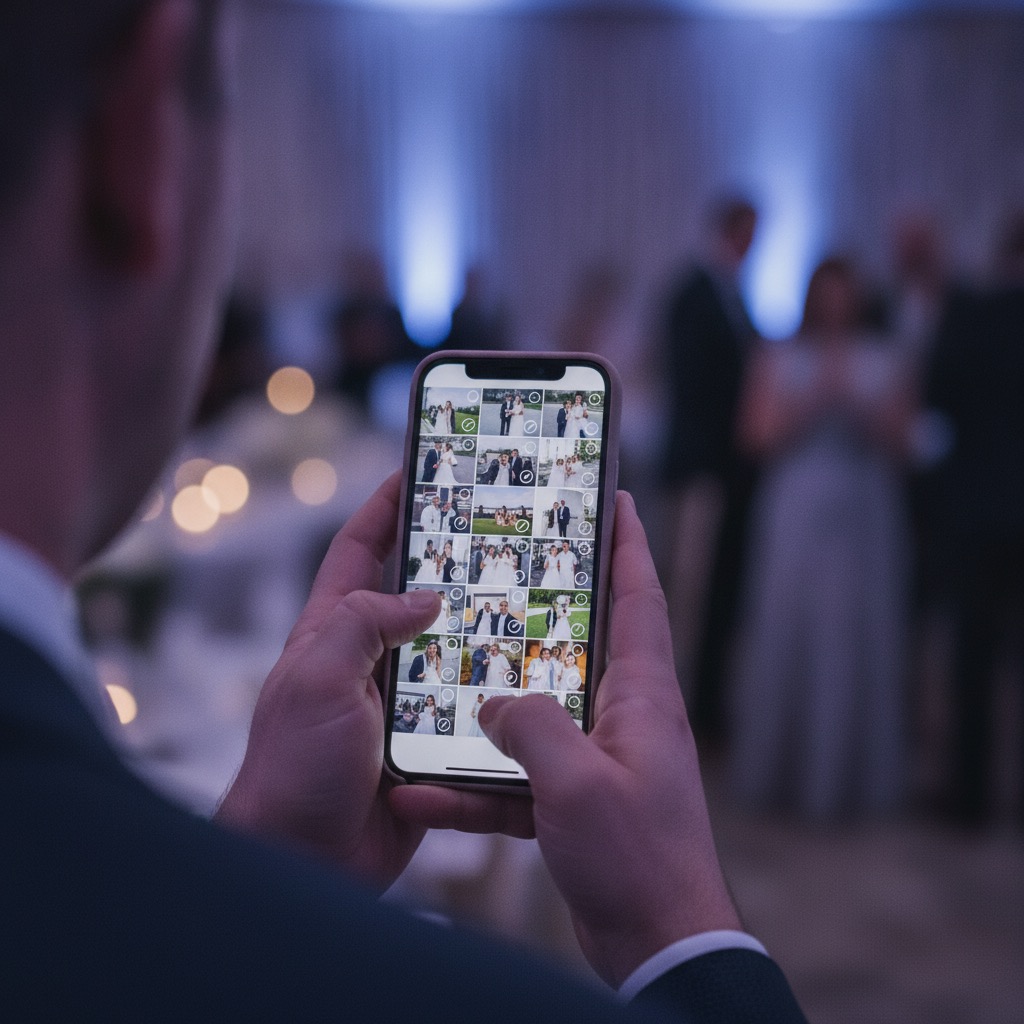
Guests point their phone camera at the QR code. A browser page opens. They pick photos and upload. Done in 15 seconds.

4

Download everything

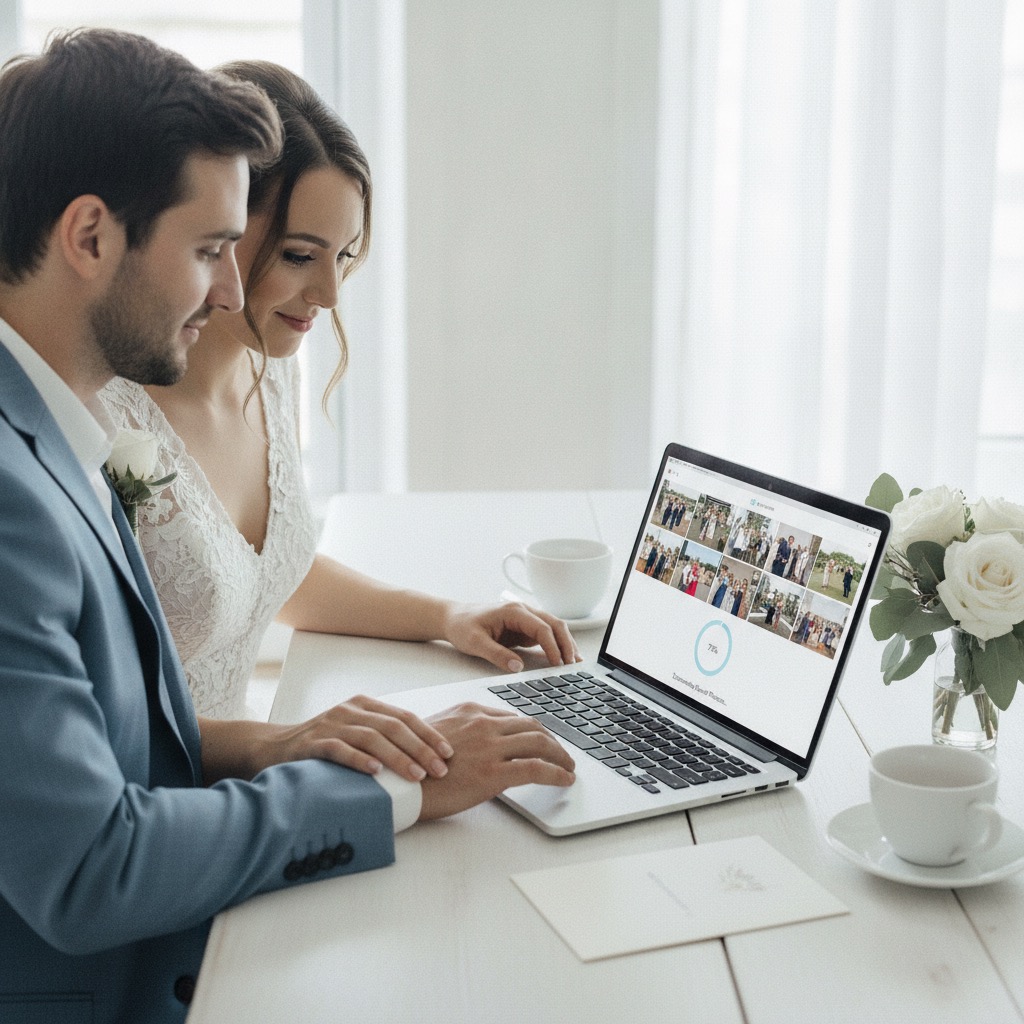
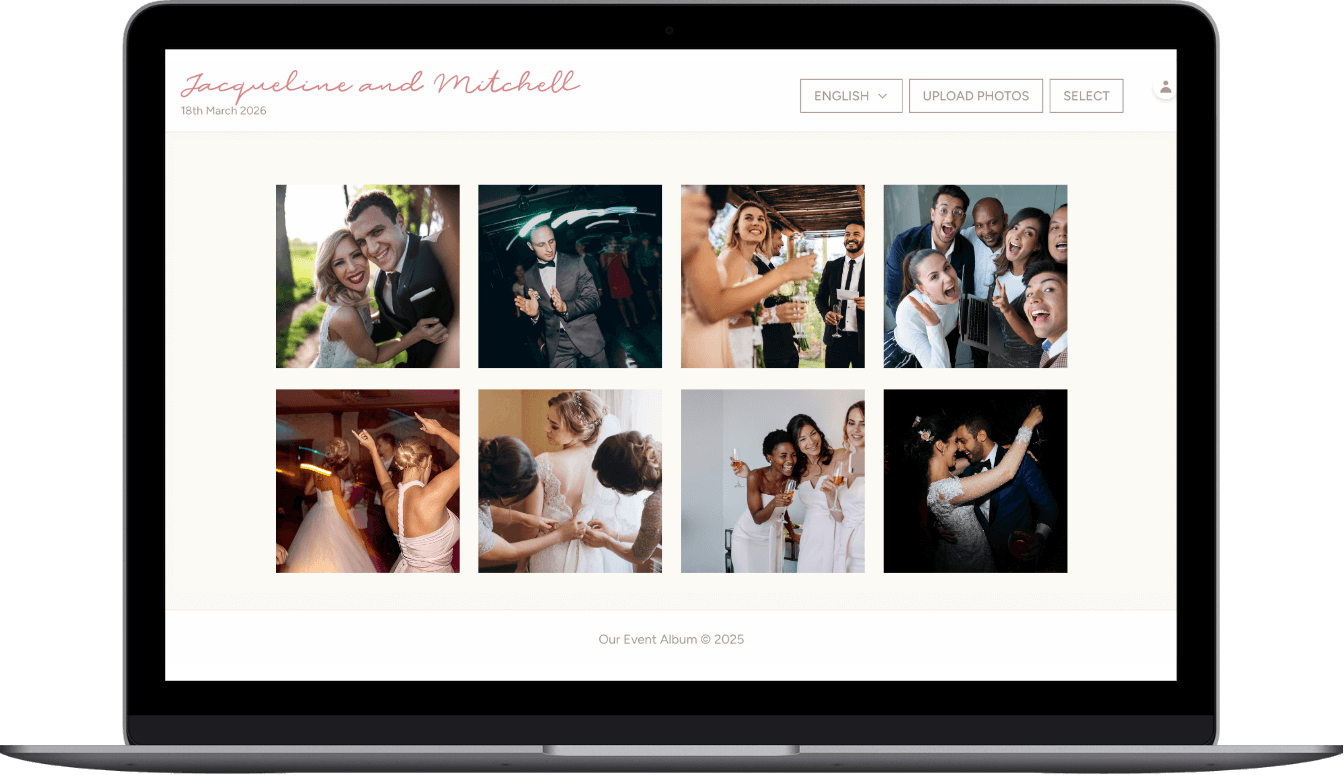
All photos appear in your private gallery. Download individually or as a ZIP file. Full resolution, no compression.

Why QR code photo sharing works so well

The less friction there is, the more photos you collect. A QR code removes every barrier.

No app to download

Guests scan the QR code and their phone browser opens the upload page. No App Store, no Google Play, no waiting.

No signup required

No email, no password, no account creation. Guests go straight from scanning to uploading photos in seconds.

Works on any phone

iPhone, Android, old phones, new phones. If it has a camera and a browser, it works with the QR code.

Unlimited uploads

No cap on the number of photos or videos. Guests can upload as many times as they want throughout the event.

Full resolution

Photos are stored at full quality. No compression, no downscaling. What guests upload is what you download.

Private & secure

Only people with your unique QR code or link can access the album. Photos are never shared publicly.

QR code photo sharing for every type of event

Anywhere people gather with phones in their pockets, a QR code turns them into photographers.

Weddings

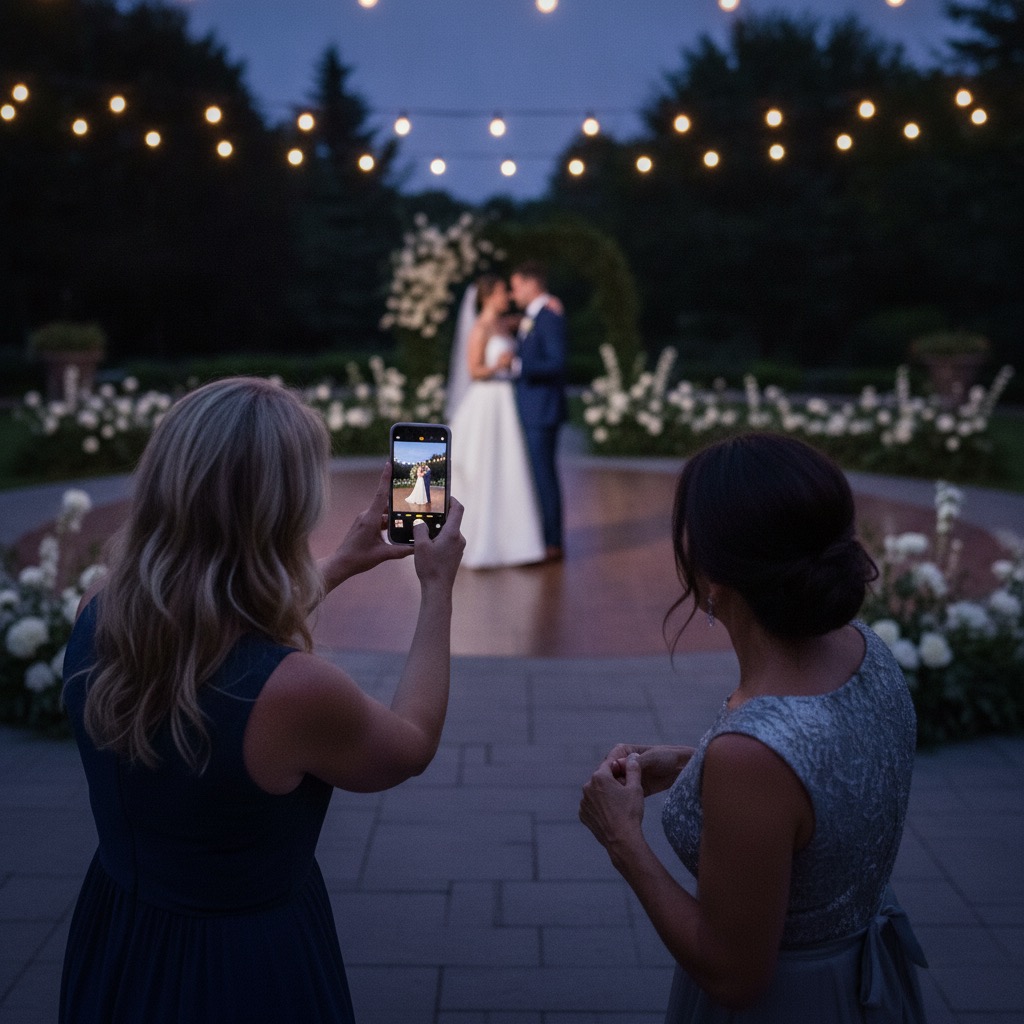
Place QR codes on every table. Guests upload candid moments the photographer missed — getting-ready shots, dance floor videos, behind-the-scenes moments. Most weddings collect 400+ photos.

Learn more →

Birthday parties

From kids' birthdays to milestone celebrations, a QR code lets every guest share their perspective. Capture the cake moment from ten different angles.

Learn more →

Corporate events

Conferences, team outings, holiday parties, product launches. Collect attendee photos for internal comms, social media, and event recaps without chasing people for files.

Learn more →

Family reunions

When relatives travel from everywhere to be together, every phone captures something different. A QR code collects photos from every generation into one shared album.

Learn more →

Graduation parties

Cap tosses, group photos, proud parent moments. Guests scan the QR code and upload — you get the full story of the day without asking everyone to text you their photos.

Learn more →

Baby showers

Every gift-opening moment, every game, every group photo — guests capture it all from their seats.

Learn more →

Quinceañeras

The waltz, the court of honor, the party — a QR code captures every angle of this once-in-a-lifetime celebration.

Learn more →

Anniversaries & memorials

Milestone anniversaries and memorial services both benefit from a shared album where attendees contribute meaningful photos.

Learn more →

QR code vs other photo sharing methods

MethodGuest effortApp required?Photos collected
QR code sharingScan & upload (15 sec)No300-500+
Photo sharing appDownload + create accountYes50-100
Shared Google DriveNeed Google accountYes30-80
AirDrop / WhatsAppManual sending per personVaries20-50
"Text me your photos"They forgetNo5-10
Interactive Demo

See exactly how it works

Click through the demo below—everything is interactive!

Create your event in seconds

Enter your event details and personalize your gallery. Your unique QR code is generated instantly.

Personalized welcome page with your names
Choose colors to match your theme
Set upload permissions & privacy

Create Album

March 15, 2025
Rose
Slate
Taupe
Sage
Require guest name
Allow downloads

What event hosts are saying

"Set up a QR code at our company retreat and got 300+ photos from 80 attendees. The marketing team was thrilled — way better than asking people to email photos."

David R.

Corporate retreat

"Used it for my daughter's 21st birthday. Even guests who are hopeless with technology managed to scan and upload. We got photos from the whole night."

Karen M.

Birthday party

"We had QR codes at our family reunion — 60 relatives, four generations. My uncle who still uses a flip phone was the only one who didn't upload. Everyone else did."

James T.

Family reunion

QR code photo sharing questions

How does QR code photo sharing work?

You get a unique QR code linked to a private photo album. Print the QR code and display it at your event. Guests scan it with their phone camera — a browser page opens where they select and upload photos. All photos land in one shared album you can download.

Do guests need to download an app?

No. The QR code opens a web page in the phone's browser. Guests select photos and upload directly. No app download, no account creation, no friction.

What types of events can I use QR code photo sharing for?

Any event — weddings, birthday parties, corporate events, family reunions, graduations, baby showers, memorial services, charity galas. Anywhere people gather with phones.

Can I create a QR code for uploading photos for free?

A basic QR code that links to a Google Drive or Dropbox folder is free but requires guests to have accounts and navigate folder structures. Our QR code links to a purpose-built upload page with no login required, unlimited uploads, and full-resolution storage for $60 one-time.

How many photos can guests upload?

Unlimited. There's no cap on the number of photos or videos. Events typically collect 200-500+ photos depending on the number of guests.

Can guests upload videos too?

Yes. Guests can upload both photos and videos to your private album. Videos are stored at original quality.

What phones work with the QR code?

Any smartphone — iPhone, Android, old or new. Every modern phone has a QR code reader built into the camera app. As long as it has a camera and a browser, it works.

Is the photo album private?

Yes. Only people with your unique QR code or direct link can access the album. Photos are never shared publicly or indexed by search engines.

How quickly do photos appear?

Photos appear in the album within seconds of uploading. You can watch them come in live during your event.

How much does it cost?

$60 AUD, one-time payment. No subscriptions, no per-guest fees, no storage limits. Includes QR code, printable sign templates, unlimited uploads, and 6 months of hosting.

Every guest has a camera. Give them a QR code.

One QR code, hundreds of photos. No app, no signup, no hassle. Set it up in minutes and let your guests do the rest.

Get Your QR Code — $60