Wedding photo app for guests, with nothing to download
Guests scan a QR code, the upload page opens in their browser, and their photos and videos land in your private album. No app store, no account, and nothing for guests to pay. You pay once and download everything in full resolution.
Want the full guide to wedding photo QR codes, including where to put them and what they cost? Read the wedding QR code guide
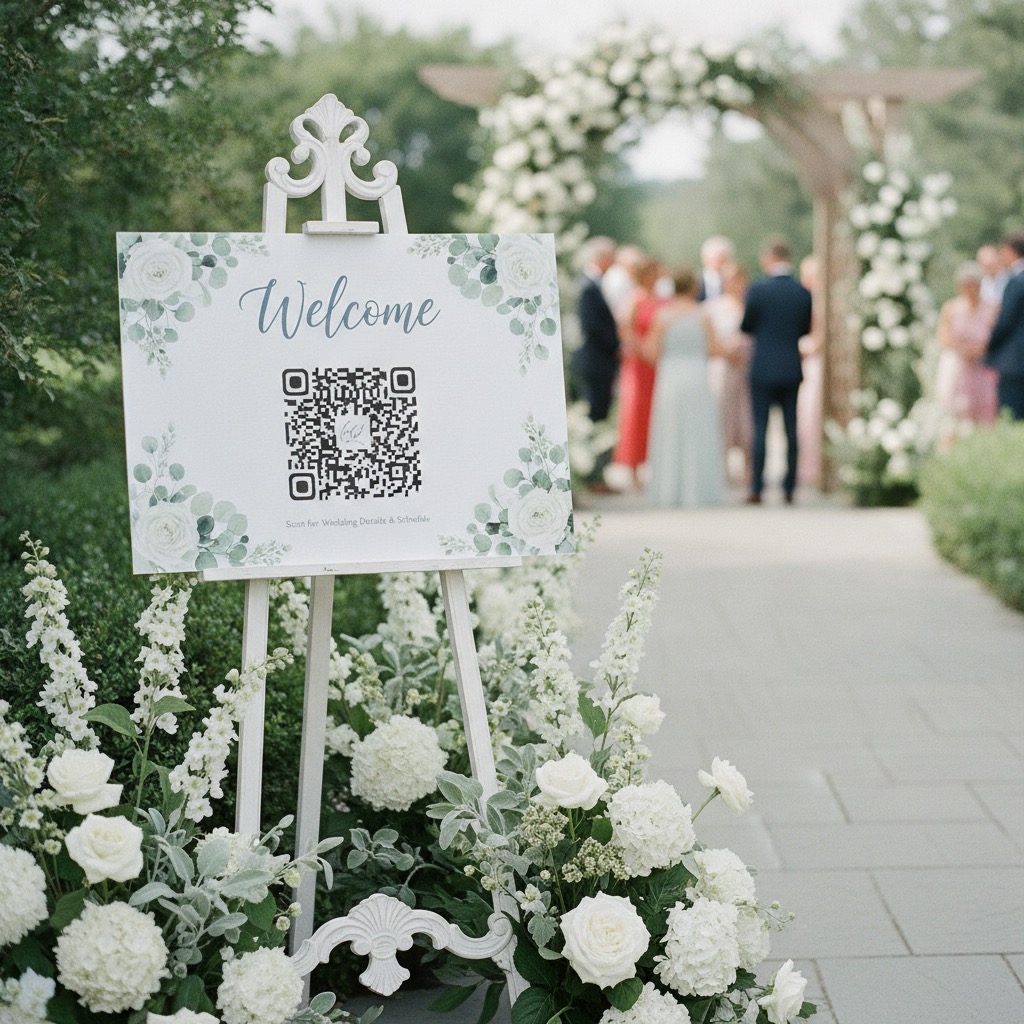
Guests scan
Put the QR code on tables, signs, invitations, or your wedding website.
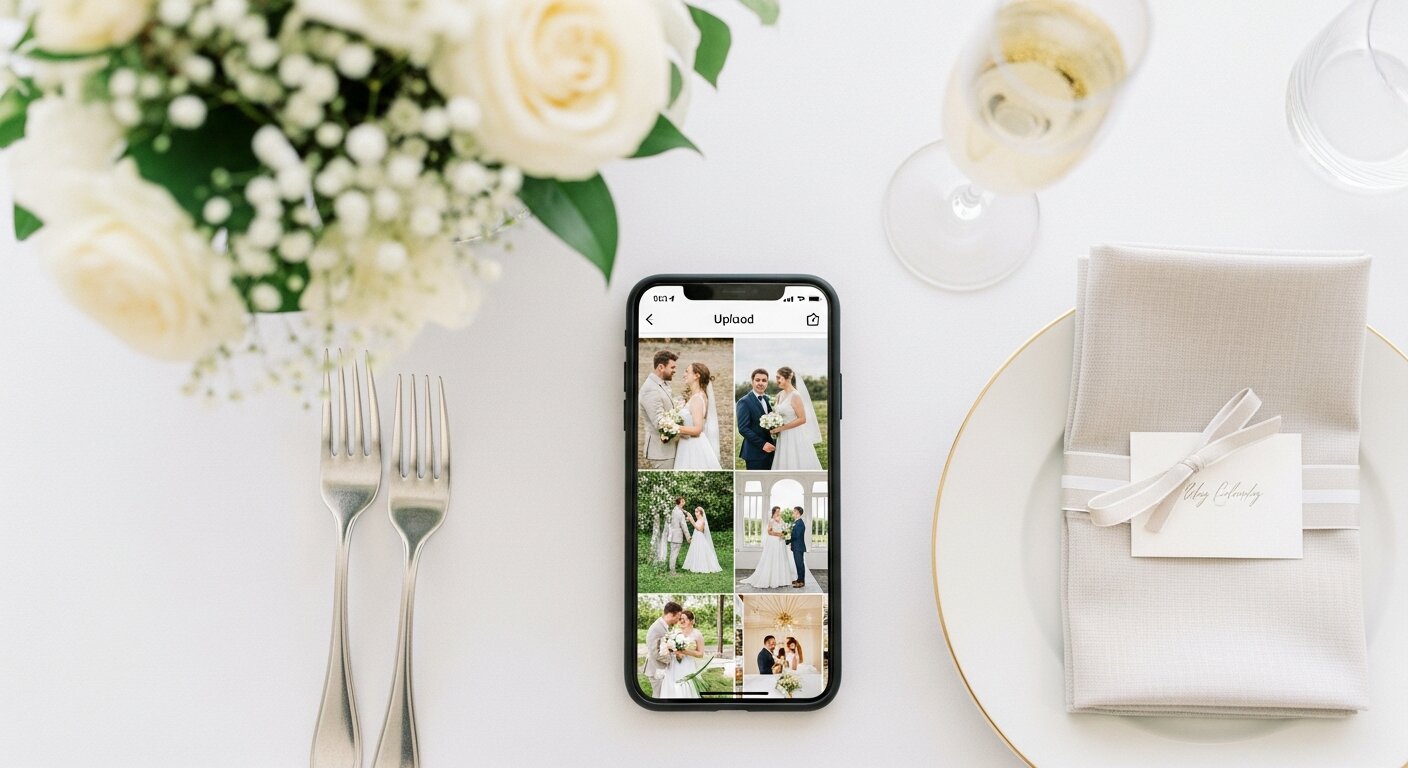
They upload
The guest photo upload page opens like a website, with no install or account.
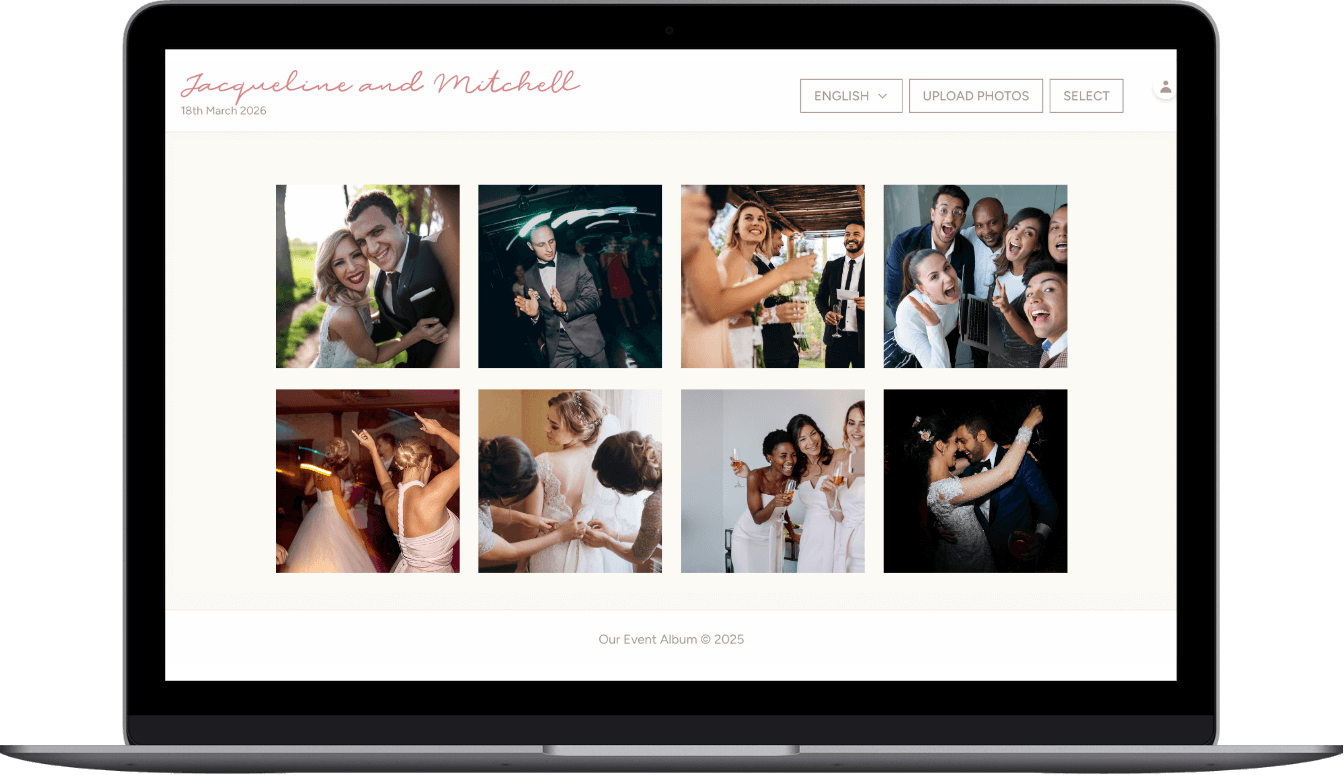
You keep it all
Candid photos and videos land in one private gallery you can download later.
Wedding photo app, no download
QR code, browser upload page, private gallery, and full-resolution downloads.
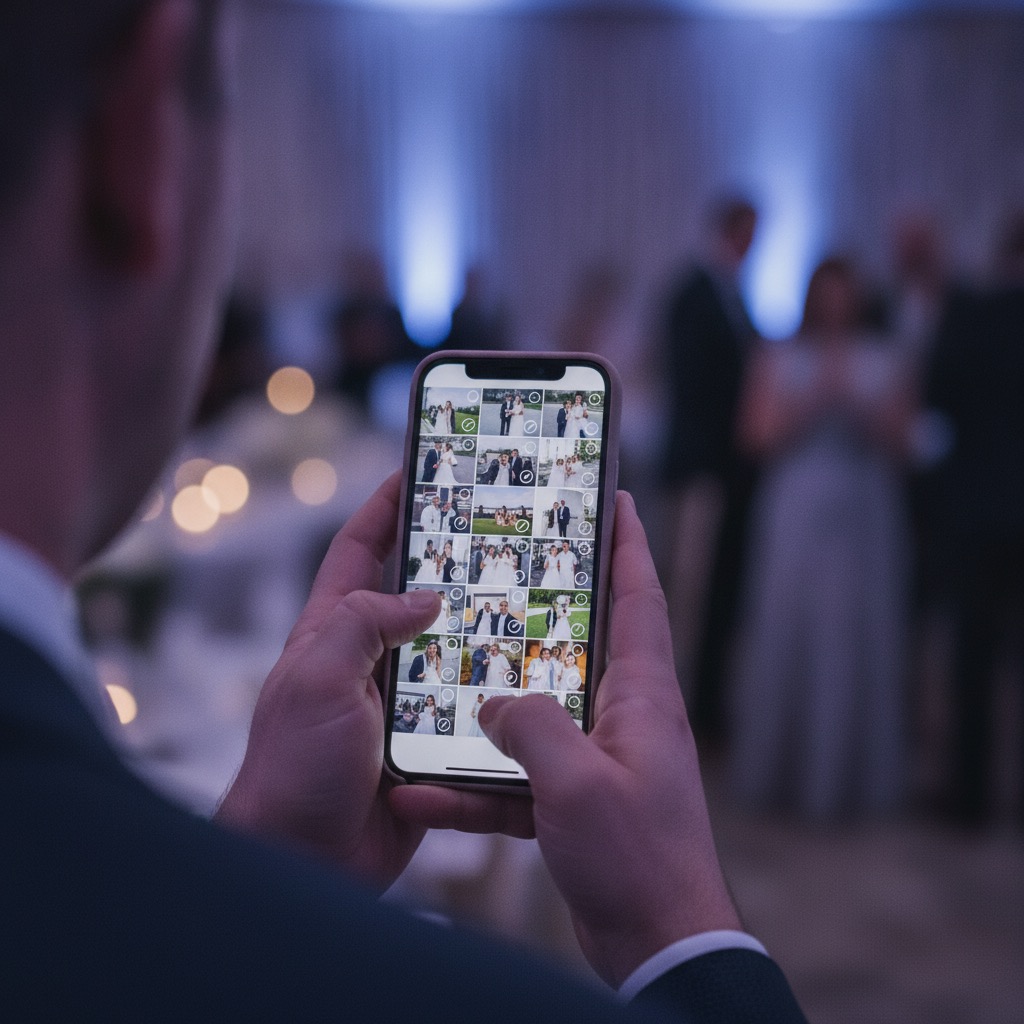
- Custom QR code and private link
- Guest photo and video uploads
- Private gallery
- Printable sign templates
- Full-resolution download
or try the live demo first
Verified Etsy review
"This was perfect for my wedding day."
Cassady, wedding customer
Guests scan
Put the QR code on tables, signs, invitations, or your wedding website.
They upload
The guest photo upload page opens like a website, with no install or account.
You keep it all
Candid photos and videos land in one private gallery you can download later.
What you get
Everything a wedding photo app should do for guests, delivered in the browser: the QR code, the upload page, the private gallery, and the downloads.
| Included | What guests experience |
|---|---|
| QR code and private link | Share one scan code on signs, invitations, emails, or messages. |
| Guest upload page | Guests add photos and videos from their phone browser without creating an account. |
| Private gallery | Uploads collect in one album for people with your link or QR code. |
| Printable signs | Use ready-to-print files so guests know exactly where to scan. |
| Downloads | Download the full-resolution photos and videos after the event. |
| Hosting | 6 months are included, with a 12-month hosting extension available. |
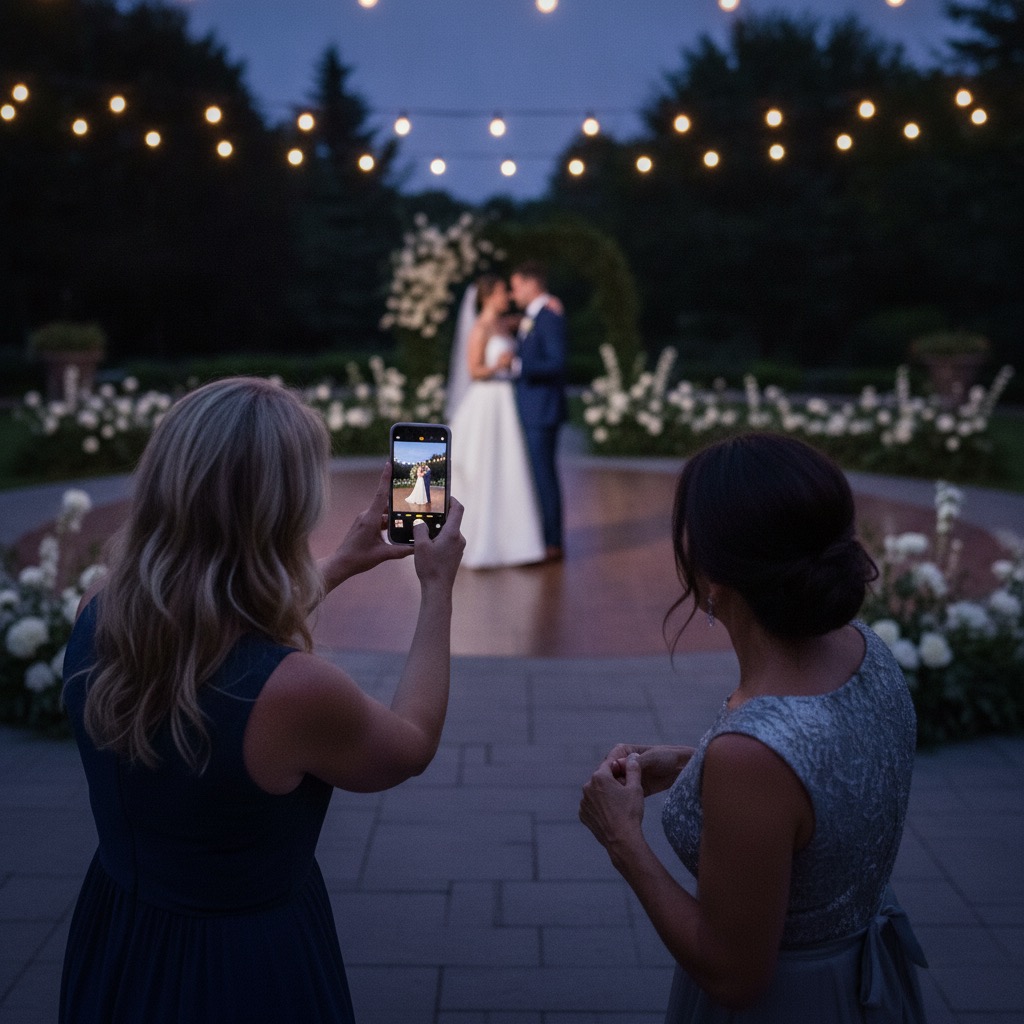
What to look for in a wedding photo app
Most apps in this category do the same basic job. These are the differences that decide whether your guests actually use it and whether you get everything back.
No app to download
Every install you ask for costs you guests. Older relatives are the first to give up.
Our Event Album: Guests scan and upload in their phone browser. No install, no account.
Privacy
Wedding photos include kids and people who never agreed to be online.
Our Event Album: Only people with your QR code or link can open the gallery. It is not publicly searchable.
Photos and video
A toast or a first dance is often a clip, and some apps accept photos only.
Our Event Album: Photos and videos, with video up to 60 seconds. JPG, PNG and HEIC photos work.
Download everything
You want the originals in one go, not 300 single saves.
Our Event Album: Download the whole album from the private gallery at full resolution.
Price model
Per-guest or monthly pricing is hard to budget before you know who will upload.
Our Event Album: One payment, no subscription. Guests never pay. Price is on the pricing page.
How long it stays online
Some albums expire before you get round to downloading.
Our Event Album: Hosting runs 6 months from your wedding date, extendable to 12 months.
What a wedding photo app does for guests
A wedding photo app gives every guest one place to add the photos and videos they take, so you are not left with the professional shots and nothing else. The candid moments usually come from the people at table nine, not the photographer.
You share a QR code on table cards or signs. Guests scan it with their normal camera, add what they took, and everything collects in one album for you.
Do guests need to download a wedding photo app?
It depends on the product. Some wedding photo apps are store apps that guests install. Others run in the browser, so a scan opens the upload page straight away. Our Event Album is the second kind.
The reason it matters is what guests do on the day. A guest holding a drink at a reception will scan a code and tap upload. Asking them to find an app store, wait for a download and sign up is where most drop off.
Is there a free wedding photo app for guests?
Guests never pay to upload to your album, and they do not need an account. The host pays once for the album, with no subscription.
If you only want a shared folder, a link to a cloud album costs nothing, but guests may have to sign in or request access first. Our comparison pages show the free options side by side.
Works on iPhone and Android
Because the upload page is a normal web page, it works on iPhone and Android with the built-in camera app. There is nothing to match to an operating system version.
One tip for the day: if a guest scans from inside Instagram, Facebook or Messenger, the in-app browser can block uploads. Opening the link in Safari or Chrome fixes it.
How to choose between wedding photo apps
Start with the table above and cross off anything guests must install or sign up for. Then look at how long the album stays online and whether you can download everything at full resolution.
Before you pay for any option, scan its demo on your own phone. If you cannot get from scan to upload in under a minute, a guest will not either.
Optional add-ons
Most hosts only need the album package. These two upgrades are available at checkout if you want another event or a longer gallery window.
| Add-on | When to add it | Price |
|---|---|---|
| Second Event Pass | Add a second private album today for the next celebration. | +$19.50 |
| 12-Month Hosting | Extend gallery hosting from 6 months to 12 months total. | +$15 |
Wedding photo app questions
Do guests need to download anything?
No. Guests scan your QR code and the upload page opens in their browser. They do not install an app or create an account.
Do guests pay to upload?
No. The host buys the private album once. Guests can upload photos and videos without paying.
Can guests upload videos too?
Yes. The guest page accepts photos and videos, and the host can download the original files from the private gallery.
Is the album private?
Yes. The album is accessed by your QR code or private link. It is designed for invited guests, not public discovery.
Is this a wedding photo app guests have to install?
No. Guests get the same tap-to-upload experience as an app, but it opens in their phone browser from your QR code or link. Nothing to install and no account to create.
Is the wedding photo app free for guests?
Yes. Guests never pay and never sign up. The host buys the album once, and there is no subscription.
What is the best wedding photo app for guests?
The best one is the one guests will actually use, which usually means no download and no sign-up. Check privacy, video support, full-resolution download and how long the album stays online before you pay.
Is there a free wedding photo app for guests?
Guests can upload to our Event Album for free with no account. The host pays once for the album, with no subscription.
Do wedding guests need an app to upload photos?
Not with ours. Guests scan the QR code and the upload page opens in their phone browser.
Do I get the original photos back?
Yes. Photos and videos upload at full resolution and you can download the whole album from the private gallery.
Compare wedding photo app options
Still comparing? These pages cover the no-app and QR code options side by side.
Compare the options guests can use without downloading anything.
How the scan-to-upload options compare on price and guest flow.
Create the QR code guests scan for photo uploads.
A wedding photo QR page guests can upload to from their phone.
The same no-app upload flow for any event, not just weddings.
Test the guest upload flow before ordering.
Order the wedding photo app guests do not have to download
Get the QR code, guest upload page, printable signs, private gallery, and full-resolution downloads ready before the wedding. One payment, no subscription.
or try the live demo first
Verified Etsy review
"This was perfect for my wedding day."
Cassady, wedding customer
