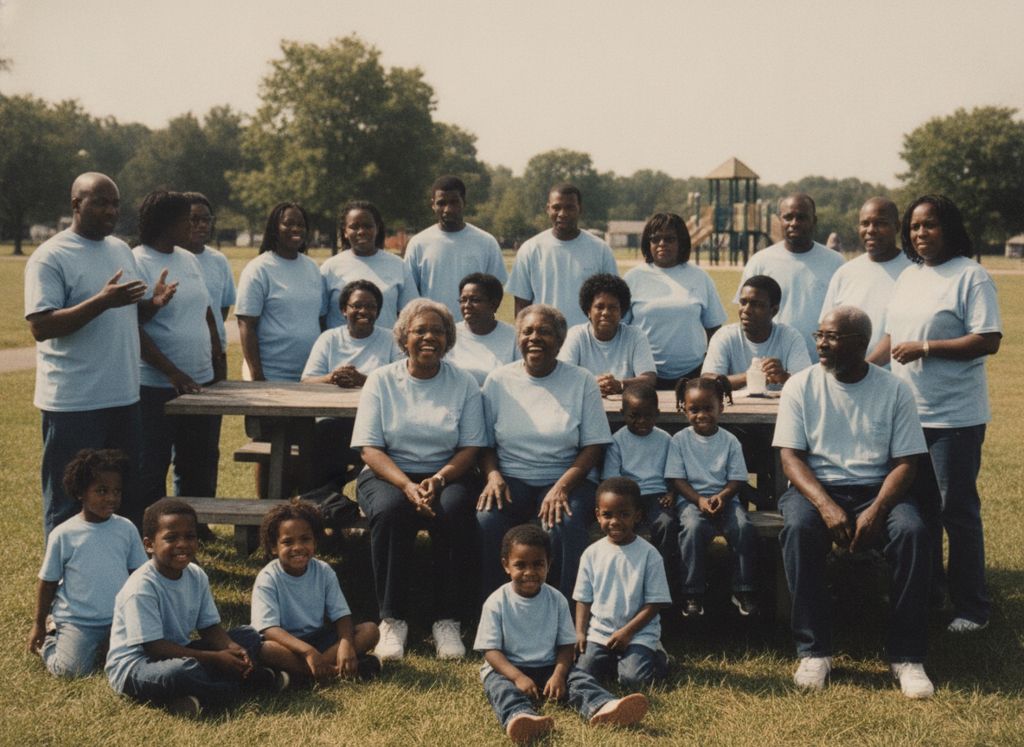











Sorry we couldn’t make it this year. Watching the photos come in made me feel like I was there.
Cousin Jasmine

$39 USD once. Ready straight away.


A note for our guests
Scan with your camera
The Harper Family Reunion
Snap It. Scan It. Share It!
The Harper Family Reunion
Scan to upload
Scan it with your phone to try a real album.
The Harper Family Reunion
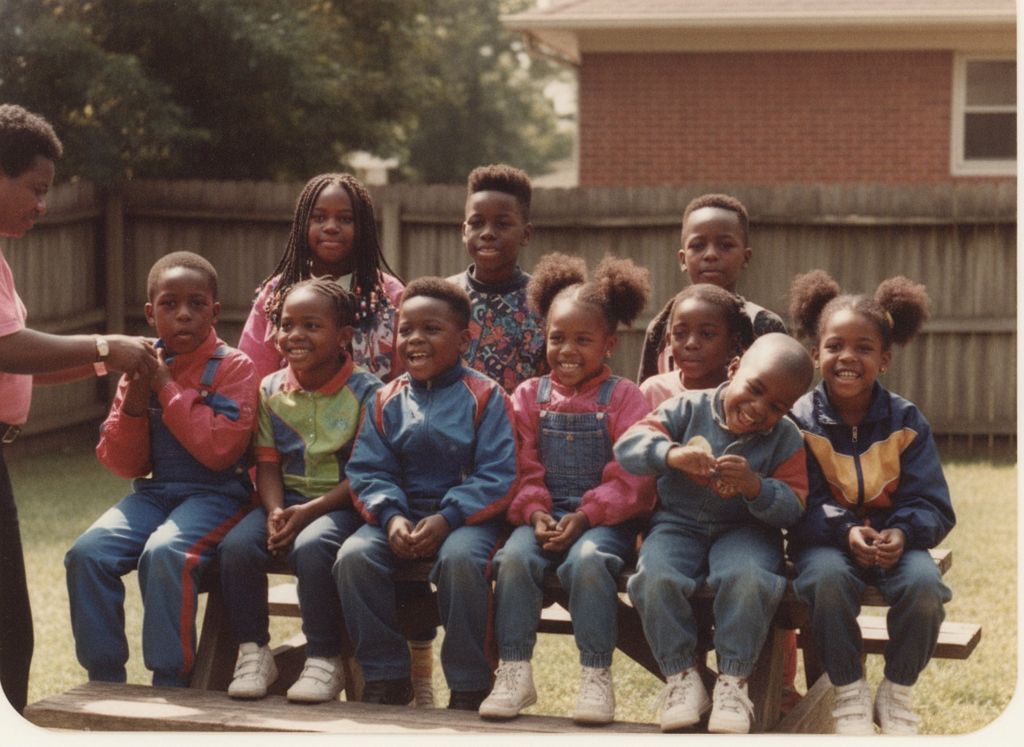


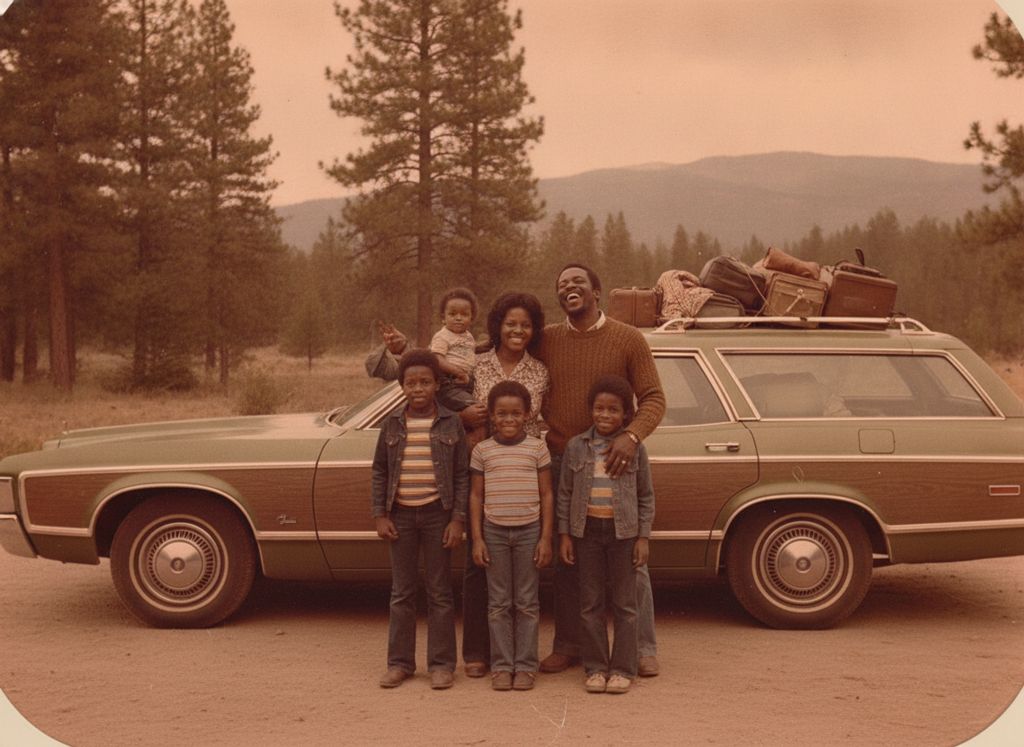

$39 USD
One payment. No subscription, no per-guest fees.
Your album opens the moment you pay, so you can send the link today. The six months count from the reunion date, not the day you order.
Next: your email and the reunion date, then payment through Stripe.
As soon as you order. The album opens straight away, so you can send the link weeks ahead and collect old family photos before anyone travels. Relatives keep adding photos during the reunion and after they get home.
Read moreYes. One album covers the whole reunion, whether it’s an afternoon picnic or a long weekend across several places. Everything lands in the same album.
Six months from the reunion date, not from the day you order, so setting it up early costs you nothing. Add 12 months at checkout if you want longer, and download everything whenever you like.
Read moreYes. Share the link in the alumni email or the class Facebook group, and classmates can add old school photos before the night and new ones at it.
Every album comes with its own QR code, plus signs and table cards ready to print. Relatives point their phone camera at it and the album opens in their browser, where they can add photos or leave a message. The same album has a link you can send by text or email.
Read moreCopy the link and send it however your family keeps in touch: the group chat, a Facebook group, an email or the reunion invitation. There’s a ready-written message you can change. Anyone with the link can add photos, so there’s no guest list to manage.
Read moreYes. There’s no app to install and no account to make, just a phone camera or a tap on a link. Anyone with old prints can take a photo of them with their phone and add that.
Read moreAny TV, projector or laptop with a web browser and an internet connection. Open the slideshow link and make it full screen. Test it on the screen at the venue before the day.
Read moreYes. You can invite up to ten co-hosts by email, like a cousin from each branch of the family. They can run the slideshow, check photos and download everything.
Read moreOnly people you give the link or QR code to. The album isn’t public or on Google, and you choose whether relatives see everyone’s photos or only their own.
Read more$39 USD once. No subscription.
Planning the rest of the reunion? Read our group photo sharing guide, the event photo sharing guide or our QR code photo sharing guide.
 Our Event Album
Collect photos from every branch of the family in one private album: old photos before the reunion, a slideshow on the day, uploads all weekend. No ap