Event photo sharing, made beautifully simple.
One QR code gives guests a simple way to share photos and videos. You get the whole story of the day in one place.
Your QR code
Every album has a private guest link and QR code, ready to share wherever your guests will see it.
See this feature in detail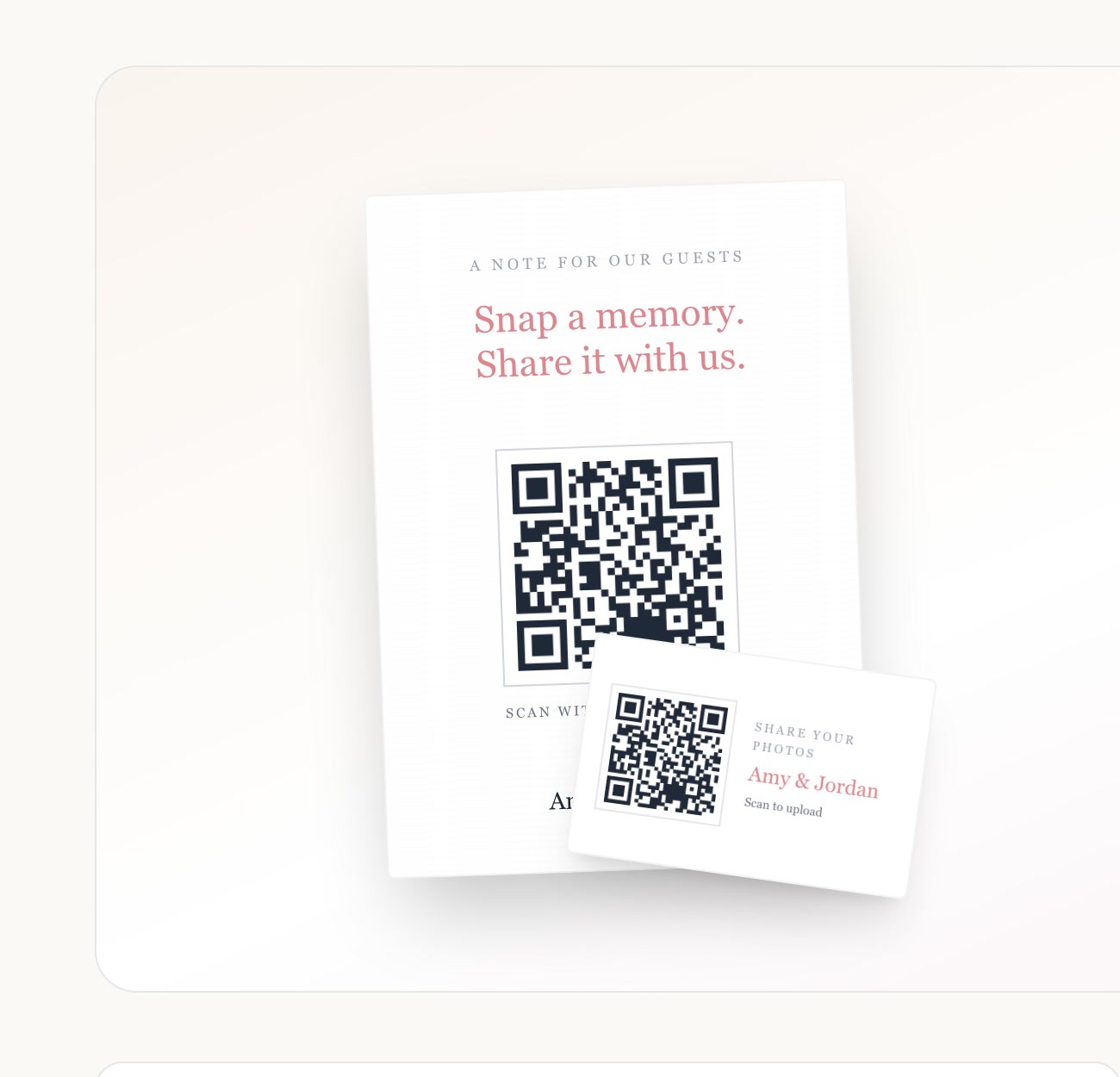
No app required
Guests scan, choose photos from their camera roll, and upload in the browser already on their phone.
See this feature in detail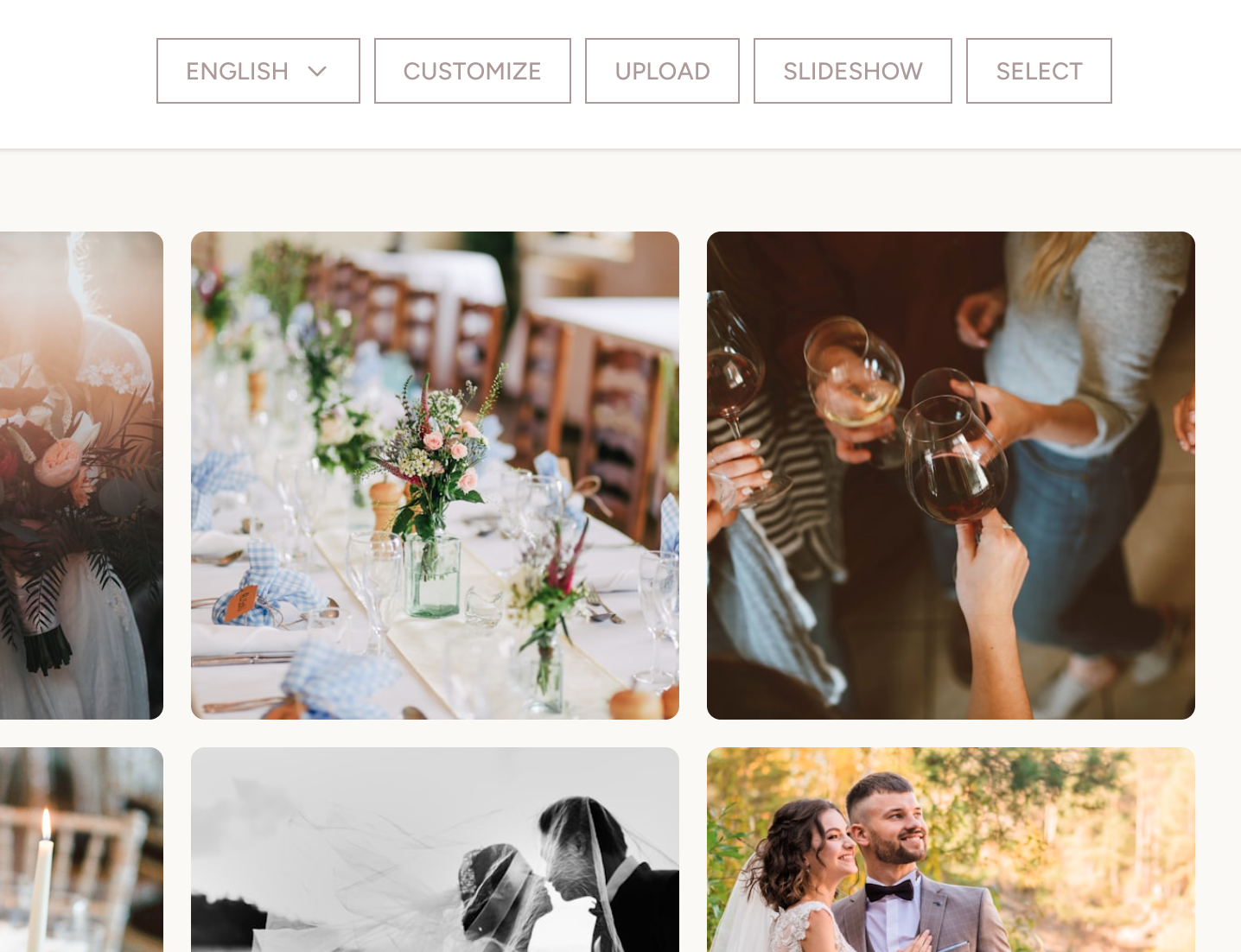
Private gallery
Choose whether guests see the whole gallery, their own photos plus yours, or only their own uploads.
See this feature in detail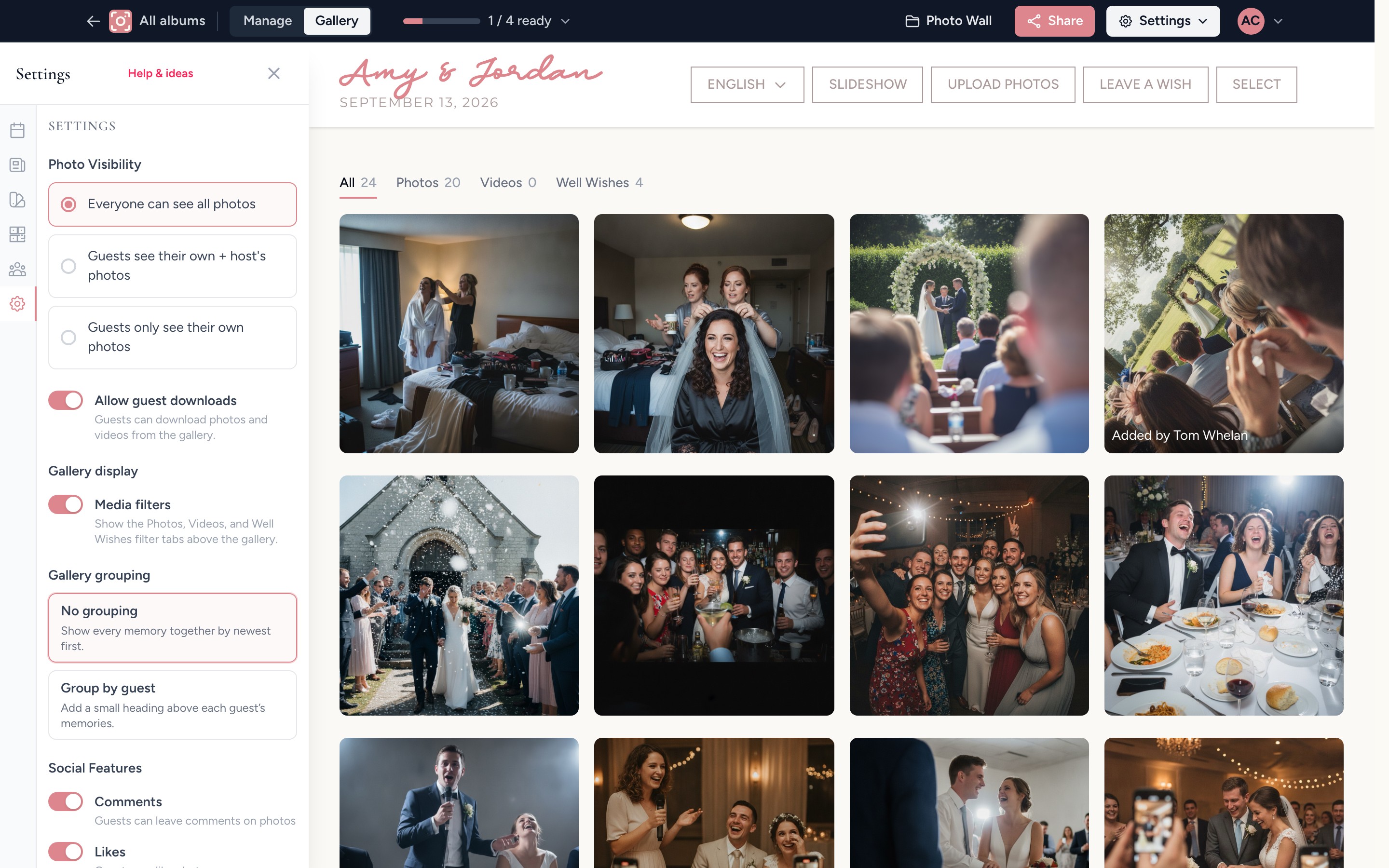
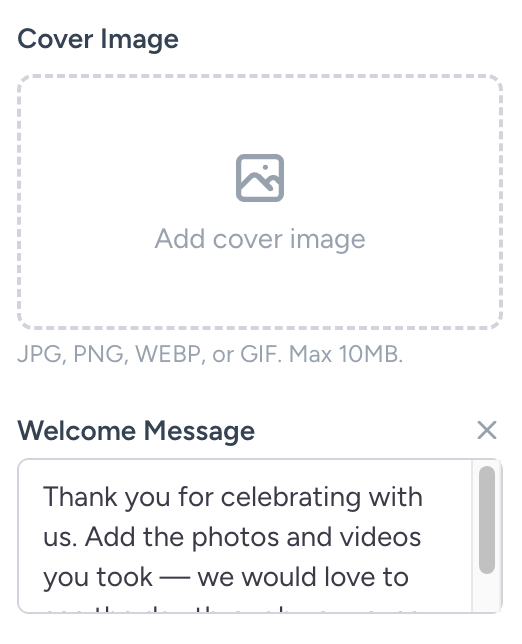
Your welcome page
Add your names, cover image, and message, then preview the first thing guests will see.
See this feature in detail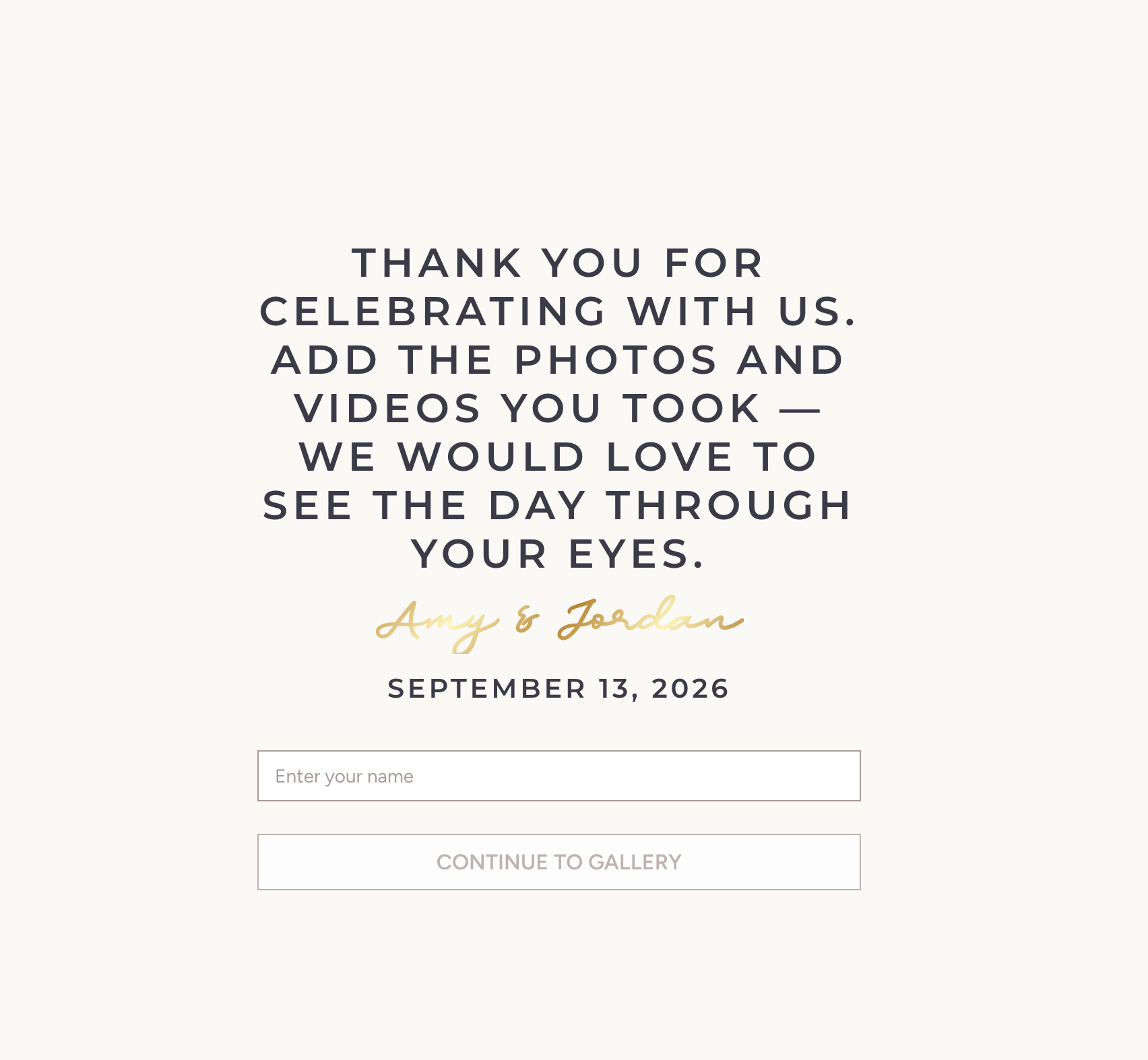
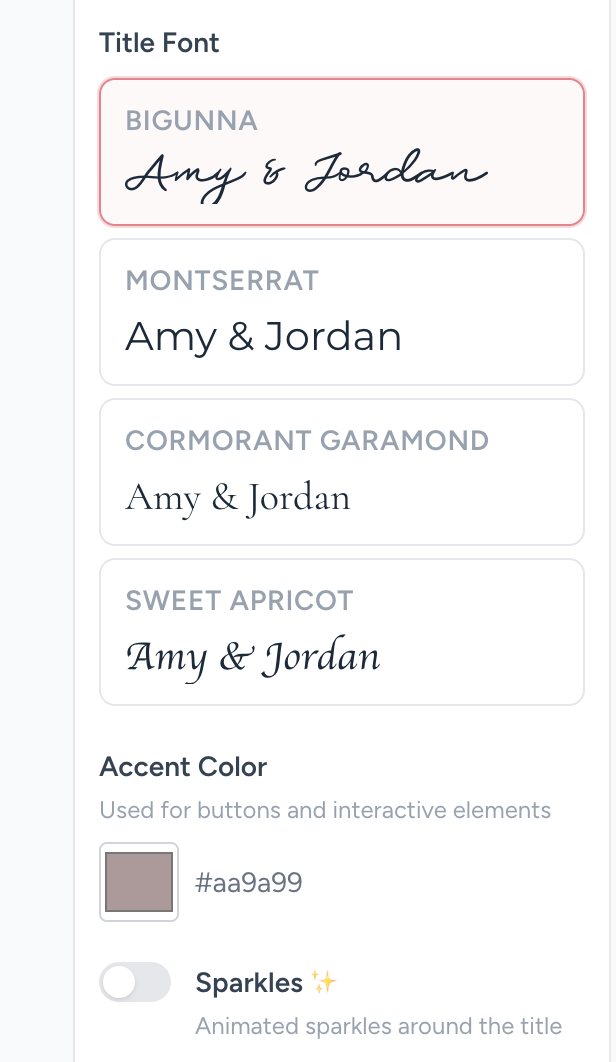
Gallery design
Choose the layout, title style, and accent colour that feel right for your event.
See this feature in detail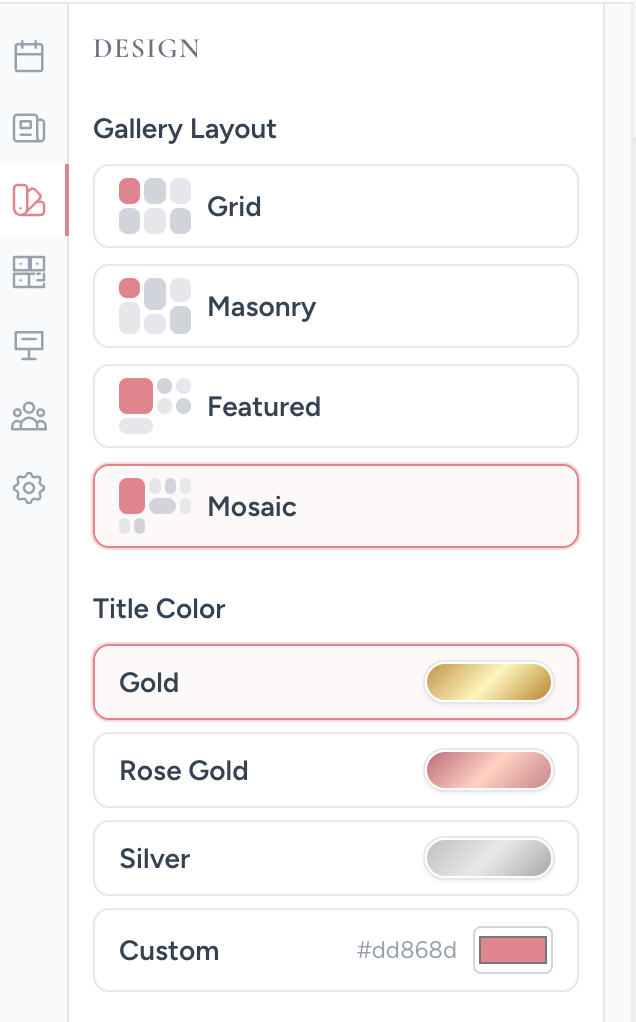
Well wishes and comments
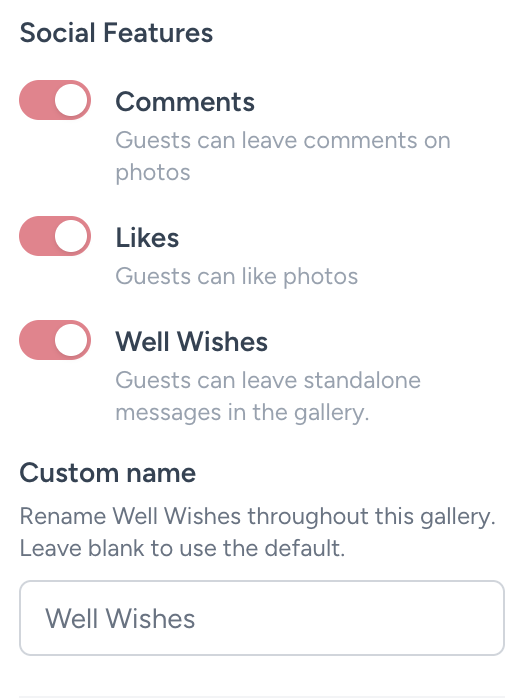
A written wish opens in the gallery detail view, where guests can react and add a comment.
See this feature in detail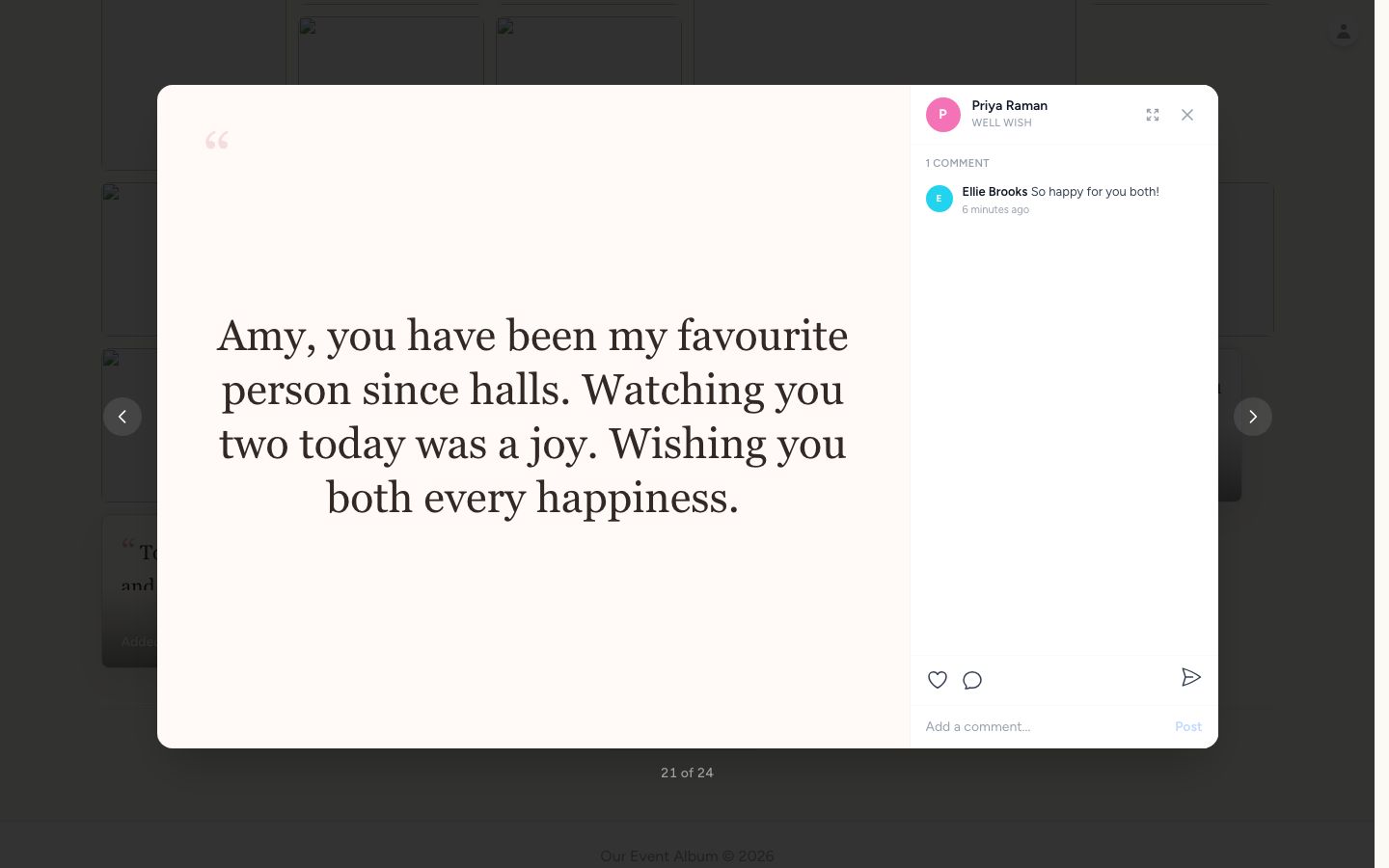
Live photo wall
Put the gallery on a TV or projector so new guest photos can become part of the celebration.
See this feature in detail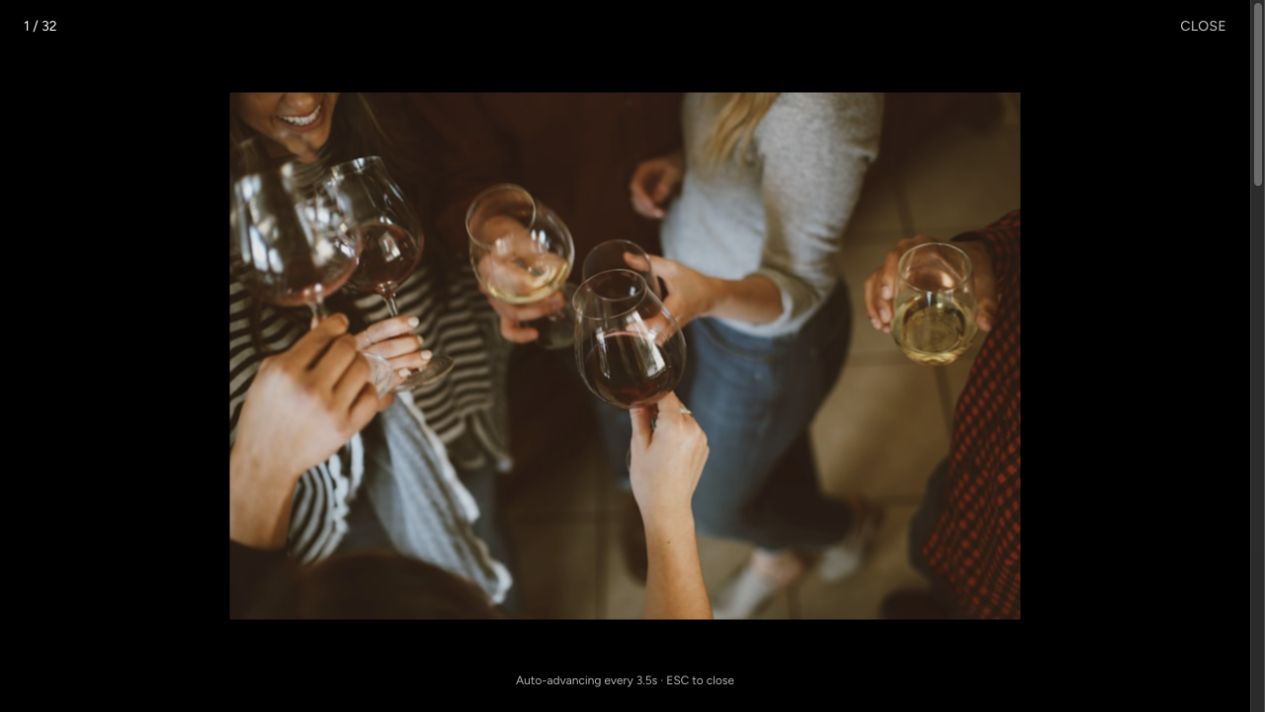
Host controls
Choose who can see every photo, who sees only their own, and which guest features are available.
See this feature in detail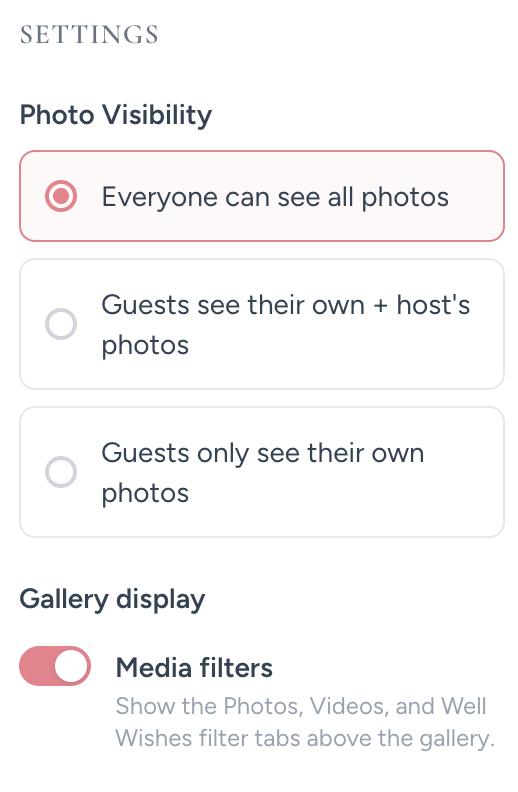
Print-ready signs
Download signs and take-home cards with your QR code already built in.
See this feature in detail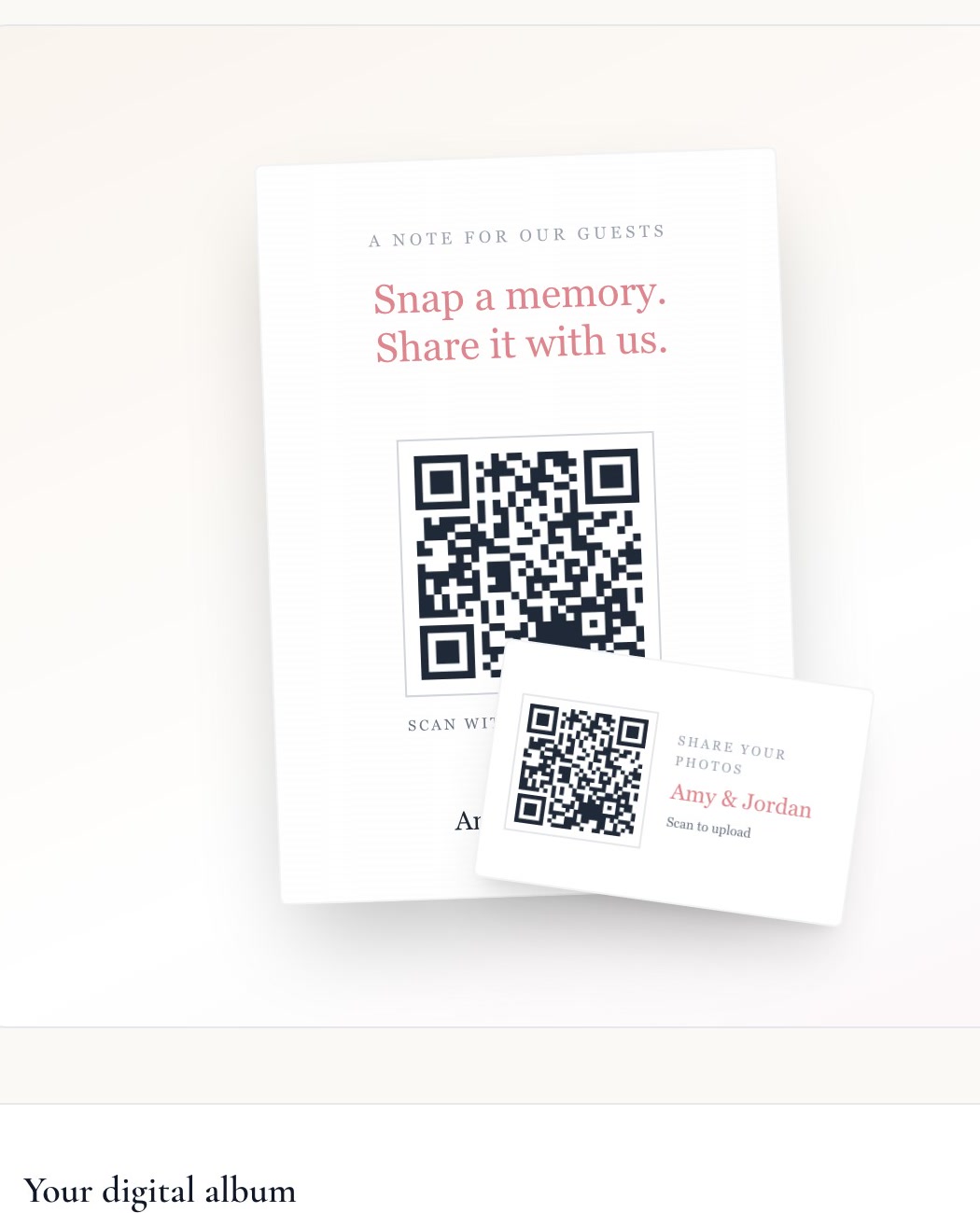
Guest downloads
Choose whether guests can save photos and videos from the gallery too.
See this feature in detail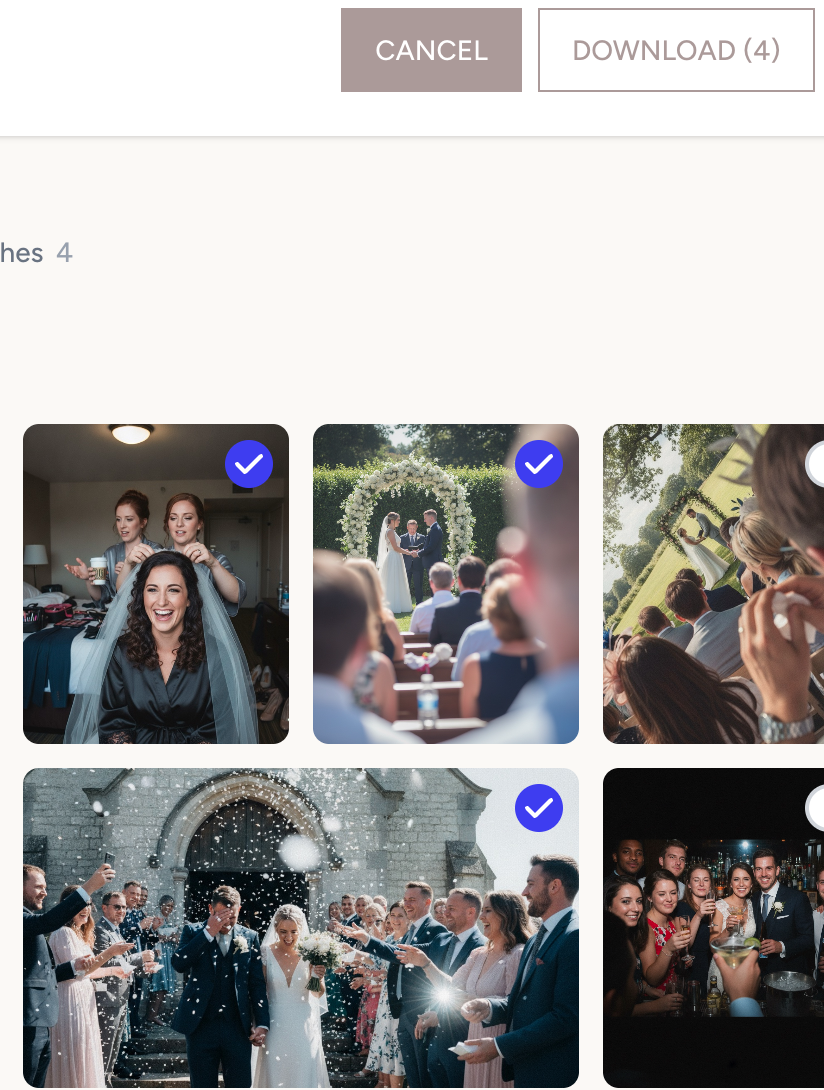

Everything included
The details that make event photo sharing easy are already part of your album.
Questions about the album
Do guests need to download an app?
No. Guests scan your QR code and upload from the browser already on their phone. There is no app download, account, or password to get in the way.
Can guests upload videos as well as photos?
Yes. Your guests can add both photos and videos, so the album holds the little moving moments as well as the still ones.
Can I keep the gallery private?
Yes. Your event gallery is shared through its private link or QR code, rather than being a public gallery people can browse or find in search.
Can I download every photo after the event?
Yes. Download the full collection of photos and videos together when you are ready to keep your originals.
Can I use the photos during the event?
Yes. New uploads appear in the live gallery, and you can put the slideshow on a screen during your celebration.
Set it up once and keep the whole day
Your private gallery, QR code, and print-ready signs are ready before the event begins.
Private gallery. No app for guests. One-time price.
Want to look around first? Try the live demo.

