QR code upload
Put one QR code on a sign, card, invite, or screen. Guests scan it and land straight in your private album.
It gives everyone the same simple place to share the candid photos and videos they are already taking.
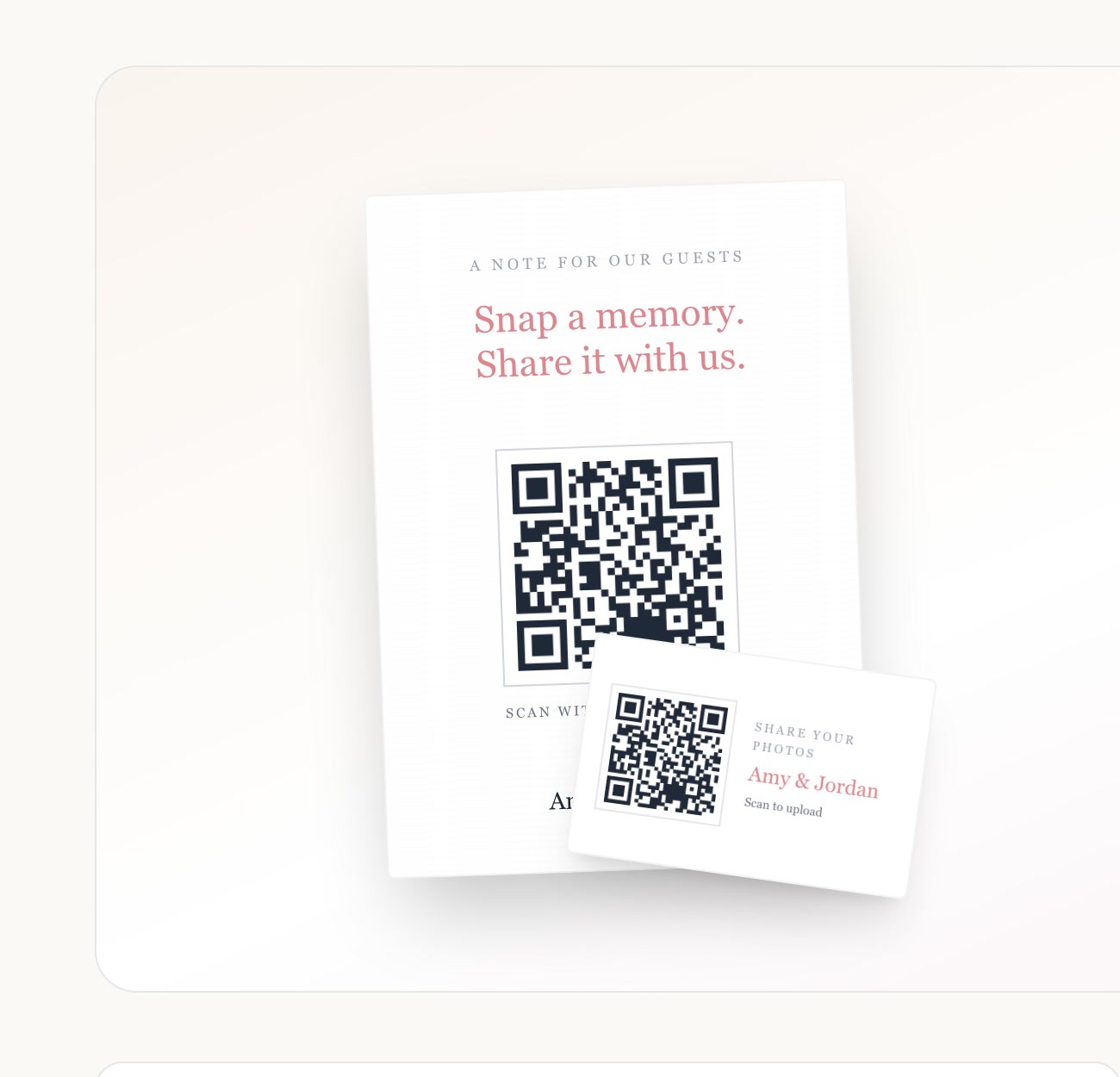
What it looks like in your album
One small setup choice can make the guest experience feel considered from the first scan to the final download.
- 01
Your album creates a private QR code and share link.
- 02
Place it where guests will notice it: tables, signs, invitations, or a screen.
- 03
Guests scan and begin sharing from their browser.
More ways to make it yours
Questions about qr code upload
Is QR code upload included with my album?
Yes. It is included with every Our Event Album purchase, with no guest subscription or per-upload fee.
Do guests need to download anything?
No. Guests open the private link or QR code in the browser already on their phone.
Your guests already have the photos, so give them one place to share them
No app downloads, no post-event group-chat chasing, and one private album to enjoy together.
Want to explore it first? Try the live demo.
Browse all featuresSee how it worksPlan your wedding QR code

