
Best Photo Sharing App Alternatives and Lists for Every Event
Use this hub when you know guests will take the best photos, but you are not sure which app, QR-code flow, or no-download setup fits your event. Start with the list that matches your event type, budget, or guest friction question.
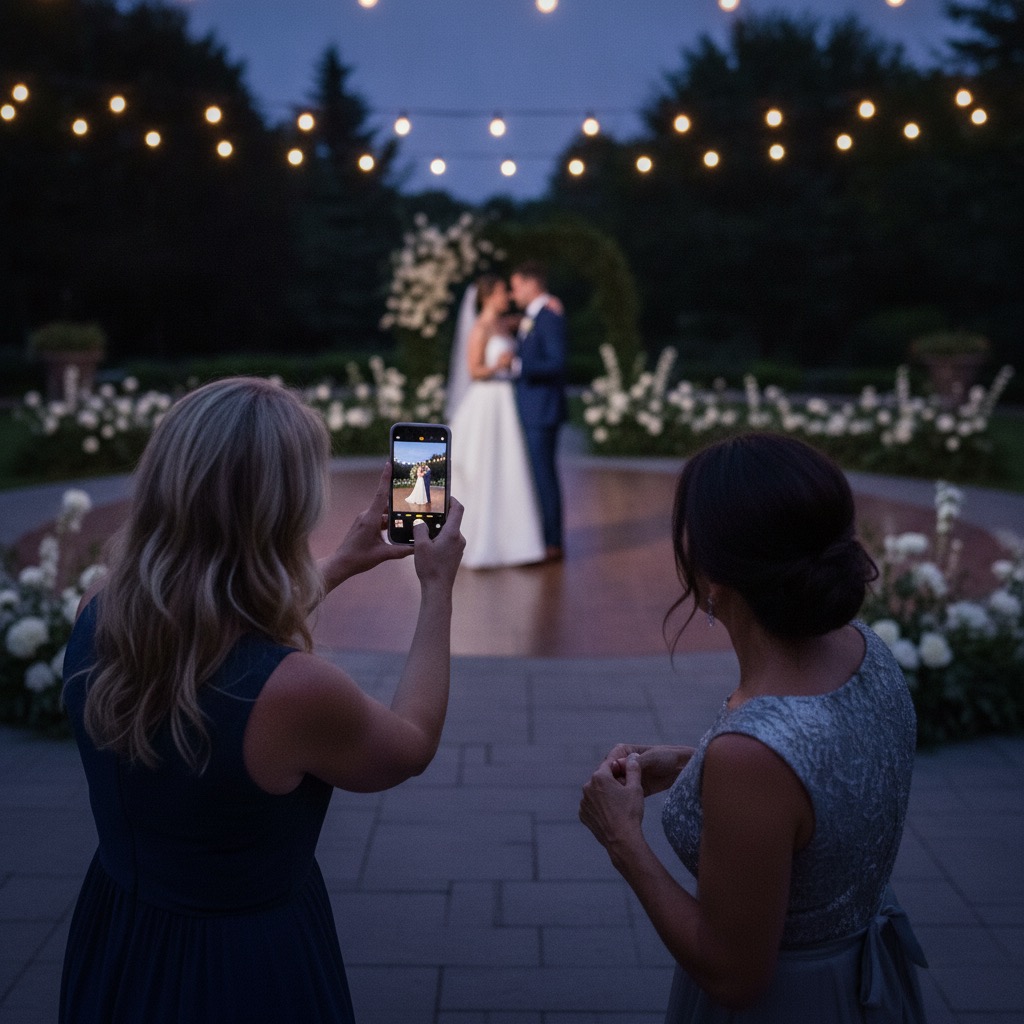
Choose the list that matches the job
Most people do not start by wanting software. They start with a worry: everyone will take photos, the best moments will be on other people's phones, and the host will have to chase them later. That is why the right best-of list depends less on app names and more on the job you need done.
If you are planning a wedding, start with wedding-specific lists. If you are hosting a party, reunion, shower, graduation, or corporate event, start with the event-type lists. If your main question is guest friction, jump straight to the no-app and QR-code guides.
Start with the wedding photo app lists
Wedding hosts usually compare tools from two angles: whether guests will actually upload, and whether the couple can keep the full collection afterward. These lists narrow the field by the questions couples ask first, from the overall best wedding photo sharing app shortlist to the no-download and QR-code options that remove the most friction on the day.
If you are still early in the decision, begin with the best wedding photo sharing apps list, which compares guest sign-up, free plans, video, download and price. If your main concern is the scan-to-upload flow, the best wedding QR code for photos guide is the better shortcut.
Wedding and event photo sharing apps compared on guest sign-up, free plans, video, download and price. Checked 31 October 2026. We make one of them.
Find wedding photo apps with live slideshow features. Display guest photos in real-time at your reception as they're uploaded.
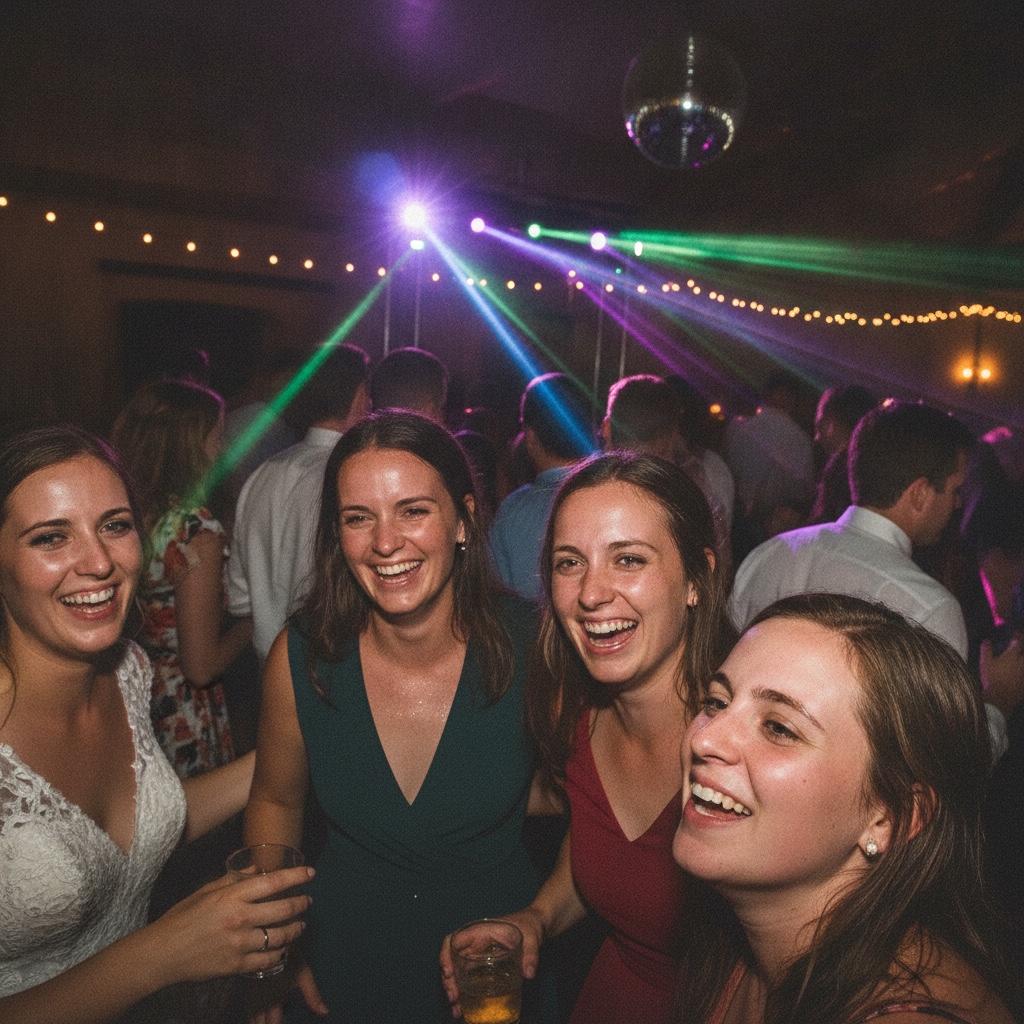
The easiest app is the one guests barely notice
A best photo sharing app can have a long feature list and still fail at the event if guests have to download an app, create an account, or wait until later. The most useful comparison starts with the guest's hand: scan the sign, choose photos, upload, and get back to the celebration.
That is why several of these lists are organized around behavior, not just event type. QR-code uploads, no-app sharing, free plans, affordable plans, and live slideshows each solve a different planning question.
Browse lists for parties and family milestones
Birthdays, showers, graduations, reunions, and anniversary parties all have the same photo problem in different clothes: everyone takes pictures, but the host only receives a fraction of them. These guides focus on the event shape, guest mix, and the best way to share photos with a group without chasing people afterward.
For casual parties, the winner is usually the app guests can understand without instructions. For family milestones, privacy and easy downloads matter more, especially when relatives want to keep the album after the event. If your search is really about the best way to share photos with a group, these lists keep the focus on participation instead of software complexity.
Find the best photo sharing apps for birthday parties. Compare apps that make it easy for guests to upload and share birthday memories.
Find the best photo sharing apps for anniversary celebrations. Collect guest photos and create a beautiful memory album.
Find the best photo sharing apps for baby showers. Collect guest photos easily with QR codes and create a beautiful memory album.
Find the best photo sharing apps for bar and bat mitzvahs. Collect guest photos from the service and party in one beautiful gallery.
Compare the best photo sharing apps for graduation parties and ceremonies. Collect memories from family and friends with easy QR code uploads.
Compare photo sharing apps for family reunions. Collect photos from every branch of the family tree in one shared album.
Compare quinceañera photo app picks
A quinceañera often has a wider family network, bilingual guests, and photos coming from the ceremony, portraits, reception, and dance floor. These lists keep that context intact, with English and Spanish-language buying paths for families comparing QR-code photo collection.
Use the English quinceañera guide for a standard comparison, or the Spanish guide when the planning group is comparing options in Spanish and wants a clearer path for family members across Mexico and the USA.
Compare the best quinceañera photo sharing apps for your XV años. Collect guest photos with QR codes-no app needed. Perfect for families in Mexico & USA. Compara las mejores apps de fotos para quinceañera.
Compara las mejores apps para coleccionar fotos de quinceañera. Con código QR, sin descargar app. Perfecta para tu fiesta de XV años en México.
Find lists for corporate and large events
Corporate events and large gatherings need a different filter. The right tool has to work for hundreds or thousands of guests, stay simple for attendees, and give the organizer a clean archive after the event. These lists cover the higher-capacity use cases.
These lists are useful when the event has a planner, brand team, or operations owner who needs fewer guest-support questions and a simpler post-event handoff.
Compare the best photo sharing apps for corporate events, conferences, and team building. Find enterprise-ready solutions with QR codes and no app required.
Event photo sharing apps compared for large groups and 500+ guests: private QR uploads, nothing for guests to install, and the limits to check first.
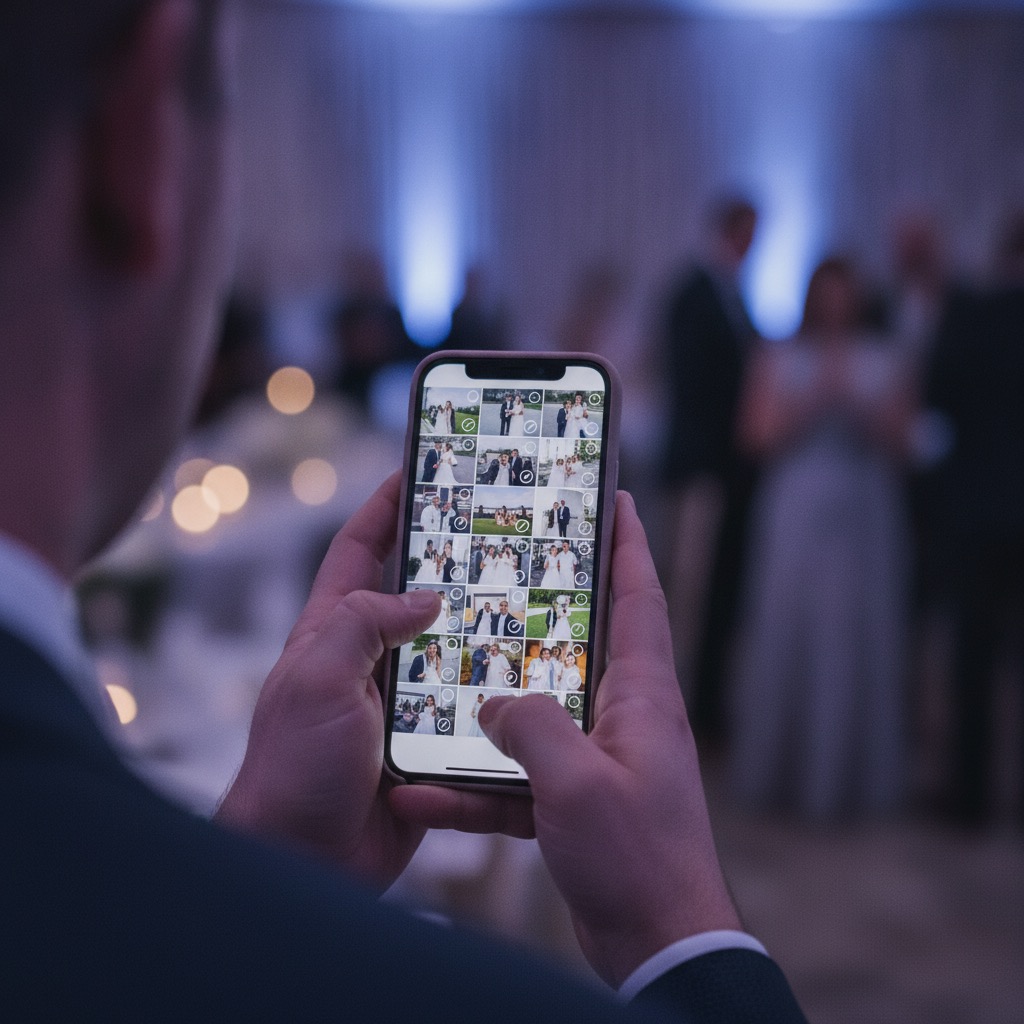
Compare the guest flow, not just the feature list
Before you pick a list, decide what would make the event feel successful afterward. For a wedding, that might be waking up to hundreds of candid photos. For a family reunion, it might be one private album everyone can keep. For a company event, it might be recap photos that are easy to download and share with the team.
Good photo-sharing tools reduce the number of steps between a guest taking a photo and the host receiving it. When you read the linked lists, look for no app download, no guest signup, visible QR-code sharing, privacy controls, video support, and full-resolution downloads. You can also start with the wedding QR code for photos setup guide, then try the live demo before you choose a guide.
Moving away from a specific app? Read the DropEvent alternative or Celebrate app alternative guide.
Questions before you choose
Which photo sharing app list should I start with?
Start with the list that matches your biggest constraint. If guests downloading an app worries you, read the no-app guide. If you are printing signs, read the QR-code guide. If the event type matters most, start with the wedding, birthday, quinceanera, corporate, or family milestone list.
What is the best way to share photos with a group after an event?
The cleanest option is to collect photos during the event instead of asking afterward. A private QR-code album gives guests one place to upload from any phone, which is easier to manage than group chats, hashtags, or several shared albums.
Are free photo sharing apps good enough?
Sometimes, especially for casual groups that already use the same platform. For weddings and milestone events, free tools can add account friction, compression, privacy confusion, or extra work for the host. Compare the guest flow before comparing the price.
Why does Our Event Album appear in these buying guides?
Our Event Album is built for the core problem behind these searches: guests scan a QR code, upload photos and videos from a browser, and the host gets one private gallery without app downloads or guest accounts.
Want the no-app QR-code option first?
Our Event Album gives guests one private place to upload photos and videos from their browser. No public hashtag, no guest signup, and no chasing everyone after the event.

