A Celebrate app alternative for simple guest photo sharing
If you are comparing ways to collect guest photos, start with the part guests notice first: the upload. Our Event Album gives invited guests one QR code and a private browser page, so they can add photos and videos without downloading an app or creating an account.
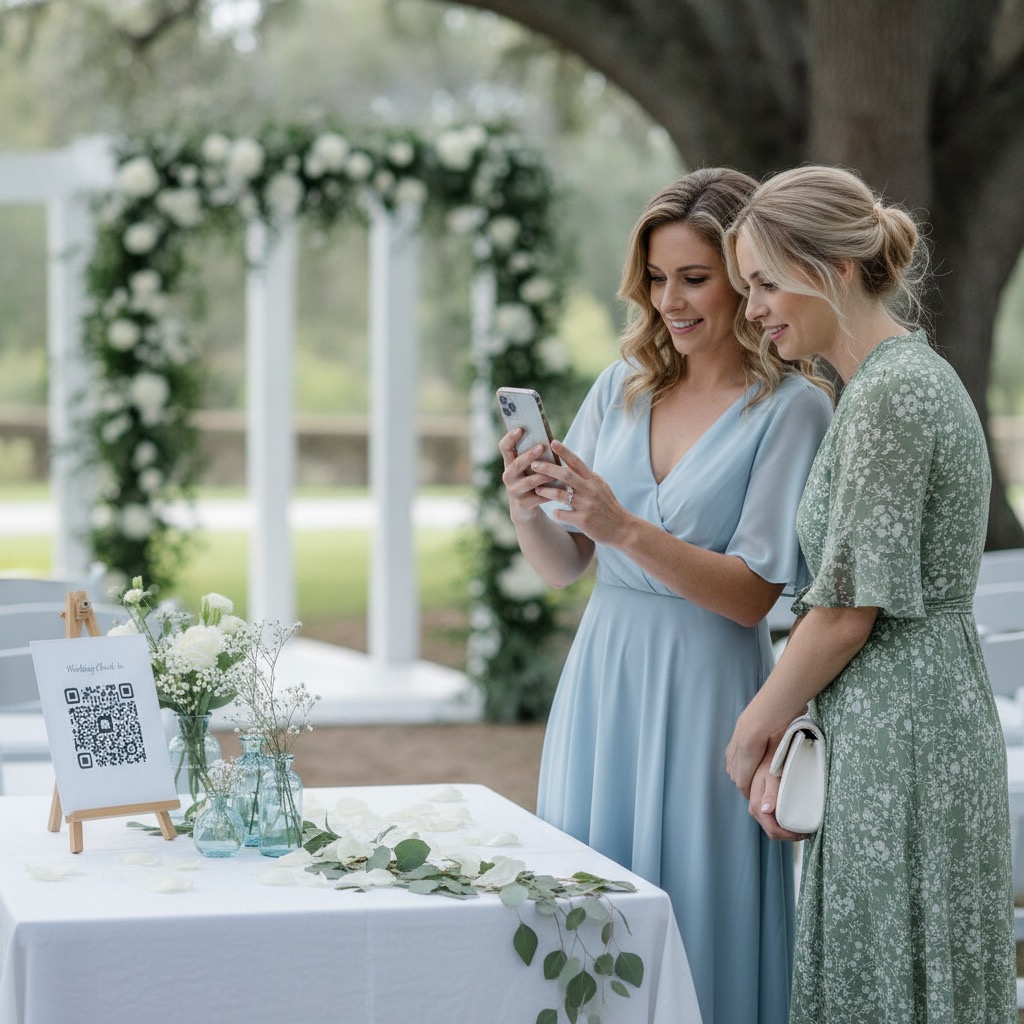
Share one QR code
Add it to a sign, slide, invite, program, group chat, or registration email.
Guests upload
Photos and videos upload from the browser, so participation stays simple.

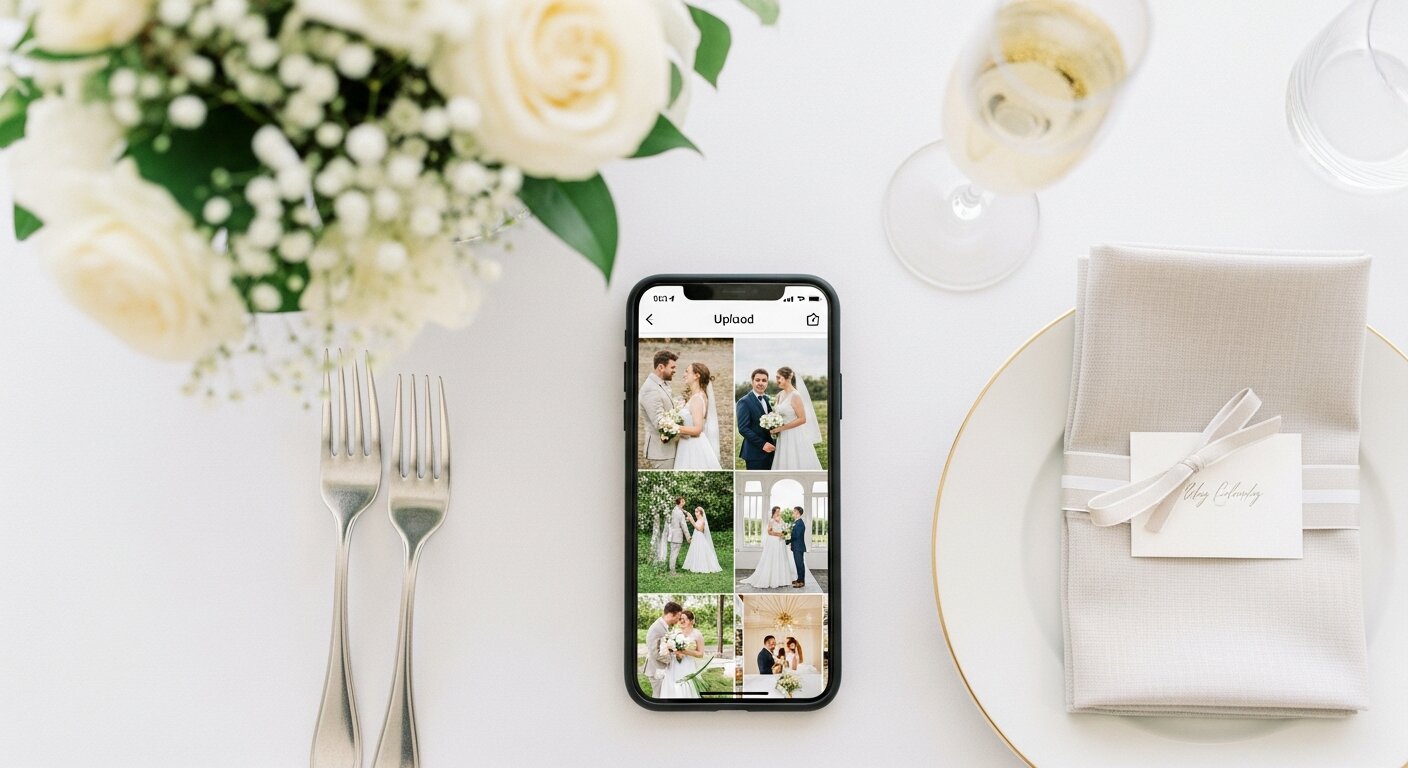
Download the album
The host gets one private gallery instead of chasing files after the event.
No-download guest photo album
A private QR upload page for guest photos and videos, without app installation.

- Custom QR code and private link
- Guest photo and video uploads
- Private gallery
- Printable sign templates
- Full-resolution download
or try the live demo first
Verified Etsy review
"This was perfect for my wedding day."
Cassady, wedding customer
Share one QR code
Add it to a sign, slide, invite, program, group chat, or registration email.
Guests upload
Photos and videos upload from the browser, so participation stays simple.
Download the album
The host gets one private gallery instead of chasing files after the event.
What you get
A practical alternative for hosts who want a simple, private guest upload flow and one place to keep every photo and video.
| Included | What guests experience |
|---|---|
| QR code and private link | Share one scan code on signs, invitations, emails, or messages. |
| Guest upload page | Guests add photos and videos from their phone browser without creating an account. |
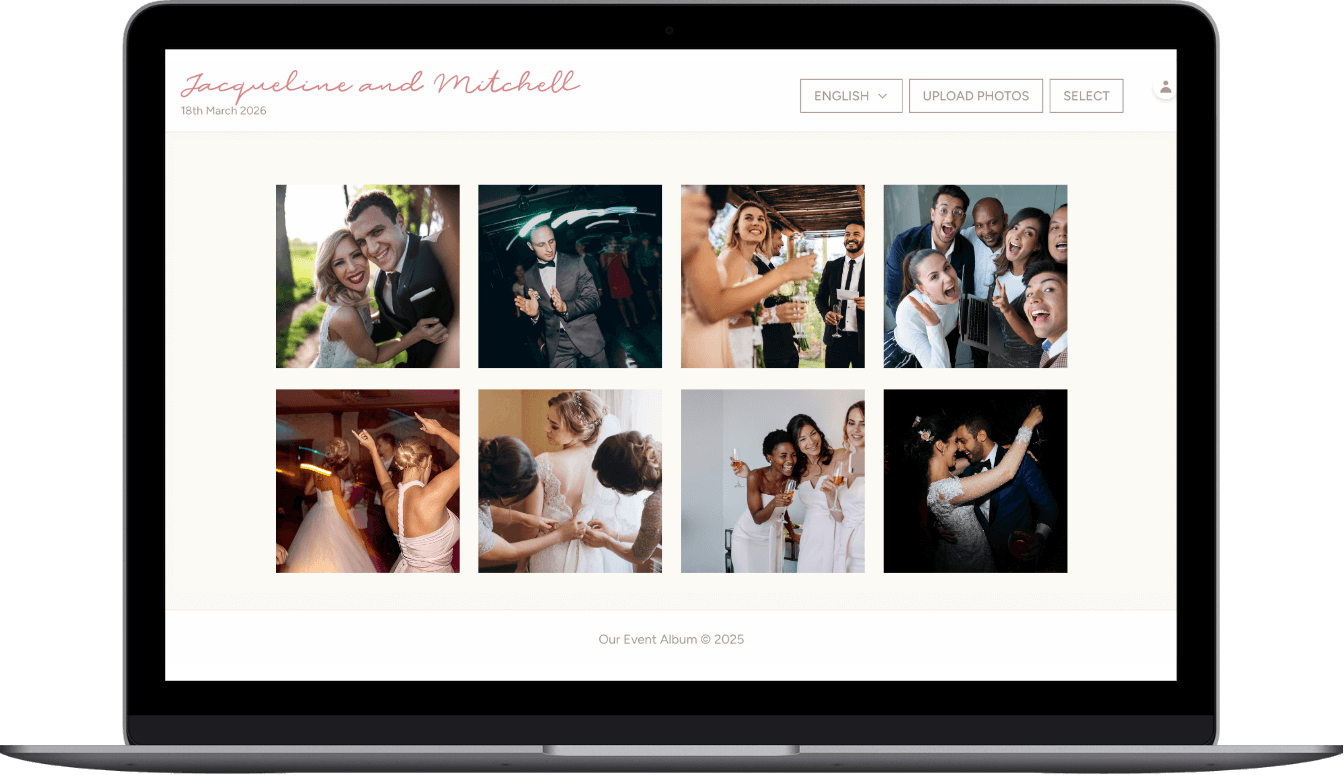
| Private gallery | Uploads collect in one album for people with your link or QR code. |
| Printable signs | Use ready-to-print files so guests know exactly where to scan. |
| Downloads | Download the full-resolution photos and videos after the event. |
| Hosting | 6 months are included, with a 12-month hosting extension available. |
Optional add-ons
Most hosts only need the album package. These two upgrades are available at checkout if you want another event or a longer gallery window.
| Add-on | When to add it | Price |
|---|---|---|
| Second Event Pass | Add a second private album today for the next celebration. | +$19.50 |
| 12-Month Hosting | Extend gallery hosting from 6 months to 12 months total. | +$15 |
Celebrate app alternative questions
Do guests need to download anything?
No. Guests scan your QR code and the upload page opens in their browser. They do not install an app or create an account.
Do guests pay to upload?
No. The host buys the private album once. Guests can upload photos and videos without paying.
Can guests upload videos too?
Yes. The guest page accepts photos and videos, and the host can download the original files from the private gallery.
Is the album private?
Yes. The album is accessed by your QR code or private link. It is designed for invited guests, not public discovery.
Is Our Event Album a Celebrate app alternative?
It is an alternative for hosts who want guests to use a QR code and browser upload page, rather than asking everyone to install an app.
Can guests upload photos and videos?
Yes. Guests can add photos and videos from their phones, and the host can download the original files from the private gallery.
Related guest photo sharing pages
Compare browser uploads, QR photo sharing, private galleries, and live slideshows before you choose your event setup.
Use one QR code to collect photos from any event.
Collect files from a group without a messy thread.
Let guests upload without downloading or joining anything.
Show guest uploads on a screen during the event.
Keep guest uploads in one private album.
Collect launch-day photos from guests, team members, and attendees.
An app-like upload experience for launches, without attendee downloads.
Compare event photo apps on QR code, free plans, video, download and price.
Compare upload, privacy, gallery, and download features before choosing.
Test the guest experience before ordering.
Choose a simple guest photo upload flow
Set up one QR code, give guests a private browser upload page, and keep every photo and video together after the event.
or try the live demo first
Verified Etsy review
"This was perfect for my wedding day."
Cassady, wedding customer

