A funeral guest book guests sign with a message and photos
For a funeral, memorial service or celebration of life. People scan a QR code or open a link on their phone, write a few words and add a photo if they have one. The family keeps every message in one private place.
This page covers the memorial guest book, the online funeral guest book and the memorial photo album, how guests sign, what to write, and where to put the QR code. The album itself is on our memorial photo sharing page.
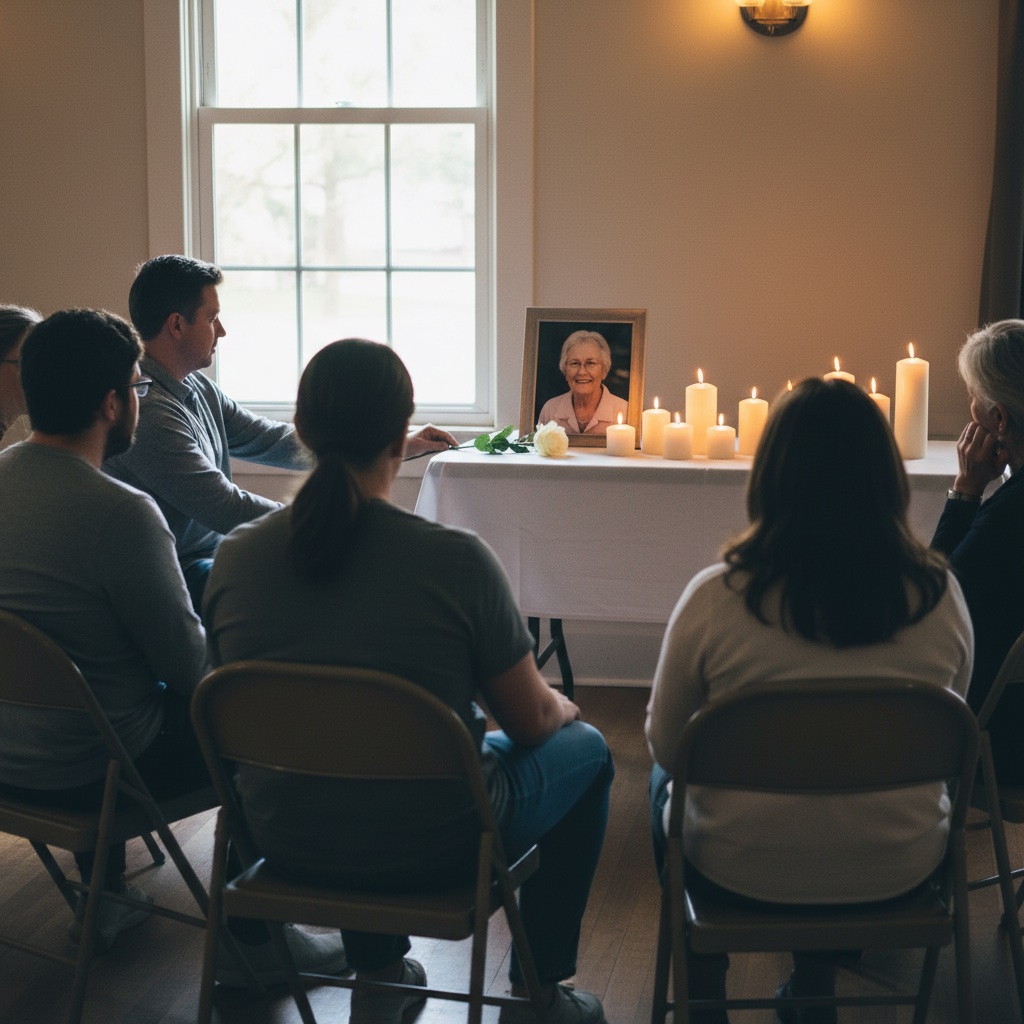
A paper funeral guest book and a digital one, side by side
A paper book is a familiar part of a service, and many families will want one. A digital guest book adds what paper cannot: messages from people who could not travel, photos next to the words, and a copy the whole family can hold.
| Paper guest book | Digital guest book | |
|---|---|---|
| How guests sign | In person, at the service, with a pen. | On their own phone, at the service or later, by scanning a QR code or opening a link. |
| People who cannot attend | They cannot sign unless the book is posted to them. | They open the same link from anywhere and leave a message. |
| Photos and memories | Words only, unless photos are tucked in or taped to a page. | Guests add photos and short videos next to their message. |
| Reading it | Handwriting can be hard to read, and a single book is held by one person. | Every message and photo sits in one album the whole family can open. |
| Keeping it | A physical book that can be kept, lost or damaged. | The host downloads everything, so the family keeps its own copy. |
| What it feels like | A familiar ritual at the door of the service. | Quiet and optional. Some families place a paper book and a QR code side by side. |
How guests sign the guest book in five steps
Guests need only their phone. There is no app to install and no account to make.
1
Create the album. Choose a name and add a short welcome note so people know what to share. You receive a private link and a printable QR code.
2
Show the QR code at the service. Print the sign templates that come with it and put one where people sign in. You can also put the code in the order of service.
3
Guests scan and write. They point their phone camera at the code, a page opens in the browser, and they type a message. They can add photos or a short video if they wish.
4
Send the link to those who cannot be there. Text or email the same link to relatives and friends who could not attend, so they can sign too.
5
Read and keep it. The family reads the messages and sees the photos in one place, then downloads everything when ready.
A memorial guest book that holds words and photos together
At a memorial service people want to say something and often have a picture to go with it. Guests can leave a written message and add photos or short videos of up to 60 seconds in the same place. A line about a summer holiday sits next to the photo from that holiday.
The memorial guest book is the same private album as the photos. The family reads the messages in the album and can download the messages along with the photos and videos.
An online funeral guest book that stays private and stays online
An online funeral guest book does not have to be public. Only people who have your unique QR code or link can open the album. It is not listed on Google and nothing is posted to social media.
It stays online for six months from the date of the service, and you can add 12-month hosting at checkout. You can download everything at any time. We suggest saving a copy to the family's own computer or drive before hosting ends.
A memorial photo album the family can download in one go
Many people have photos of the person that the immediate family has never seen. When everyone adds theirs to one album, the family does not have to chase them by text or email. Older photos can be added as scans of prints.
The family then downloads the full-resolution files to keep, print for a memory table, or use in a slideshow. For setup and pricing, see memorial photo sharing.
What to write in a funeral guest book
There is no right wording. A short, honest line is enough. These are examples to start from, so change them to sound like you. Put the name in place of the brackets.
I am so sorry for your loss. I am thinking of you all.
I will always remember how kind [name] was to me.
Thank you for letting me be part of [name]'s life. I will miss them.
One of my favourite memories of [name] is [a short memory].
With love and sympathy from all of us.
You are in our thoughts today and in the days ahead.
If you are unsure, say who you are, how you knew them and one thing you remember. That is what families tend to want to read later.
Where to place the QR code at the service
The best place is wherever people already pause. Print the code large enough to scan from arm's length, and add a line such as "Scan to leave a message or a photo".
Beside the paper book or the sign-in table. People are already stopping there, so the code is where they expect to leave a message.
On the order of service. A small printed code on the back lets people sign afterwards, at home, when they have had time to think about what to say.
On the photo table or memory board. People who brought photos can add a copy straight away.
At the reception or wake. A sign on each table works well. Keep it small and at phone height.
In the family message. Send the link by text or email after the service for everyone who could not attend.
Funeral guest books, answered
What is a digital funeral guest book?
It is an online guest book. Instead of signing a paper book, people open a link or scan a QR code on their phone and leave a written message. In Our Event Album they can add photos and short videos too, and the family sees it all in one private album.
Do guests need an app or an account?
No. It opens in the phone browser, so there is nothing to install and nothing to sign up for. It works on iPhone, Android, tablets and computers.
Who can see the messages and photos?
Only people who have your link or QR code. The album is not listed on Google or posted anywhere public. If you share the link widely, anyone who receives it can open it, so send it to the people you want to take part.
How long does the guest book stay online?
Six months of hosting, counted from the date of the service rather than the day you set the album up. You can add 12-month hosting at checkout. You can download everything at any time, so keep a copy on your own computer before hosting ends.
Can the family download the messages and photos?
Yes. The host can download all the photos, videos and written messages from the album whenever they like, and the files are theirs to keep.
Can people sign after the funeral?
Yes. Leave the link open and people can add a message and photos when they are ready. Many do so days later.
Should we still have a paper guest book?
That is up to the family. Some like to have a paper book at the door for older relatives and a QR code next to it, so everyone can choose.
What does it cost?
One payment, with no subscription. The price for your country is on the memorial photo sharing page, and it includes the QR code, printable signs, unlimited uploads, hosting and downloads.
Related guides
More for families planning a funeral, memorial service or celebration of life.
