Memorial guest photo collection
Memorial Photo Upload Link for Guests
Send one link guests can open on any phone to add photos and videos.
- Guest uploads from browser
- Private gallery
- Photos and videos together
- One-time $39
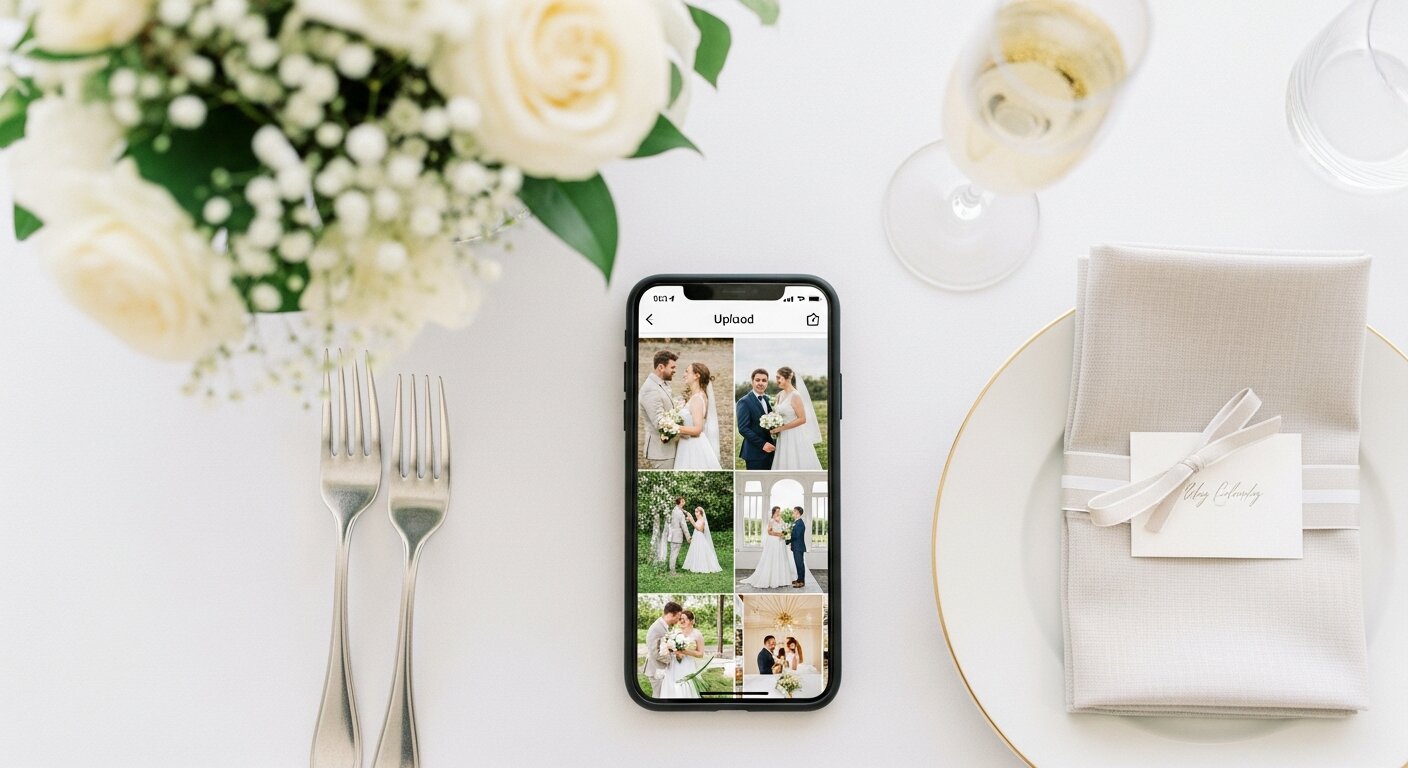
Point camera at QR code
Scan the QR code
Guests point their camera at your event's QR code
Questions people ask before collecting memorial photos
What is the easiest way to collect memorial photos?
The easiest way is to give guests one QR code that opens a browser upload page. Everyone uploads photos and videos to the same private gallery, so families do not need to chase files afterward.
Where should I put the QR code for a memorial?
Send the upload link in the main group chat before the memorial, then resend it afterward for late camera-roll uploads.
Do guests need to download an app?
No. Guests scan a QR code with their phone camera and upload photos or videos from the browser. There is no app store step, account creation, or event code to remember.
Can guests upload videos as well as photos?
Yes. Guests can upload photos and videos, and everything lands in one private gallery for the host to review, share, and download.
Is the gallery private?
Yes. The gallery is only accessible to people with the unique link or QR code. It is designed for private event sharing, not public discovery.
Can I download everything afterward?
Yes. Hosts can download photos and videos in full resolution, individually or as a bulk ZIP, during the gallery hosting period.
Why this works for families
A simple upload link is easier to share in group chats, invitations, emails, and thank-you messages than asking guests to send files one by one.
Send the upload link in the main group chat before the memorial, then resend it afterward for late camera-roll uploads.
What the host gets
- QR code guests can scan from table signs, invitations, slides, or group chats.
- Browser uploads on iPhone and Android with no app download or guest account.
- A private gallery where photos and videos appear in one place.
- Printable signs and cards so guests know exactly where to upload.
- Full-resolution downloads for albums, social posts, thank-you emails, and archives.
- Optional moderation controls if you want to approve photos before they show.
How to get guests to actually use it
Guests use it when the ask is obvious. Put the QR code where people are already pausing, mention it once, and send the same link again after the event.
Put the QR code where people naturally pause: tables, bars, welcome signs, and gift tables.
Ask the host, MC, planner, or team lead to mention the QR code once near the start.
Share the gallery link in the group chat before and after the event for late uploads.
Use one short callout on signage: "Scan to add your photos".
The album
One place for the photos guests already took
Guests open a simple upload page in their browser. You get one private gallery with the photos, videos, throwbacks, speeches, and table shots that would otherwise stay scattered across phones.
Create the Upload Album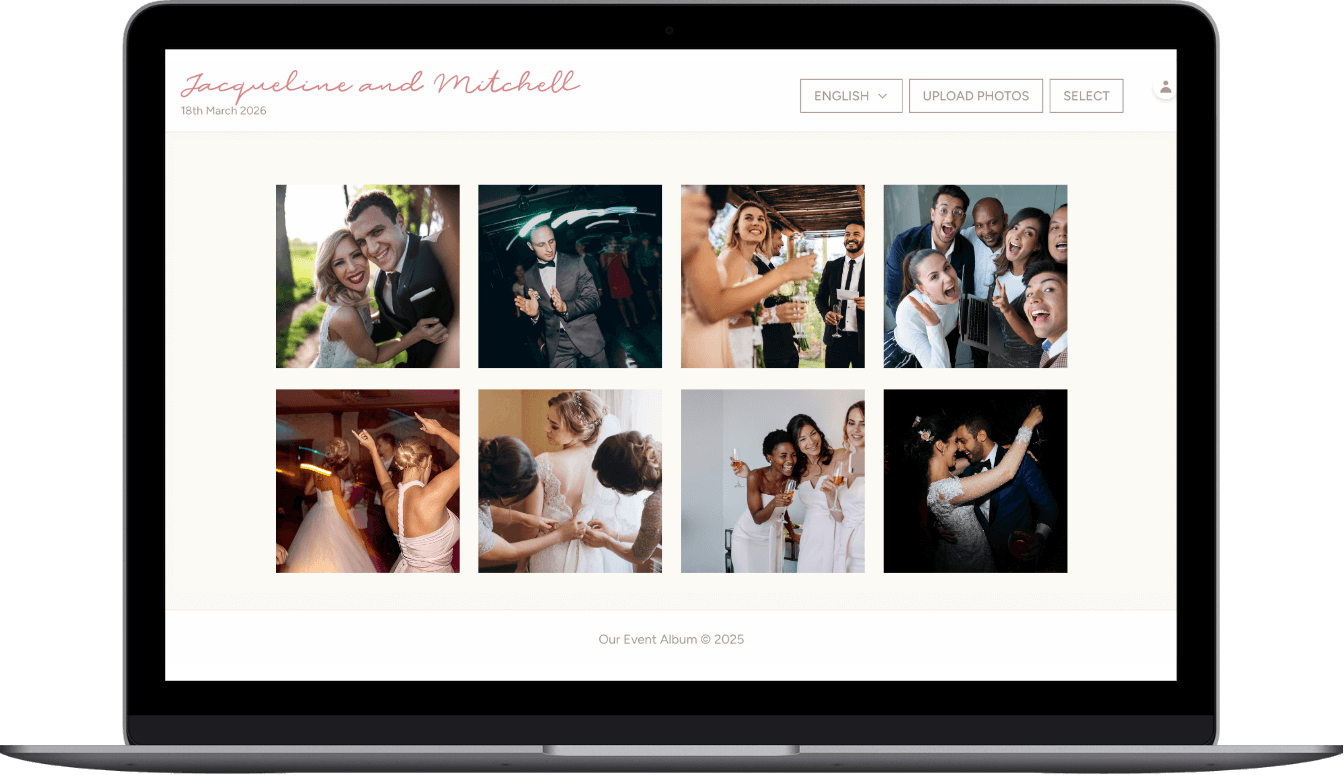
Real hosts, real events
The best photos are usually on someone else’s phone. These reviews are from real customers who used Our Event Album to bring those photos back to one place.
“This was perfect for my wedding day.”
Cassady
Wedding · Customer review
“Very easy to use for my daughter quinceanera.”
Angie
Quinceanera · Customer review
“Great product with great customer service!”
Teresa
Event · Customer review
Useful next reads
Related guides for collecting guest photos with the same simple QR code workflow.
Give guests one place to send the photos
Create the album, share the QR code, and download the full gallery when the event is over.
Create the Upload AlbumWhat matters for memorial photo upload link
Searches like memorial photo upload link, memorial photo sharing, and qr code photo sharing are usually about reducing friction at a live event. People are willing to add photos when the upload flow is obvious, fast, and does not pull them away from the party.
A useful memorial photo upload link turns attendee photos into a collection you can actually use, instead of leaving them scattered across phones.
How to get more attendee photos
- Use a visible QR code for collect guest photos on signage, slides, table cards, or badges depending on the event.
- Give guests permission to upload candid moments, not just polished portraits. Those are often the photos the host is missing.
- Avoid tools that require downloads when you need event photo album; app installs kill participation in mixed-age groups.
- Plan where the gallery will be used afterward, such as thank-you emails, social posts, internal recaps, or a family keepsake.
