Fotos de boda con código QR: todas las fotos de tus invitados en un álbum privado.
Without an app for guests, an account to create, or you chasing the group chat for photos afterwards.
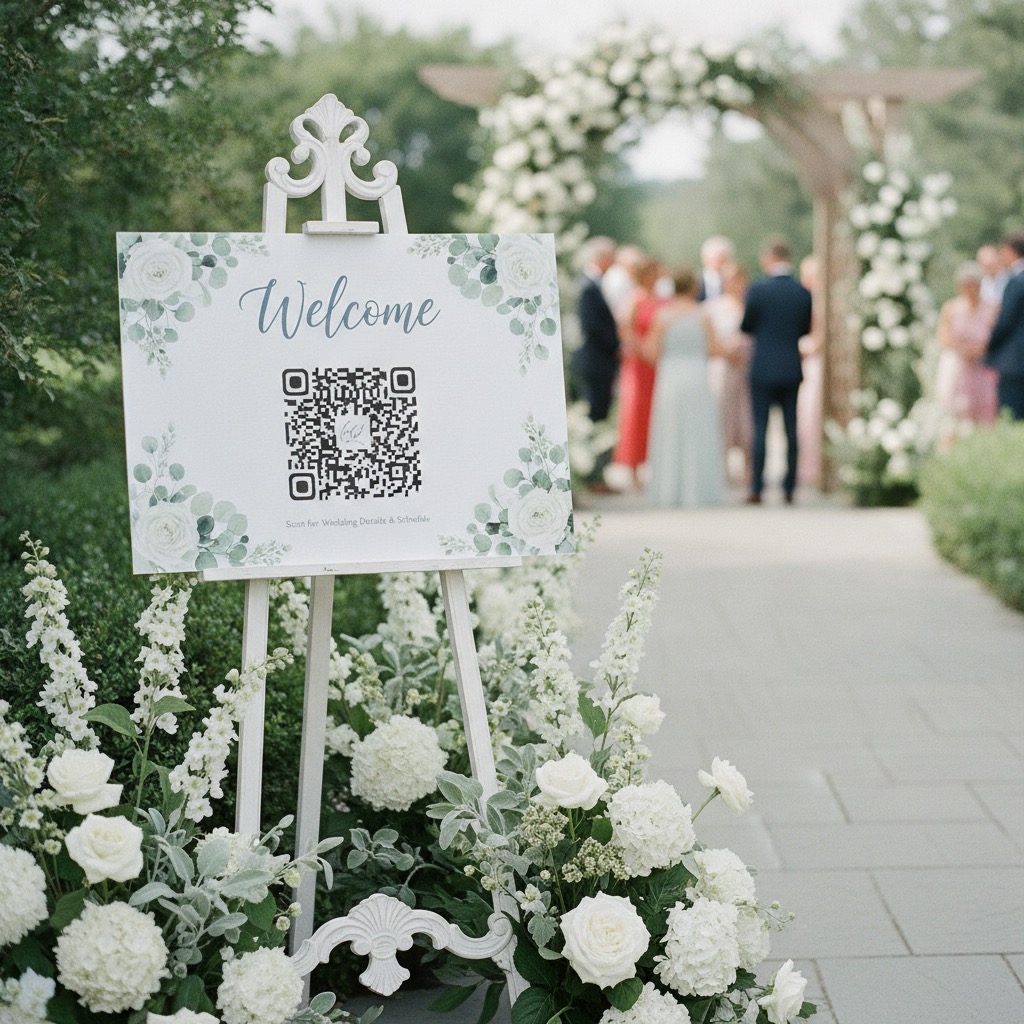
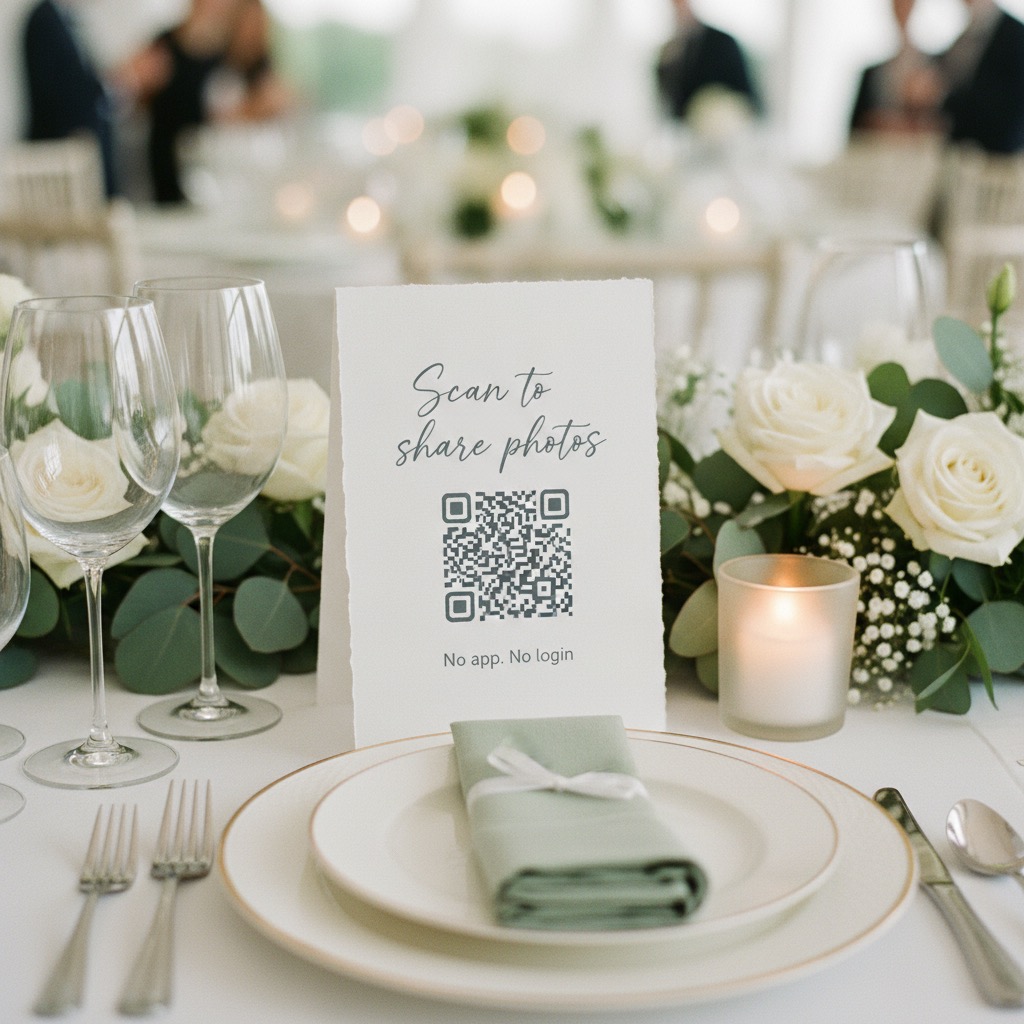
One QR code on your welcome sign and tables. 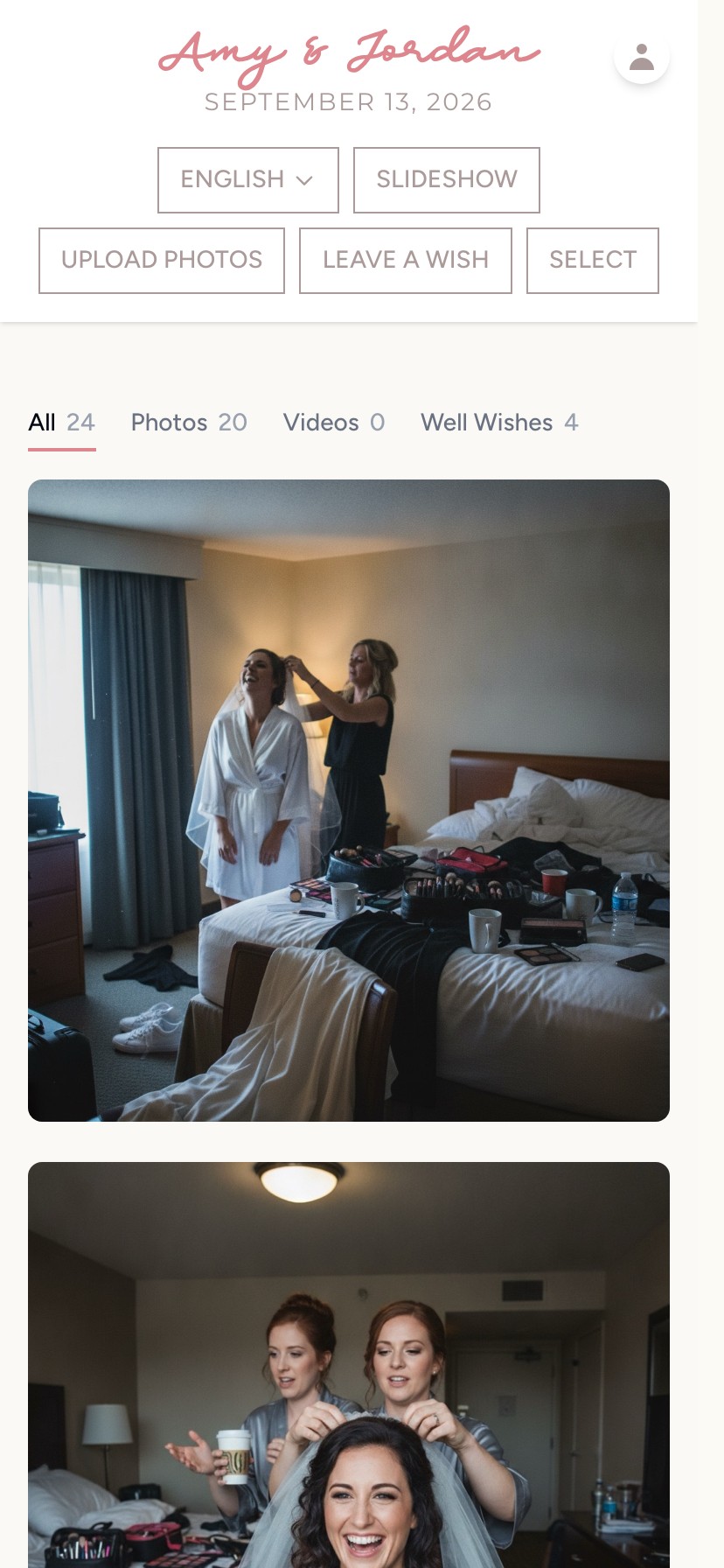
Every guest’s photos and videos in one private album. 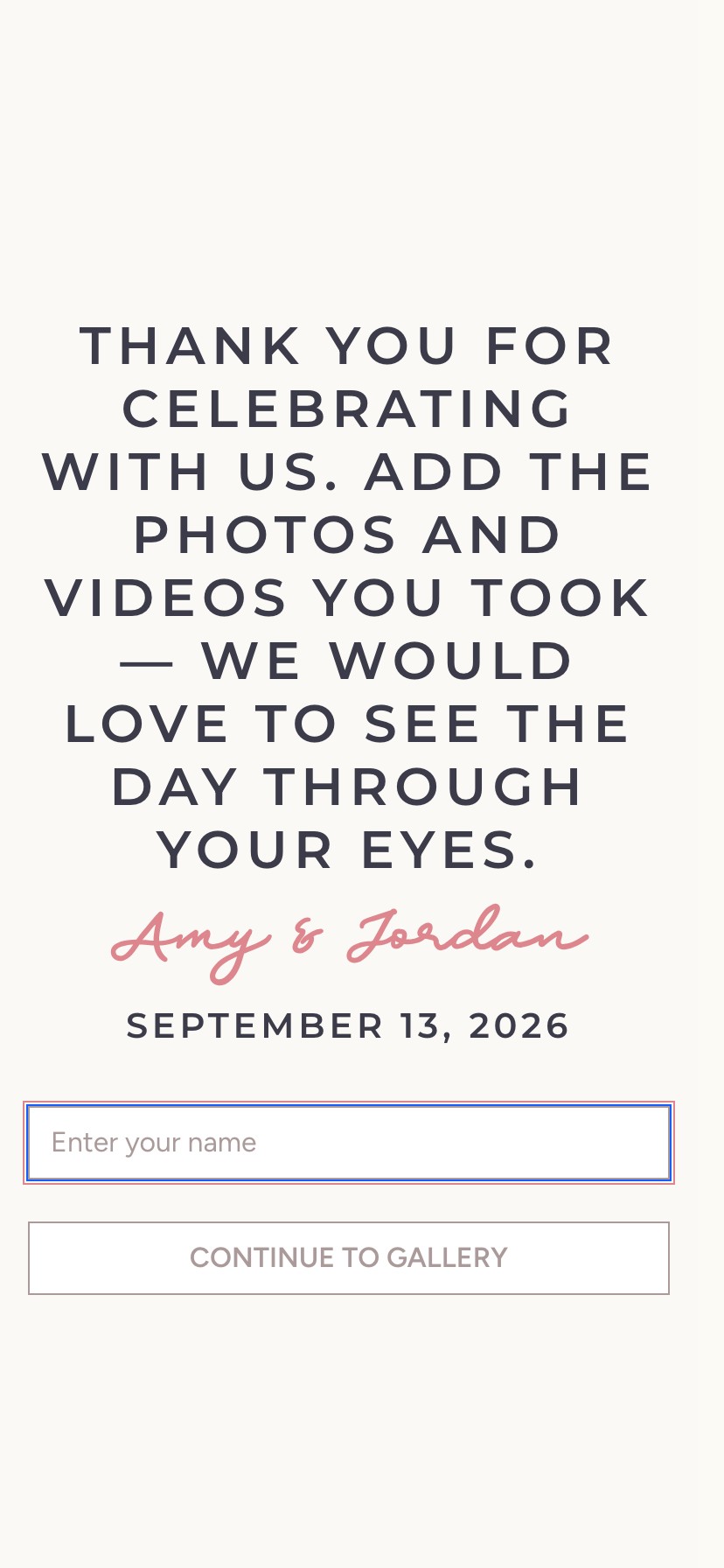
Guests type their name and pick photos, with no app and no account. 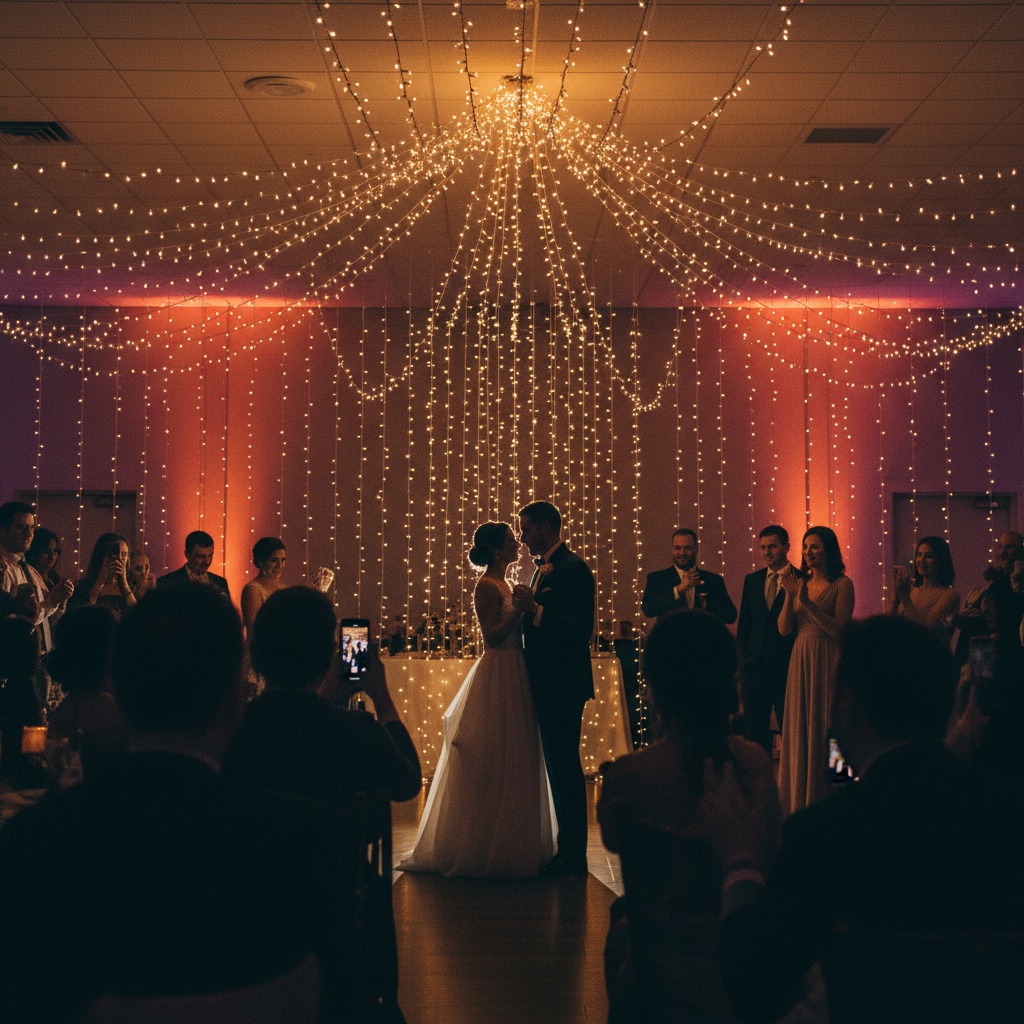
The first dance, from table seven.
- Your photographer covers the formal shots, and your guests cover the table laughs, the dance floor and everything in between
- If your grandparents can scan a menu, they can add a photo
- Download every original in full resolution, together, whenever you are ready
“This was perfect for my wedding day.”
One QR code on your welcome sign and tables. Every guest’s photos and videos in one private album. Guests type their name and pick photos, with no app and no account. The first dance, from table seven.
The candid wedding photos your guests are already taking.
The dance floor at its messiest. The group shot your college friends took in the bathroom mirror. The look on your partner’s face when the best man started his speech.
Those photos end up spread across dozens of phones. Without one easy way to collect wedding guest photos, most of them stay in camera rolls. A hashtag only shows what people post publicly, and a group chat squeezes everything into a thread nobody can find later.
Our Event Album is a private QR code for wedding photos that works alongside your photographer. Guests scan it and upload the table laughs, dance floor videos, getting-ready moments and photos nobody posed for.
Every moment, from every angle.
A wedding happens in a lot of places at once, and these are the moments your guests are standing closest to.
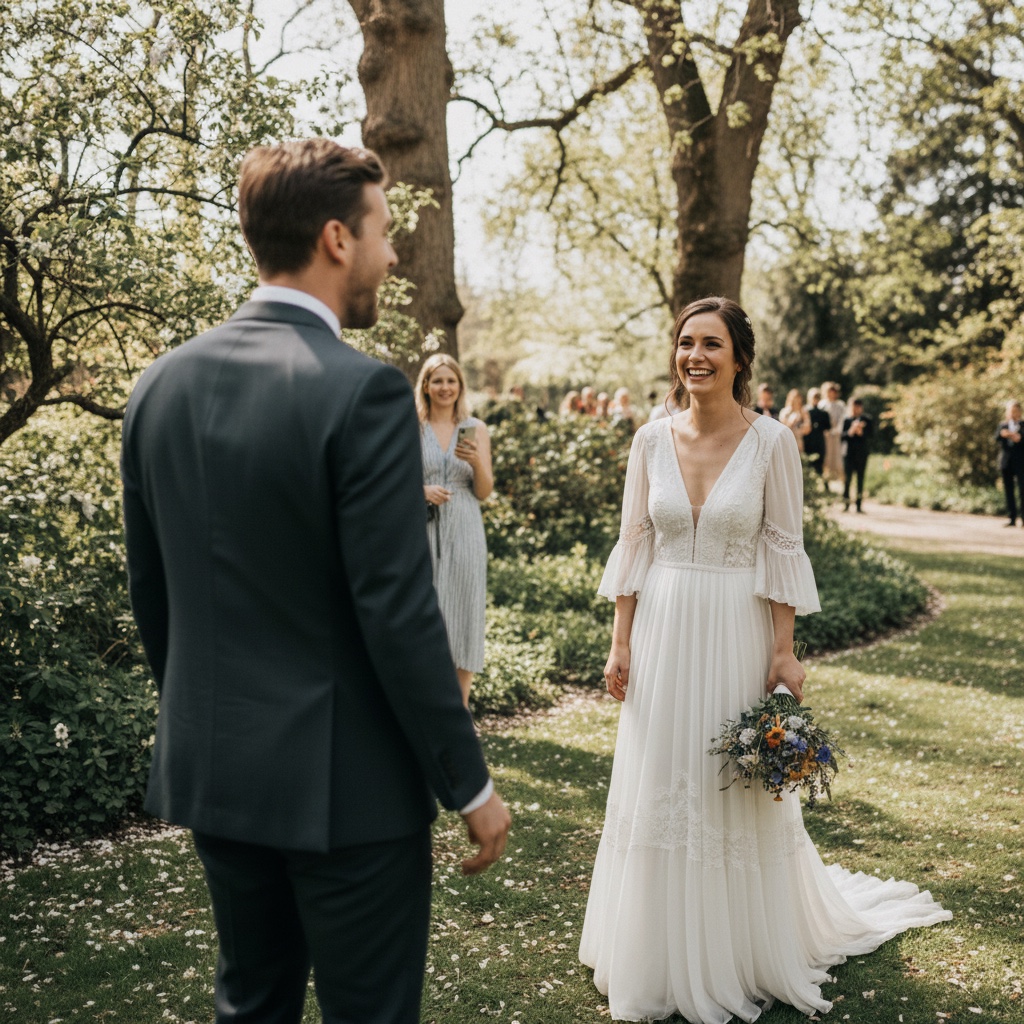
The first look 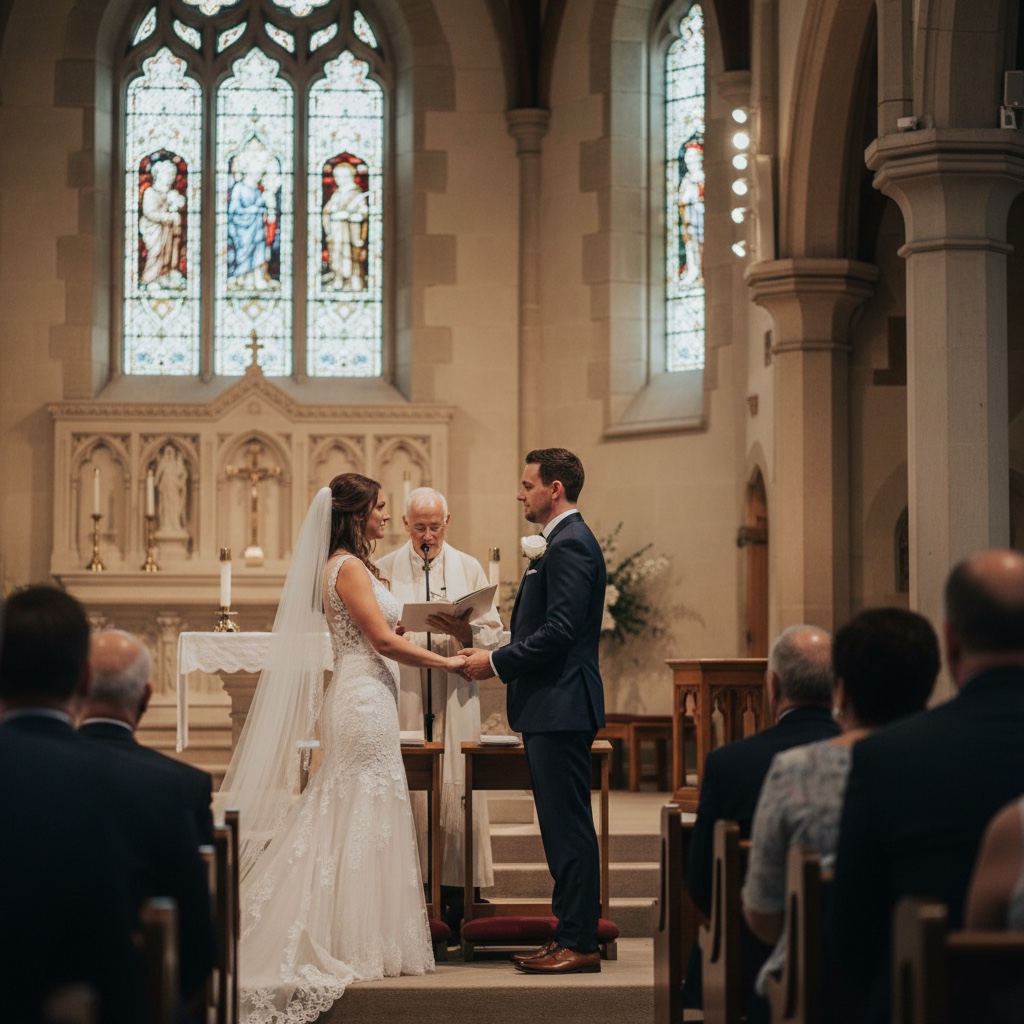
The ceremony 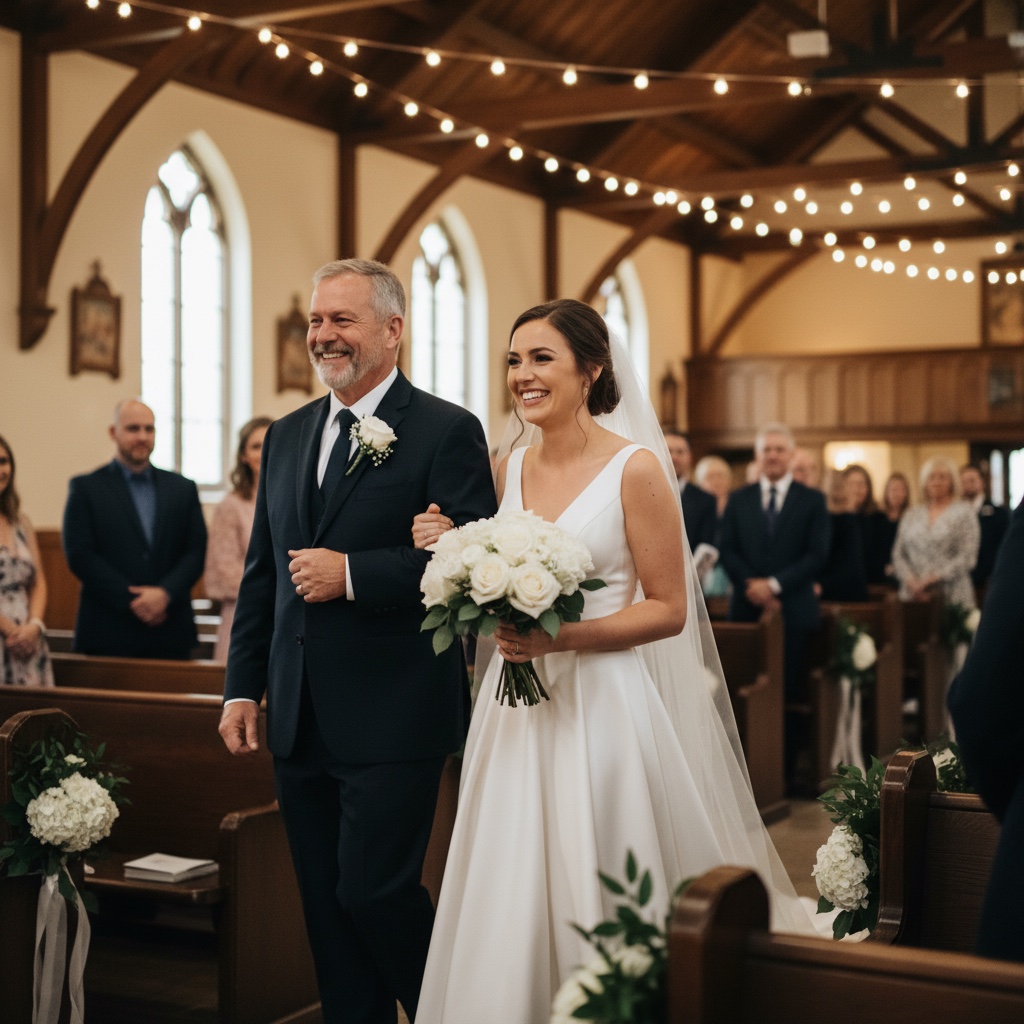
The walk down the aisle 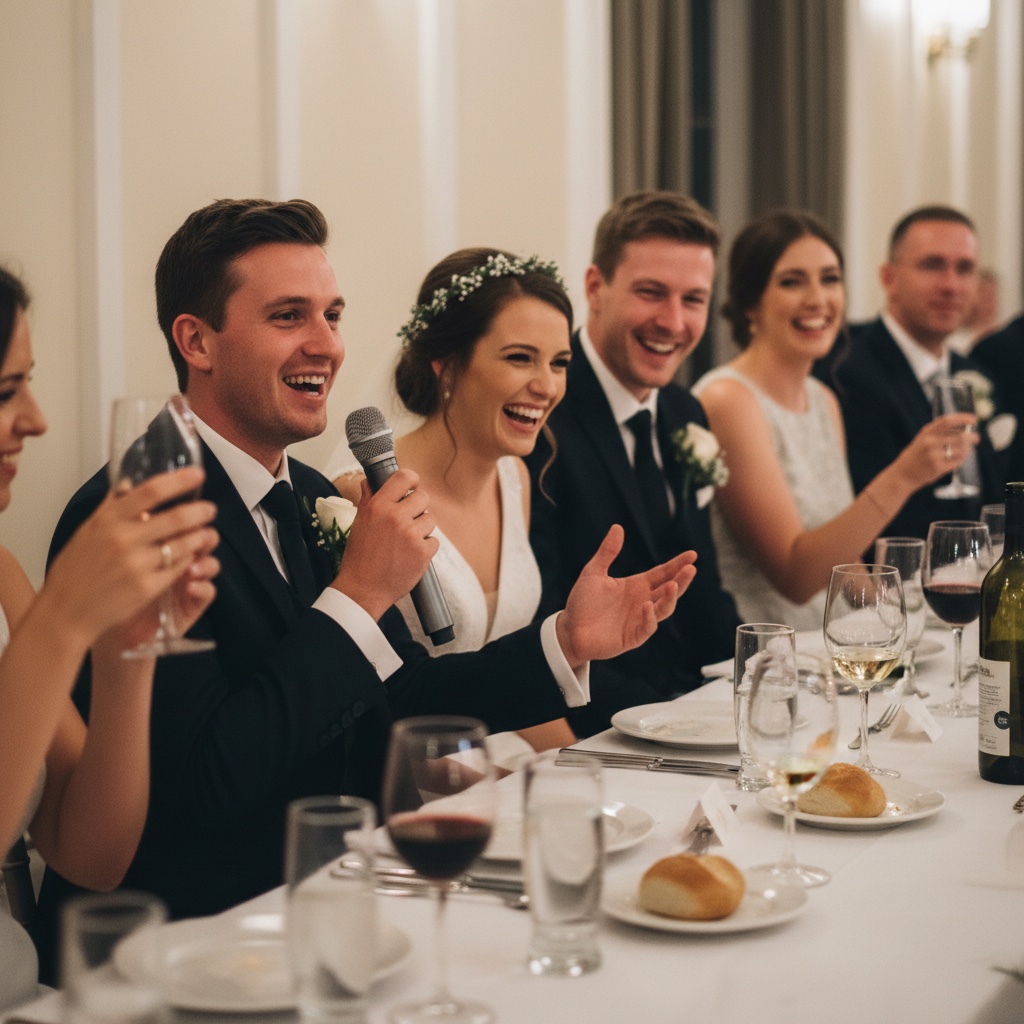
The speeches 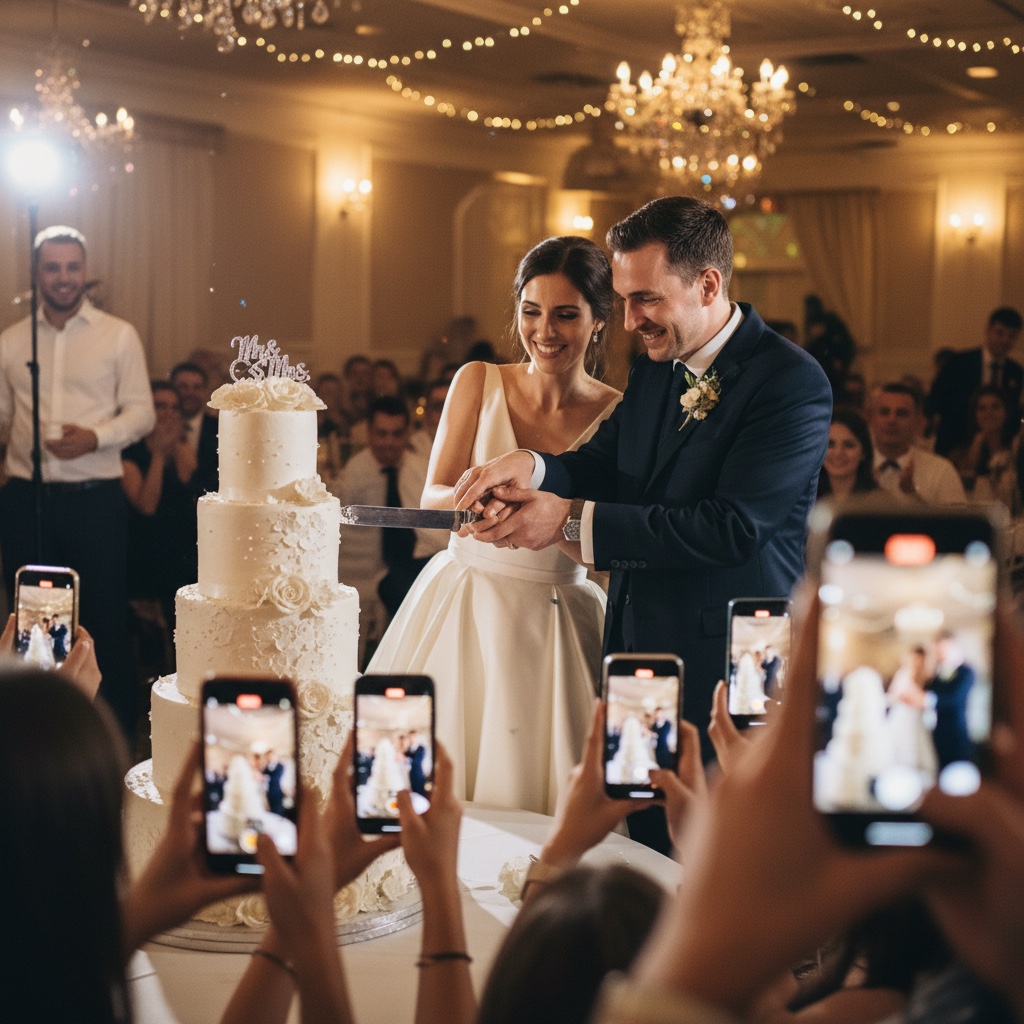
Cutting the cake 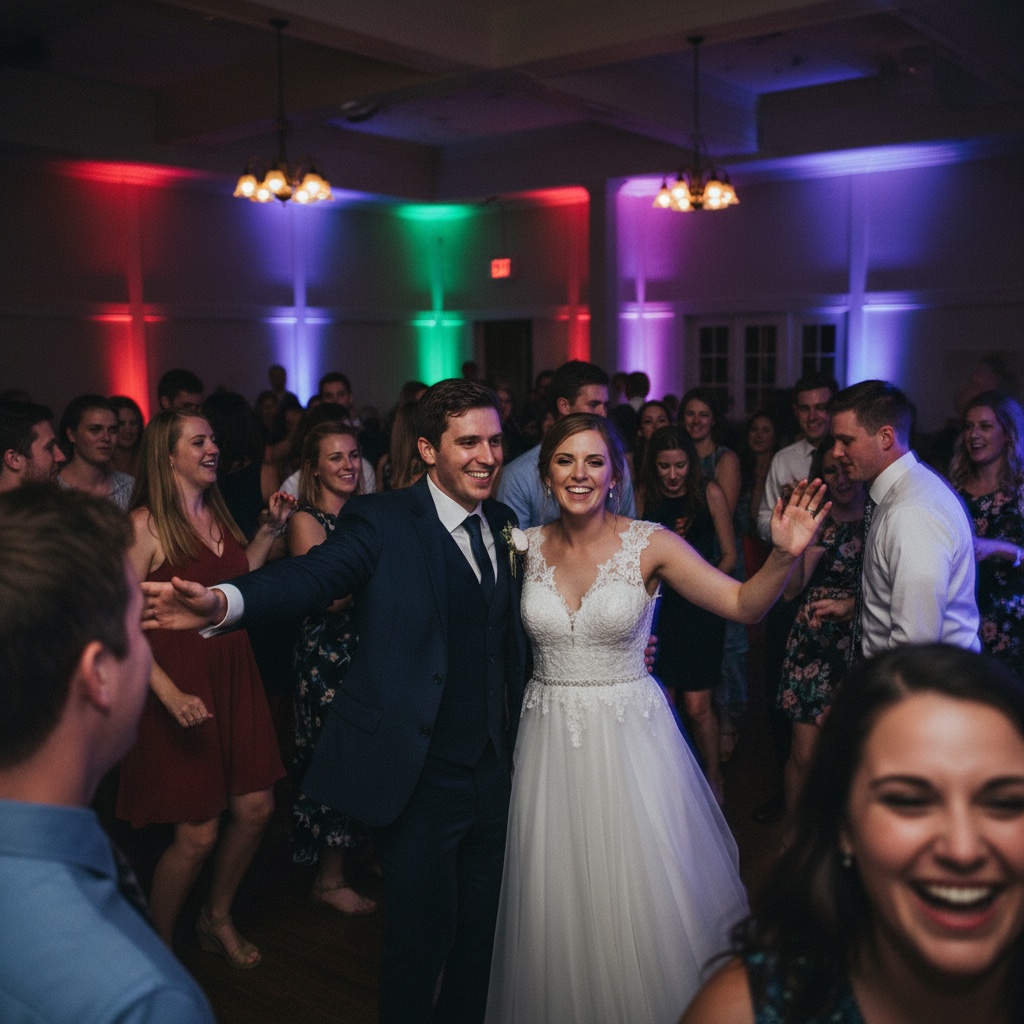
The dance floor
How it works for your wedding, from setup to the morning after.
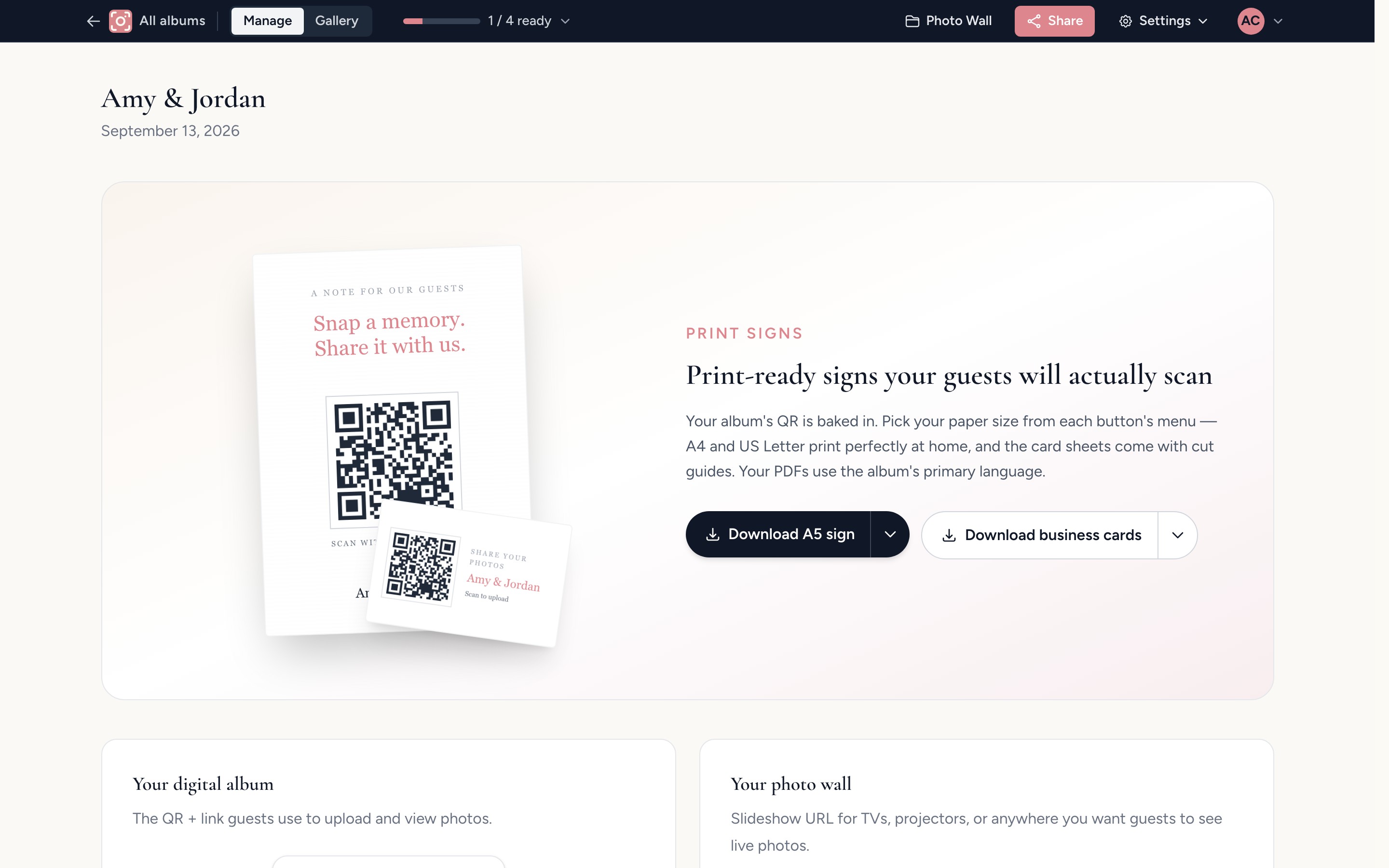
Before the day, set up your album and print the signs
Add your names, your wedding date and a short welcome message, then print the signs for the tables, the bar and the welcome board. Scan your own code and add a test photo, so you know exactly what guests will see.
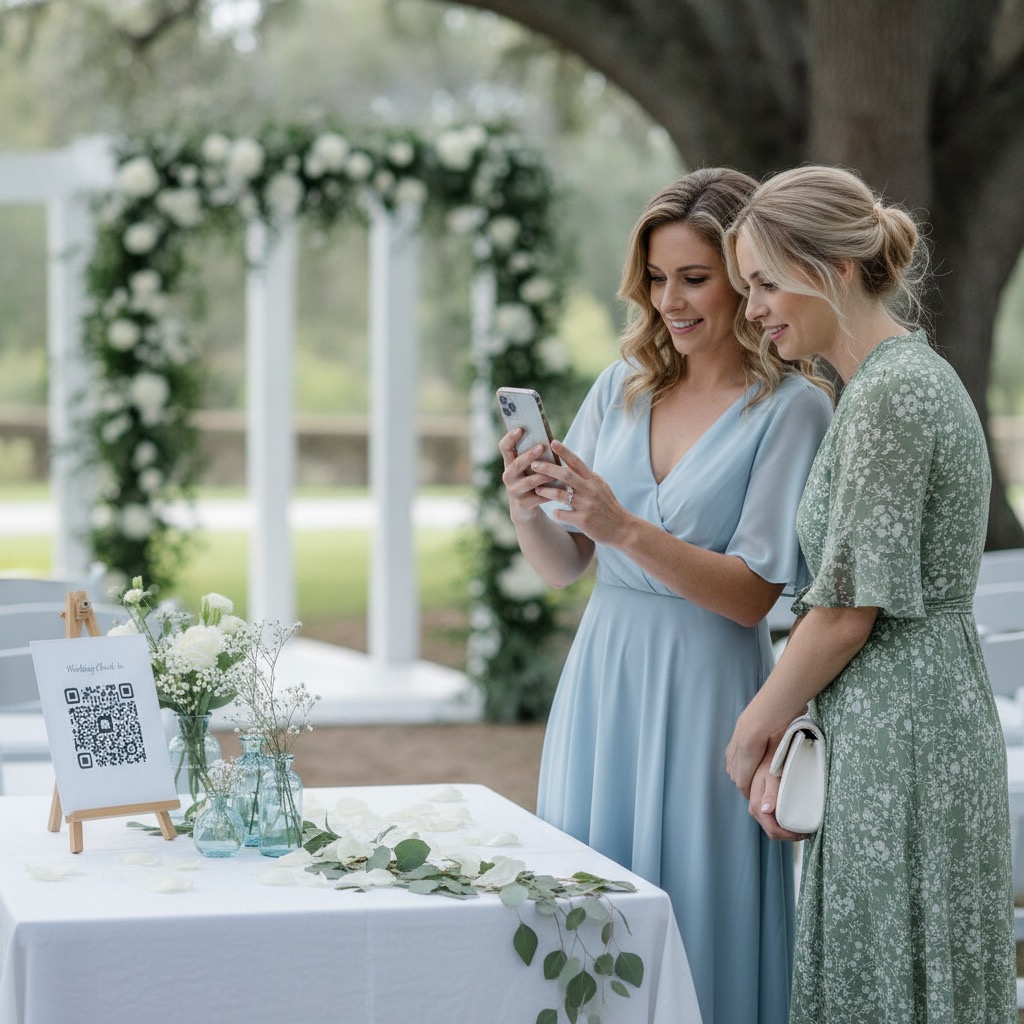
At the reception, guests scan and add their photos
Guests point their phone camera at the sign, type their name and choose photos and videos from their camera roll. The originals upload while they get back to the party.
“very easy to use for my daughter quinceanera”
Angie · Quinceanera · Verified Etsy review 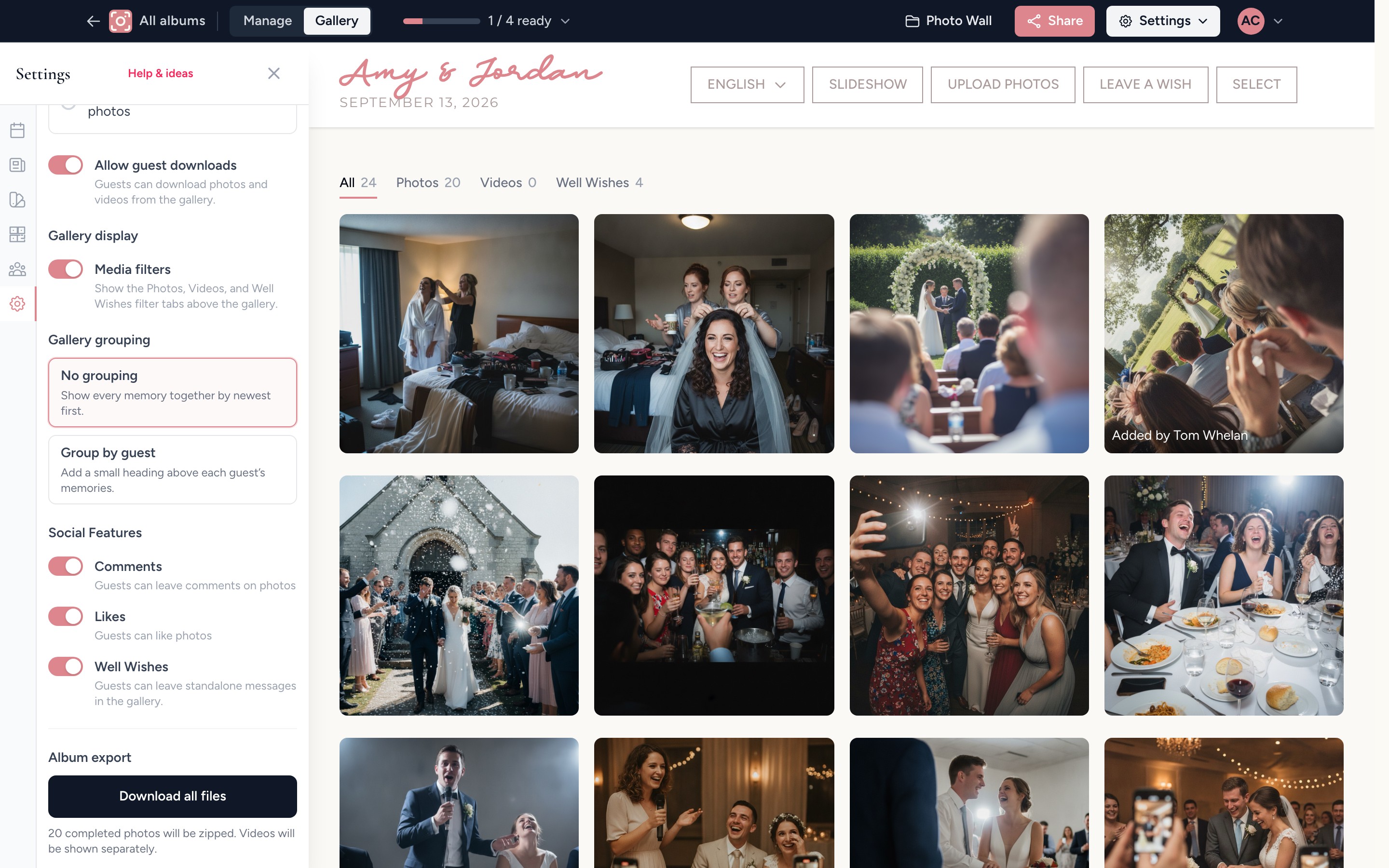
The morning after, download every original
Scroll through the whole wedding from every table, then download everything in full resolution in one go. Guests can keep adding photos for months after they get home.
How it compares with the usual ways of collecting wedding photos.
Each option works for some hosts, so here is what guests have to do and what you end up with.
| Question | Group chat | Shared Google or Apple album | Disposable cameras | Our Event Album |
|---|---|---|---|---|
| What guests need | To be in the chat and remember to send them later | A Google account, or an iPhone for Apple shared albums | To find a camera on their table | A phone camera to scan your QR code, with no app or account |
| What you get back | Often compressed copies spread through a long thread | Whatever guests add to someone’s cloud account | A few dozen shots per camera and no video | Full-resolution photos and videos in one private album |
| When you get it | Whenever people remember | Whenever guests get around to it | After the film is developed | Live during the wedding |
| Cost | Free | Free, within your storage | Per camera, plus developing | $39 once |
Everything for your wedding’s guest photos, for one price
Paid once for your event, with no subscription and no per-guest fees.
- Your own QR code and private album link
- Printable signs and table cards
- A welcome page with your names and date
- Unlimited photos and videos from every guest
- A live slideshow for a TV or projector
- 6 months of hosting from your event date
- Full-resolution downloads to keep
Secure checkout with Stripe. Optional extras are shown before you pay.
What couples ask before they buy
Can't see your question? Send us a note or browse the help centre.
Can we download all the photos together?
Yes. Download every photo and video in full resolution in one go from your host dashboard, whenever you like. The files you download are yours to keep.
When does our album run out?
Six months after your wedding date, not six months from the day you buy. Order as early as you like, and guests can keep adding photos for months after the wedding. 12-month hosting is available at checkout if you want longer.
Do we get the QR code straight away?
Yes. Straight after payment we email you a link to your album, and your QR code and printable signs are ready as soon as you finish setup. They are not held back until your wedding date.
Do guests need to download an app?
No. Guests point their phone camera at the QR code and upload directly through their browser. It works on iPhone and Android. No install, no account, no password.
How do we actually get guests to use it on the day?
Make the code hard to miss: put it on every table, the welcome sign and the bar. Ask your MC to mention it once at the start of the reception, and share the link in your group chats for anyone who misses a sign.
Is our album private, or could it show up on Google?
Your album is invite-only. Only people who have the unique link or scan one of your QR codes can see or upload. It is not publicly searchable and is not indexed by Google.
Can guests upload videos too, like the first dance and speeches?
Yes. Photos and videos, with no caps and no per-guest limits. Perfect for the ceremony, the speeches, the first dance and the cousins' dance floor clips.
What if someone uploads something we don't want shown?
You can hide or remove any upload from your host dashboard, or turn on approval so nothing appears in the album until you have seen it.
Can we try it before buying?
Yes. Open the live demo album and add a photo the way your guests will. Once you have bought, scan your own code and upload a test photo a few days before the wedding.
What if we need help on the day?
Send us a note through the contact page and we will help as quickly as we can. The best way to avoid day-of surprises is to scan your printed sign and upload a test photo a few days before.
Wedding planning guides
Free tools and practical reads for planning your guest photos.
Wake up to the photos everyone else took.
Your signs need printing before the day, so set up your album now and your QR code is ready the moment you finish.
Get my wedding QR codePrivate by link or QR code. No app for guests. Download every original when you are ready.
