Graduation QR Code Photo Album Guide for Collecting Guest Photos
Graduation day is a whirlwind of caps, gowns, and pride. Between family photos and friend selfies, there are hundreds of moments worth keeping. Let everyone contribute to one shared album.
Celebrate the Achievement from Every Angle
Guests upload from their browser. Your gallery stays private to the people with the link or QR code.


The best photos are usually scattered across everyone else's phones
A graduation brings together the people who notice different moments: arrivals, table reactions, quick hugs, dance floor videos, and behind-the-scenes details. If the upload path is not ready before the event, those photos usually disappear into messages, social posts, or camera rolls.
The practical fix is simple: give every guest one private QR-code album while the event is happening. They scan, upload, and go back to the moment. You get the fuller story without chasing everyone afterward.
Why a QR code album works for graduation
The right setup removes the parts guests avoid: app downloads, account creation, confusing links, and awkward reminders after the event.
The Full Story
From the processional to the after-party, collect every moment in one place.
Family & Friends
Parents in the audience, friends on the field - everyone captures different angles.
After-Party Ready
Use the same album for the ceremony, dinner, and celebration - one QR code covers it all.
Download Anytime
The graduate gets a complete photo collection to remember their big day.
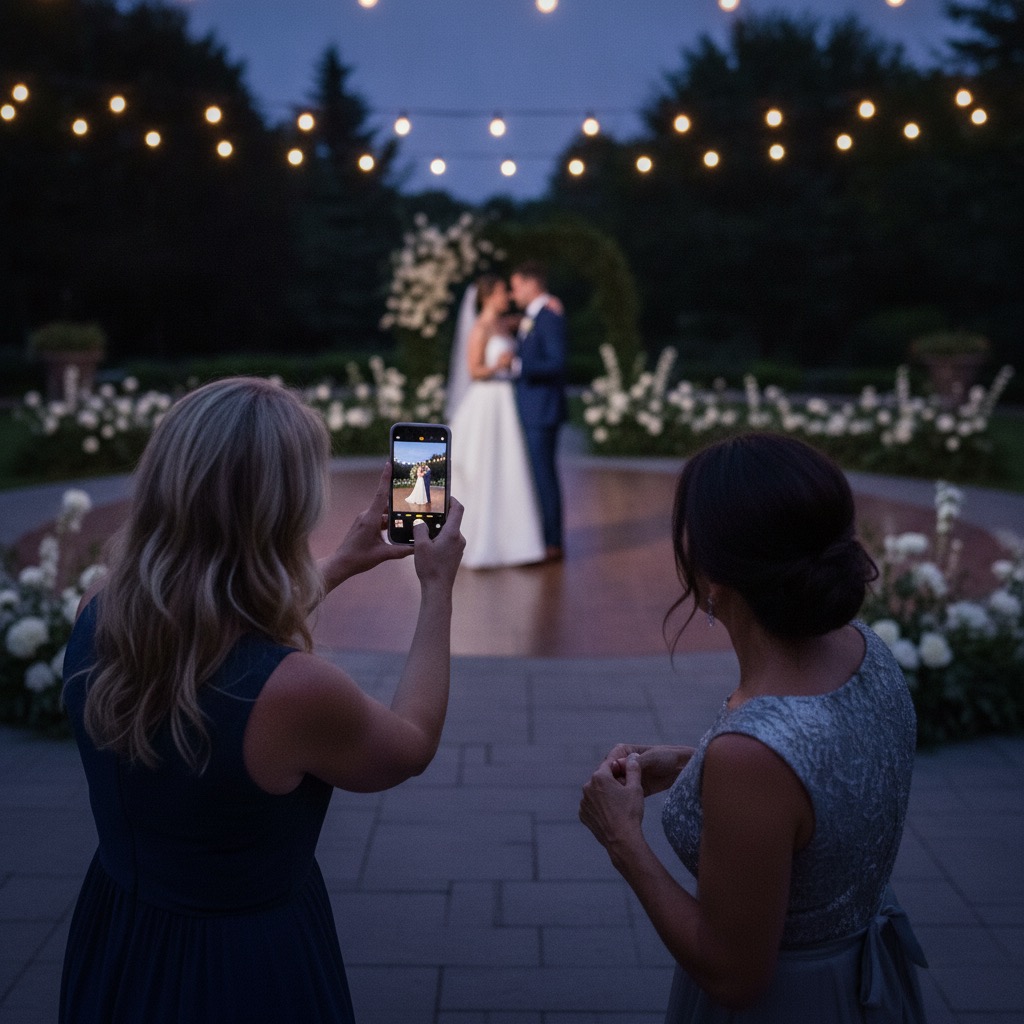
How guests add photos without extra work for you
- 1
Get Your Album
Quick setup - have it ready before graduation day.
- 2
Share the Code
Text it to family, print it on party invites, or display it at the celebration.
- 3
Everyone Uploads
No app needed - works on any phone's browser instantly.
- 4
One Complete Album
All the ceremony, party, and candid shots in one beautiful collection.
Because the album opens in a browser, it works across iPhone and Android and stays private to guests with the event link or QR code.
What to decide before you print the signs
The event-day instruction should be short enough to understand at a glance. Tell guests where the QR code is, that uploads are private, and that they can add both photos and videos without downloading anything.
- Place the QR code where guests naturally pause: welcome signs, bars, tables, programs, or check-in areas.
- Mention it once early, then let visible signage do the quiet reminding.
- Download the full gallery afterward so the photos become part of your album, recap, thank-you notes, or family archive.
Quick fit check
Will older guests understand it?
If they can scan a restaurant menu, they can upload a photo.
Is it public?
No. The gallery is accessed by the private link or QR code you share.
Does it replace a photographer?
No. It complements the formal photos with candid guest perspectives.
Most Popular Graduation Guides
Start with the most visited graduation photo sharing guides by location.
Ciudad de México
Gather guest photos at your Ciudad de México graduation
City guide2New York City
Collect every graduation photo in New York City
City guide3Monterrey
Gather guest photos at your Monterrey graduation
City guideGuadalajara
Collect every graduation photo in Guadalajara
City guideLos Angeles
Collect every graduation photo in Los Angeles
City guidePuebla
Collect every graduation photo in Puebla
City guideChicago
Gather guest photos at your Chicago graduation
City guideHouston
Collect every graduation photo in Houston
City guideFrequently Asked Questions
How can friends and family share graduation photos without an app?
Share your QR code at the graduation ceremony or party. Attendees scan it with their phone camera, opening a browser-based upload page. They can instantly upload photos of the ceremony, cap toss, and celebration - no downloads or sign-ups required.
Can I use the graduation photo album for both the ceremony and the party?
Yes. The same QR code and album work for the entire day. Guests can upload photos from the formal ceremony in the morning and the celebration party in the evening - everything goes into one consolidated album.
How do I share the QR code with people sitting far away at a graduation ceremony?
Include the QR code in a group text or email before the event, or print it on a small card that you hand out to family members. Some graduates also share it on their social media story so friends in the audience can contribute their photos from wherever they are sitting.
Can the graduate download all the photos later?
Absolutely. The full album can be downloaded as a ZIP file at any time within the six-month access window. Individual photos can also be saved one at a time. This is especially useful for graduates who want high-quality memories for social media or printed keepsakes.
Is Our Event Album suitable for high school and university graduations?
Yes. It works equally well for any graduation - high school, university, trade school, or professional certifications. The album accommodates unlimited uploads from any number of guests, making it ideal for both intimate family celebrations and large commencement ceremonies.
Related Resources
Best Photo Sharing Apps
Compare event photo apps by guest flow, QR code support, and privacy.
App Comparisons
Read side-by-side comparisons before choosing a tool.
QR Code Photo Guide
See how QR codes collect guest photos without app downloads.
iPhone Shared Albums and Their Limits
Thinking of a Photos shared album for graduation guests? See how it works and where it stops first.
Hosting something else? Read the guide for wedding, corporate event, birthday, quinceañera, baby shower, anniversary, bar/bat mitzvah, engagement party, reunion, retirement party, conference, gala, memorial or holiday party.
Set up the QR code before the photos disappear
Give guests one private place to upload photos and videos from the event. No app downloads, no guest accounts, and no public hashtag.
Browse all event guide types