How to share an album on iPhone, and what to use when it is not enough
Shared Albums in the Photos app take about two minutes to set up. They also have a 100-person cap and an invite step, which matters if you are collecting photos from a whole wedding or party.
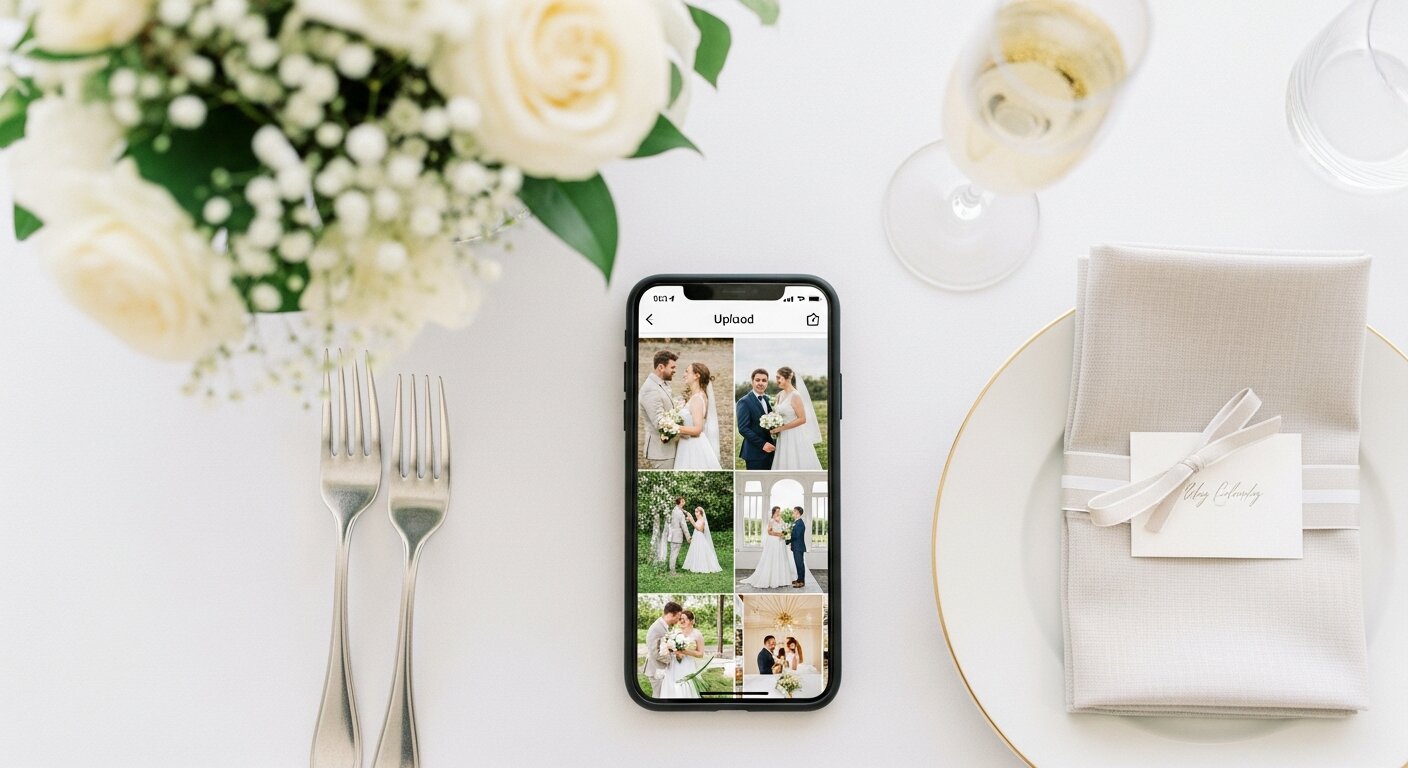
Create and share a shared album in six steps
These follow Apple's own guide. Menu names move a little between iOS versions, so if a button looks different, look for Shared Albums under Collections.
1
Open Photos and go to Shared Albums. Tap Collections, scroll down to Shared Albums and tap it.
2
Create the album. Tap the add button, name the album and pick the photos to start it with.
3
Choose how people join. Tap Sharing Options. You can invite and approve people one by one, or share the album with a link.
4
Invite people. Tap Manage Shared Album, then Invite Participants. Pick a contact or an app to send the link, or copy it.
5
Let them add photos. In each person's settings, make sure Can Add Photos is selected. Without it they can only look.
6
Check iCloud Photos is on. Apple says iCloud Photos needs to be turned on and your iPhone updated to the latest iOS.
The limits Apple publishes for shared albums
The numbers depend on the iOS version, so check Apple's Shared Albums limits page for your phone. This is what it said on 6 October 2026.
| Limit | What Apple says |
|---|---|
| People in one album | 100, including you as the owner. |
| Temporary shared albums | Up to 5,000 photos and videos combined from everyone. |
| Storage (iOS 27 and later) | No cap on photos or videos beyond the owner's available iCloud storage. Shared photos count toward that storage. |
| iOS 26 and earlier | 5,000 photos and videos per album. Videos up to 15 minutes at up to 720p. Shared photos did not count toward iCloud storage. |
| Guests without Apple devices | Apple says friends and family can join and add their own photos on the web without an Apple Account or Apple device. |
When a shared album is enough, and when it is not
For a family trip or a dinner with ten friends, a shared album is the quickest answer and costs nothing. It gets harder at an event. You have to invite each person, guests who never join never add anything, and the photos stay spread across the phones of whoever did.
Our Event Album is built for the second case. Guests scan a QR code on a table sign or open a link, and their photos and videos go into one private gallery that you download from. How it works walks through the host and guest steps, and our iCloud Shared Albums review explains how it works for event photo collection.
Planning a specific celebration? The guides for weddings, birthdays and corporate events cover what to put on the sign and when to remind guests, and every event type has its own guide.
| iPhone Shared Album | Our Event Album | |
|---|---|---|
| How guests get in | They open an invite or link, then join the album. | They scan a QR code or open a link and upload from the phone browser. No account. |
| People in one album | Up to 100, including you. | Unlimited guests. |
| Video | Up to 15 minutes, up to 720p (iOS 26 and earlier). | Up to 60 seconds per video. |
| Getting it all back | Everything lives in the Photos app of whoever joined. | The host downloads every photo and video from one gallery at any time. |
| Printed QR sign | Not part of Shared Albums. | Printable sign templates (PDF) are included. |
| Cost | Free, but photos use the owner's iCloud storage on iOS 27 and later. | One payment per event, no subscription. 6 months of hosting from the event date. |
Sharing an album on iPhone, answered
Can someone with an Android phone join an iPhone shared album?
Apple says people can join and add their own photos on the web without an Apple Account or an Apple device. They do have to follow your invite first, so it adds a step for them compared with scanning a code.
Why can't my friend add photos to my shared album?
Open Manage Shared Album, tap their name and make sure Can Add Photos is selected. If the album was shared with a public website only, people can view it but not contribute.
How many people can be in an iPhone shared album?
Apple's limits page says 100, including the owner. For a wedding with more guests than that, you need something else or several albums.
What should I use for a wedding or party with lots of guests?
A shared album works for a small group you can invite by name. When you have a room of people and want everyone to upload without an invite step, a QR code upload page is simpler. Our Event Album gives you one private gallery with a QR code and printable signs, and guests need no app or account.
Does Our Event Album replace the iPhone Photos app?
No. Guests take photos with their normal camera and upload them through a browser page. You get one gallery to download from, instead of the photos staying scattered across guests' phones.
Related guides
More ways to collect photos from the people at your event.
How scan-to-upload works for any event.
Collect photos from a group in one place.
A private album for weddings, parties and more.
Set up a shared folder and what to test first.
How it compares for guest photo collection.
