
ゲストの写真をすべて ひとつの非公開アルバムに。
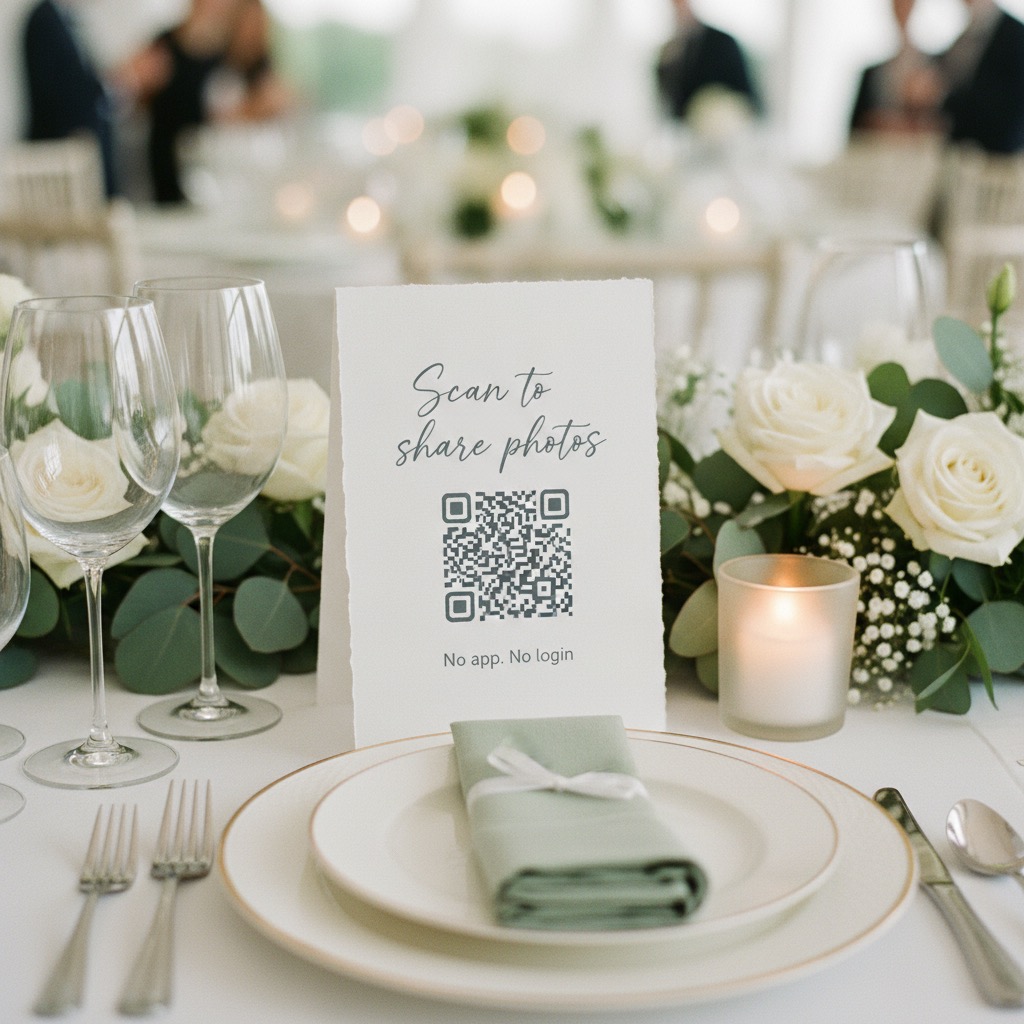
テーブルや招待状にQRコードを置くだけ。ゲストはスマホのブラウザから写真や動画をアップロードできます。アプリもアカウントも不要で、あとからオリジナルをダウンロードできます。
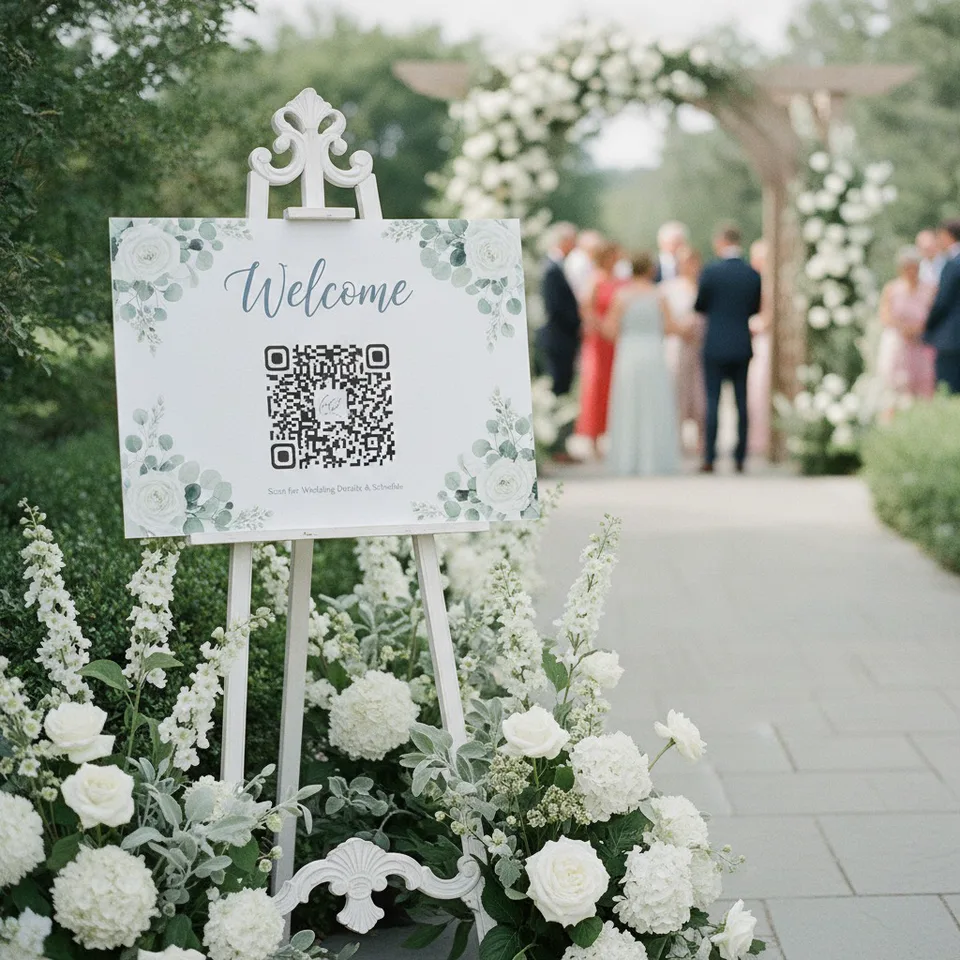
“This was perfect for my wedding day.”
- No app for guests
- Photos and videos
- Private by link
- Originals to download
- One-time $39
Guests scan the sign
A QR code opens your album in their phone browser
Which event are you planning?
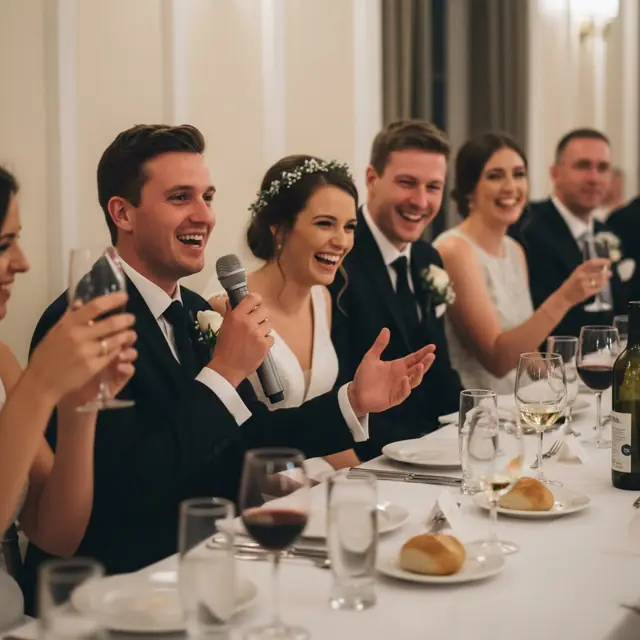
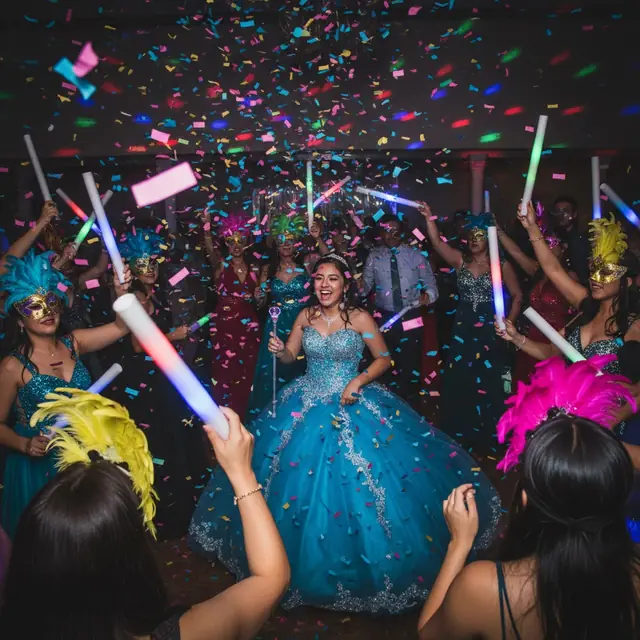
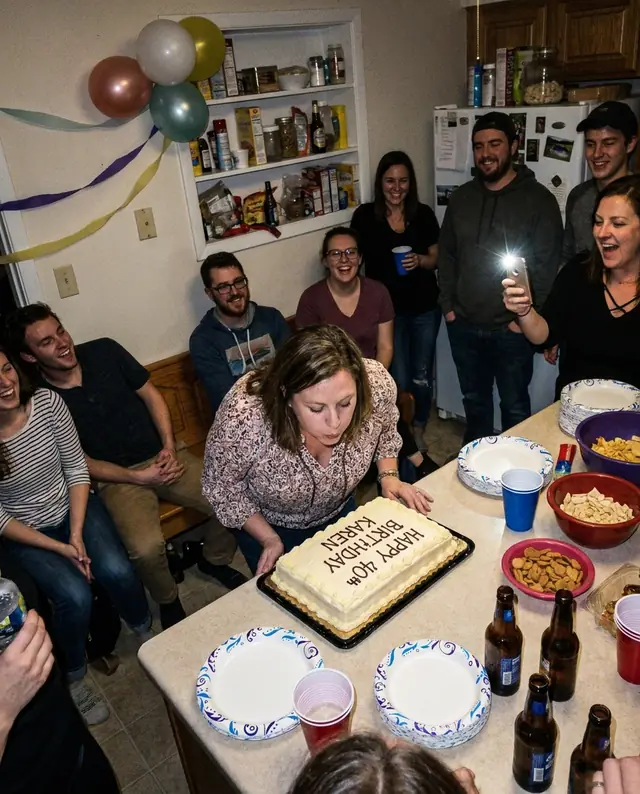



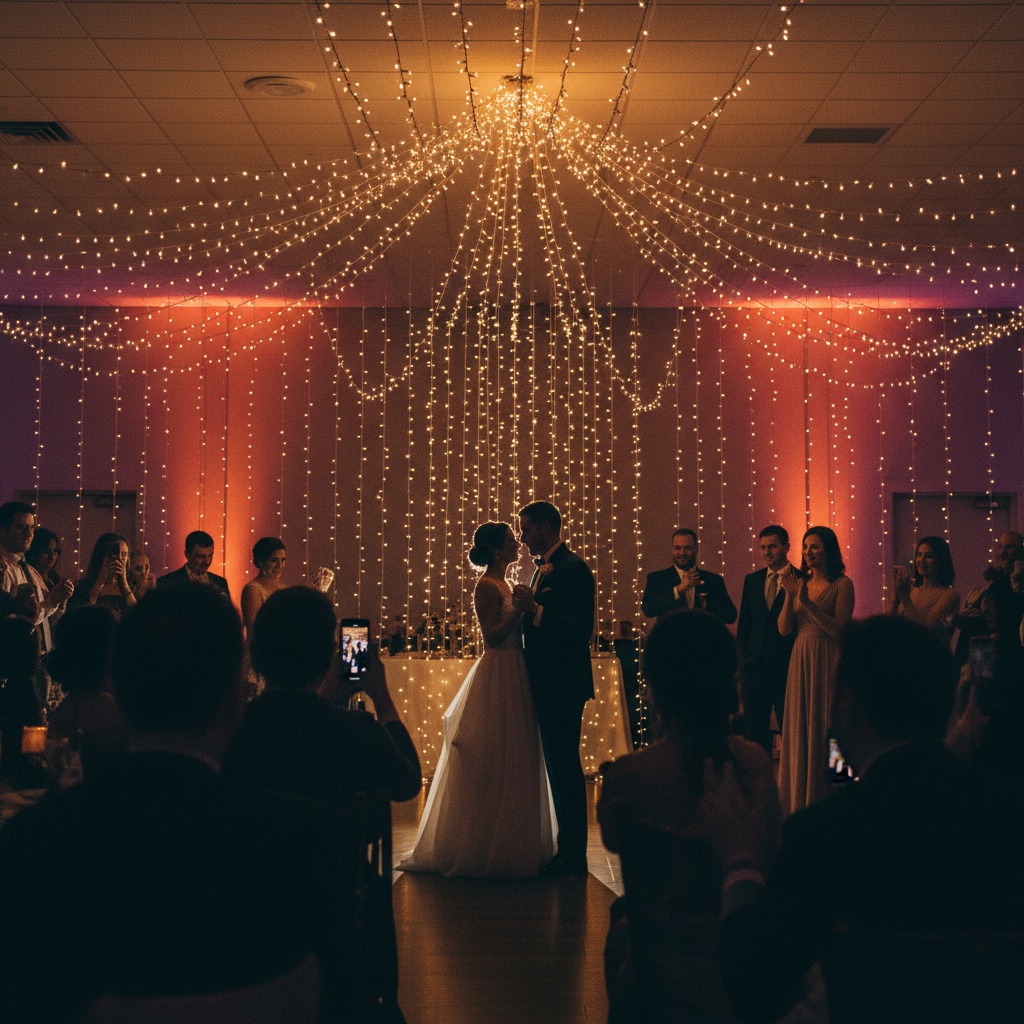
Your photographer can't be everywhere, but your guests already are.
Your uncle's shaky video of the first dance. Grandpa's surprisingly good speech at the 80th. The flower girl asleep under the cake table. The photo from table nine that somehow caught everyone mid-laugh.
Every guest sees the day from a different seat, and those photos already exist on dozens of phones. One QR code brings them into a single private album, so you keep the whole day and not only the parts one camera could reach.
Only people with your QR code or link can open the album. Nothing is posted publicly.
A few minutes of setup now, and every guest's photos waiting for you after.
Before the day, print your QR code
Add your names and date, choose your colours, and print the signs for the tables, the bar and the welcome board. Drop the link in the group chat for anyone who likes to be early.
On the day, guests share as it happens
They point their camera at the sign and add photos and videos from their browser, with no app and no account. Put the live slideshow on a TV and the room watches the album fill.
The morning after, wake up to the album
Scroll through the whole celebration from every table, then download the originals in full resolution. Guests can keep adding photos for months.
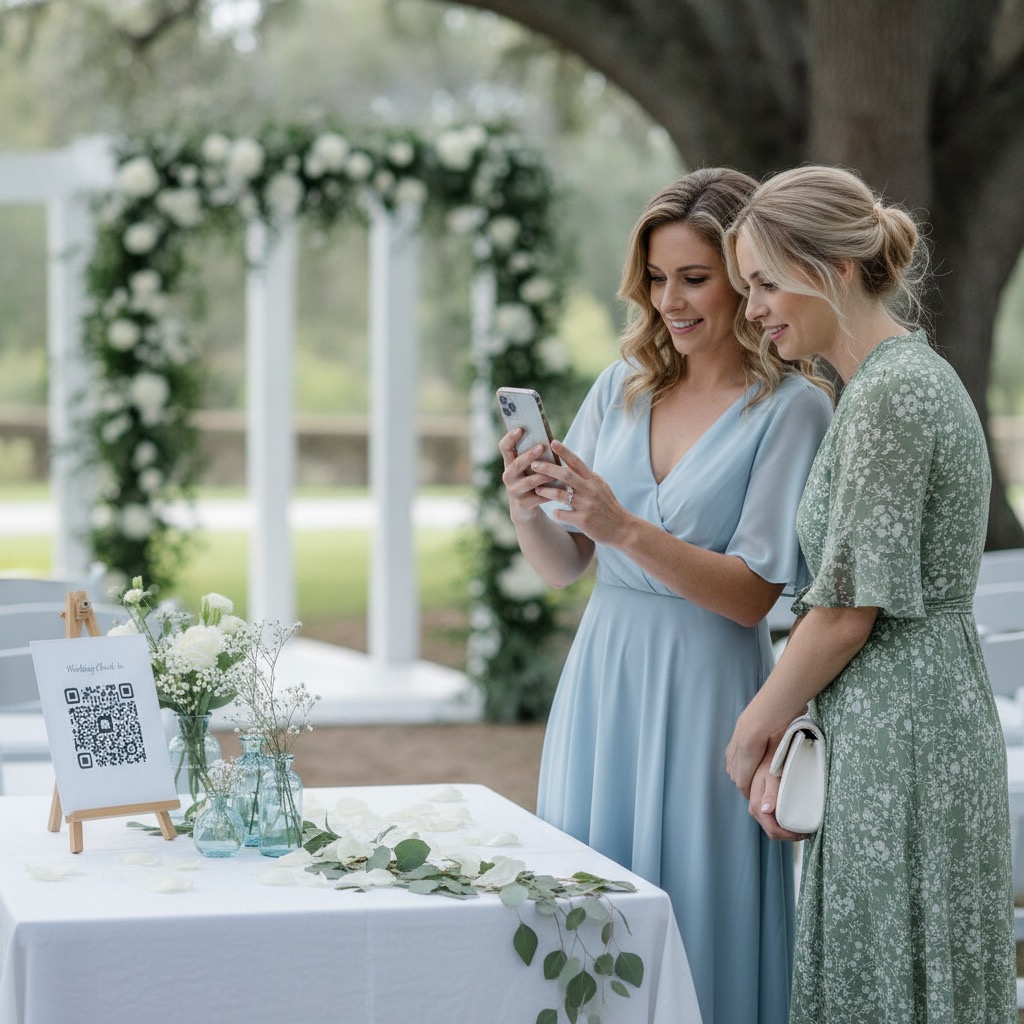
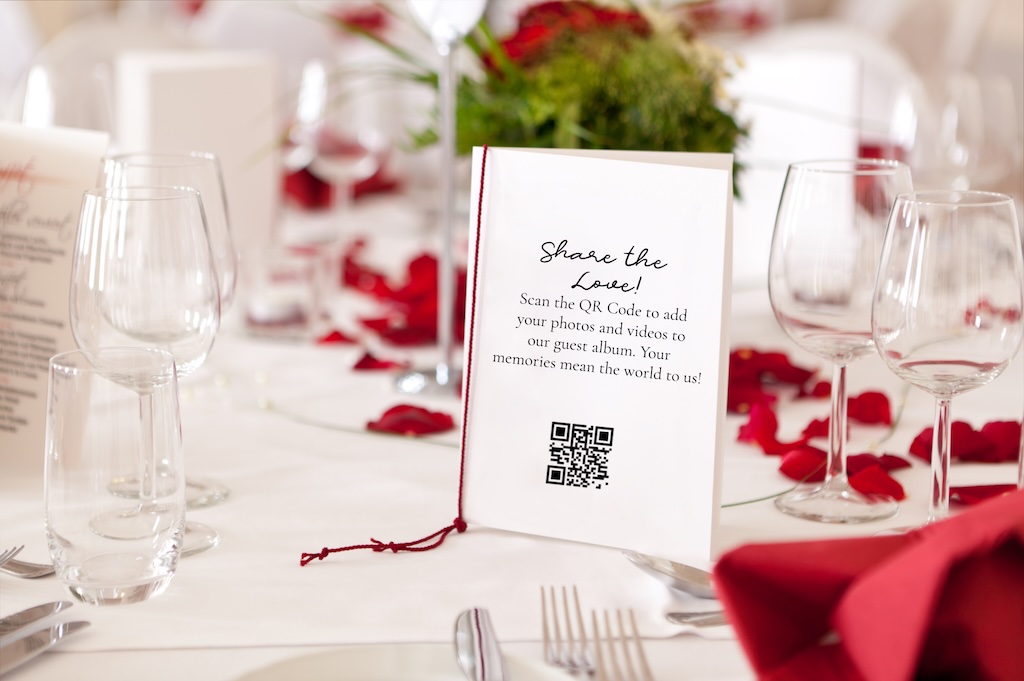
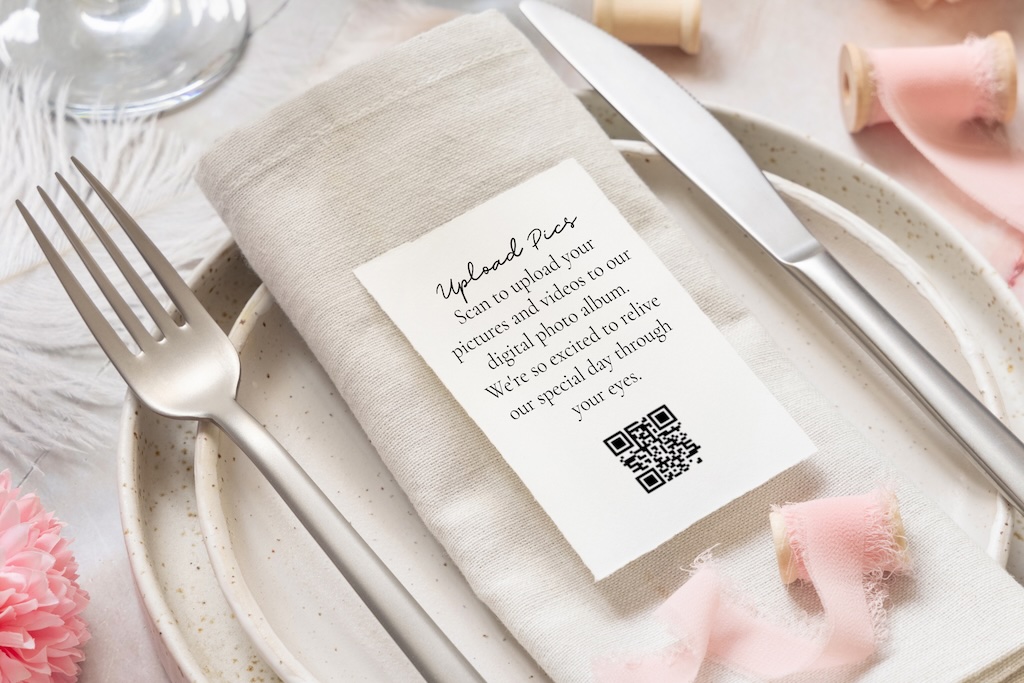
Make the QR code impossible to miss
Your album comes with printable signs and table cards. Put them where people already stop, and nobody needs reminding.
- On every table, next to the centrepiece
- At the bar, where everyone waits a minute anyway
- On the welcome sign as guests arrive
- In the group chat, for anyone who misses a sign
Print them at home or at any print shop, and ask us if you would like a different design.
How it compares with the usual ways of collecting event photos.
Each option works for some hosts, so here is what guests have to do and what you end up with.
| Question | Group chat | Shared Google or Apple album | Disposable cameras | Our Event Album |
|---|---|---|---|---|
| What guests need | To be in the chat and remember to send them later | A Google account, or an iPhone for Apple shared albums | To find a camera on their table | A phone camera to scan your QR code, with no app or account |
| What you get back | Often compressed copies spread through a long thread | Whatever guests add to someone’s cloud account | A few dozen shots per camera and no video | Full-resolution photos and videos in one private album |
| When you get it | Whenever people remember | Whenever guests get around to it | After the film is developed | Live during the event |
| Cost | Free | Free, within your storage | Per camera, plus developing | $39 once |
A few things you might be wondering
Can't see your question? Send us a note or browse the help centre.
Do guests need an app or an account?
No app download or guest account is needed. Guests scan your QR code or open your album link, enter their name and choose photos and videos from their phone. They need an internet connection to upload.
What about older guests who are not great with phones?
If they can scan a menu, they can add a photo. They open the camera, point it at the code, tap, and choose photos. No app, no password, no account.
Is my album private?
Yes. Your album is private by link. Only people with your QR code or link can open it, it is not publicly searchable, and you can hide or remove any upload from your host dashboard.
Can I download everything after the event?
Yes. Download the original photos and videos in full resolution whenever you like. The files you download are yours to keep.
We already have a photographer. Why use this too?
Your photographer captures the formal story. Your guests capture table laughs, behind-the-scenes moments and quick videos from all over the room. This gives you one place to collect their perspective too.
How long does my album last?
Your album includes 6 months of hosting from your event date, not the day you buy it. If you do not set an event date, hosting is counted from when the album is created. You can see your album expiry date in your dashboard.
Can I buy now and start uploading before the event?
Yes. Once your album is ready, you can set it up, download your QR code and printable signs, and start adding photos and videos. You do not have to wait for the event date. Share it early for engagement photos, party preparations or favourite throwbacks.
Is this a subscription?
No. You pay once for your album and any optional extras you choose at checkout. There is no recurring subscription or per-guest fee.
One QR code for every guest's point of view
Paid once for your event, with no subscription and no per-guest fees.
- Your own QR code and private album link
- Printable signs and table cards
- A welcome page with your names and date
- Unlimited photos and videos from every guest
- A live slideshow for a TV or projector
- 6 months of hosting from your event date
- Full-resolution downloads to keep
Secure checkout with Stripe. Optional extras are shown before you pay.
What hosts say, in their own words
From verified Etsy reviews.
“This was perfect for my wedding day.”
 Cassady · Wedding · Verified Etsy review
“very easy to use for my daughter quinceanera”
“Great product with great customer service!”
Guides for your guest photo plan
Practical reads on choosing, printing and sharing a QR code for your event.
Set it up once and keep the whole story.
Create your private event album before the day begins, then let one QR code collect the photos and videos your guests are already taking.
Get my QR codePrivate by link or QR code. No app for guests. Download every original when you are ready.
