Photos de retrouvailles familiales par QR code dans un album privé.
Un week-end, toutes les branches de la famille, un seul album.

Reunions create the exact photos that disappear fastest.
Family reunions, class reunions, and military reunions bring people together from different cities, generations, and group chats. By Sunday night, the best photos are usually spread across dozens of camera rolls.
A shared family reunion photo album gives people a place to contribute while the moment is still fresh. The cousin with the perfect group shot, the aunt with old scanned pictures, and the classmate filming speeches all upload to the same private gallery.
Our Event Album is QR code photo sharing built for that job: one scan, one upload flow, and one place to download everything later.
The album gets more than the posed group photo.
A reunion photo sharing plan helps you collect the photos guests naturally take from their own tables, conversations, and corners of the weekend.

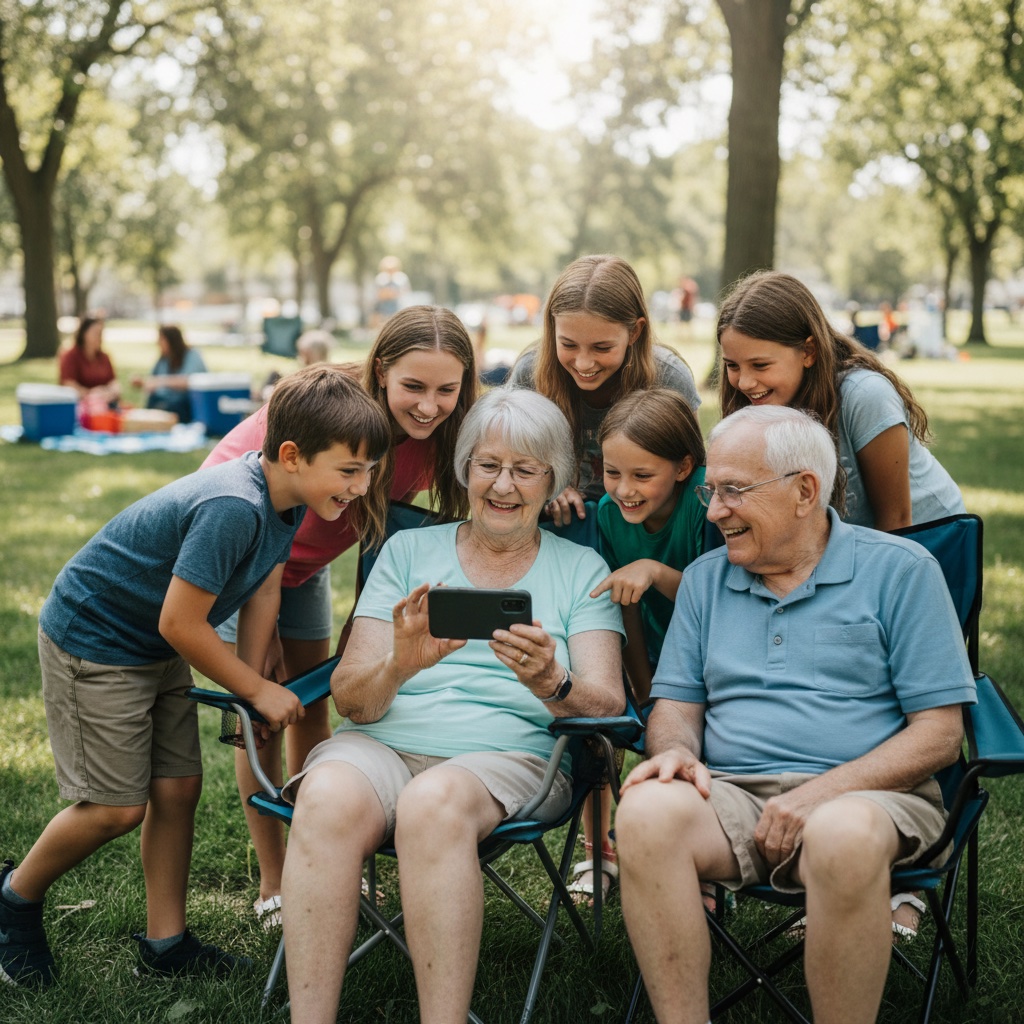
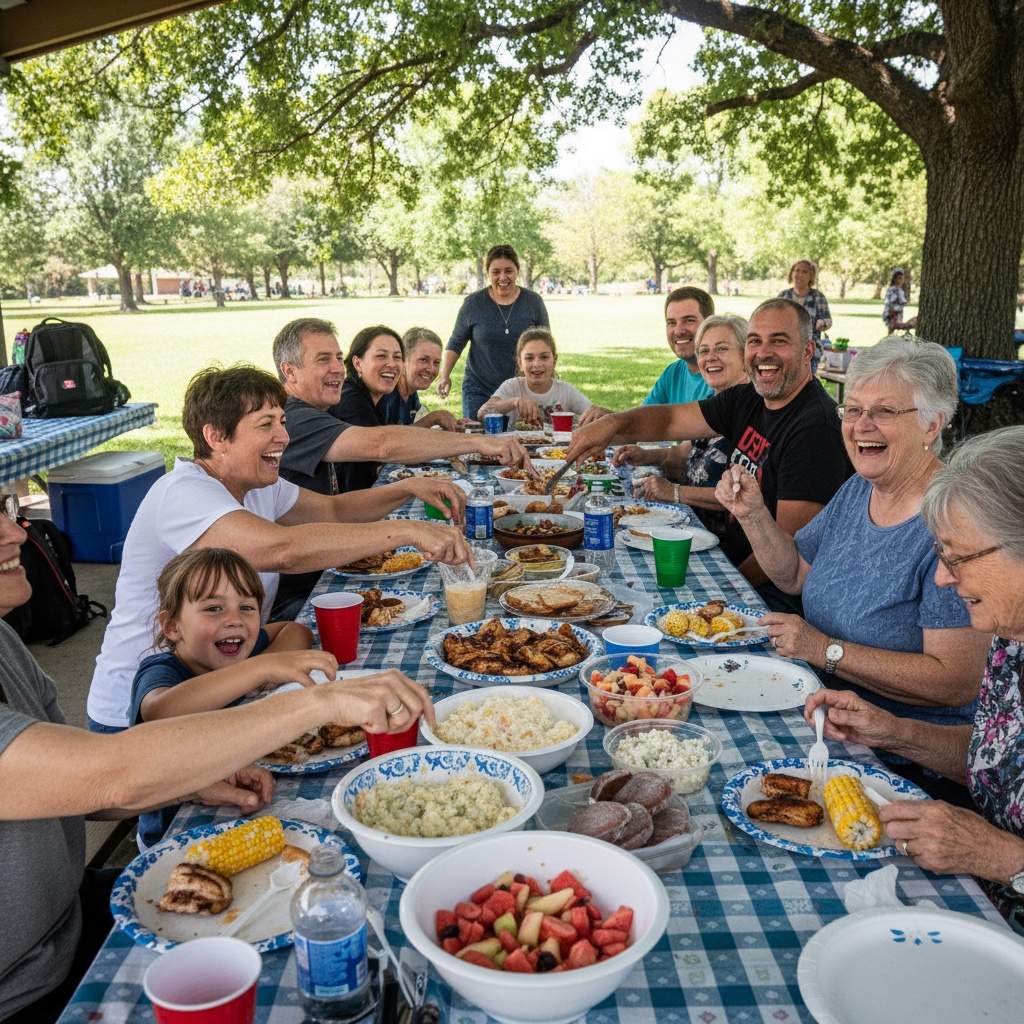

Set up the photo plan before everyone arrives.
A reunion photo album works best when the QR code is visible early and often.
- 1
Create your reunion photo album
Add the reunion name, date, and a welcome message. You receive a unique link and printable QR code so guests know exactly where to send photos.
- 2
Put the QR code where people already gather
Print signs for the welcome table, meal tables, memory wall, name-tag station, or take-home cards. You can also share the link in the family text, alumni email, or Facebook group.
- 3
Collect the new photos and the old ones
Guests upload photos and videos from their browser. They can add weekend candids, class photos, throwbacks, speeches, and quick videos, then you download the full-resolution originals when you are ready.
Want to test the guest flow first? Open the live demo.
See exactly how it works
Click through the demo below. Everything is interactive.
Create your event in seconds
Enter your event details and personalize your gallery. Your unique QR code is generated instantly.
Create Album
Instant delivery. No subscriptions. Private album by link and QR code.
A photo plan that works for cousins, grandparents, and classmates.
Reunion guests are not all on the same phone, platform, or group chat. A browser-based group photo sharing flow keeps participation simple: scan, tap upload, choose photos.
That matters when some guests are tech-comfortable and others just want clear instructions. No app store. No account setup. No event code to remember.
What your reunion photo kit includes
Everything you need to collect guest photos for $39. One payment, no subscription.
Private reunion photo album
Your gallery is available by link or QR code, so it is easy for invited guests to access without being publicly listed.
Printable QR signs and cards
Place the QR code at check-in, on tables, near the food, on the welcome board, or in the family group chat before the reunion starts.
Photo and video uploads
Guests can add phone photos, short videos, old scanned pictures, group portraits, and candid clips from the whole weekend.
Full-resolution downloads
After the reunion, download the originals for a family archive, class recap, slideshow, shared drive, or printed photo book.
Six months of hosting
The album stays online long enough for people to upload after they travel home and for you to save everything properly.
Simple enough to explain on one sign.
The mechanism is familiar: scan the QR code, upload photos from the phone browser, then let the organizer save the private group photo album afterward.
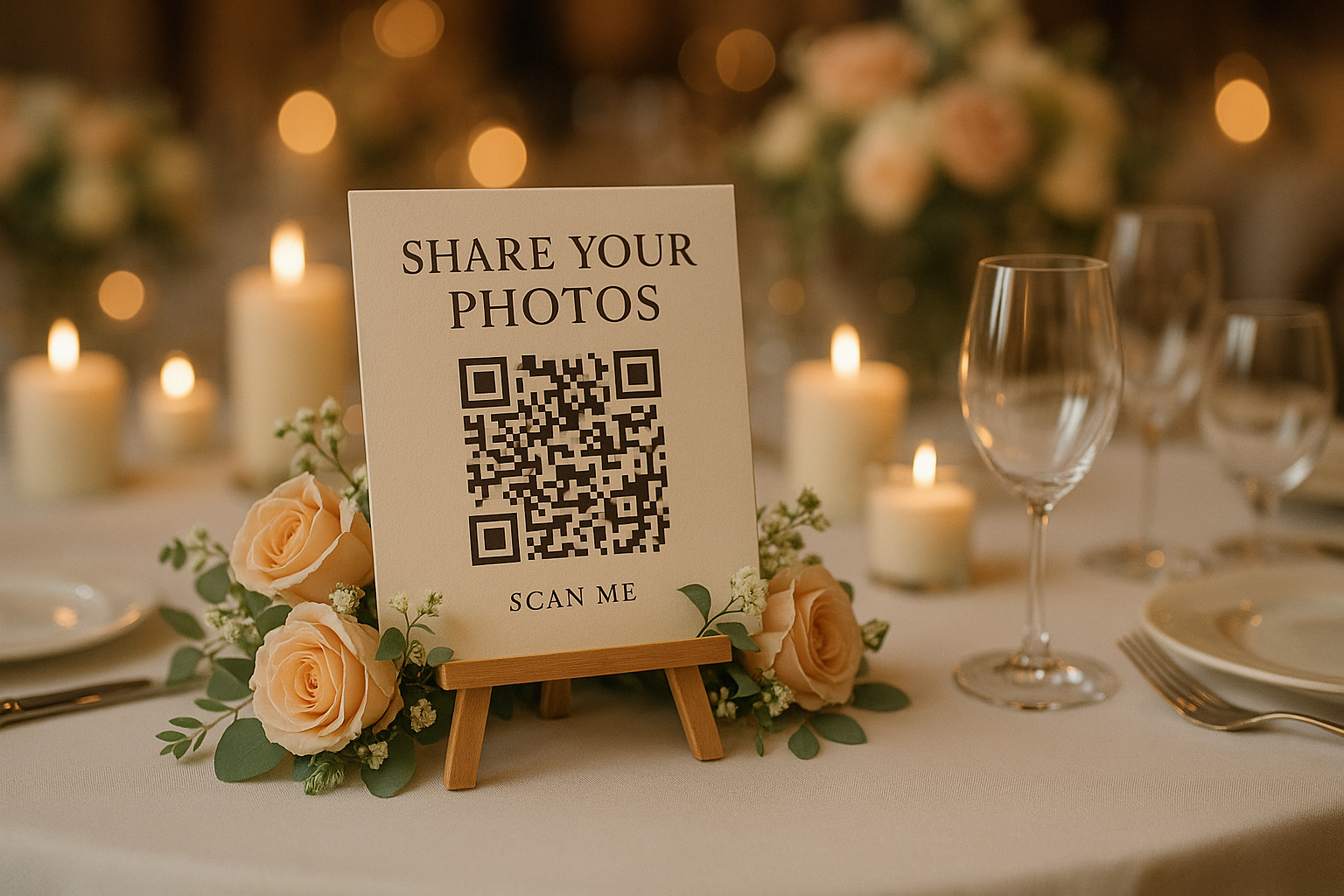

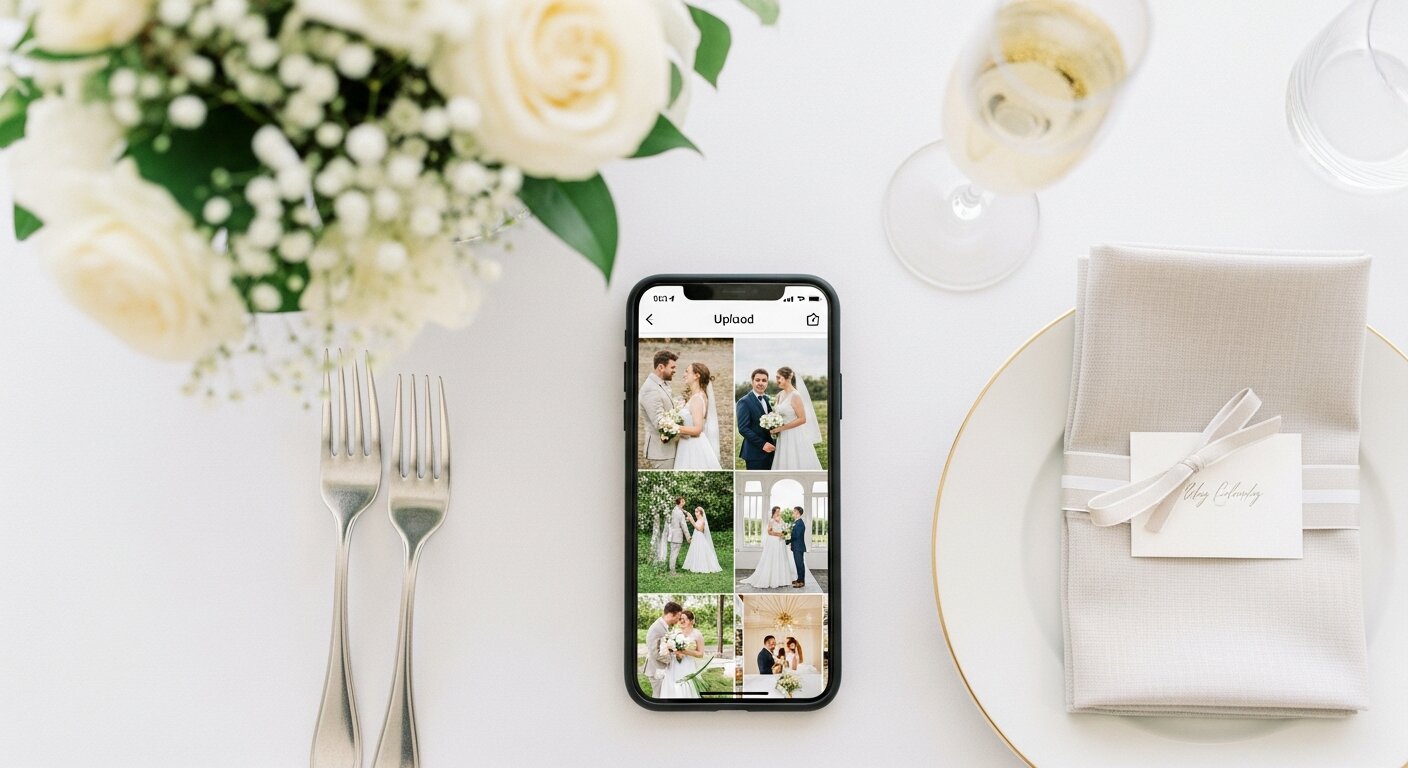
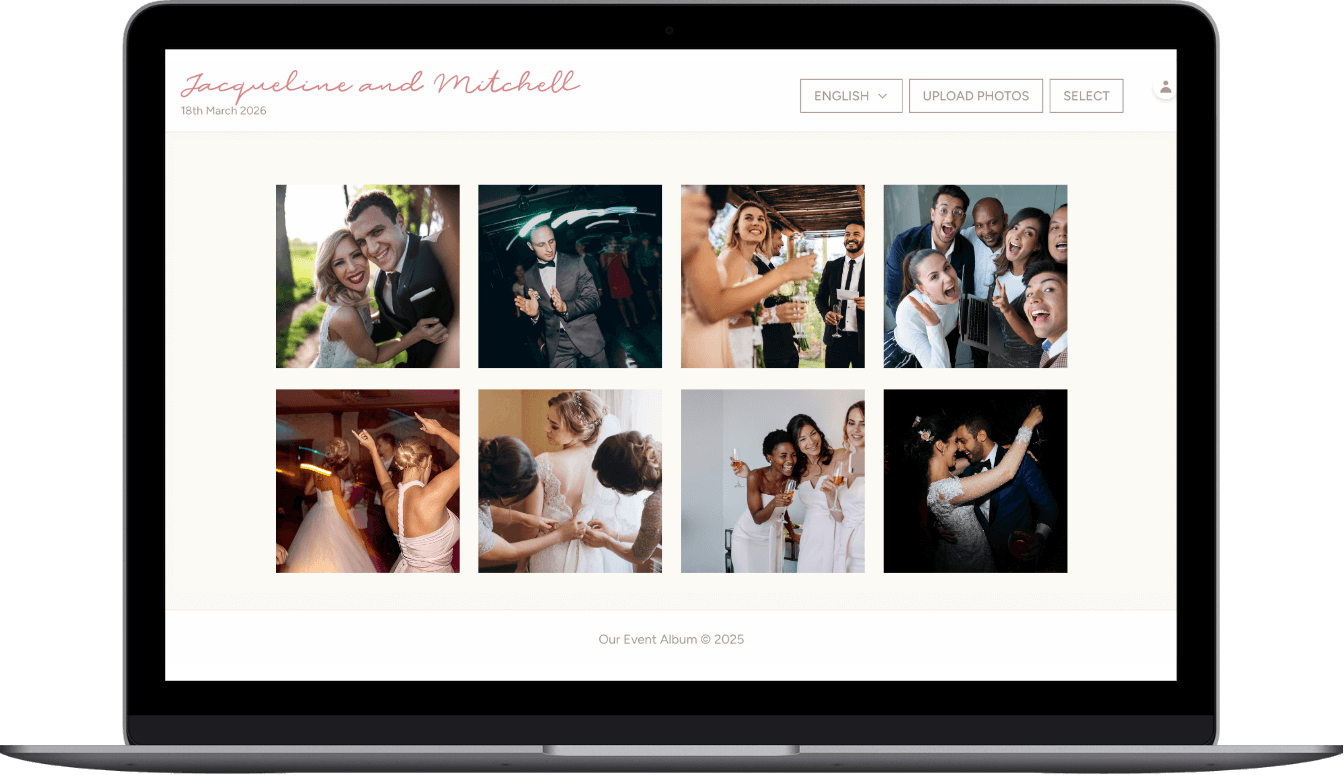
Keep the weekend's story together after everyone travels home.
The group portrait matters, but so do the small pieces around it: cousins recreating an old picture, old friends catching up, kids meeting for the first time, a speech someone recorded from the back of the room.
A guest photo collection plan helps you gather those moments without turning one organizer into the person who has to message everyone later.
Use it before, during, and after the reunion.
Share the link ahead of time for throwback uploads, print the QR code for the venue, then remind people once they are home. The same private group photo album can support the whole reunion cycle.
Reunion photo sharing questions
Do guests need to download an app?
No. Guests scan the QR code with their phone camera and upload directly through the browser. Works on iPhone and Android. Even for the least tech-savvy family members.
Can we share the QR code before the reunion?
Yes! Share it in the group chat, email, or Facebook group ahead of time. Guests can start uploading throwback photos before the reunion even starts.
Does it work for multi-day reunions?
Absolutely. One album covers your entire reunion. Whether it's a single afternoon or a full weekend. Photos upload in real-time throughout.
How long do we have access?
6 months from your event. Extensions are available if you need more time to collect and download everything.
Can guests upload videos too?
Yes! Guests can upload both photos and videos to your gallery.
How do we receive our QR code?
Instantly via email after purchase. You'll get PDF templates for signs and take-home cards to print at home or any print shop.
Give every guest one private place to send reunion photos.
Set up the album before the reunion, print the QR code, and let guests upload from their phones without an app or account. Your gallery stays private by link and QR code, and the full-resolution downloads are yours to keep.
$39 one-time. Instant delivery. No subscriptions.
Questions? Contact us
