Best Photo Sharing Platforms: Pick the Right One for the Job

There is no single best photo sharing platform. There is a best platform for a family archive, a different one for sharing with a partner, another for a wedding where 120 guests all have phones, and another again for a photographer delivering a finished gallery to a client.
Most frustration with photo sharing comes from using a tool built for one of those jobs to do another. A cloud library is wonderful for keeping your own photos for decades, and awkward when you need dozens of people who barely know each other to add theirs by Sunday.
Here are the main options by what each is actually good at. Limits and prices were checked on each platform's own help or pricing pages in September 2026 and are linked so you can confirm them.
Five questions that decide it
- Who adds photos? Just you, you and one other person, a family, or a crowd of guests?
- What phones do they use? An all-iPhone family has different options from a mixed iPhone and Android guest list.
- Do you need the originals? Some sharing modes resize photos and videos, which is disappointing if you want to print.
- How long should it live? Forever, or long enough to collect everything and download it?
- How do you want to pay? Free with limits, an ongoing subscription, or a one-time payment.
The platforms at a glance
| Platform | Best for | Who can add photos | Cost model |
|---|---|---|---|
| Google Photos shared albums | Everyday sharing with people on Google | Album members, or anyone with the link if Collaborate is on | Free storage, then paid storage |
| iCloud Shared Albums | Apple households and friend groups | Invited participants; newer albums also allow web contributors | Free, but new albums use the owner's iCloud storage |
| Dropbox or Google Drive folders | Moving original files | Dropbox file requests work without an account | Free tier, then subscription |
| Amazon Photos | Prime households building an archive | Family Vault members and group members | Included with Prime |
| Flickr | Photography enthusiasts and communities | Account holders | Free with limits, or Pro subscription |
| SmugMug | Photographers delivering to clients | The photographer | Subscription |
| Event QR or link albums | One event with many guests | Anyone with the QR code or link | Usually per event |
Google Photos shared albums
Best for: everyday sharing with friends and family who already use Google.
Google Photos lets you share an album with specific Google Account users or turn on link sharing, and Google's shared album guide notes that album links can also be shared as a QR code. If Collaborate is on, anyone who has the link can add photos, and you can turn Collaborate off to stop all additions (manage settings).
Quality: this depends on backup settings. In Google's backup quality guide, Storage saver resizes photos over 16 MP to 16 MP and videos above 1080p to 1080p. Original quality keeps files as taken.
Cost: each Google Account comes with up to 15 GB of storage, with paid storage available beyond that.
The catch: it works best when everyone lives in Google already. Before relying on it for guests, open the link on a phone that is not signed in and see what a newcomer is asked to do. Also note that if you remove someone but leave link sharing on, anyone with the original link can still view the album.
Apple iCloud Shared Albums
Best for: iPhone households and Apple-heavy friend groups.
Shared Albums changed a lot with iOS 27, so older advice is out of date. According to Apple's Shared Albums guide, albums created on version 27 or later support full-resolution sharing, link invites and access requests, and Apple says friends and family can join and contribute on the web without an Apple Account or Apple device.
Limits: Apple's Shared Albums limits page now splits into two sets of rules.
- Albums created on version 27 or later keep originals at full resolution, count toward the owner's iCloud storage (including what participants add), and allow up to 100 participants including the owner.
- Albums created on version 26 or earlier don't count toward storage, but photos are reduced to 2048 pixels on the long edge, videos are delivered at up to 720p and up to 15 minutes, and each album holds up to 5,000 items.
There is also a new temporary shared album that doesn't use your iCloud storage, holds up to 5,000 photos and videos, and expires after 30 days. Anything not saved to a library is deleted.
The catch: the web contribution feature is new. If your group mixes iPhone and Android, test the join flow on an Android phone before you depend on it, and watch the 100-participant cap for bigger gatherings.
Dropbox and Google Drive folders
Best for: moving original files between people who care about exact copies.
Dropbox's file requests are the standout here: anyone can upload to a folder you choose, with or without a Dropbox account. On Basic, Plus and Family plans each file can be up to 2 GB, and everything uploaded uses your storage. Dropbox Basic is free with 2 GB, which fills quickly with video.
Google Drive folders can be shared too, but letting someone add files usually means giving them editor access, which is more than "add a photo."
The catch: these are file browsers, not photo galleries. Nobody scrolls a folder of IMG_4471.HEIC files for fun.
Amazon Photos
Best for: Prime households that want a long-term family archive without thinking about photo storage.
Amazon says Prime members get unlimited full-resolution photo storage and 5 GB for video, while other customers get 5 GB combined. Its feature overview describes a Family Vault of up to six members including the Prime account owner, each with their own account, plus shared groups of up to 50 members.
The catch: the unlimited part is photos only. Video storage is small, which matters because video is often the thing people most want to keep from an event. It also works best when everyone is in the Amazon ecosystem.
Flickr
Best for: photographers and enthusiasts who want a community around their work.
Flickr is about showing photos to other photographers. According to Flickr's free account limits, free accounts can't upload more than 1,000 items or store more than 50 non-public photos or videos. Pro removes those caps and includes full-resolution uploads.
The catch: the 50 non-public item limit means a free account is a poor fit for private family or event photos. It is a showcase, not a shared drop box.
SmugMug and other portfolio galleries
Best for: a photographer delivering finished work to clients.
SmugMug's plans page lists plans from US$22 a month billed annually, with a 14-day free trial, unlimited full-resolution JPEG storage, private galleries, client galleries for review or download, and QR codes for quick delivery. Higher tiers add print sales, pricelists and client favoriting.
The catch: it is built for one person publishing to many viewers. It is a subscription business tool, and more than a host needs to collect guest photos.
Event QR code and link albums
Best for: a single event where lots of guests each have a few great photos.
General platforms assume contributors are already in your life and your ecosystem. At a wedding, reunion or work event, many guests are neither. Event albums like Our Event Album flip the setup: you put one QR code on a sign or share a short link, and guests upload photos and videos from their phone browser. No app, no guest signup, and it works the same on iPhone and Android.
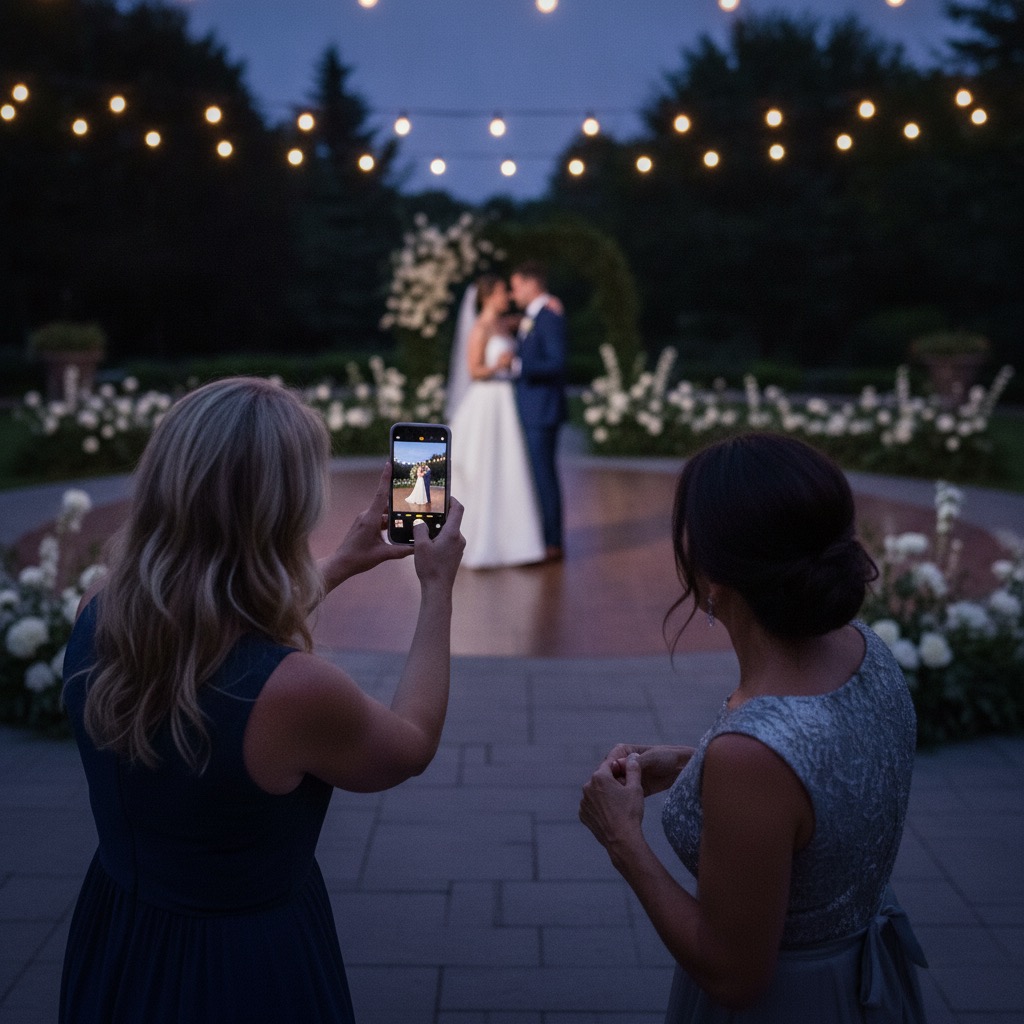
With Our Event Album, the host gets a private gallery with visibility settings, printable QR signs, a live slideshow, guest messages, and a download of everything at full resolution. It is a one-time payment from US$39 rather than a subscription. You can see how it works, check what's included in pricing, or try the live demo on your own phone.
The catch: it is built for gathering photos from a crowd at an event, not as a lifelong library. The sensible plan is to collect everything, download the full collection, and keep it wherever your long-term archive lives. For a small dinner with five friends who all use the same phones, a free shared album is probably enough.
If you are weighing specific event tools against each other, our ranked event photo app lists do that comparison properly. For more on the event side, see how to collect photos from wedding guests and event photo sharing.
Pick by situation
A family archive. Use a cloud library you will keep paying for or keep using: Google Photos, iCloud Photos or Amazon Photos, depending on which phones your household uses. Pick the one where storage for originals makes sense for you, and set backup to original quality if you ever plan to print.
Sharing with a partner. Stay inside one ecosystem. Google Photos has partner sharing, which automatically shares photos you choose with one other Google Account. Two iPhones can use an iCloud shared album. For an iPhone and Android couple, Google Photos runs on both, so a shared album there is often the simplest.
A one-off event with many guests. This is where general platforms struggle. Guests have mixed phones, many won't want to sign into anything, and you need everything in one place quickly. An event QR album is built for this. A good shared photo album for event guests should open from a QR code in the browser and let you download originals afterwards. If you are deciding between the two free defaults instead, read Google Photos vs iCloud Shared Albums or Dropbox vs Google Photos.
A photographer delivering to clients. Use a portfolio gallery such as SmugMug. Client galleries, download controls and print sales are what you are paying for.
A quick test before you commit
Before you send the link to anyone:
- Open the invite on a phone that isn't signed in, ideally one iPhone and one Android.
- Upload a photo and a short video, then download them and check the file size.
- Confirm who can see the album and whether you can remove people or photos.
- Decide where the permanent copy will live.
FAQ
Which photo sharing platform keeps full quality?
Dropbox file requests keep exact files. Google Photos keeps originals if backup is set to Original quality. iCloud Shared Albums created on iOS 27 or later keep full resolution, while older albums resize photos and videos. Event albums like Our Event Album let the host download everything at full resolution.
Can Android users add photos to an iPhone shared album now?
Apple says albums created on iOS 27 or later let people join and contribute on the web without an Apple Account or Apple device. It is new, so test it on an Android phone before your event depends on it.
What is the best free photo sharing platform?
For people on Google, Google Photos shared albums. For an Apple household, iCloud Shared Albums. For collecting original files from anyone, a Dropbox file request, as long as the files fit in your storage.
Should I use the same platform for an event and my family archive?
Not necessarily. Collect event photos in whatever is easiest for guests, then download them and move them into your long-term library. For more ideas, see how to share wedding photos without an app.
Our Event Album Team
Written by the Our Event Album team. We help event hosts collect guest photos with one QR code. Based in Australia.
More from the Blog
Share Wedding Photos Without Chasing Guests: A Timeline
What to set up before the wedding, what to do on the day, and the two messages to send afterwards so every guest photo ends up in one place.
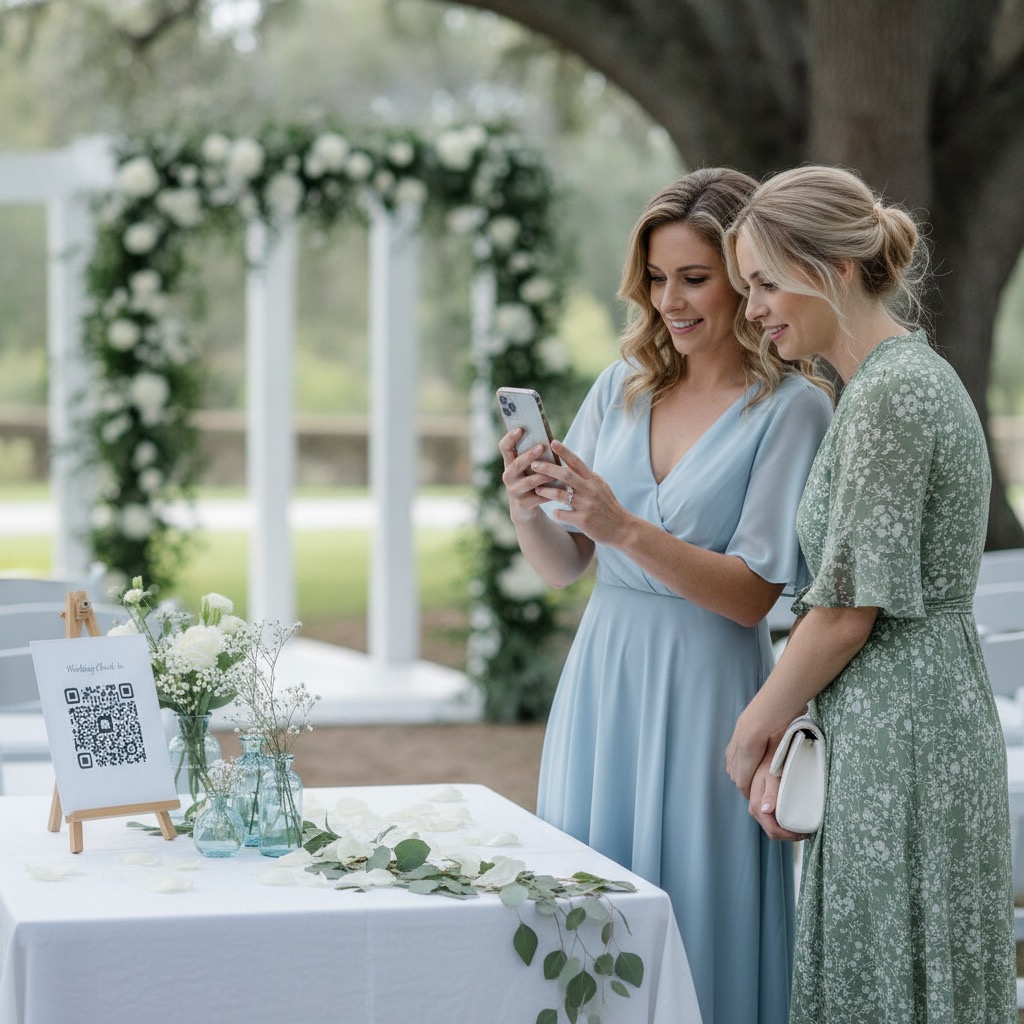
Photo QR Code: How It Works and How to Set One Up
How a photo QR code gets guest photos into one private album, why the link behind it matters, and how to test, print and place it so guests use it.
How to Share Photos With a Group: 6 Methods Compared
Everyone took photos, now you want them in one place. Here is how group chats, shared albums, folders, AirDrop and QR albums compare, and which to use when.
Ready to Collect Event Photos?
Our Event Album lets guests share photos instantly with a QR code. No app download required.
Get Your Album