Share Wedding Photos Without Chasing Guests: A Timeline
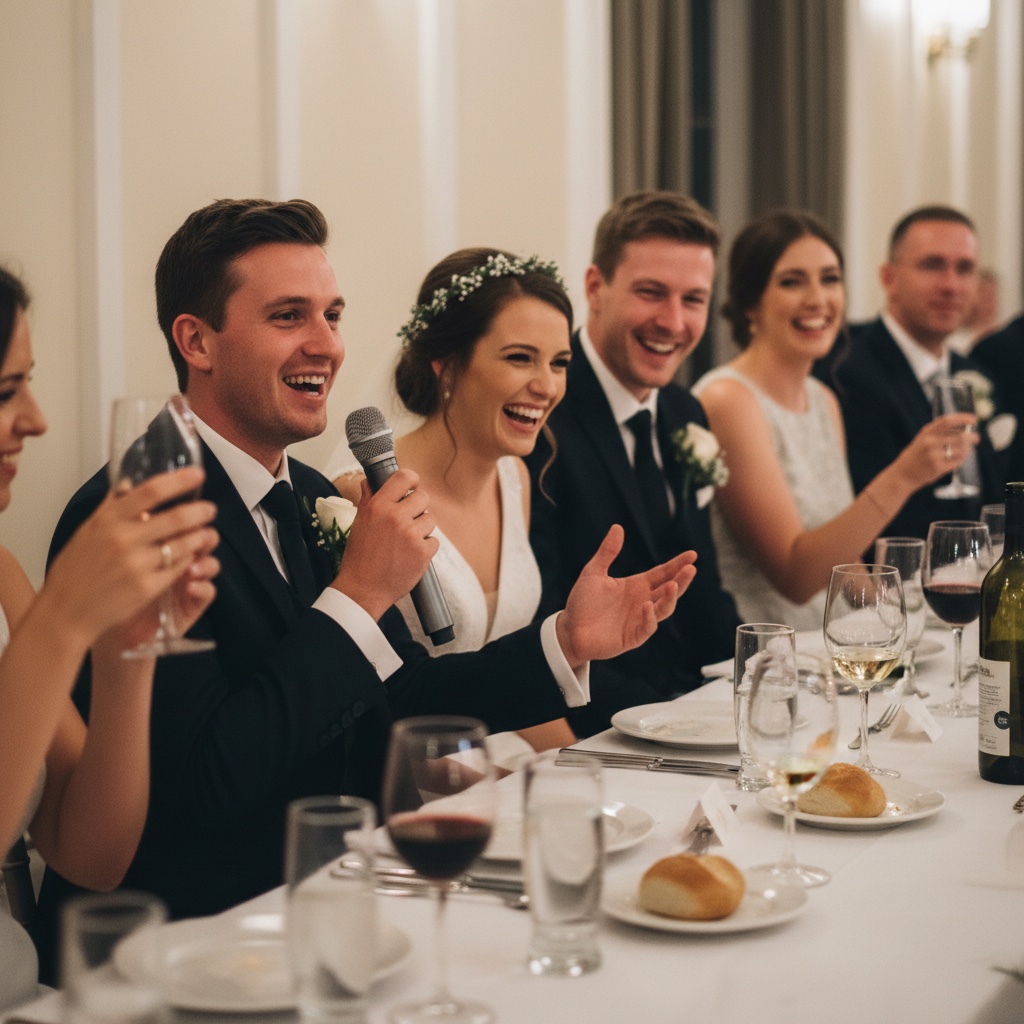
Most couples do not lose their guest photos on the wedding day. They lose them in the fortnight afterwards, when everyone is home, the photos are still sitting in camera rolls, and "can you send me yours?" turns into a job nobody has time for.
The fix is not a better message three weeks later. It is a few small decisions before the wedding, so sharing happens while people are still holding their phones and the follow-up takes two messages instead of twenty.
This guide covers how to get wedding photos from guests and share them in order: before the day, on the day, and the week after, plus the professional gallery that arrives later. If you are still comparing methods, our round-up of ways to collect photos from wedding guests lays them side by side. This post is about timing and follow-through.
Before the wedding
Pick one place for guest photos
The decision that saves the most chasing is choosing one place, and only one. "Send them to the group chat, or the shared album, or tag us" means checking all three and still missing some.
Here is what the common options are honestly good and bad at:
| Method | Good at | Where it falls down |
|---|---|---|
| Group chat | Free, instant, everyone knows how it works. Fine for a very small wedding. | Photos get buried between logistics, many messaging apps compress images by default, and saving everything later is slow. |
| Shared cloud album | Free and familiar when most guests use the same platform. | Adding photos usually needs an account or sign-in, and guests on the "other" phone often get stuck. |
| Dedicated wedding app | Purpose-built, often bundled with a website or RSVPs. | Guests have to install something and usually sign up, which is where casual guests drop off. |
| QR code album in the browser | Guests scan or tap a link and upload from their phone browser. No app, no account. | Costs money, needs signal or Wi-Fi, and only works if guests actually see the code. |
For a small, tech-comfortable group, a shared album can be enough. For a mixed guest list with grandparents, iPhone and Android users, and plus-ones you have never met, the browser route removes the most steps. We explain why in wedding photo sharing without an app.
Decide privacy before you share the link
Settle who can see what before any link goes out, because changing the rules after guests have uploaded feels awkward. Can guests see each other's photos or only their own? Can they download, or only look? Who else needs admin access, such as a parent or sibling?
In Our Event Album these are album settings you can change at any time, and the gallery is private to people with your link or QR code. In a group chat, everyone in the chat sees everything.
Put the link where guests already look
Guests will not remember a link from an email they read in March. Put it where they are already looking:
- Your wedding website, next to the schedule and venue details.
- The details card or digital invitation, as one line: "Bring your phone. There is a QR code on every table for your photos."
- The morning-of message to the wedding party, so the people taking behind-the-scenes photos start uploading early.
Print the signs, then test them
A code only gets scanned if it is in front of someone right after they have taken a photo. That is why a card on every table beats one beautiful sign at the entrance. Add one at the bar and near the photo booth or guest book, wherever people queue with a free hand.
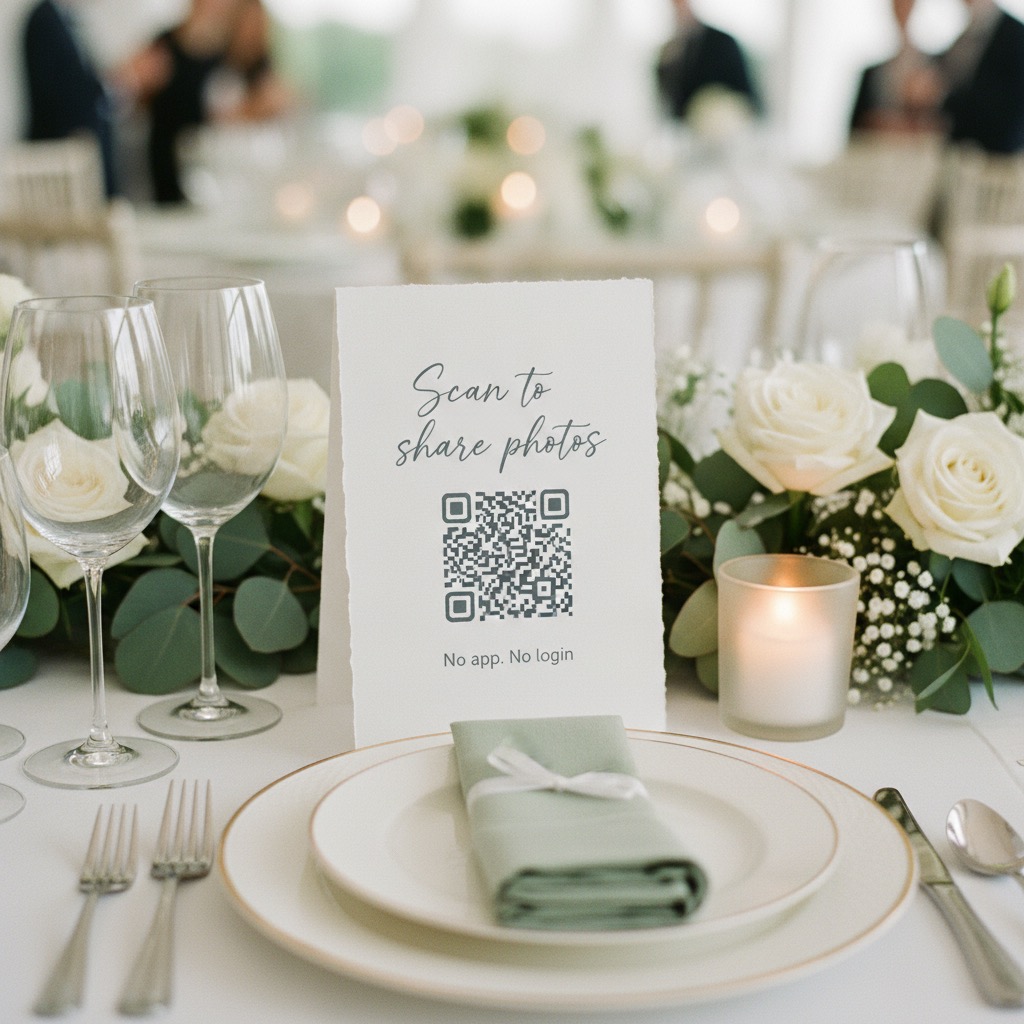
Print one sample at your planned size and scan it from a chair's distance on an iPhone and an Android. Then ask your venue coordinator to scan one in the dressed room, because candles, centrepieces, and low lighting can all get in the way. Our guide to where to put QR code signs covers sizes and placement.
Give one person the job
You will not be thinking about photo sharing on the day. Choose one reliable person, often a bridesmaid, groomsman, or sibling, and give them three small tasks: remind the MC about the announcement, keep the slideshow running if you have one, and upload a few photos early so the gallery is not empty when the first guests look. Ask them to check the table cards are still out once the room fills, not tucked behind a centrepiece or cleared away with the place cards.
On the day
Who announces it, and what they say
One short line from the MC does more than any sign. Ask them to say it once, early in the reception, when everyone is seated:
"The couple would love every photo you take tonight. There is a QR code on your table. Scan it, add your photos, no app needed. You can leave them a message there too."
Keep it to one breath. A long explanation makes it sound harder than it is.
Build in one moment to prompt uploads
Guests take most of their photos during the ceremony, speeches, and first dance, but they share them when they sit down. So pick one natural pause to prompt uploads. The gap after the speeches, before the dancing starts, suits most receptions.
A specific prompt beats a general one. "If you caught the ceremony or the speeches, add them now while you are sitting down" tells people exactly which photos you mean and makes the job feel small.
A slideshow, if it suits your wedding
A live slideshow shows guests their photos are really going somewhere, which is a gentle nudge to add more. It is optional. If you run one, hand it to your helper, test it on the actual screen, and switch off screen sleep on the laptop. Here is how a live wedding slideshow fits into the evening.
After the wedding
Send the morning-after message
The most useful message you will send goes out the morning after. People are home, scrolling back through their camera roll, and have time to pick their favourites. Send it from you, not from a system:
"Thank you so much for being there yesterday. If you took any photos or videos, we would love them all, especially from the dance floor. Here is the link: [album link]. No app, just tap and add."
There are more wording ideas in our guide on what to say when asking guests to upload.
Send one reminder about a week later
A week later, send a lighter note: "Last call for photos before we download everything this weekend." A deadline gives people a reason to act. Two messages is usually right. More than that starts to feel like nagging.
Leave uploads open in between. The photos taken at midnight are still on people's phones a week later.
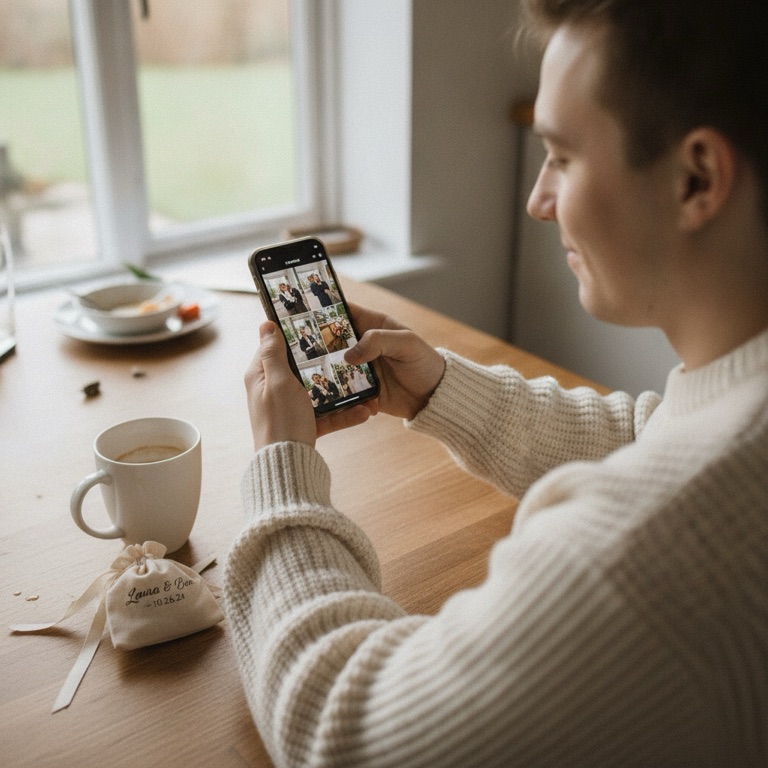
Download everything
Once uploads slow down, download the whole collection at full resolution. Do it again after the final reminder to catch stragglers. In a group chat this is the slowest part of the whole process. A dedicated album should let you download all your event photos in one go.
Share the photographer's gallery separately
Your professional photos usually arrive weeks later through the photographer's own online gallery. Share that link on its own, with its own message, rather than merging it into the guest album. Their gallery is often set up for viewing, favouriting, and ordering prints, and your contract may say how the images can be shared or credited, so check it before you post or redistribute. Guests also enjoy the two collections differently: the guest album is the night from every table, the professional gallery is the polished story.
Keep a backup of both
The albums are for sharing. Your own copy is what keeps the photos safe. Store both downloads in at least two places, such as your computer plus a cloud drive. Check how long the photographer keeps their gallery online and when your guest album closes, and put both dates in your calendar now.
Decide what to print
With everything in one place, printing gets easier: a photo book mixing professional portraits with guest candids, a few prints for grandparents who do not look at photos on a screen, or a framed shot of the moment the photographer missed. Print from the original downloaded files, never from screenshots or chat copies.
Your wedding photo sharing checklist
| When | Task | Who |
|---|---|---|
| 6 to 8 weeks before | Pick one place for guest photos and set privacy | You |
| 4 to 6 weeks before | Add the link to your website and invitations | You |
| 2 to 3 weeks before | Print table cards and signs, test-scan a sample | You or your planner |
| The week before | Brief your helper and the MC | You |
| Morning of | Send the link to the wedding party | Helper |
| Reception | Announcement, upload prompt after speeches, slideshow | MC and helper |
| Morning after | Send the thank-you and upload message | You |
| About a week later | Send one reminder, then download everything | You |
| When the pro gallery arrives | Share it separately, download it, back up both | You |
Where Our Event Album fits
If you want the browser route, Our Event Album gives you a private album with a QR code and short link. Guests upload photos and videos from their phone with no app and no signup, and can leave you a message too. You get printable signs, a live slideshow, and full-resolution downloads for a one-time payment, with no subscription. See how it works, check pricing, or read more about wedding photo sharing with Our Event Album. The quickest way to judge it is to try the live demo on your own phone.
FAQ
Should we put the photographer's photos in the same album as guest photos?
Usually not. Keeping them separate respects your photographer's contract and delivery gallery, and lets guests enjoy each collection for what it is. Share the professional link once it arrives, and keep your own copy of both.
How long should we leave guest uploads open?
At least until a few days after your one-week reminder. Closing uploads on the wedding night is the easiest way to miss the photos people meant to send once they got home.
What about guests who do not use smartphones?
Ask a family member to add their photos for them, or accept a few by email and upload them yourself. With a browser album, anyone who can scan a restaurant menu can usually manage on their own.
When should we share the album link, before or after the wedding?
Both. Share it before, on your website and invitations, so guests know it exists. Put it on the tables on the day. Then send it again the morning after, when most people actually sit down to upload.
Our Event Album Team
Written by the Our Event Album team. We help event hosts collect guest photos with one QR code. Based in Australia.
More from the Blog

Best Photo Sharing Platforms: Pick the Right One for the Job
There is no single best photo sharing platform. Here is what each one is good at, its limits and the catch, plus which to pick for an archive, a partner, an event or clients.
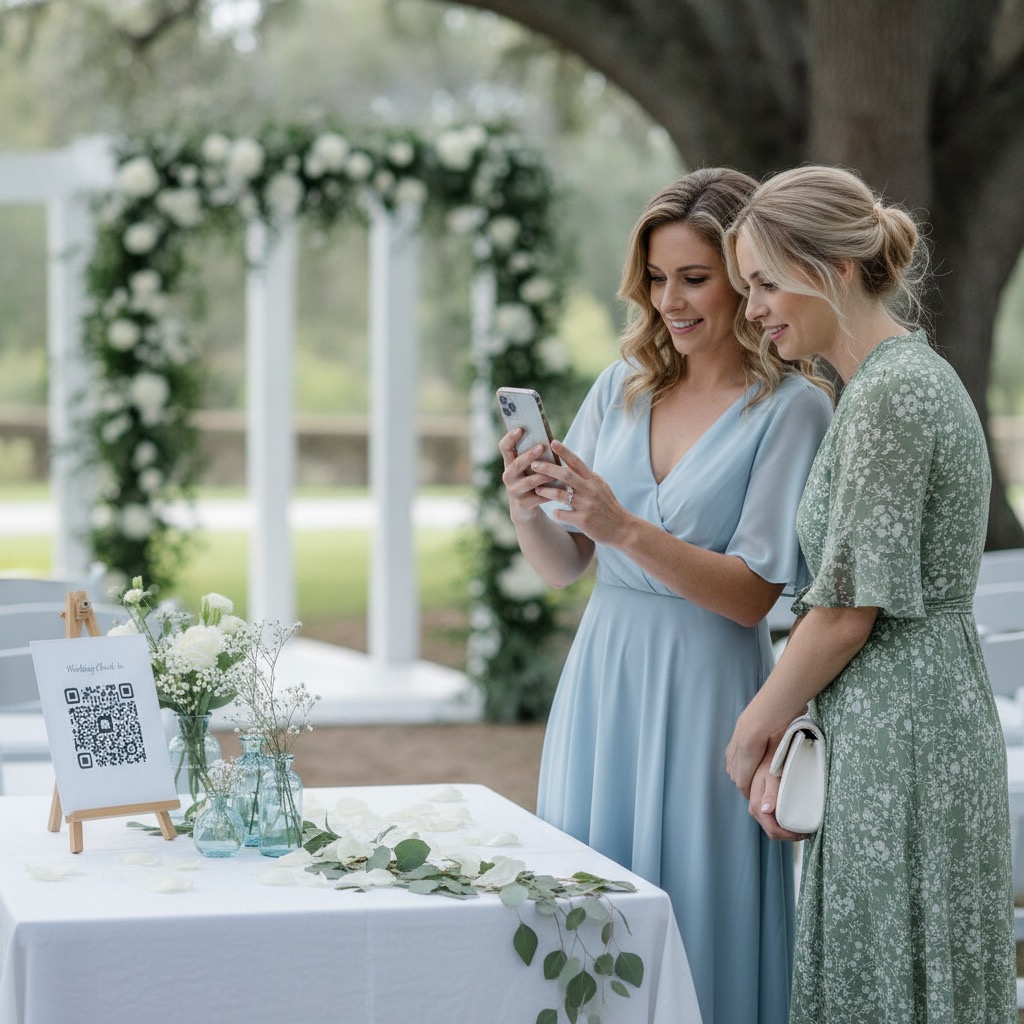
Photo QR Code: How It Works and How to Set One Up
How a photo QR code gets guest photos into one private album, why the link behind it matters, and how to test, print and place it so guests use it.
How to Share Photos With a Group: 6 Methods Compared
Everyone took photos, now you want them in one place. Here is how group chats, shared albums, folders, AirDrop and QR albums compare, and which to use when.
Ready to Collect Event Photos?
Our Event Album lets guests share photos instantly with a QR code. No app download required.
Get Your Album