How to Share Photos With a Group: 6 Methods Compared
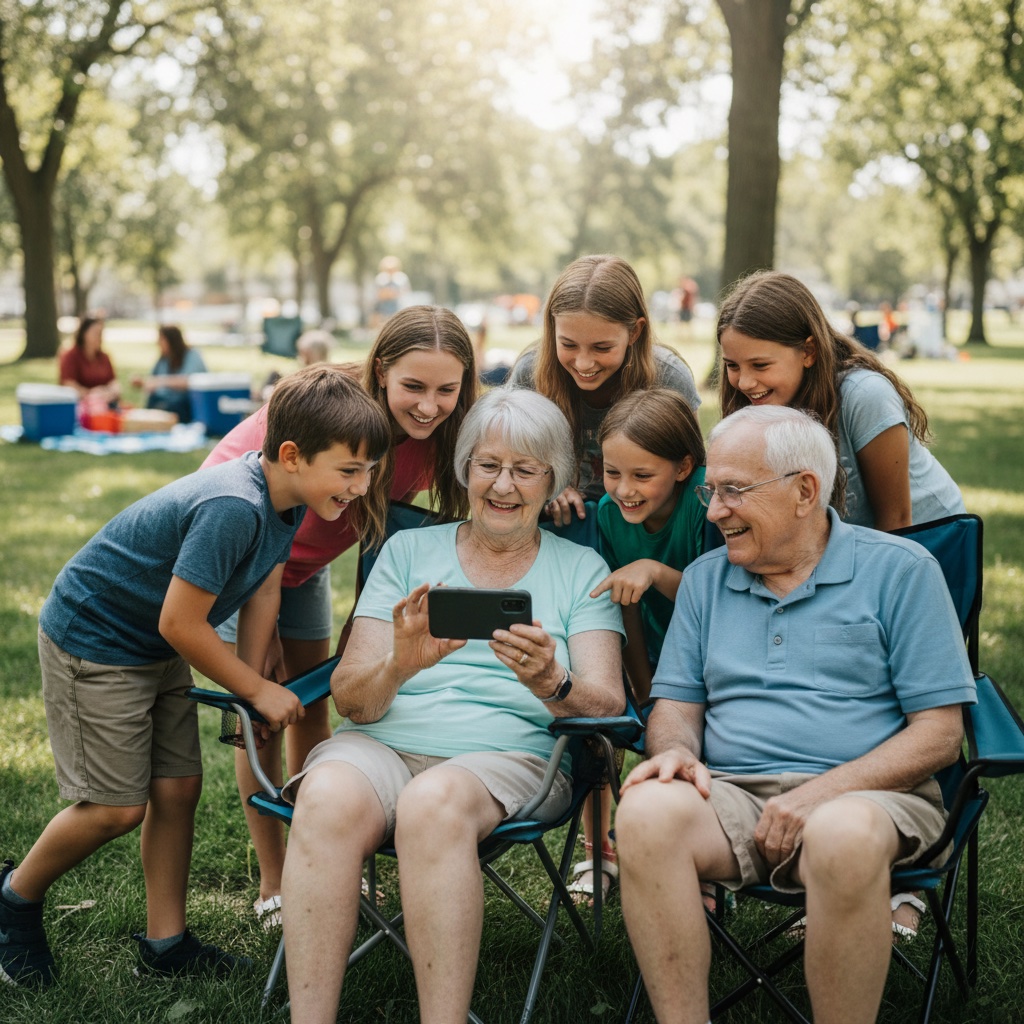
Everyone took photos. Your cousin got the one of Grandpa laughing, your friend filmed the sunset from the boat, and someone at the back table caught the moment the cake leaned sideways. Now it's over and those photos are spread across a dozen phones.
There is no single right way to share photos with a group. It depends on which phones people carry, whether you want originals, and who ends up doing the collecting. This guide compares the six methods people actually use and which one fits which situation.
Start with six quick questions
Most of the pain comes from choosing a method that suits the organiser but not the people who have the photos.
- iPhone, Android or both? One Android phone in a group of iPhones is enough to break some methods.
- Will everyone install an app or sign in? Some people will. Your aunt, your boss and the friend of a friend usually won't.
- Do you need originals? For a photo book, prints or a slideshow on a big screen, yes. For a laugh in the group chat, no.
- Are there videos? Videos are the first thing to get compressed or quietly skipped.
- Who should see the photos? Only the people who were there, or anyone with a link?
- How will you get everything back? Scrolling back through a chat to save photos one at a time is the part nobody plans for.
The six methods at a glance
| Method | Mixed iPhone and Android | Account or app needed | Photo quality | Getting everything back |
|---|---|---|---|---|
| Group chat | Yes, if everyone uses the same chat app | The chat app | Usually compressed | Save one at a time |
| Google Photos shared album | Yes | Google Account to add photos | Whatever quality each person adds | Save from the album |
| iCloud Shared Album | Newer albums: yes, via the web. Older albums: mostly Apple | Owner needs an Apple device | Newer albums: full resolution. Older: reduced | Save from Photos |
| Dropbox or Google Drive folder | Yes | Dropbox file request: none. Drive folder: Google Account | Originals | Download the folder |
| AirDrop or Quick Share | Only between compatible phones | None | Originals | Only while you are in the same room |
| QR code or link album | Yes, any phone browser | None for guests | Originals | Download everything in one go |
Group chat
Photos land in the group chat by default because everyone is already there. For a handful of pictures, that is fine.
It stops working once the numbers grow. Chat apps usually compress photos and videos unless the sender picks a higher quality or sends the file as a document, and most people don't. The photos get buried between "who's driving?" and "did anyone see my sunglasses?". Getting the full set out means scrolling back and saving each photo by hand.
Use it for: a quick share of a few favourites the same night.
Skip it for: anything you want to keep, print or put in a slideshow.
Google Photos shared album
A shared Google Photos album works on both iPhone and Android, and anyone with the link can view it. It is a sensible free choice for a friend group that already uses Google Photos.
The catch is the step where people add their own photos. Contributors need to be signed in to a Google Account, and plenty of people either don't use Google Photos or can't remember which account they are signed in to on their phone. You also get whatever each person adds, so a photo saved from a chat arrives already compressed.
Use it for: friends or family who already live in Google Photos.
Skip it for: groups with lots of people who don't have or won't use a Google Account.
iCloud Shared Albums
Apple's Shared Albums changed recently, so older advice about them is out of date. According to Apple's Shared Albums guide, albums on iOS 27, iPadOS 27 and macOS 27 support full-resolution sharing, and friends can join and add their own photos on the web without an Apple Account or Apple device.
Older-style albums are more limited. Apple's Shared Album limits say photos in those albums are reduced to 2048 pixels on the long edge and videos are delivered at up to 720p, with a maximum of 100 subscribers per album. Apple also notes that participants whose devices aren't on the latest software need to update or view the album on iCloud.com.
If the organiser is on the newest software, a Shared Album is now a genuine option for a mixed group. Expect some confusion from anyone on an older setup.
Use it for: an Apple-heavy group, especially when the organiser is up to date.
Skip it for: groups where nobody wants to be the tech support person.
Dropbox or Google Drive folder
A shared folder is the only free option on this list that reliably keeps originals, including long videos. It suits the one friend who wants every file for a photo book.
The experience matters, though. A Dropbox file request lets people upload without a Dropbox account, which is useful. A shared Google Drive folder needs contributors signed in to a Google Account with edit access. Either way, guests are working with files and folders rather than a gallery, and uploading from a phone takes a few more taps than most people expect.
Use it for: a small group that wants originals and doesn't mind a file-manager feel.
Skip it for: older relatives and anyone who has never uploaded to a folder from a phone.
AirDrop and Quick Share
AirDrop is brilliant when you are standing next to each other. It sends originals, it is fast, and nobody needs an account. Some newer Android phones can now exchange files with iPhones through Quick Share, but plenty of Android phones still can't.
The bigger problem is timing. AirDrop only works while you are in the same place, one sender at a time. Great for the last night of the trip, useless for twenty people who have already flown home.
Use it for: swapping photos on the spot.
Skip it for: collecting from a group after everyone has gone home.
A QR code or link album
The last option is a dedicated album that people open from a QR code or a short link. Nobody installs anything or creates an account. They open the link in their phone's browser, pick photos and videos from their camera roll, and everything lands in one private gallery.
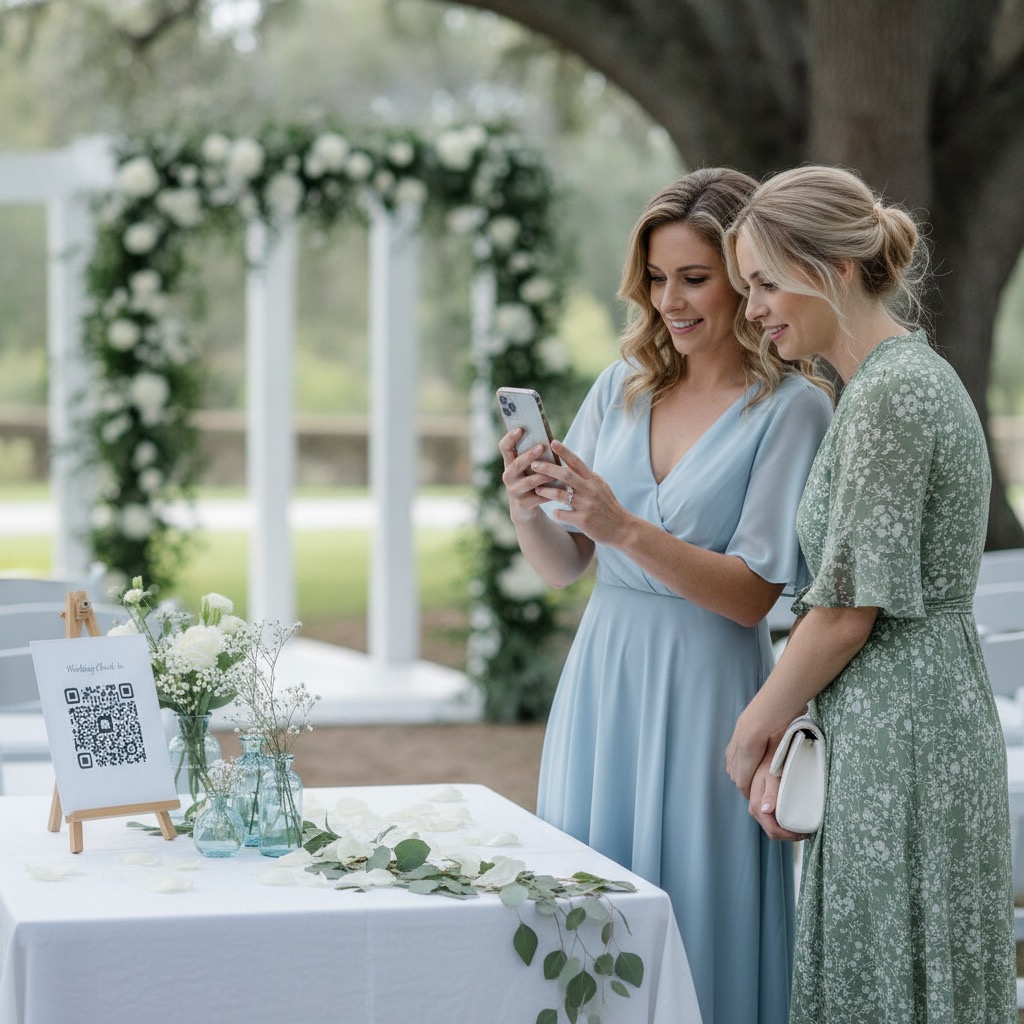
This is what Our Event Album does, and it is built for the moments where the free options struggle: a mixed group of phones, people you don't know well, and an organiser who wants everything back at full resolution. You can choose who sees the gallery, show uploads on a live slideshow, let people leave written messages, and download every original at the end. It is a one-time payment from US$39, with no subscription. You can see how guests experience it on the live demo or read how it works.
Our group photo sharing page covers the album, printable QR signs and pricing in one place.
Use it for: events and trips where you want everyone's photos, not just the keen few.
Skip it for: a quick share between two or three people, where AirDrop or a chat is enough.
Which method should you use?
Here is the easiest way to share photos with a group, by situation.
Holiday or trip with friends
A small group who all know each other can get by with a free tool. If everyone is on iPhone and up to date, an iCloud Shared Album is the simplest. If it is a mix, use a Google Photos album, or a Dropbox file request if someone is making a photo book. Create it on the first day, not the flight home, so people add photos while they still remember which ones are good.
Family reunion
Reunions are where free tools fall over: grandparents, teenagers, in-laws, iPhones and Androids, and at least one person who doesn't know their Google password. A single link or QR code that works in any browser saves you from being the family help desk. Put the code on the tables and post the link in the family chat. More on family reunion photo sharing.

Birthday party
Parents take a lot of video at birthday parties, and video is where chats and older shared albums cut quality. Children are also in most of the shots, so privacy matters more than usual. A private album that keeps original videos and only opens for guests is a good fit. See birthday photo sharing for ideas on setting one up.
Work event
Colleagues don't want work photos in their personal Google or iCloud libraries, and someone usually needs the best shots for a recap afterwards. A separate album with no guest sign-up keeps work photos out of personal accounts. Our corporate event photo sharing page explains how teams use it.
Planning a wedding? Our guide to wedding photo sharing without an app covers the same problem at a bigger scale.
How to collect photos from a group without chasing anyone
Whichever tool you choose, these steps turn a handful of photos into the full story.
- Pick one place before it starts. Two albums means half the photos end up in each.
- Share the link early. The first night of the trip, the table at the party, the top of the family chat.
- Say what you want. Tell people to add videos and the blurry, funny ones too, not just their three best.
- Ask people to upload from their camera roll, not from the chat. A photo that has been through a chat app is already compressed.
- Send one reminder the next morning. People are home, going through their photos, and have time to choose.
- Download everything and keep a second copy. Do it while it is fresh, not months later.
FAQ
What is the easiest way to share photos with a group of iPhone and Android users?
A link that opens in any phone browser avoids the platform problem entirely. A Google Photos shared album works across both if everyone has a Google Account. Apple's newest Shared Albums also accept web contributions, but only when the album owner is on the latest software.
How do I share photos with a group without everyone downloading an app?
Use a browser-based option: a QR code or link album, a Dropbox file request, or a web link to a shared album. Of these, a dedicated album is the one where guests also get a gallery to browse rather than a folder of files.
Do shared albums reduce photo quality?
It depends on the service. Older iCloud Shared Albums reduce photos to 2048 pixels on the long edge and video to 720p, while Apple's newer albums support full resolution. Chat apps usually compress unless people choose a higher-quality option. With Our Event Album, the file you download is the original each person uploaded.
How do I collect photos from a group after the trip is over?
Send the album link with a short, specific ask, such as "add your photos and videos from Saturday". People can upload straight from their camera roll, including photos stored in iCloud or Google Photos. Those cloud photos download to the phone first, which can look like a pause.
Our Event Album Team
Written by the Our Event Album team. We help event hosts collect guest photos with one QR code. Based in Australia.
More from the Blog

Best Photo Sharing Platforms: Pick the Right One for the Job
There is no single best photo sharing platform. Here is what each one is good at, its limits and the catch, plus which to pick for an archive, a partner, an event or clients.

Share Wedding Photos Without Chasing Guests: A Timeline
What to set up before the wedding, what to do on the day, and the two messages to send afterwards so every guest photo ends up in one place.
Photo QR Code: How It Works and How to Set One Up
How a photo QR code gets guest photos into one private album, why the link behind it matters, and how to test, print and place it so guests use it.
Ready to Collect Event Photos?
Our Event Album lets guests share photos instantly with a QR code. No app download required.
Get Your Album