Photo QR Code: How It Works and How to Set One Up
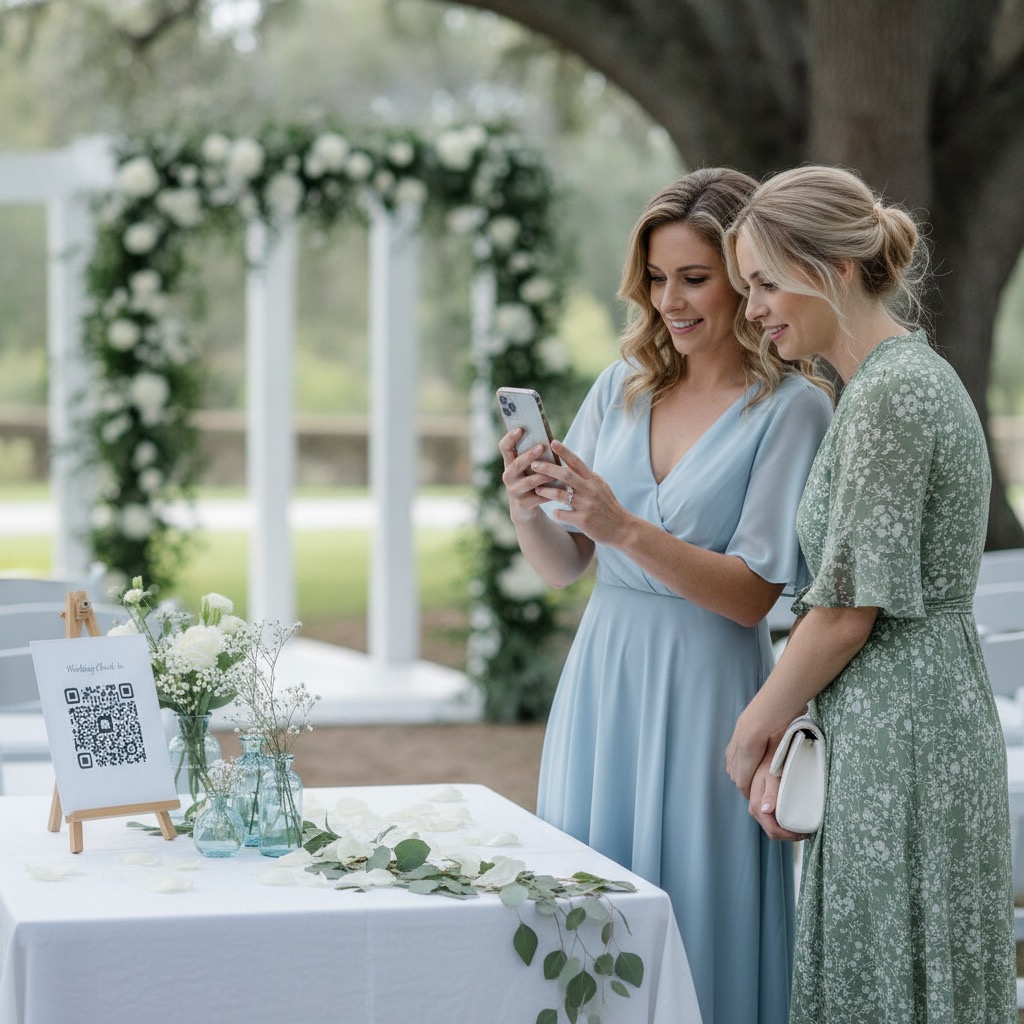
At almost every event now, the best candid photos are taken by guests. The problem is where they end up: in camera rolls, group chats, and the "I'll send them later" pile that never quite gets sent.
A photo QR code is the simplest fix. You print one code, guests scan it, and their photos land in one private album while the event is still happening. This guide explains what happens when someone scans, why the link behind the code matters more than the code, and how to test, print, and place it so people really use it. It applies to weddings, birthdays, reunions, and work events alike.
What a photo QR code actually is
A QR code is just a web address drawn as a pattern a phone camera can read. There is nothing special inside it. When people talk about QR code photography or QR code photo sharing, they mean pointing that address at a page where guests can upload photos, instead of at a menu or a Wi-Fi password.
So the code is the easy part. What decides whether guests contribute is the page it opens, and how many steps stand between scanning and a photo arriving in your album.
What happens when a guest scans
Here is the guest's side of it, using a browser-based album like Our Event Album as the example.
- They point their normal camera app at the code and tap the link preview that appears.
- The album opens in their phone's browser. No app to install and no account to create.
- They may type their name. If you switch guest names on, it is a label so you know who sent what, not a sign-up.
- They tap Upload Photos and pick from their camera roll. Photos and videos can go up together.
- They keep the page open until the confirmation appears. This is the one thing that matters on their side.
- The photos appear in your private gallery, visible to other guests or only to you, depending on your settings.
The one step that regularly trips people up is opening the link inside Instagram, Facebook, or Messenger. Those apps use a cut-down browser that can block uploads. "Tap the three dots and open it in Safari or Chrome" fixes it almost every time.
The fastest way to understand the flow is to open the live demo album on your phone. There is also a step-by-step walkthrough of how it works.
Static vs dynamic QR codes, and why the link matters most
QR generators usually offer two types, and the difference matters before you print.
A static QR code has the destination written directly into the pattern. It never expires on its own and depends on no outside service, but you cannot change where it points once printed.
A dynamic QR code points at a redirect address run by the generator company, which forwards guests to your real destination. You can change the destination later, and some services count scans. The catch is that your printed code now depends on that company. Some generators charge a subscription for dynamic codes, and if a plan or trial lapses, the code on your table cards can stop working. Read the terms before you print one.
For event photos, the better question is not static or dynamic. It is what the link opens, and who controls it:
- Good: the code opens an upload page directly, in the browser, for anyone who scans, and the address belongs to the album itself.
- Risky: the code opens a cloud folder or shared album that asks guests to sign in, install something, or request access. Every extra screen loses people.
- Avoid: running your album link through a separate free generator that adds its own redirect. That is a new point of failure for no benefit.
With Our Event Album, the code on your printable signs points straight at your album's own address. Changing the album title, colours, or privacy settings later does not change the code, so there is nothing to reprint.
Test it before you print
Setting up the album takes a few minutes. The step people skip is testing the printed code in real conditions. A code that scans perfectly on a screen can fail on paper once draft-mode printing, glossy stock, and dim lighting all work against it.
About a week before the event, before printing the full set:
- Print one sign at the size guests will see.
- Scan it from a second phone with the ordinary camera app, at arm's length, in normal room light.
- Upload one real photo. Opening the page proves the link; only an upload proves the whole path works.
- If you can, try an iPhone and an Android, on mobile data as well as Wi-Fi.
- Check what guests will see in the gallery, then delete your test photo.
The help centre covers testing your QR code before the event and printing your QR code signs, including paper sizes and card sheets. If a code will not scan, it is nearly always glare, size, lighting, or a social app's camera, and this troubleshooting guide goes through each.
Size, placement, lighting and wording that get scans
A QR code only collects photos if someone notices it, has a free hand, and has a reason to scan right then.
Size to the distance
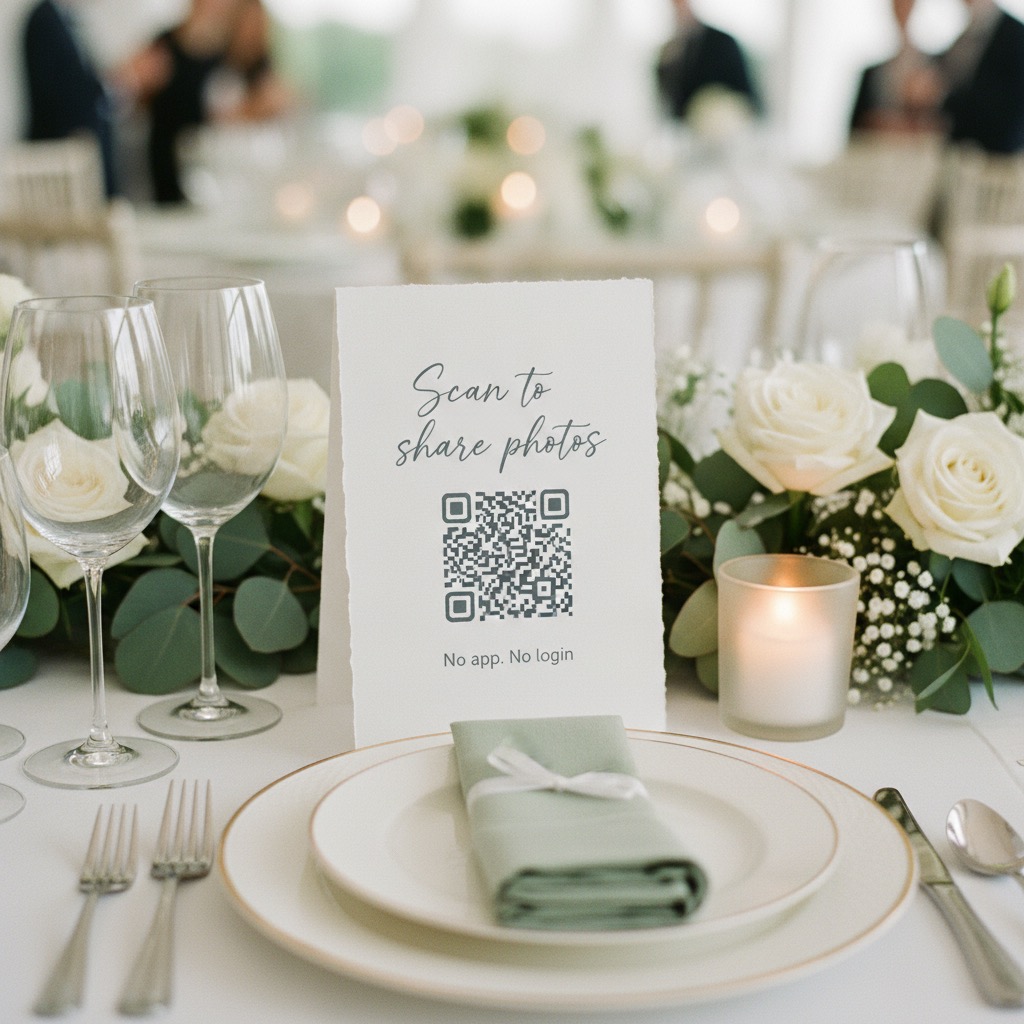
A rough working rule is that a code scans from about ten times its own width. A code 3 cm across wants a phone about 30 cm away; one 10 cm across works from around a metre. That is why a table card within arm's reach usually beats a big poster across the room.
Put a code where people pause
If you do one thing, put a card on every table. Guests sit there for hours, take photos from their seat, and look up to find the code already in front of them. Then add signs where people queue: the bar, the guest book, the photo booth. An entrance sign tells people the album exists, but arriving guests are busy with gifts and seating, so it rarely does the heavy lifting. See where to put QR code signs for detail, or these QR code photo display ideas for styling.
Check the lighting in the dressed room
Most scanning problems only appear once the room is set: a tea light throwing glare across a laminated card, a centrepiece hiding the sign, a dim room where cameras struggle to focus. Choose matt card over glossy, and scan a few signs from a seated position before guests arrive.
Give the code a reason
A bare code with no words is ambiguous, and people assume unexplained codes are menus. A short line says what guests get and answers their first worry:
- "Scan to share your photos. No app needed."
- "Took a great photo? Add it to our album."
- "Scan to see everyone's photos and add yours."
Keep a link for people who will not scan
Some guests will never scan a code. Some dislike QR codes, some phones are old, and some of the best photographers were too busy to stop at a sign. The album link opens exactly the same upload page, so use both:
- Before the event, put the link in the group chat, invitation, or event website.
- On the day, the QR code catches people in the moment.
- The morning after, send the link again. People are home, scrolling their camera roll with time to choose, and this message often collects more than the signs did.
If you design your own stationery, you can print the short album link under the code too. There is more on this in wedding photo sharing without an app.
Privacy basics
A photo QR code is only as private as the album behind it.
- The album is not public. It is not listed anywhere or indexed by search engines. The only way in is the code or link you share.
- The link is the key. It is not guessable, but it is not a password either. A link forwarded into a big group chat is shared with that group, so treat it like an invitation.
- You choose what guests see. The gallery can be fully shared, or limited so each guest sees only their own uploads, which suits corporate events where people may not know each other. See whether guests can see each other's photos.
- You stay in control. The host can delete any upload, or hold new uploads for approval first.
What the host gets afterwards
The album keeps working after the event. Guests can add photos for as long as uploads are switched on, which matters because the midnight dance floor photos are usually still on someone's phone the next morning.

What you are left with:
- One gallery of photos and videos from every table and angle, instead of fragments across chats.
- Full-resolution originals. Downloads give you the file each guest uploaded. Direct uploads keep their quality; photos forwarded through chat apps first were already compressed.
- Everything in one download, ready to back up, print, or share with family.
- Guest messages and a live slideshow, if you used them on the day.
With Our Event Album this is a one-time payment from US$39, with no subscription, and printable signs included. Compare what is included on the pricing page, or see the full product on the QR code photo sharing page. If you are still choosing a provider for a wedding, this QR code comparison covers the options, and this guide to collecting photos from wedding guests covers the methods beyond a QR code.
FAQ
Do guests need an app to use a photo QR code?
Not with a browser-based album. Guests scan with their normal camera, the album opens in Safari or Chrome, and they upload from their camera roll with no account. If a code sends guests to an app store or a sign-in screen, expect far fewer uploads.
Can I make a photo QR code with a free QR generator?
You can draw the code anywhere, but it is only a pointer. You still need somewhere that accepts uploads without sign-in, keeps them private, and lets you download the originals. If you use a free generator, check whether it makes a dynamic code that relies on its own redirect.
Will the QR code still work after the event?
Yes, while the album is live and uploads are on. Many guests upload the day after. When you have finished collecting, you can turn uploads off without changing the code.
Does a QR code album replace a photographer?
No. A photographer covers the planned moments with professional skill. A photo QR code collects everything else: the table laughs, the candid dance floor shots, and the angles only guests had.
Our Event Album Team
Written by the Our Event Album team. We help event hosts collect guest photos with one QR code. Based in Australia.
More from the Blog

Best Photo Sharing Platforms: Pick the Right One for the Job
There is no single best photo sharing platform. Here is what each one is good at, its limits and the catch, plus which to pick for an archive, a partner, an event or clients.

Share Wedding Photos Without Chasing Guests: A Timeline
What to set up before the wedding, what to do on the day, and the two messages to send afterwards so every guest photo ends up in one place.
How to Share Photos With a Group: 6 Methods Compared
Everyone took photos, now you want them in one place. Here is how group chats, shared albums, folders, AirDrop and QR albums compare, and which to use when.
Ready to Collect Event Photos?
Our Event Album lets guests share photos instantly with a QR code. No app download required.
Get Your Album