Do You Need a Wedding Photo App? How to Choose
Around the time you order table numbers, the guest photo question shows up. Your photographer will cover the ceremony and the portraits, but your guests will be taking photos all night: the speeches from the back table, your grandmother on the dance floor, the blurry, perfect moment during the last song. You want those. So you search for a wedding photo app, and suddenly there are dozens of options that all promise the same thing.
Here is the useful reframe: you are not really choosing an app. You are choosing a type of collection, and each type asks your guests to do something different. The type decides how many guests actually contribute. The brand name matters much less.
This guide walks through the four types couples usually weigh, the five questions that separate them, and which one fits which kind of wedding, so more of your wedding guest photos end up somewhere you can keep them. If you want a ranked list of specific products, see our best wedding photo sharing apps roundup. If you are still deciding what kind of tool you need, read on.
The short answer
- Mixed guest list, any age, lots of phones: a browser or QR code album, where guests scan and upload without installing anything.
- Small, close group who all use the same phone ecosystem: a free shared cloud album can work.
- Young, engaged crowd who will happily install something: a dedicated wedding photo app is an option.
- You love the film look: disposable cameras are a fun extra, but pair them with something that collects the phone photos too.
The four types of wedding photo tools
Dedicated wedding photo apps (guests download)
Guests find the app in the App Store or Google Play, install it, then join your event with a code or link. Many of these apps also ask guests to create an account or enter details before they can upload.
Where they shine: a polished in-app experience, sometimes with extras like photo challenges, once people are in.
Where they struggle: every extra step happens in the middle of a party. A guest has to remember their App Store password, wait for a download on patchy venue wifi, and find storage space on a full phone. Plenty will mean to do it later, and later rarely comes.
Browser and QR code albums (no download)
Guests scan a QR code on a table sign or open a short link, and the upload page opens in their phone's browser. They pick photos or videos and send them. Nothing to install, no account to make.
Where they shine: the fewest steps between "I took a nice photo" and "it's in your album." That matters most for older relatives, international guests, and anyone who will not install an app for one evening. For a closer look at this approach, see how wedding photo sharing works without an app.
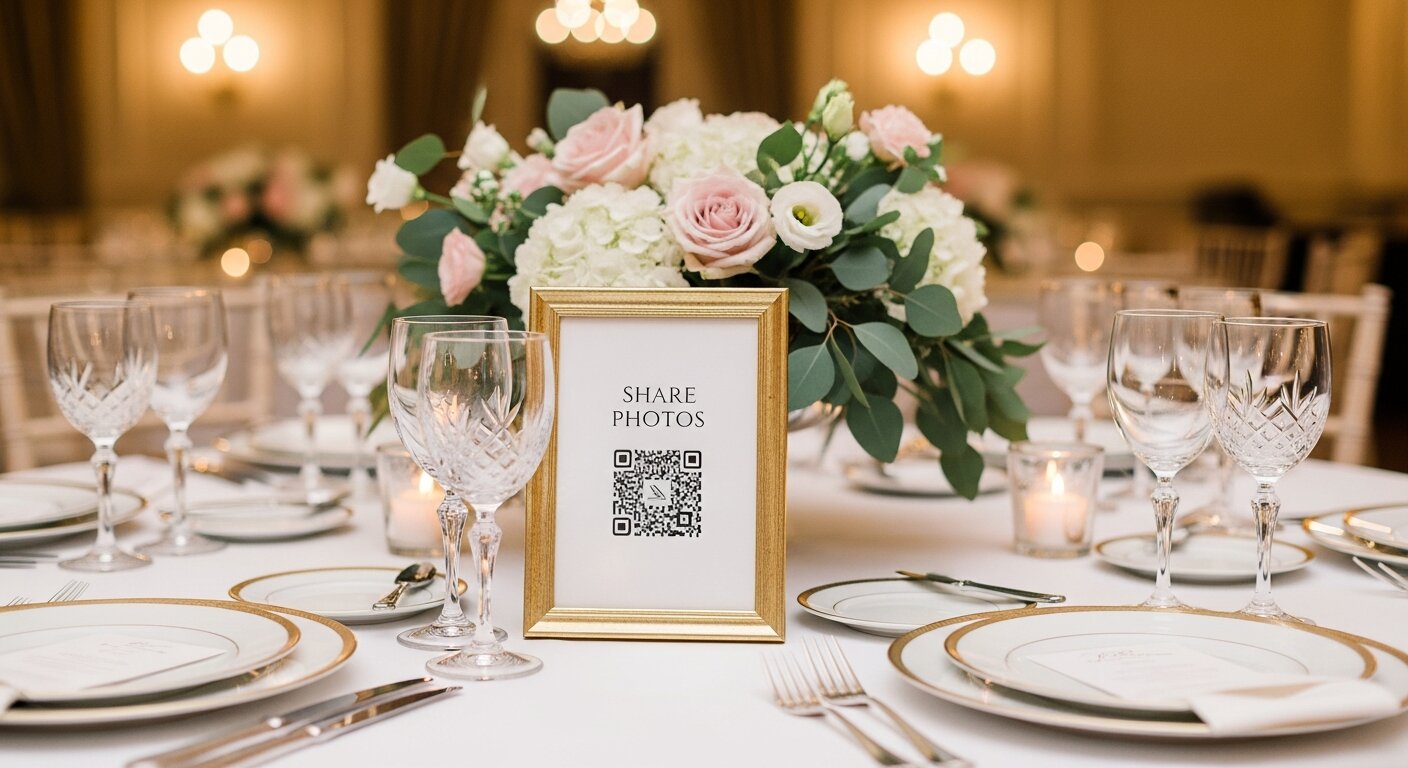
Where they struggle: you need to put the QR code where people will see it. A code hidden on the back of a program does very little.
Shared cloud albums (Google Photos, iCloud)
A shared photo album for a wedding is the free option most couples think of first. You create an album in Google Photos or Apple Photos and send guests an invite or link.
Where they shine: free, familiar, and good for a small circle of people who already use the same service.
Where they struggle: they were built for friends and family sharing everyday photos, not for 120 wedding guests with a mix of iPhones and Androids. Contributing usually works best for guests already signed into that ecosystem, and anyone outside it may hit extra steps. Limits and quality settings change over time, so check Apple's or Google's current help pages first.
Disposable cameras
A camera on every table, developed after the wedding.
Where they shine: they are charming. Guests love the novelty, and film has a look phones cannot copy.
Where they struggle: a limited number of shots per camera, dark reception rooms, cameras that walk off at the end of the night, and a wait for developing. They also only capture what happens at the tables, and none of the video. Our disposable camera app page covers the phone-based version if you like the idea but not the logistics.
Five questions that decide it
1. What will your least techy guest actually do?
Picture the guest least likely to bother: your great uncle, or a plus-one who knows nobody. Count the steps each type asks of them.
- Dedicated app: find the app, download, open, often sign up, join the event, upload.
- Shared cloud album: open the invite, possibly sign in or switch apps, upload.
- Browser album: scan, choose photos, upload.
- Disposable camera: pick it up and click, which is easy, but the result is limited to one roll.
Guest contribution is the whole point, so this question usually outweighs any feature list.
2. Who can see the photos?
Wedding photos include children, tipsy relatives, and moments people would rather not see on social media. Ask:
- Is the album private, or can anyone with a search engine find it?
- Can you control whether guests see each other's uploads, or only their own?
- Do you need to hand out email addresses or phone numbers to invite people?
A public hashtag is the least private option. A private album shared only by your QR code or link, with visibility settings you control, sits at the other end.
3. Does it take video?
Some of the best guest content is video: the toast that made everyone cry, the surprise dance, the send-off. Check that your chosen tool accepts video uploads from phones, not just photos. Disposable cameras cannot help here at all.
4. How do you get everything out afterwards?
This is the question couples forget until the week after the wedding. Look for:
- Download all in one go, not one photo at a time.
- Full resolution, so prints and albums look as good as the originals.
- No dependence on the tool staying around forever, because you want the files on your own drive.
If the answer is "you can view them in the app," keep looking.

5. How is it priced?
Cost models vary more than prices do. Common patterns:
- Free with strings: shared cloud albums cost nothing but live inside someone's personal account and its limits, and free tiers of paid tools can cap uploads, video or downloads.
- Subscription: a monthly fee that is easy to forget to cancel after the wedding.
- Per guest or per tier: the price climbs with your guest count or with features like video.
- Per camera: disposable cameras cost money per camera and again for developing.
- One-time payment: one price for the event, nothing recurring.
Read what is included at each level, especially video, download quality and how long the album stays available.
Side by side
| Dedicated app | Browser / QR album | Shared cloud album | Disposable cameras | |
|---|---|---|---|---|
| Guest steps | Download, often sign up | Scan and upload | Invite, often sign in | Pick up and shoot |
| Works for mixed phones | Yes, once installed | Yes | Best within one ecosystem | Not a phone tool |
| Video | Often | Often | Yes | No |
| Privacy | Usually private | Usually private | Invite or link based | Physical film |
| Getting files out | Varies | Usually download all | Varies by service | Wait for developing |
| Cost model | Free tier, tiers or subscription | Often one-time | Free, tied to an account | Per camera plus developing |
This compares categories, not products. Check the specifics of any tool you pick.
Which type fits your wedding?
A 40-person family wedding where everyone uses iPhones. A shared cloud album is reasonable. Send the invite before the day and remind people at dinner.
A 120-guest wedding with grandparents, kids and overseas friends. A browser or QR code album is the safer bet. Put a sign on every table and one by the bar, and mention it in the speeches.
A young crowd who already use a particular app together. A dedicated app can work if your guests will genuinely install it ahead of time. Send the download link with your wedding website so nobody is doing it at the reception.
You want the film aesthetic. Put disposable cameras on a few tables for fun, and use a phone-friendly album for everything else, including video.
Where Our Event Album fits
Our Event Album is a browser and QR code album. Guests scan a QR code or open a short link and upload photos and videos from their phone's browser, with no app and no guest signup. Your gallery is private, with visibility settings you choose, and printable QR signs are included. There is a live slideshow for the reception, guests can leave written messages alongside their photos, and you download everything at full resolution when the night is over. It is a one-time payment from US$39, with no subscription.
You can try the live demo to see what a guest sees, read how it works, or check pricing. For more detail on the wedding version, see our wedding photo app page.
If you want to compare named products in this category, our best QR code wedding photo apps list does that.
A quick checklist before you choose
- Count the guest steps from "I took a photo" to "it's uploaded."
- Test it yourself on a phone that is not signed into anything.
- Ask someone older in your family to try it too.
- Confirm video uploads work.
- Check you can download everything at full resolution in one go.
- Read the pricing for recurring fees or per-guest charges.
- Decide where the QR code or link will live: tables, bar, welcome sign, invitations.
- Plan one or two reminders on the day, such as a line in the speeches.
For the day-of plan, our guide on how to collect photos from wedding guests goes step by step.
FAQ
Do I actually need a wedding photo app?
You need a way for guests to hand over their photos before they go home. That does not have to be an app guests download. For most mixed guest lists, a browser album reached by QR code asks the least of people, which is what gets them to contribute.
Are free shared albums good enough for a wedding?
They can be for a small group who already use the same service. For larger or mixed groups, the sign-in and platform differences tend to leave some guests out. Test the invite on an Android and an iPhone before you commit.
Should I get disposable cameras as well?
If you love the look, yes, as an extra. Just do not rely on them as your only guest photo plan, since they cannot capture video and only record a set number of shots per camera.
Will older guests manage a QR code?
Most modern phone cameras read QR codes directly, so scanning is usually the easiest step. Printing a short link under the code helps anyone whose camera does not, and a family member can always help at the table.
When should I set it up?
A few weeks before the wedding is plenty. That leaves time to test it, print signs, and add the link to your wedding website.
Our Event Album Team
Written by the Our Event Album team. We help event hosts collect guest photos with one QR code. Based in Australia.
More from the Blog

Best Photo Sharing Platforms: Pick the Right One for the Job
There is no single best photo sharing platform. Here is what each one is good at, its limits and the catch, plus which to pick for an archive, a partner, an event or clients.

Share Wedding Photos Without Chasing Guests: A Timeline
What to set up before the wedding, what to do on the day, and the two messages to send afterwards so every guest photo ends up in one place.
Photo QR Code: How It Works and How to Set One Up
How a photo QR code gets guest photos into one private album, why the link behind it matters, and how to test, print and place it so guests use it.
Ready to Collect Event Photos?
Our Event Album lets guests share photos instantly with a QR code. No app download required.
Get Your Album