ゲストがスキャンしてそのままアップロードできる、結婚式の写真用QRコード
QRコードがなければ、当日の何気ない写真は何百台ものゲストのスマホに散らばったまま、ほとんど見ることなく終わってしまいます。サインに印刷して置けば、ゲストはブラウザからすべての写真をアップロードできます。アプリもログインも不要で、後からファイルを集めて回る必要もありません。アルバムは注文した瞬間から使えます。
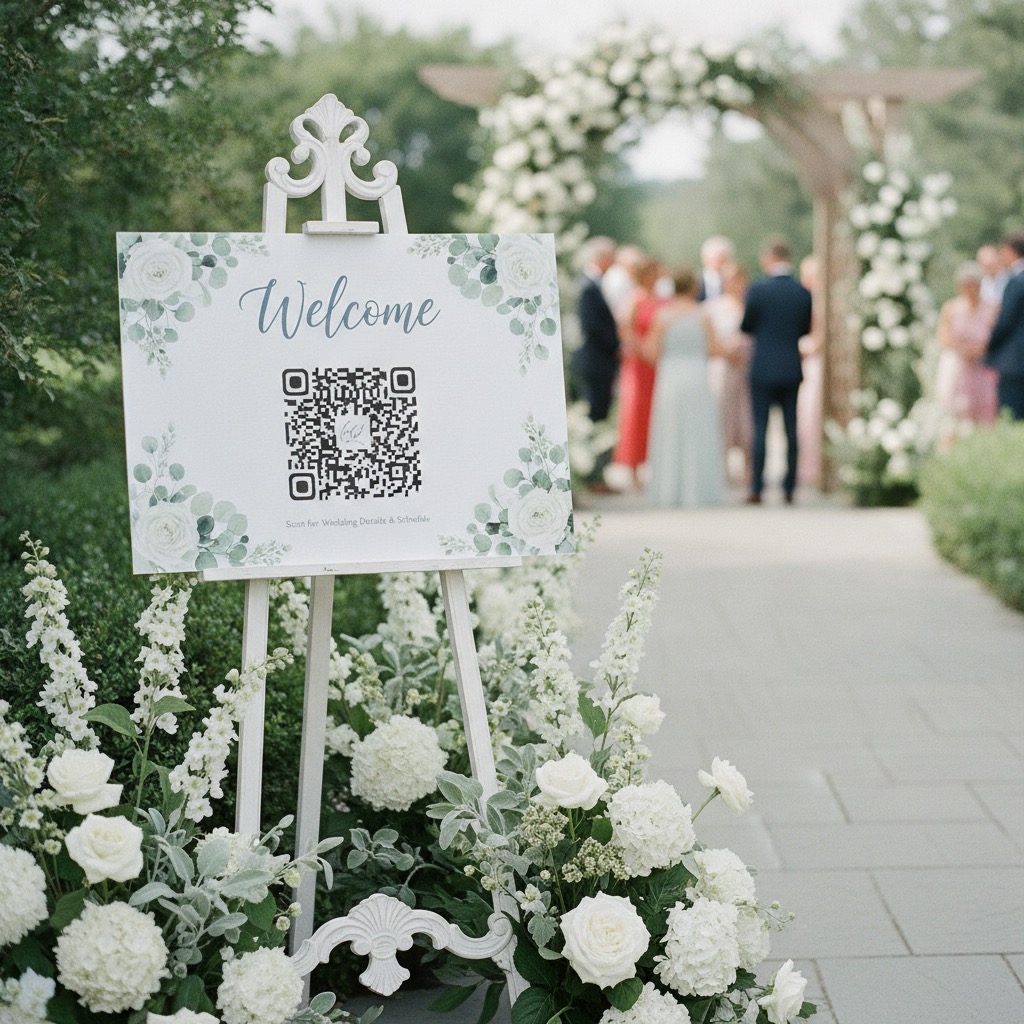
Guests scan
Put the QR code on tables, signs, invitations, or your wedding website.
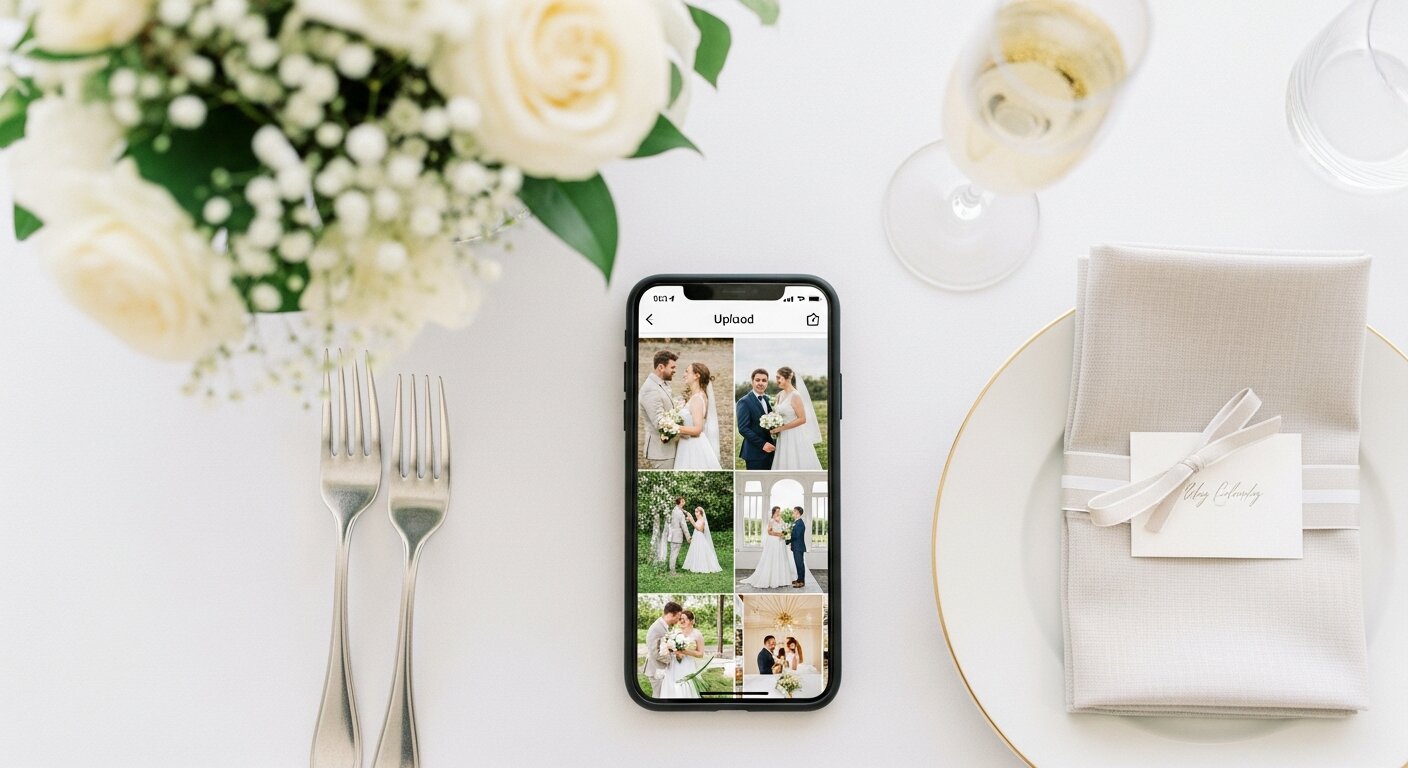
They upload
The guest photo upload page opens like a website, with no install or account.
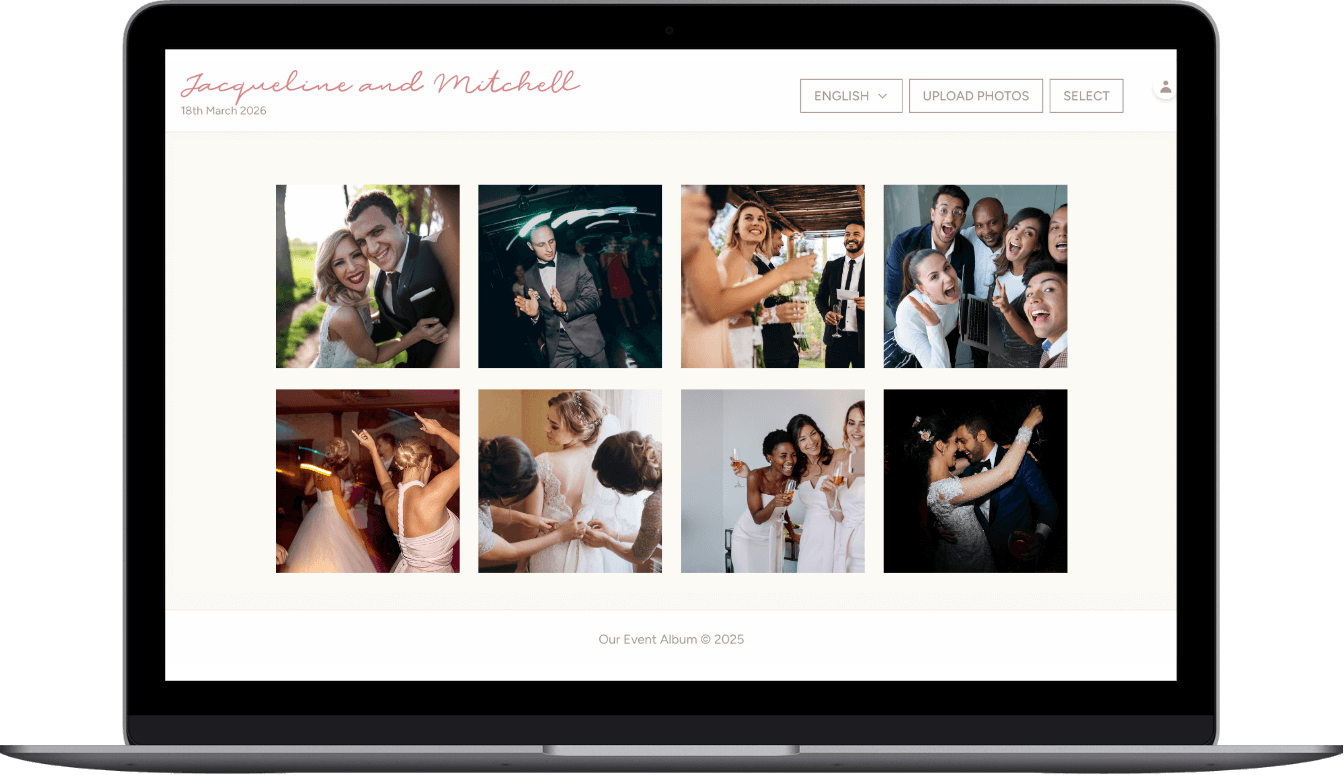
You keep it all
Candid photos and videos land in one private gallery you can download later.
Wedding QR code album
A private wedding photo QR code with guest upload page and downloads.
- Custom QR code and private link
- Guest photo and video uploads
- Private gallery
- Printable sign templates
- Full-resolution download
or try the live demo first
Verified Etsy review
"This was perfect for my wedding day."
Cassady, wedding customer
Guests scan
Put the QR code on tables, signs, invitations, or your wedding website.
They upload
The guest photo upload page opens like a website, with no install or account.
You keep it all
Candid photos and videos land in one private gallery you can download later.
What you get
A wedding QR code photo package for collecting guest pictures before they disappear into camera rolls.
| Included | What guests experience |
|---|---|
| QR code and private link | Share one scan code on signs, invitations, emails, or messages. |
| Guest upload page | Guests add photos and videos from their phone browser without creating an account. |
| Private gallery | Uploads collect in one album for people with your link or QR code. |
| Printable signs | Use ready-to-print files so guests know exactly where to scan. |
| Downloads | Download the full-resolution photos and videos after the event. |
| Hosting | 6 months are included, with a 12-month hosting extension available. |
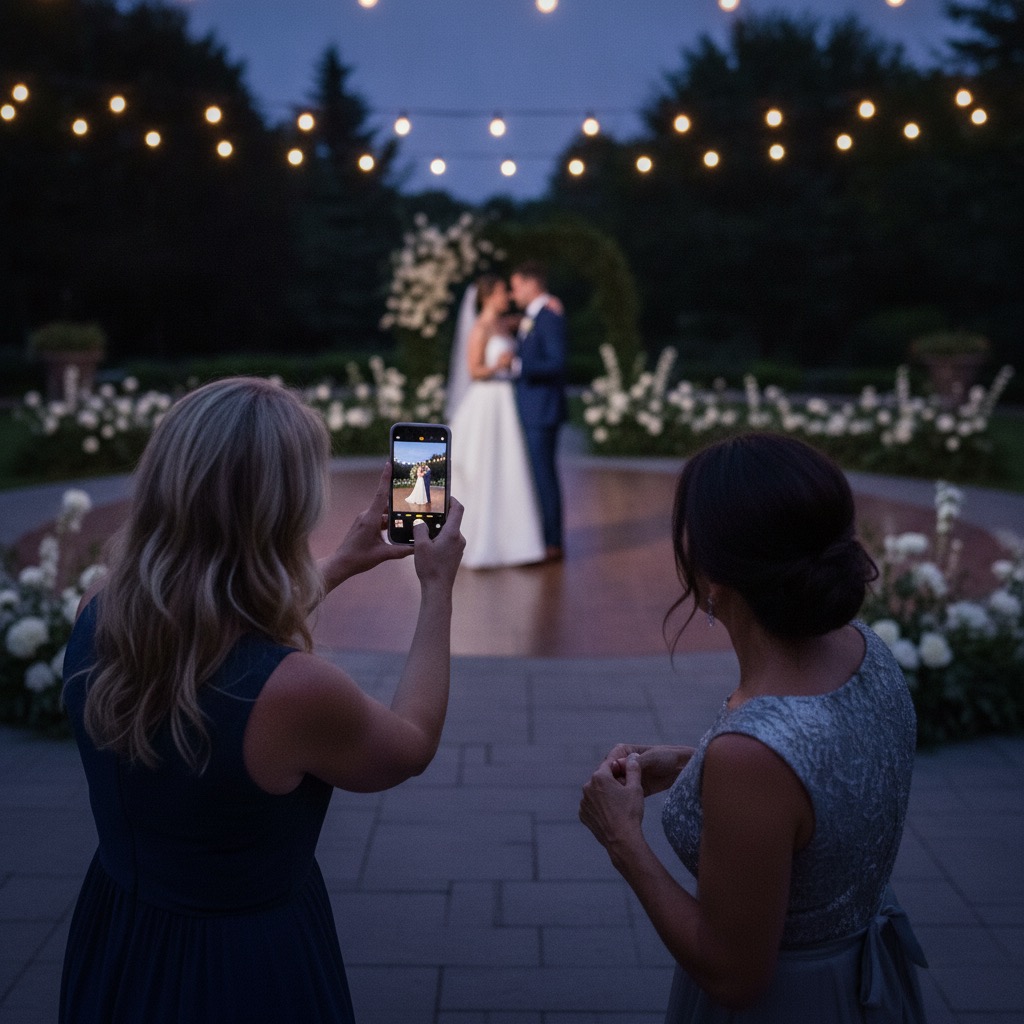
How a wedding QR code for photos works
A QR code is a web address drawn as a pattern a phone camera can read. A wedding photo QR code points that address at a page where guests can upload, instead of at a menu or a Wi-Fi password.
So the code is the easy part. What decides whether guests use it is the page it opens and how many steps sit between the scan and the upload.
- A guest points their normal camera at the code and taps the link that appears.
- The album opens in their phone browser. There is nothing to install and no account to make.
- They pick photos and videos from their camera roll and tap upload.
- Everything lands in your private gallery, and you can download it all afterwards.
Do guests need an app to use a wedding QR code?
No. The upload page is a normal web page, so it works on iPhone and Android with the built-in camera. Guests do not install anything, sign in, or give an email address.
One thing to tell older guests: if they scan from inside Instagram, Facebook or Messenger, those apps use a cut-down browser that can block uploads. Opening the link in Safari or Chrome fixes it.
Where to put your wedding QR code
A code only collects photos if someone sees it, has a free hand, and has a reason to scan right then. Put it where guests pause.
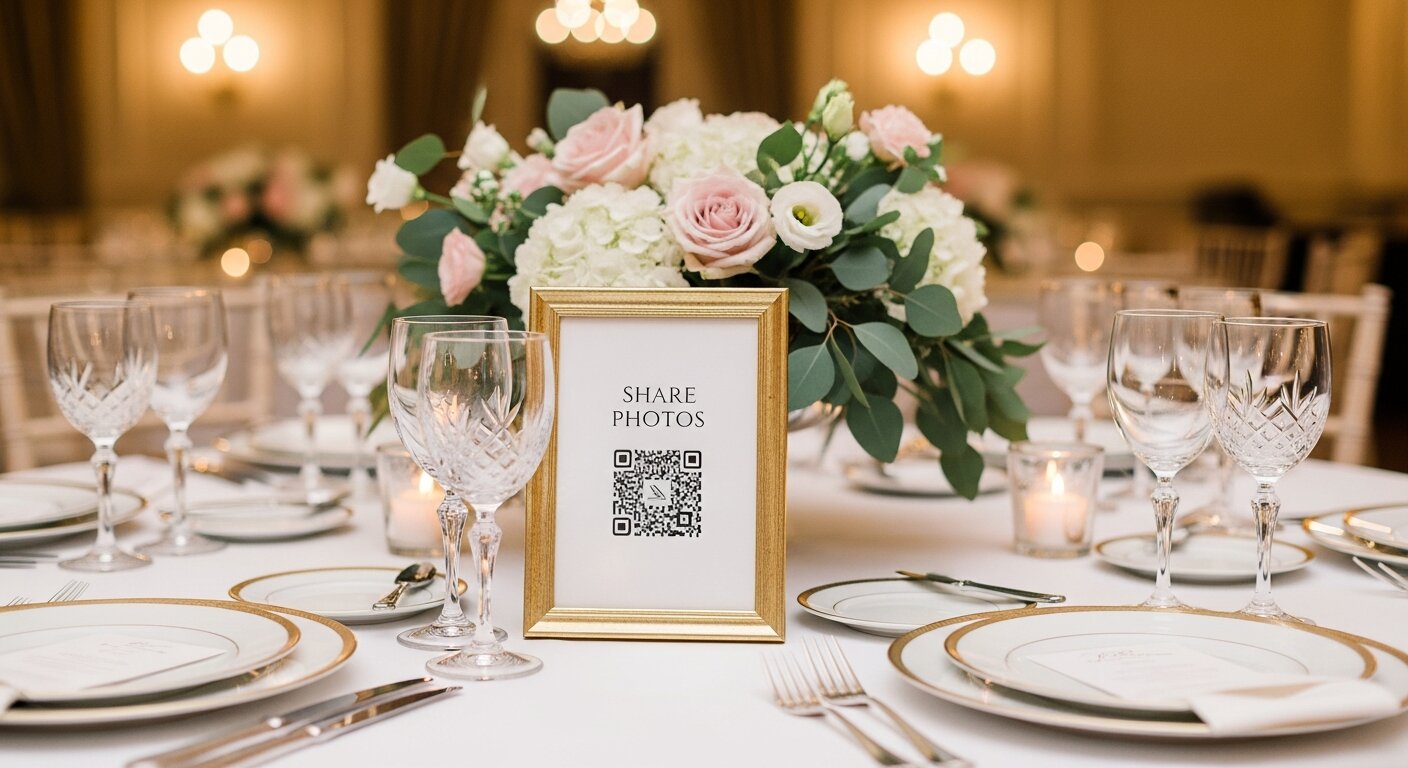
- A card on every table. Guests sit there for hours and the code is already in front of them.
- The bar, the guest book table and the photo booth, where people queue.
- A welcome sign at the entrance, so people know the album exists. Arriving guests are busy, so it rarely does the heavy lifting.
- A line on your wedding website, invitations or order of service, if you want photos from before the day too.
- Away from dark corners and the dance floor, because phone cameras struggle to focus in dim light.
Size, wording and a test print
A code scans from about ten times its own width, so a 3 cm code wants a phone about 30 cm away. That is why a table card within arm reach beats a poster across the room. Choose matt card over glossy, which throws glare under candlelight.
Add a short line saying what guests get, such as "Scan to add your photos to our album". An unexplained code gets mistaken for a menu.
About a week before, print one sign at the real size and scan it from a second phone. Upload one photo to prove the whole path works, then delete it.
Free QR code generator or a wedding photo album?
A free QR code generator only makes the pattern. You still need somewhere for the photos to go, and a link to a shared folder usually asks guests to sign in or request access, which is where people give up.
Some generators also make dynamic codes that redirect through the generator's own servers. If that plan lapses, the code printed on your table cards can stop working. The code on our printable signs points straight at your album's own address, so there is no middleman to expire.
What a wedding QR code for photos costs
One payment covers the album. There is no subscription, and guests never pay to upload. Unlimited photo and video uploads, the printable sign templates, the QR code and full-resolution downloads are all included, and hosting runs for 6 months from the event date.
After you order, the QR code, sign templates and setup instructions arrive within 24 to 48 hours, so order well before the day rather than the night before. Add-ons are listed below.
Optional add-ons
Most hosts only need the album package. These two upgrades are available at checkout if you want another event or a longer gallery window.
| Add-on | When to add it | Price |
|---|---|---|
| Second Event Pass | Add a second private album today for the next celebration. | +$19.50 |
| 12-Month Hosting | Extend gallery hosting from 6 months to 12 months total. | +$15 |
Wedding QR code questions
Do guests need to download anything?
No. Guests scan your QR code and the upload page opens in their browser. They do not install an app or create an account.
Do guests pay to upload?
No. The host buys the private album once. Guests can upload photos and videos without paying.
Can guests upload videos too?
Yes. The guest page accepts photos and videos, and the host can download the original files from the private gallery.
Is the album private?
Yes. The album is accessed by your QR code or private link. It is designed for invited guests, not public discovery.
Can I make a free wedding QR code for photos?
Guests upload for free after the host buys the private album. The host receives the wedding QR code, upload page, signs, and gallery in one package.
Does the QR code expire?
The code points at your album's own address, so it keeps working for as long as the album is hosted. Hosting is 6 months from the event date, and you can extend it to 12 months with an add-on.
How many guests can use one QR code?
As many as you like. Guests are unlimited, and every one of them uses the same code.
Related wedding QR pages
Compare the wedding QR code page with the wedding photo app and slideshow.
Create the QR code guests scan for photo uploads.
A wedding photo QR page guests can upload to from their phone.
A browser-based guest photo upload experience.
Compare upload, privacy, gallery, and download features before choosing.
Test the guest experience before ordering.
Order your wedding QR code album
Get the wedding QR code, printable signs, guest upload page, private gallery, and download access ready before the day.
or try the live demo first
Verified Etsy review
"This was perfect for my wedding day."
Cassady, wedding customer
