Фото с юбилея по QR-коду в одном приватном альбоме.
Все, кого вы любите, в одной комнате. Все фото этого дня в одном месте.
Your album is private by link and QR code, so relatives can contribute without making the gallery public.

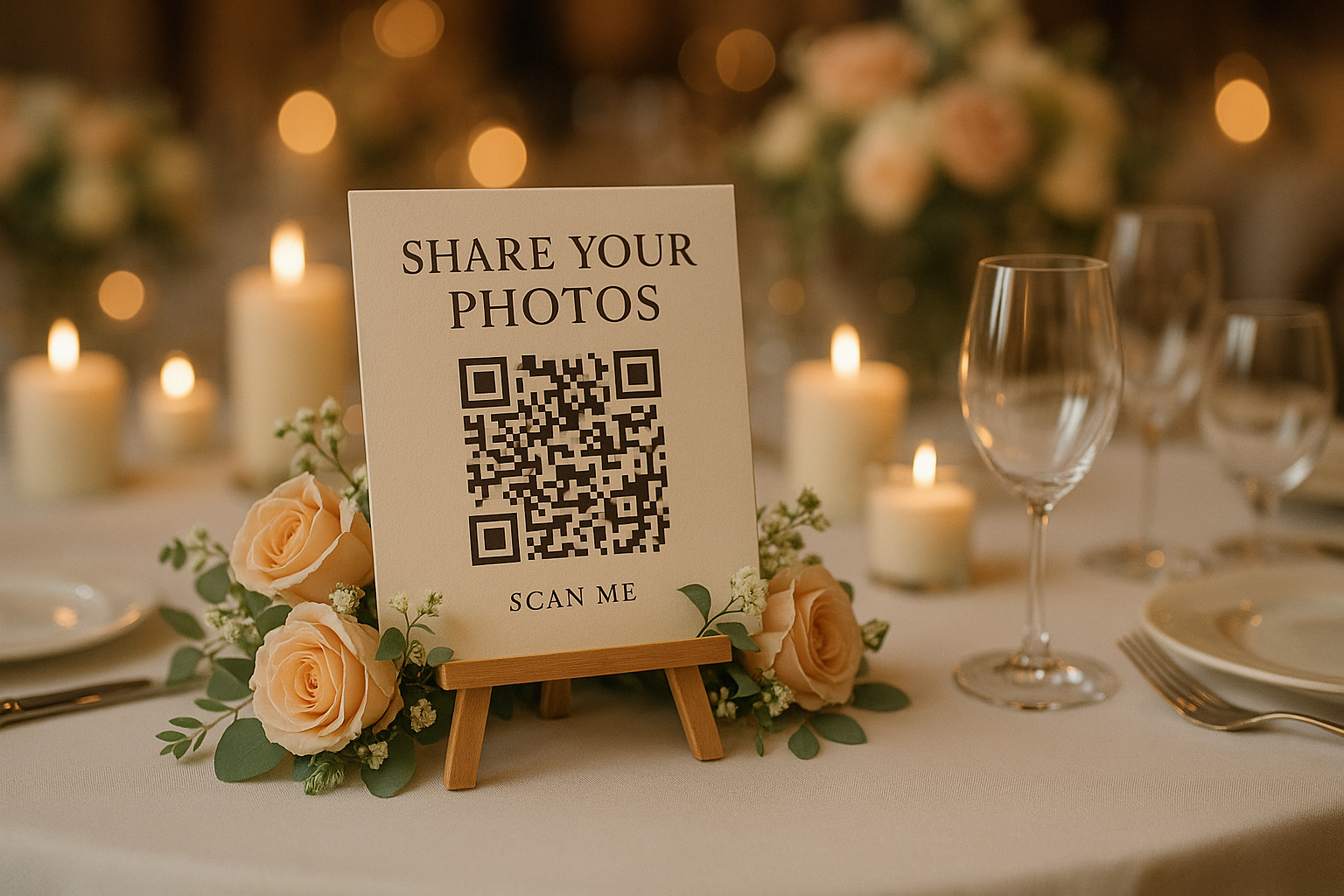
Set the QR code out before the first toast.
Guests upload while the memories are fresh, then you download the full-resolution album after the party.
For the host
You get one organized anniversary party photo album instead of scattered texts, social posts, and half-forgotten promises to send pictures later.
For every generation
Guests do not need an app or account. If they can scan a menu, they can add photos from an iPhone or Android browser.
For the family archive
Keep candid photos, quick videos, speeches, table moments, and dance floor memories in full resolution for printing and sharing later.
The best anniversary photos are spread across the room
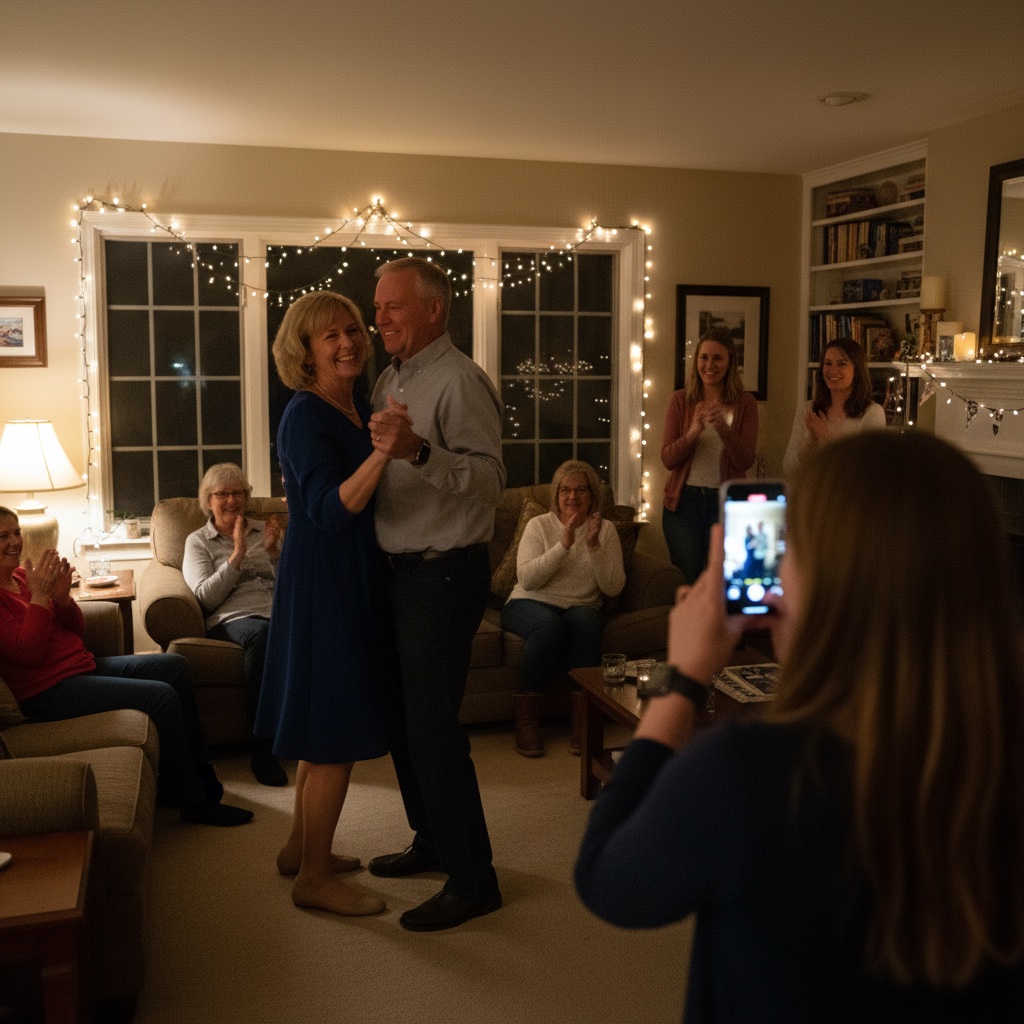
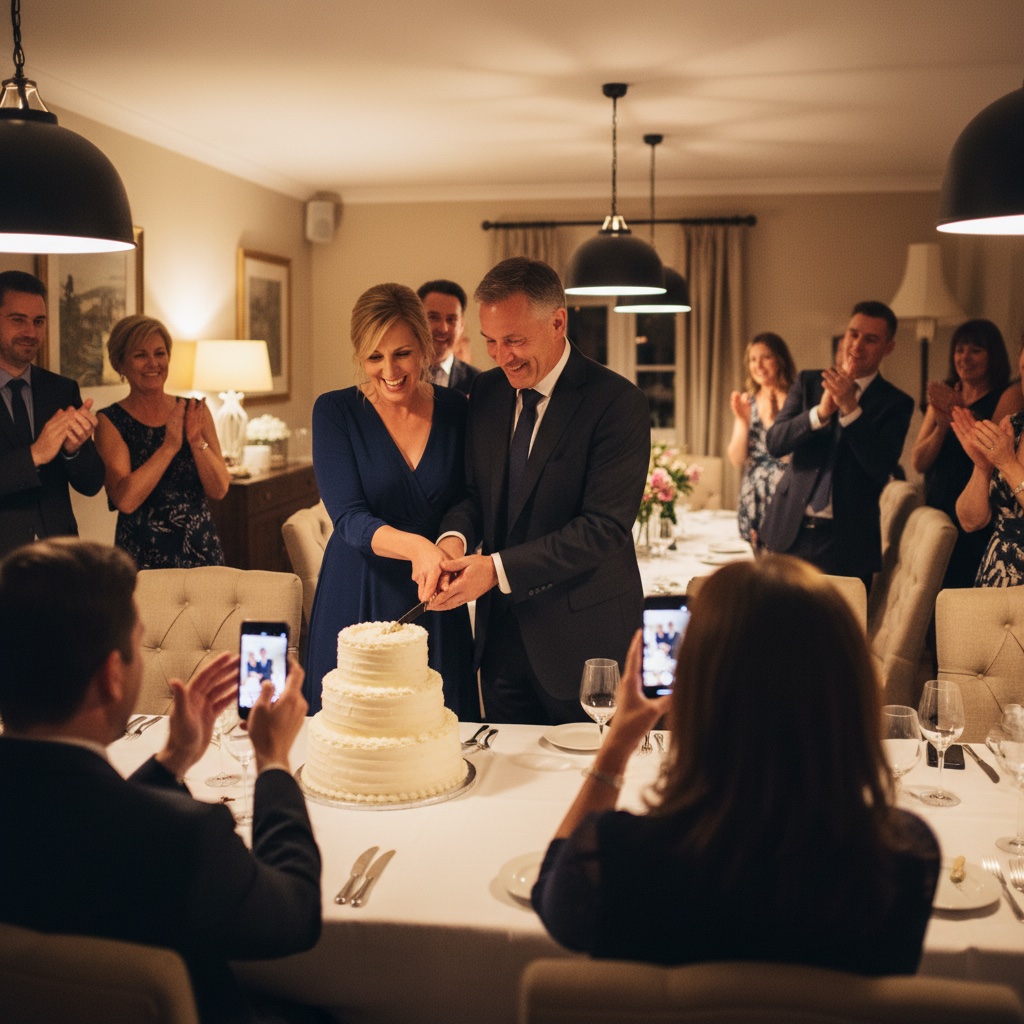
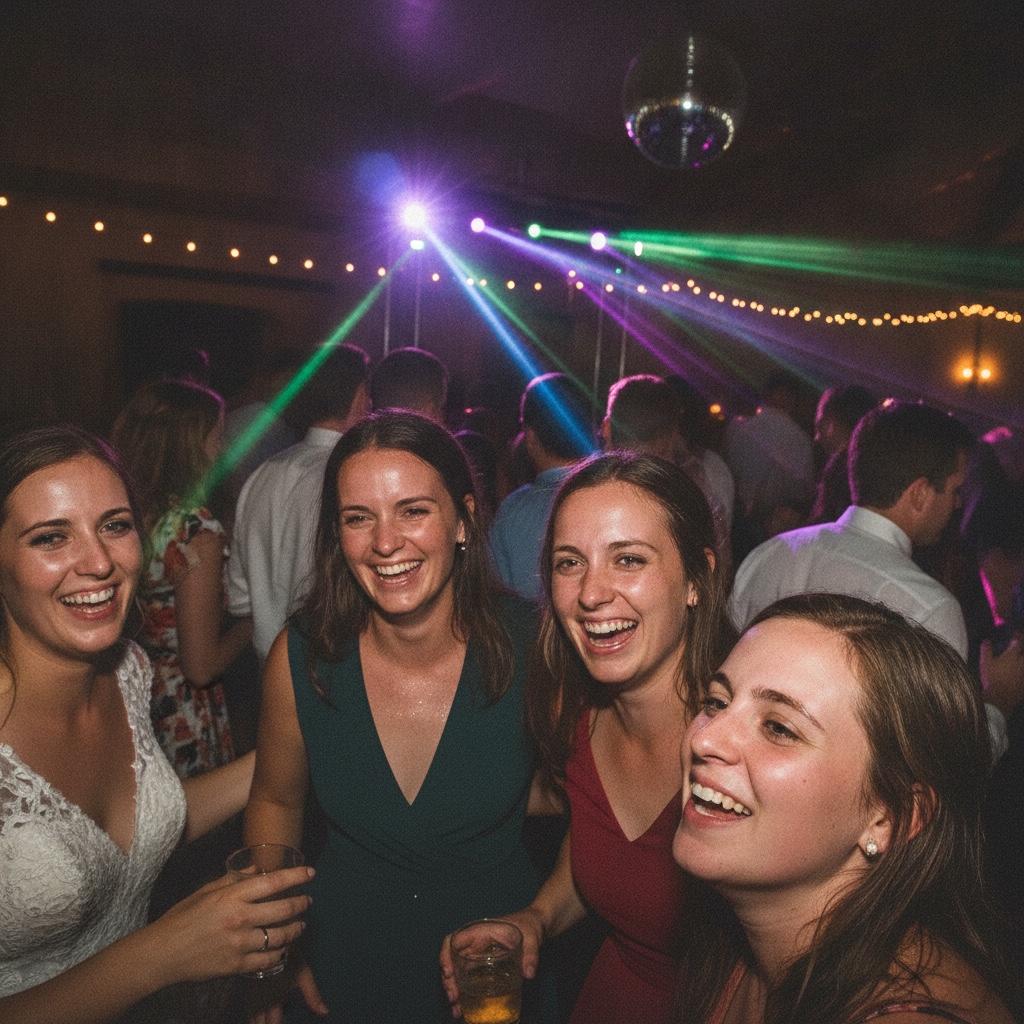
One person catches the speech. Someone else gets the grandkids dancing. A cousin records the surprise song. QR code photo sharing gives every guest one place to add what they saw.





A calmer way to collect guest photos from friends and family
Asking people later sounds easy until the photos arrive in fragments. Some are compressed in messages, some are buried in group chats, and some never get sent at all.
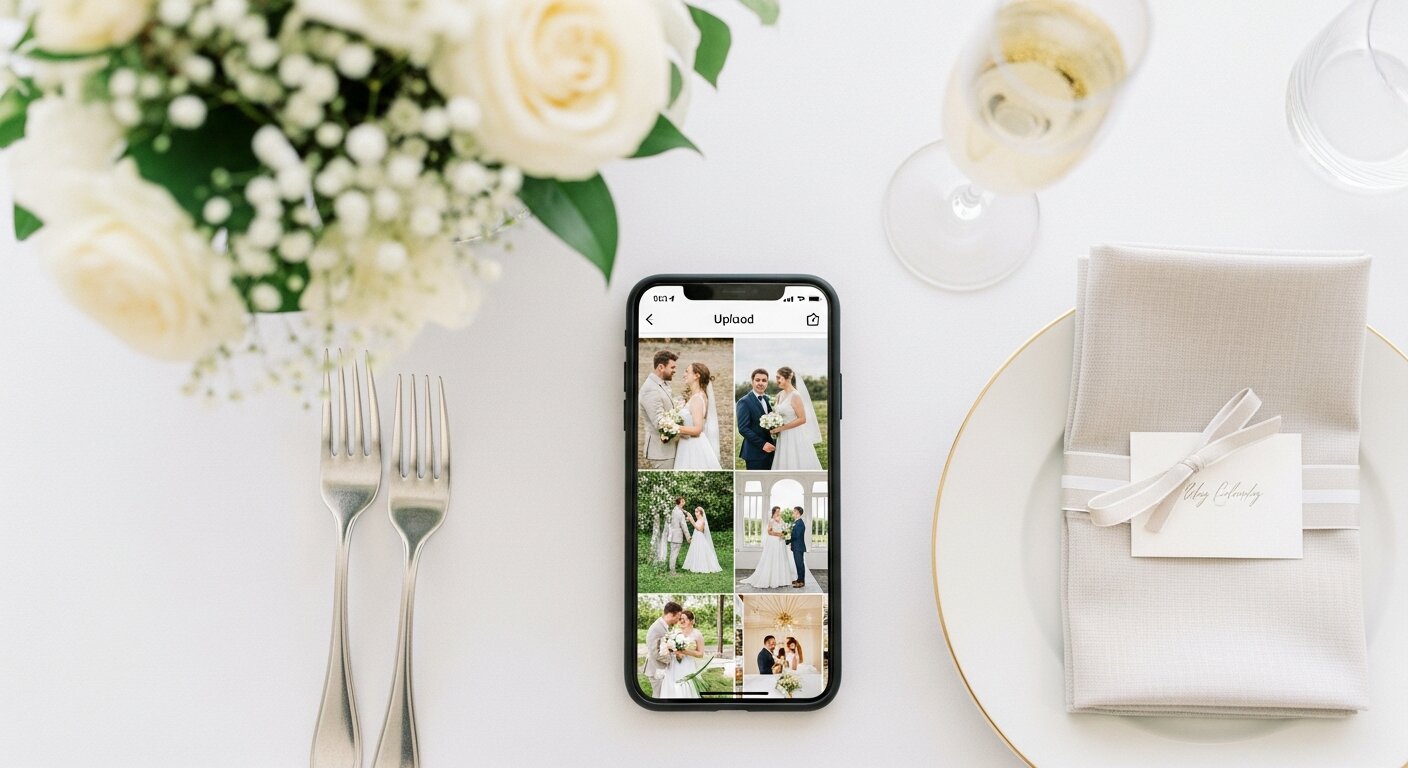
With Our Event Album, guests scan one photo sharing QR code, choose photos or videos, and upload directly into your private gallery.
It is an event photo sharing app experience without making your guests install an app.
Set up the anniversary photo plan before guests arrive
A few minutes before the party can save weeks of asking for photos afterward.
- 1
Create your anniversary photo album
Add the couple names, date, milestone, and a short welcome message. Your private album comes with a unique link and QR code.
- 2
Place the QR code where guests already pause
Use the printable signs on tables, near the guest book, beside the bar, in the program, or anywhere family will naturally see it.
- 3
Download the full-resolution gallery
After the celebration, save the photos and videos for a memory book, family slideshow, thank-you messages, or a private archive.
See exactly how it works
Click through the demo below. Everything is interactive.
Create your event in seconds
Enter your event details and personalize your gallery. Your unique QR code is generated instantly.
Create Album
Instant delivery. Private gallery. No subscriptions.
Make the QR code feel like part of the celebration
Anniversary parties often include guests who know the couple from different decades. A visible QR code gives everyone the same simple instruction, whether they are sharing old friends, family table photos, or clips from the dance floor.
Keep one sign near the entrance and another where people naturally gather. You can also send the link in a family message after the party for anyone who wants to add more.
Your complete anniversary photo kit
Everything to collect anniversary guest photos for $39. One payment, nothing else to buy.
Private QR code and shareable link
Place the QR code on welcome signs, table cards, the bar, invitations, or a family group chat. Guests scan or tap once and upload from their browser.
Printable signs for the celebration
Use the included sign templates so guests know exactly where to add their anniversary photos and videos during the party.
Photo and video uploads
Collect speeches, dance floor clips, table photos, family moments, and quick phone videos in the same private album.
Full-resolution downloads
Download the original files when you are ready to print favorites, make a memory book, or save the whole gallery for the family archive.
Six months of hosting
The gallery stays available after the event, giving guests time to add the photos they forgot to upload on the night.
Keep the private gallery long after the last toast
A milestone anniversary can bring together children, grandchildren, old friends, and relatives who rarely share the same room. The value is not just the polished portrait. It is the table laughter, the quick videos, and the photos each branch of the family would otherwise keep on their own phones.
Your private album gives those memories somewhere to land, then lets you download the originals for prints, thank-you notes, and the family archive.
No app, no public posting, no post-party chasing
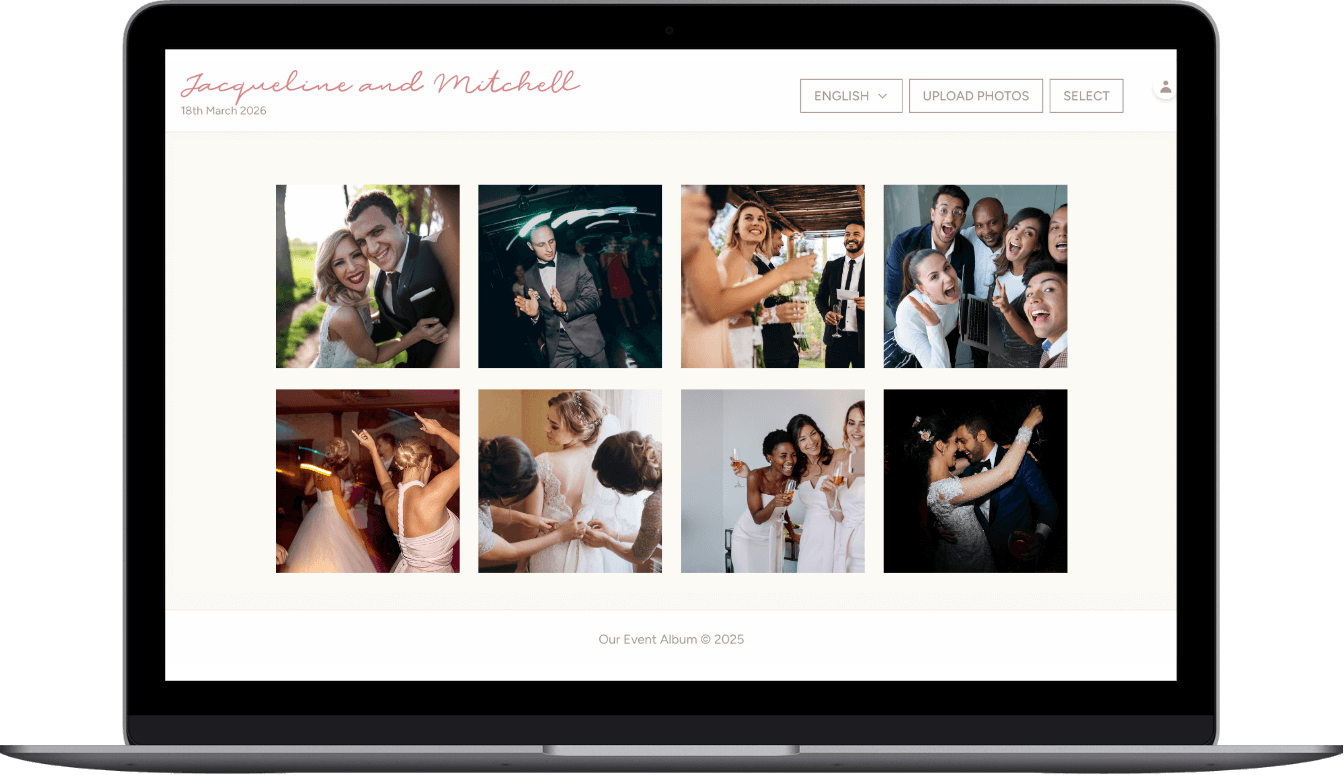
The album is accessed by private link or QR code. Guests can upload from the browser during the party or afterward, and you keep the full-resolution files when you are ready to save everything.
Private by link
The gallery is not a public social feed. Share the QR code and link with the people you choose.
Simple for guests
No guest account, no app store, and no separate event code for relatives to remember.
Made for keepsakes
Download the photos and videos in full resolution for albums, prints, and family slideshows.
Common questions
Do guests need to download an app?
No. Guests scan the QR code with their phone camera and upload directly through the browser. Works on iPhone and Android.
Is our album private?
Yes. Only people with your unique link can access or upload to your gallery. Photos are never shared publicly.
Can guests upload videos too?
Yes! Guests can upload both photos and videos to your gallery.
How long do we have access?
6 months from your anniversary date. Extensions available if you need more time.
Can we print the photos?
Absolutely. Download any or all photos in full resolution to print or create a memory book.
How do we receive our QR code?
Instantly via email after purchase. You'll get PDF templates for signs and take-home cards to print at home or any print shop.
More resources for collecting guest photos
Finish the guest photo plan before the anniversary party
Give guests one private place to upload the photos and videos they are already taking. Your anniversary album is ready instantly, works without an app, and keeps the memories together after everyone goes home.
$39 one-time. Instant delivery. Private gallery.
Questions? Contact us
