Ein privates Erinnerungsalbum für Familie und Freunde.
Sammelt die Fotos, die nur Familie und Freunde haben.
- Family and friends add the photos only they have, straight from their phones
- Only people with your link or QR code can see the album, and nothing is posted publicly
- Download every photo together to share with the family or print
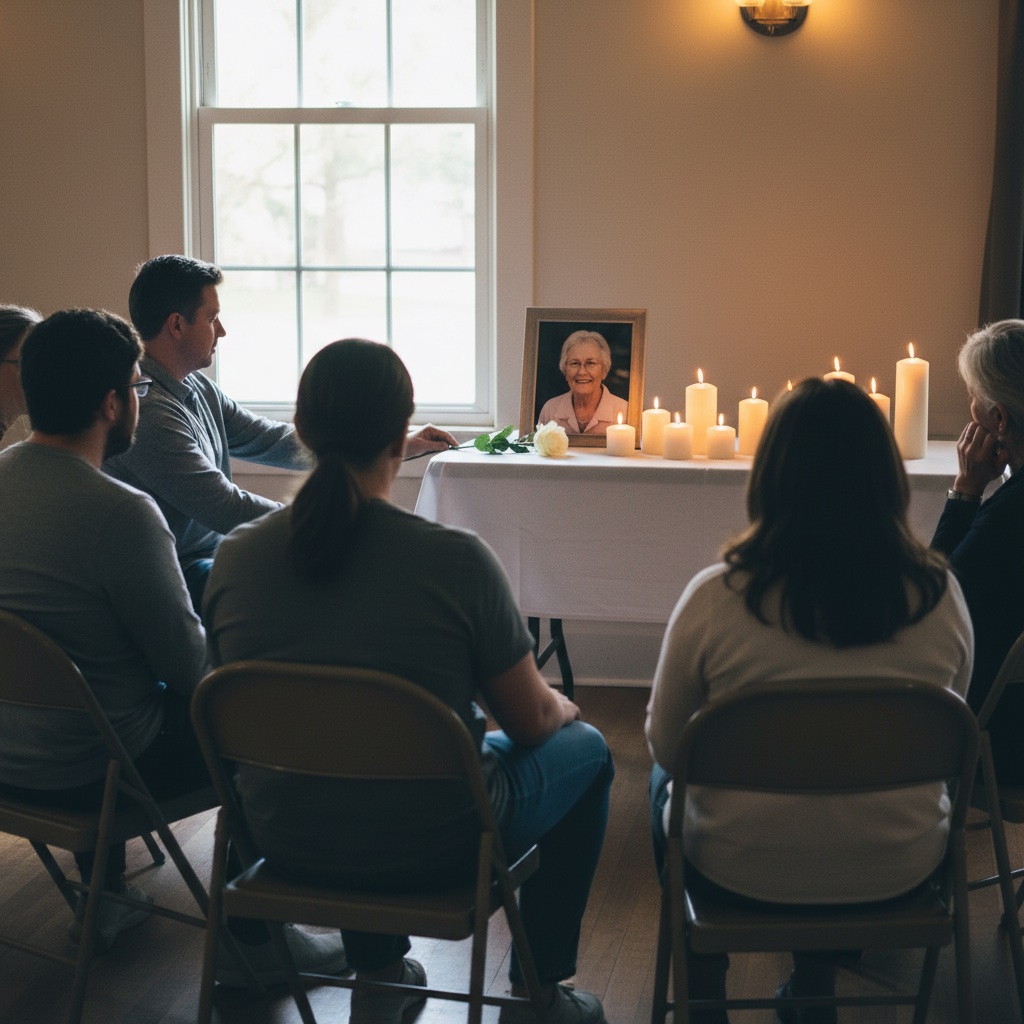
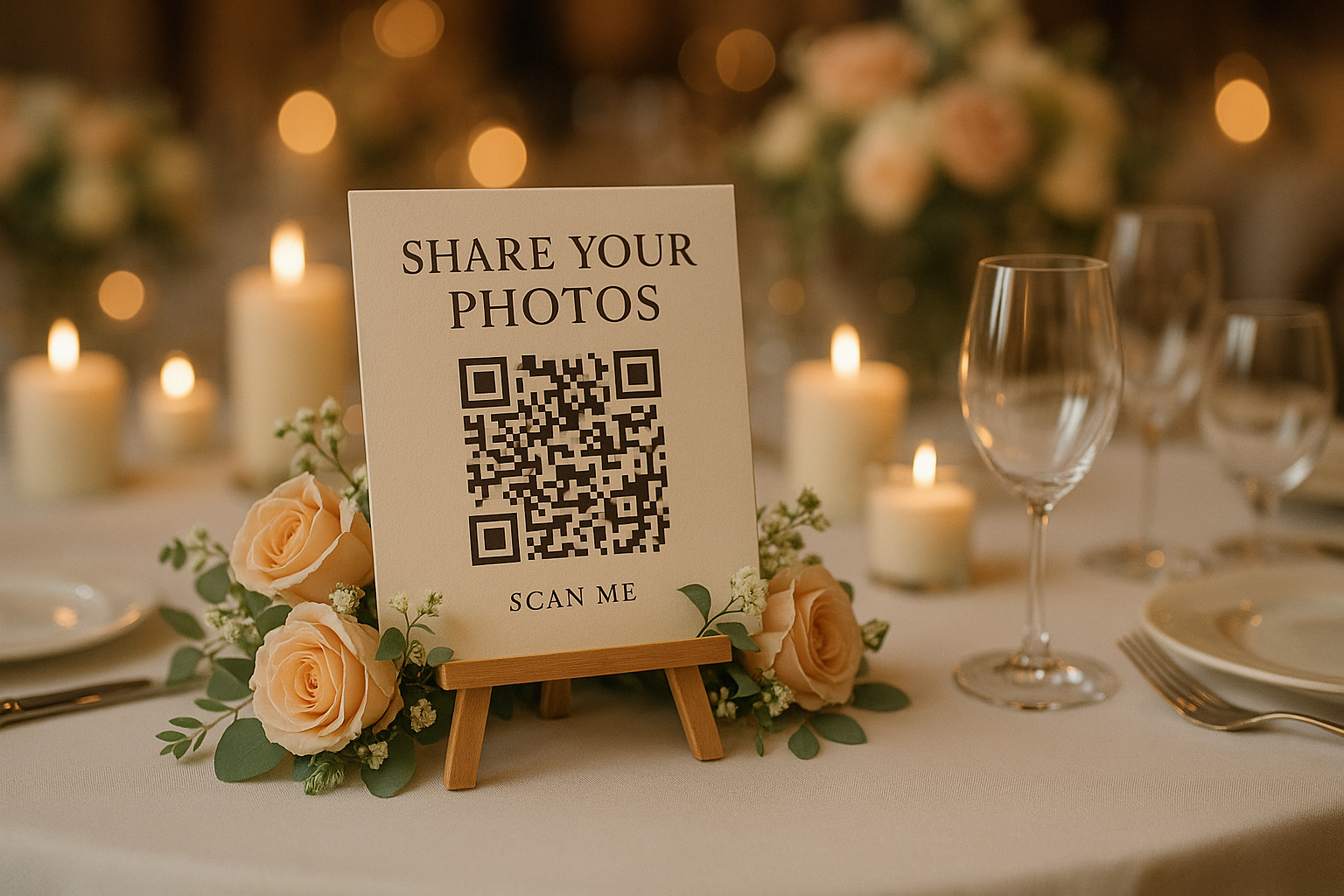
Set the QR code beside the guest book or photo display.
Guests scan, upload from their browser, and the family receives one organized collection.
One private album for the photos and messages everyone has of them
Our Event Album is a private online photo album for a funeral, memorial service or celebration of life. You share a QR code or a link. Family and friends open it on their phone, add the photos and videos they have, and leave a written message if they wish. There is no app to install and no account to make. The family sees everything in one place and can download it all in full resolution.
It costs $39, paid once with no subscription. That includes the QR code, printable signs, unlimited uploads, six months of hosting from the date of the service, and downloads.
Funerals
Ask relatives and friends for photos before the funeral so the family has them in time for a slideshow or an order of service.
Memorial services and wakes
Put the QR code beside the guest book or photo table so people can add the pictures they brought to share.
Celebrations of life
Keep the link open during and after the gathering, so people can add photos and messages when they are ready.
The photos are often spread across many people
A memorial brings together friends, relatives, neighbors, and people from different parts of a life. Each person may hold a photo, a short video, or a memory the immediate family has never seen. One private QR code photo album gives them a clear place to share it.
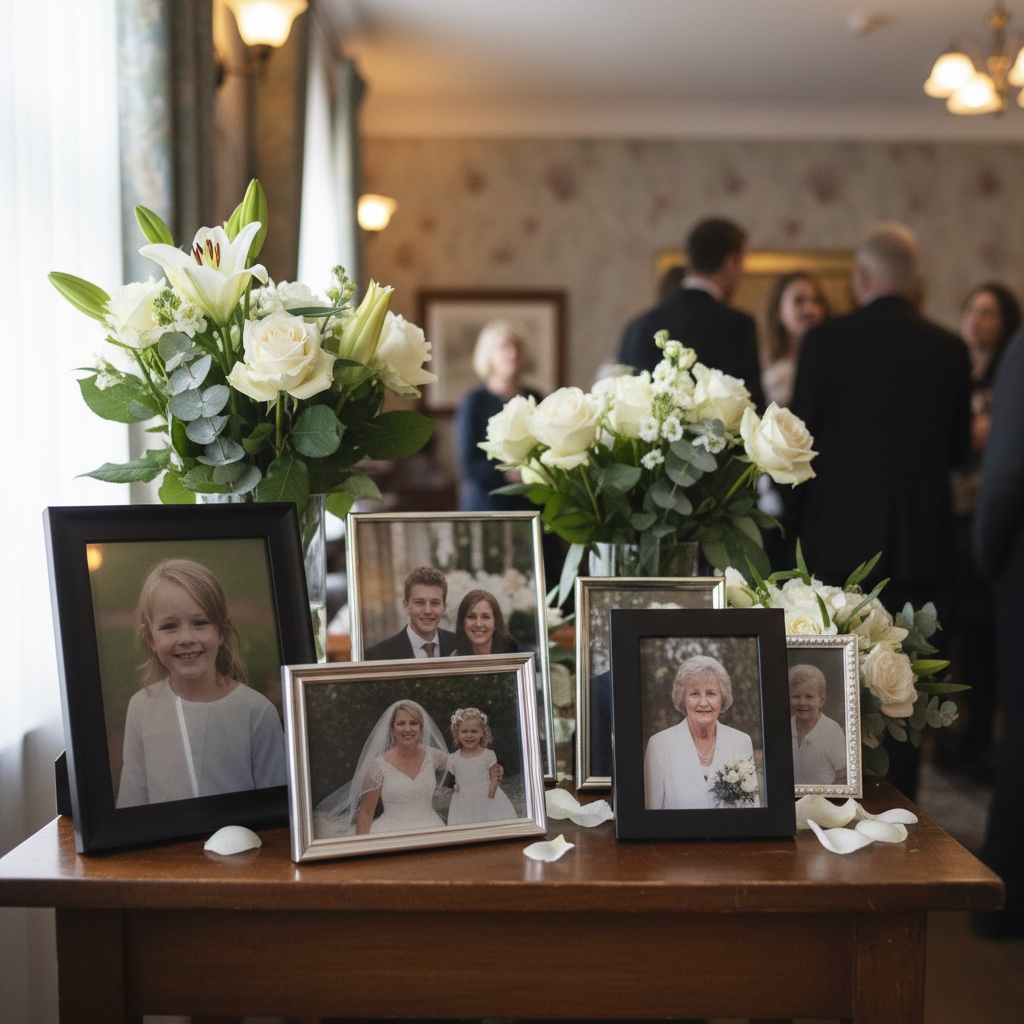
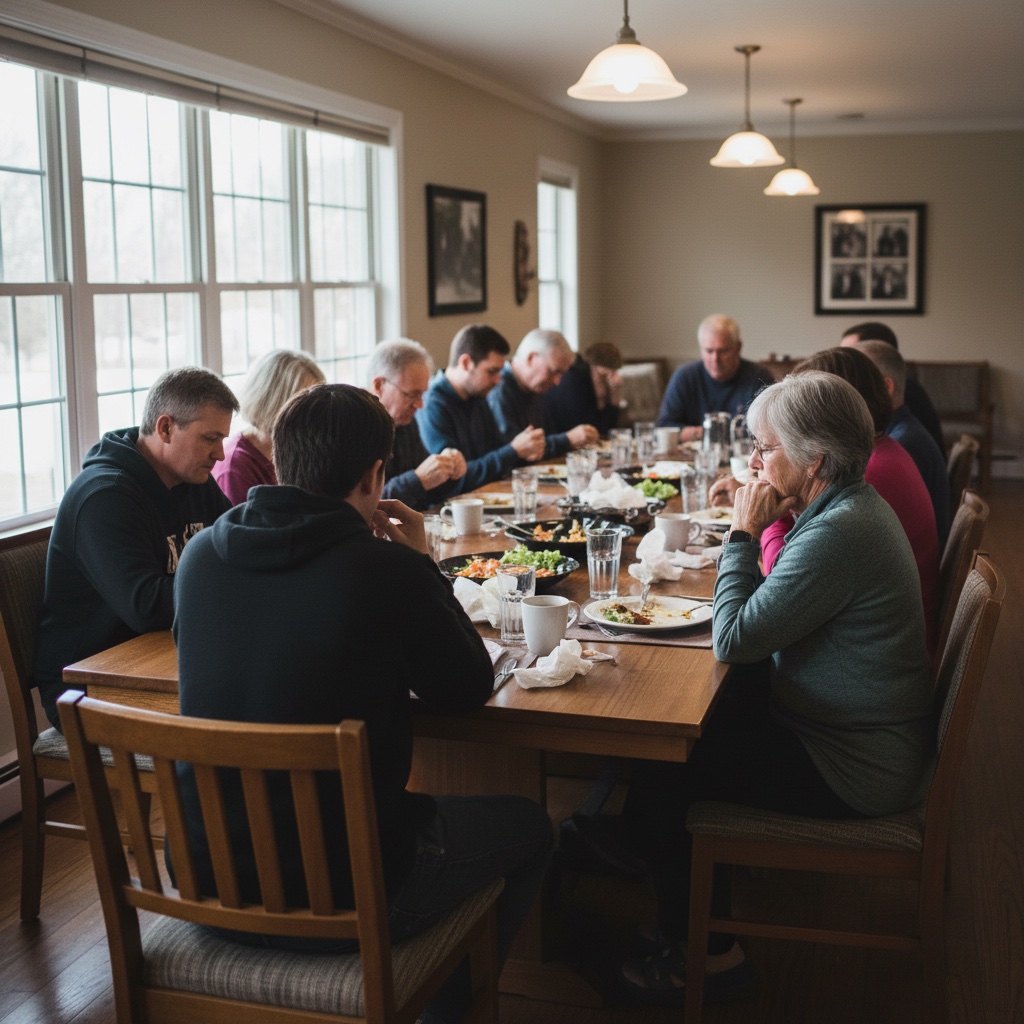
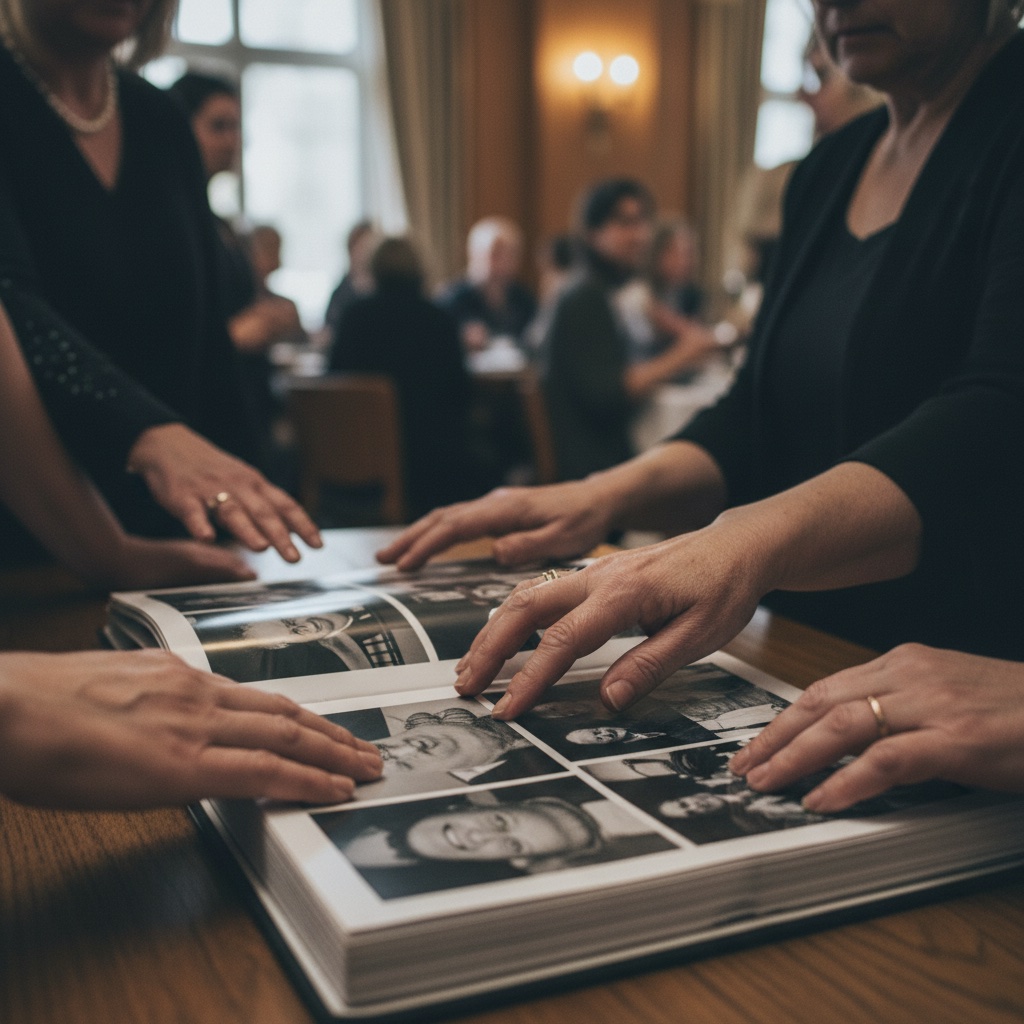
A simple way to ask without asking everyone one by one
You can share the album before the service, display the QR code at the gathering, or send it afterward when people have time to look through their camera rolls.
- 1
Create the memorial album
Choose a name and add a short welcome note so people understand what to share. You receive a private album link and printable QR code.
- 2
Share the link or display the QR code
Send it in a family text, email it to relatives, or place the QR code near the guest book, photo table, order of service, or welcome sign.
- 3
Download the photos when you are ready
Photos and videos land in one private gallery. The family can view them together and download the full-resolution files for safekeeping.
Gentle enough for a service and simple enough for every generation.
Memorial photo sharing should not feel like another piece of software to manage. Guests scan the code or tap the link, choose photos or videos, and upload from the browser on the phone they already have.
If someone would rather not scan, you can send the same private link by text or email. It works across iPhone, Android, tablets, and computers.
Guests need only their phone and the link.
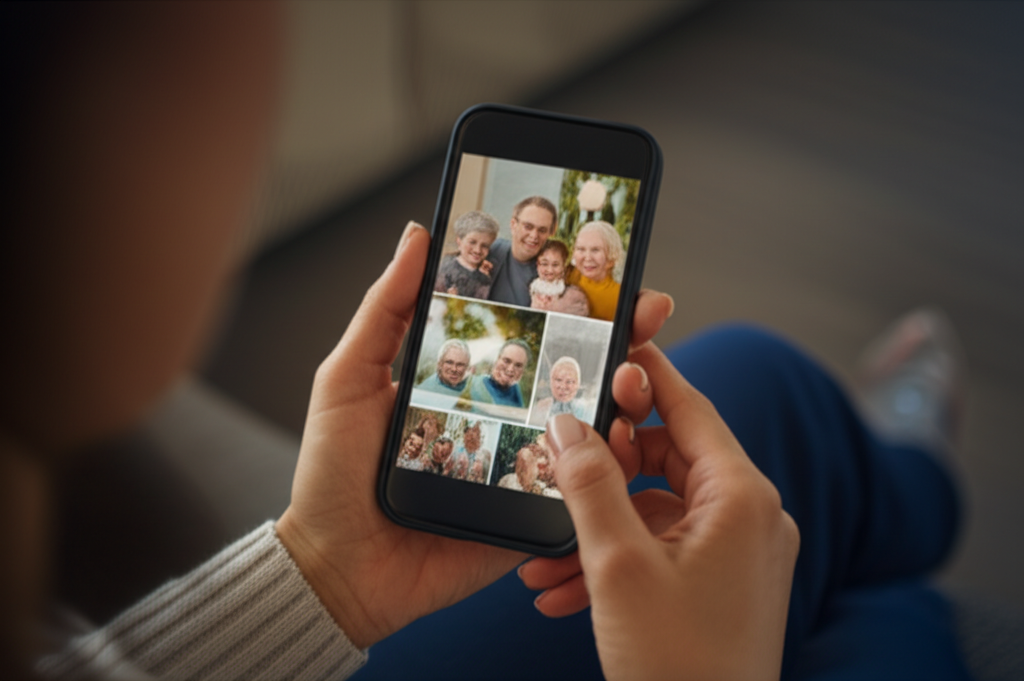
See exactly how it works
Click through the demo below. Everything is interactive.
Create your event in seconds
Enter your event details and personalize your gallery. Your unique QR code is generated instantly.
Create Album
Private by link and QR code. Guests upload from the browser.
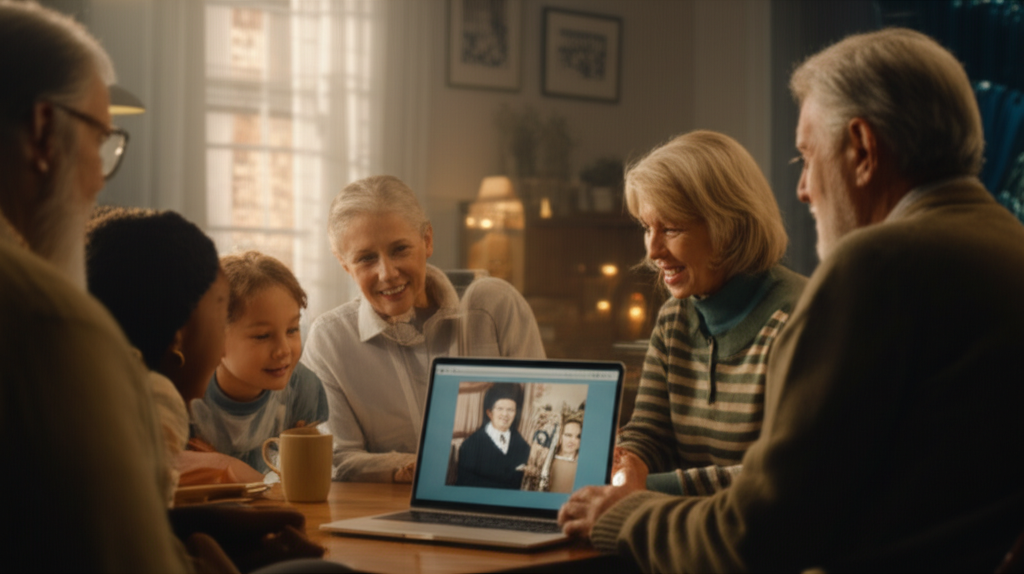
Collect photos for a funeral or memorial slideshow
Send the link to relatives and friends a few days before the service. Each person adds photos from their own phone, including scans of older prints, so you are not collecting them by email or text one at a time.
Download the full-resolution files to build a slideshow in the software you already use (our funeral slideshow guide covers length, order and music), or print favourites for a memory table. At the gathering itself, the live slideshow can show new photos on a TV or projector as people add them.
For broader planning help, the event photo sharing guide and QR code photo sharing guide explain the same no-app approach in more detail.
What is included for $39
One payment for the private album, QR code, printable signs, uploads, hosting, and downloads.
A private memorial photo album
A simple album link you can share with relatives, friends, former colleagues, and anyone who may have photos the family has never seen.
A QR code for photo sharing
Print the QR code for a celebration of life, place it near the guest book, or send the same link by text or email.
Photo and video uploads
Guests can add old scanned photos, recent phone photos, short videos, and moments from the service or gathering.
Full-resolution downloads
Download the collection when you are ready, so the family can keep the files, print favorites, or build a slideshow or memory book.
Six months of hosting
The album stays online after the service, giving people time to find photos and add them when they are ready.
A privacy-first alternative to social posts and scattered messages
A public hashtag can feel too exposed for a memorial. A group chat can become hard to follow. A shared drive can create account and permission issues.
Our Event Album keeps the request simple: here is one private place to add photos. People who have the link or QR code can contribute, and the family can download the collection when ready.
If you are comparing options, group photo sharing is useful background for choosing a calmer private album workflow.
A digital memorial guest book, privacy and how long photos stay online
Messages as well as photos
Guests can leave a written well wish alongside their photos. People who could not come in person, or who prefer to write a few words later, can still add a message to the same album.
Only people with the link or QR code
The album is private. Anyone with the link or QR code can open it, so share it only with people you want to see the photos. It is not listed in search engines or posted anywhere public.
Six months from the date of the service
Hosting starts on the date of the service, not the day you set the album up. Add 12-month hosting at checkout if you want longer. You can download everything at any time, so keep a copy before hosting ends.
Private, simple, and ready when people are ready to share
Memorial photos can arrive from many corners of a life. The album gives those photos one respectful home, with no app barrier for guests and full-resolution downloads for the family.
Common Questions
What is memorial photo sharing?
It is one private online album where family and friends add the photos and videos they have of someone who has died. Guests scan a QR code or open a link on their phone, choose their photos and upload them. The family sees everything in one place and can download it all.
How do guests add photos and messages?
They scan the QR code on a printed sign or open the link you send by text or email. Everything works in the phone browser: no app and no account. They can upload photos and videos, and leave a written well wish.
How do we collect photos for a funeral or memorial slideshow?
Share the link with relatives and friends before the service so they can add photos from their phones, including scans of older prints. You can then pick favourites for a slideshow. During the gathering the live slideshow can show new photos on a TV or projector as they arrive.
Can it be used as a memorial guest book?
Yes. Guests can leave a written well wish alongside their photos, so people who cannot sign a book in person can still share a message. Well wishes are collected in the same private album as the photos.
Who can see the photos?
Only people who have your link or QR code. The album is not listed on Google or posted anywhere public.
How long do the photos stay online?
Six months from the date of the service, not from the day you set the album up. 12-month hosting is available as an add-on at checkout. You can download everything at any time, so keep a copy on your own computer before hosting ends.
Can people add photos before or after the service?
Yes. Share the link as soon as the album is set up so people can add older photos beforehand, and leave it open afterwards for photos from the day and ones people find later.
Do guests or family need an app or an account?
No. Everything works in a web browser on a phone, tablet or computer. Anyone with the link or QR code can upload straight away.
Can we download all the photos together?
Yes. Download every photo and video in full resolution whenever you are ready. The files are yours to keep, print or use in a slideshow or memory book.
Can people upload videos too?
Yes. Guests can upload photos and videos of up to 60 seconds each.
What does it cost?
One payment, with no subscription. The price is shown on this page in your currency and includes the QR code, printable signs, unlimited uploads, six months of hosting and downloads.
What's a QR code?
It's a square barcode that phones can read. When someone points their phone camera at it, it opens your album. We give you one to print on a sign or an order of service.
Give everyone one gentle place to contribute.
Create a private memorial photo sharing album, share the QR code or link, and let family and friends add photos when they are able. The gallery stays private to the people you share it with.
$39 one-time. No subscriptions. No guest app. Private by link and QR code.
